Explainers · Explainer · Part 4 of 6
What is workflow automation?
Something happens, and a set of steps runs on its own across your tools. What it is, when to use a tool like Zapier and when to write code, and the two questions that make it safe.
In brief
- Workflow automation is a trigger plus a chain of steps that runs on its own across your apps.
- The best place to start is wherever someone retypes information from one screen into another.
- Two questions decide whether it is safe: what happens if it runs twice, and what happens if the input is wrong?
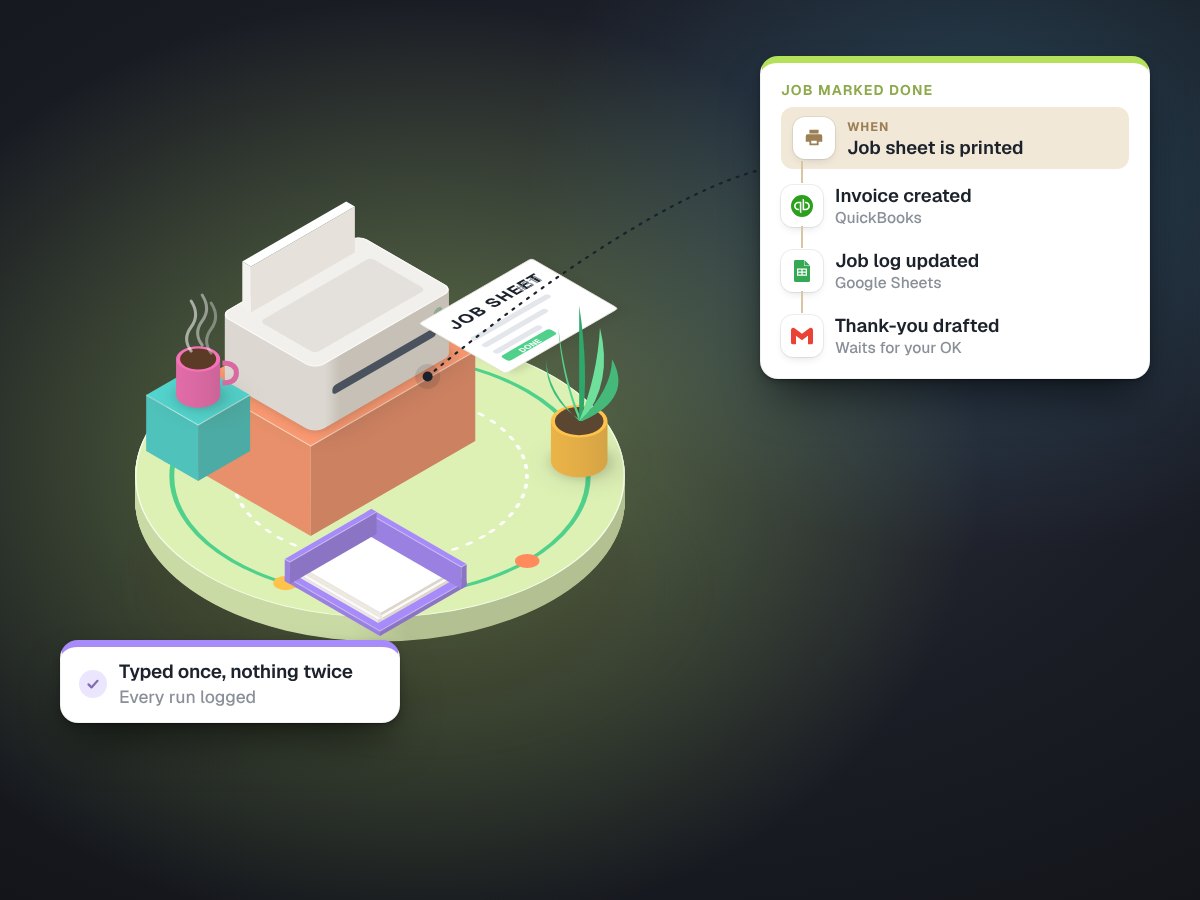
Workflow automation means a chain of steps that runs by itself when something happens. A form is submitted, so a customer record is created, a confirmation is sent and the owner gets a note. An invoice is printed, so a shipping label is created and printed next to it. Nobody clicks through the steps; they just happen.
The three parts
- A trigger. The event that starts it: a new email, a form, a paid order, a file landing in a folder, a job marked done.
- Steps. What happens next: read some fields, look something up, make a decision, create or update a record.
- Actions in other tools. The visible result: a calendar booking, a CRM contact, an invoice, a text, a printed label.
Where to start
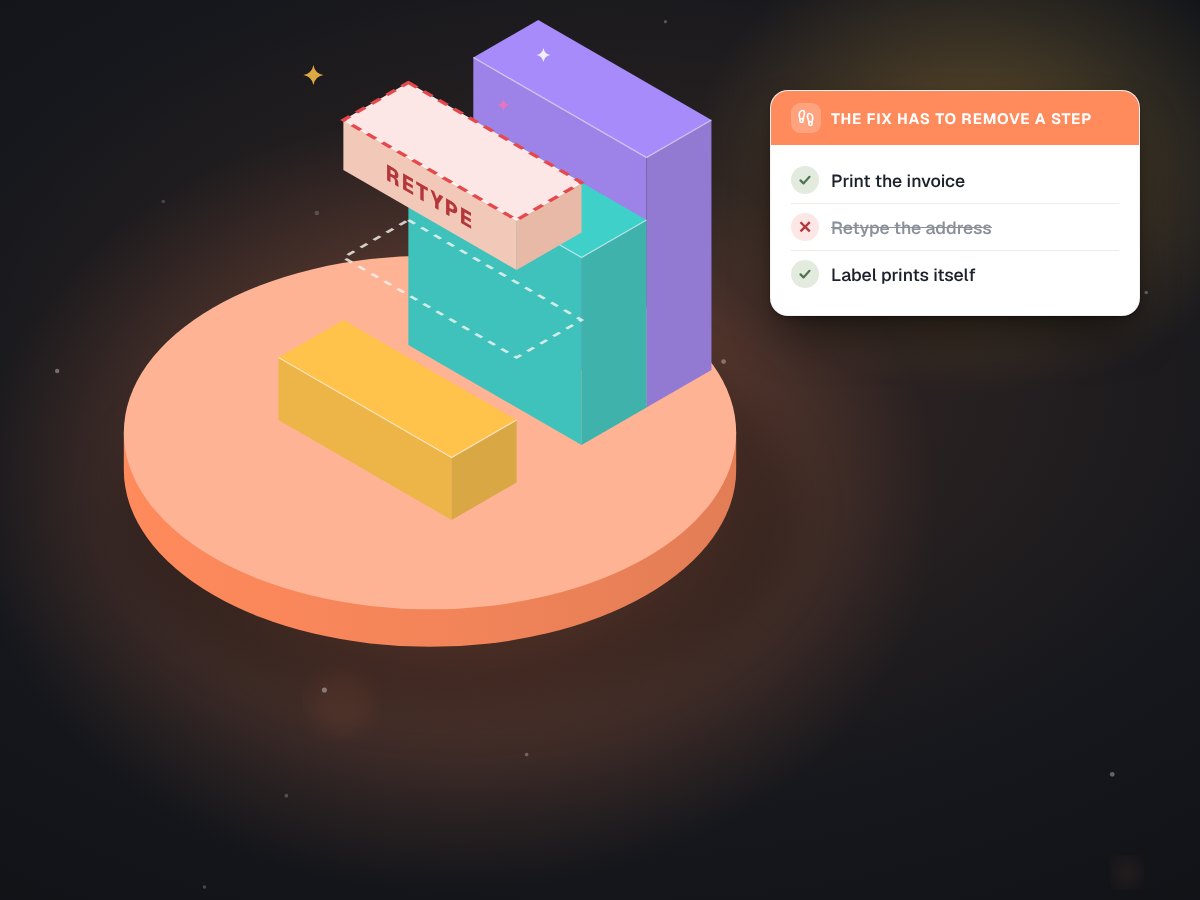
Look for the places where a person copies information from one screen into another. A name from a web form into the calendar. A quote into an invoice. An address from an invoice into a courier website. That last one is what we automated at a dental lab: staff print the invoice as always, and LabelBot reads it and prints the courier label. It has printed 628 labels so far, by our estimate 34 to 57 hours of retyping the lab no longer does.
There is one rule we hold every automation to: it must remove a step from someone's day, never add one. The lab had tried two earlier fixes that each added a step, and both were quietly dropped. That story is here.
Off-the-shelf or custom code?
Exhibit 1Choosing how to build it
| Zapier, Make or n8n | Custom code | |
|---|---|---|
| Best when | Both apps have ready connectors and the steps are simple | The input is messy, the stakes are high, or no connector exists |
| Speed to start | Hours to days | Days to weeks |
| Watch out for | Silent failures, task limits, one person who knows how it works | Needs proper tests and someone to maintain it |
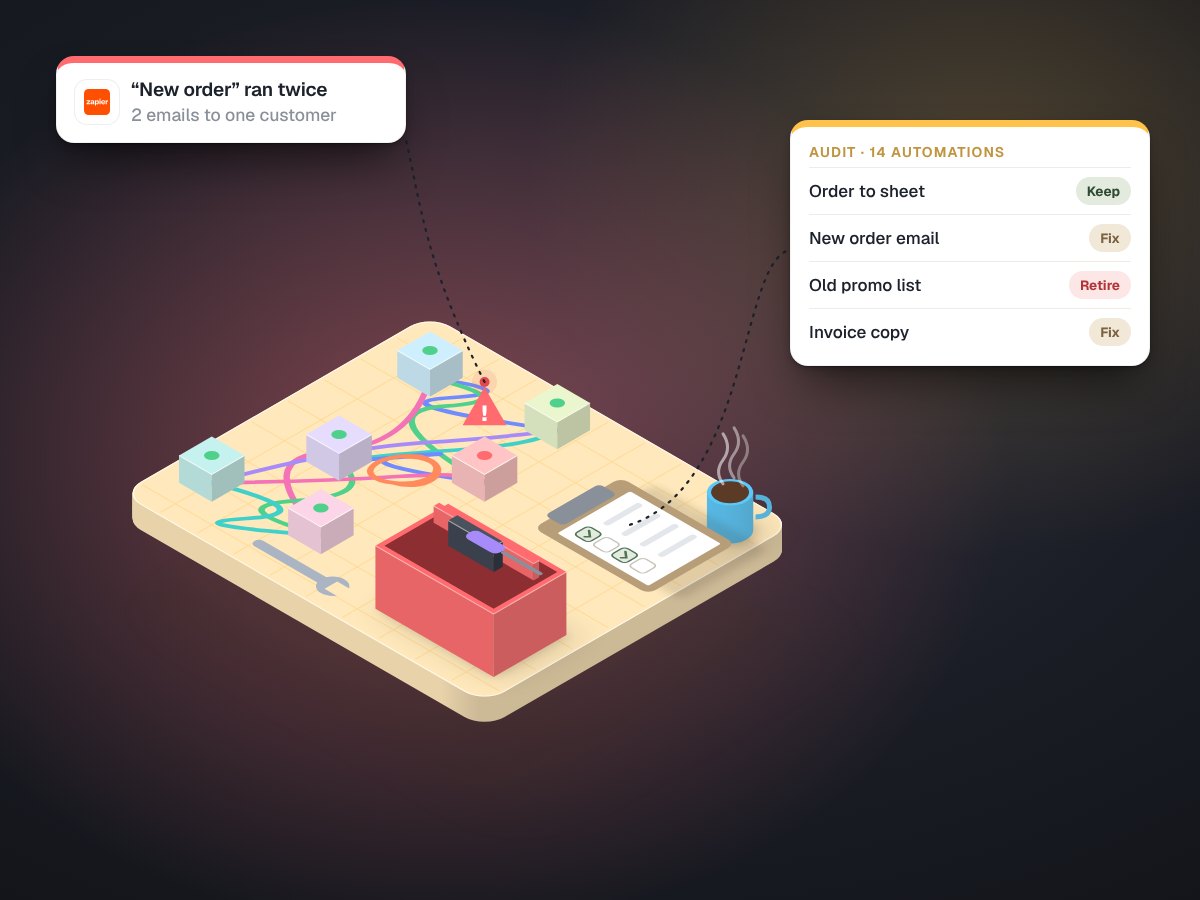
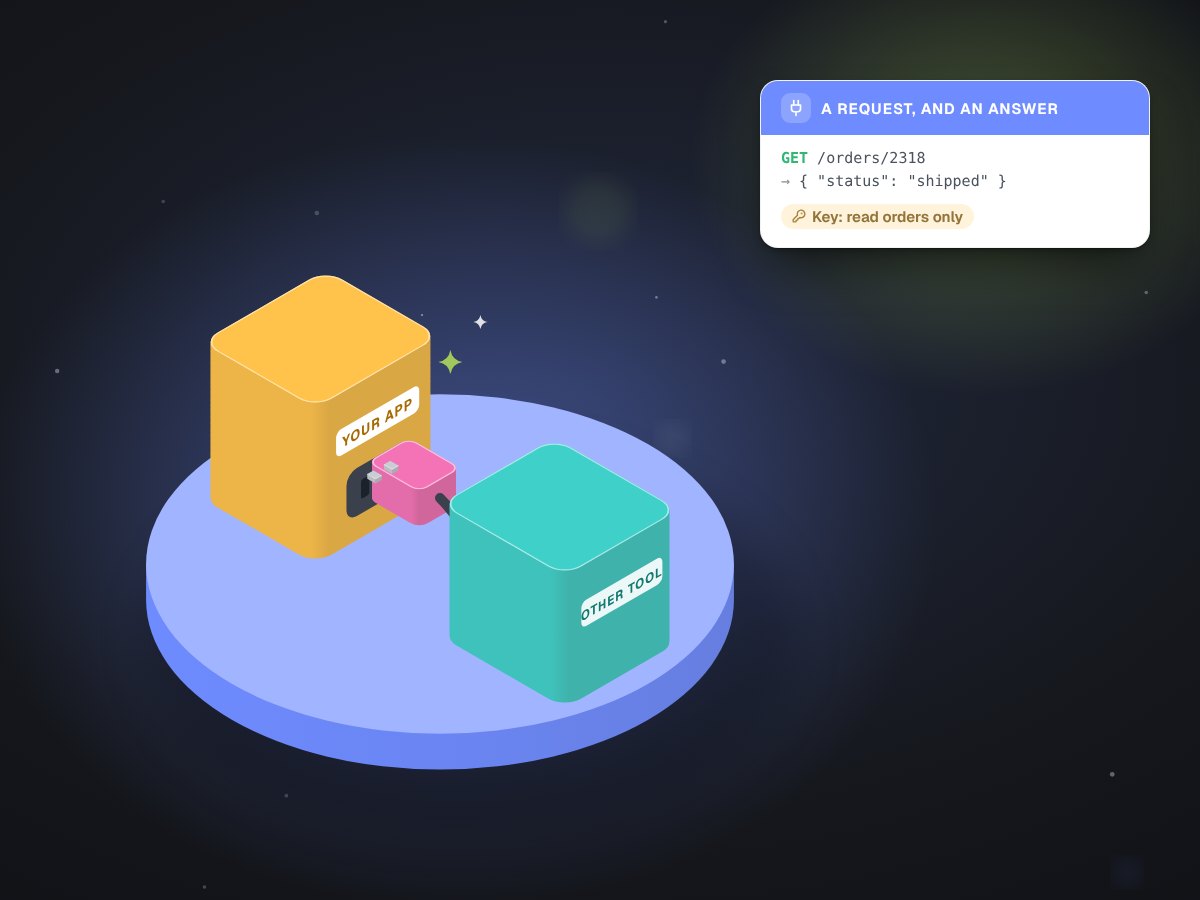
Many good setups use both: a ready-made tool for the simple hand-offs and a small piece of code for the part that needs care. If you already have automations that misfire, our automation rescue work starts by reading what they actually do.
The two questions that make it safe
What happens if it runs twice? People reprint, forms get submitted twice, computers restart. An automation that sends, charges or ships has to check a record before it acts, so a repeat does not become a second charge or a second shipment. We explain how LabelBot does it.
What happens if the input is wrong? A blank field, an address outside the service area, a PDF that is really a picture. The safe answer is to stop and tell a person, not to guess. A missing result is easy to spot; a wrong one travels.
A good automation is boring. It does the job once, every time, and leaves a record you can read.
Plan for failure messages too. When an automation stops, someone should hear about it the same day, in plain words: which item, which step, what to do. A silent failure is worse than no automation, because everyone assumes the work is being done.
How much to let it decide
Not every step should run unattended on day one. We give every workflow a ladder: human-led, then human-assisted, then autonomous, and moving up a rung is a decision you make on purpose once the results have earned it. Anything that writes to a customer usually stays human-approved for longer. And before any of it takes over, it runs beside the old way on real work so you can compare.
See workflow automation for how we scope a first one, and integrations and APIs for connecting apps that do not talk.