Your Zaps work, mostly. We find out what "mostly" costs.
Someone built your automations a while ago and has moved on. Now a customer gets two emails, an order never reaches the sheet, and nobody wants to touch it. We diagnose it read-only, then fix, simplify or retire each piece with you.
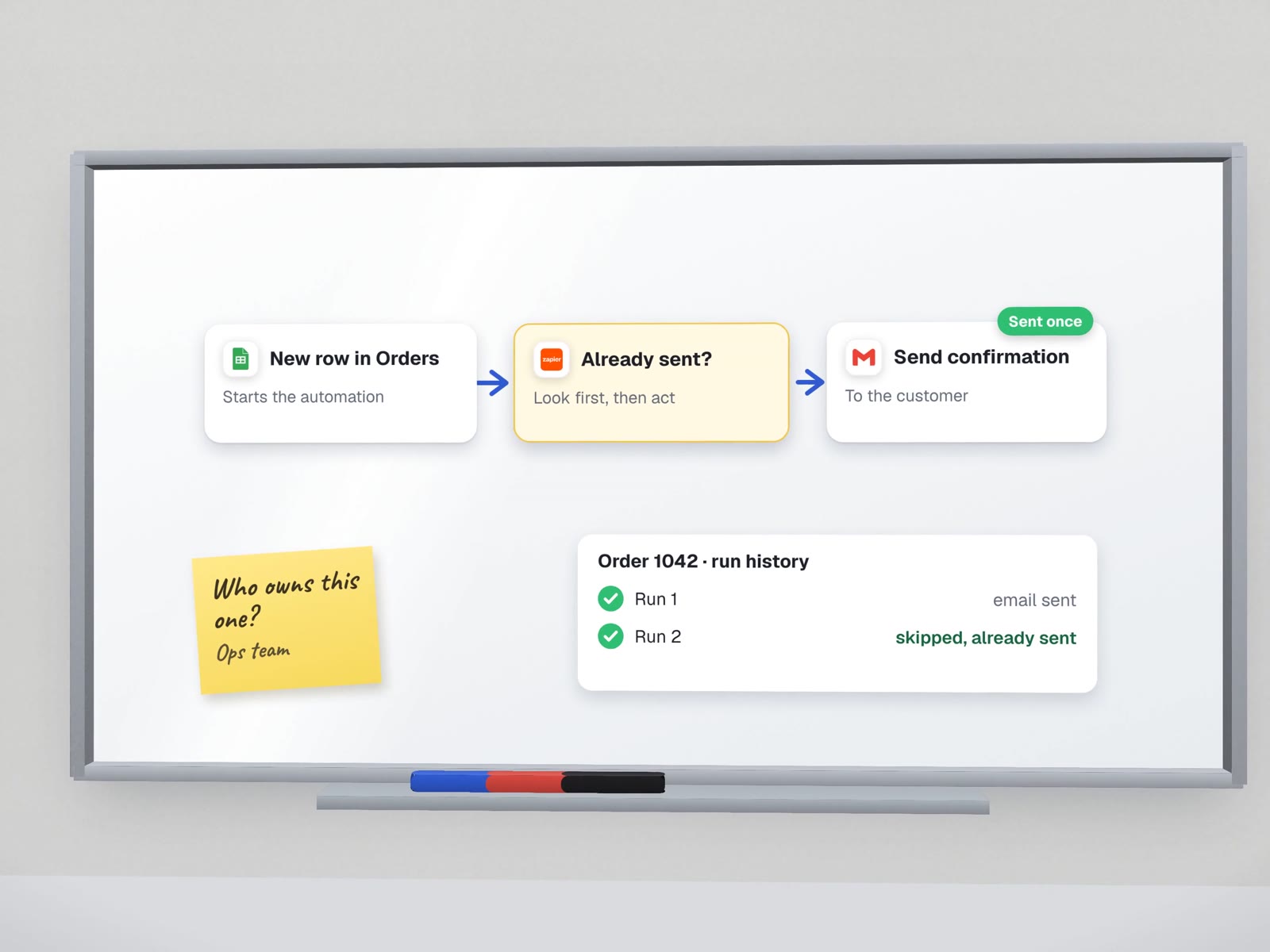
What you notice, and what is usually behind it.
Whatever your setup runs on.
 ZapierMake
 n8n
n8n
| What you notice | Usual cause | Usual fix |
|---|---|---|
| A customer got the same email twice | The trigger fires on "updated", not "created", and nothing checks whether it already ran | Look up before acting, and record each run |
| Nothing happened for a week | A connection expired or a password changed, and the failure went to an inbox nobody reads | Reconnect on a company account, alert a named person |
| Some orders reach the sheet, some don't | A filter or a renamed field silently drops the rest | Test against real records, log the skipped ones |
| The task bill keeps climbing | Polling every few minutes, or loops that trigger each other | Event triggers, one owner per step |
| Nobody knows what a Zap is for | No names, no notes, built in a personal account | A one-line purpose and an owner for each |
Fourteen checks per automation, before we change anything.
We run these with read-only access. You get the answers in a spreadsheet, one row per automation.
What sets it off
- What event starts it, in plain words"New row in Orders", not "Trigger 1"
- Whether that event can happen twice for one real thing
- Whether it still fires at alllast successful run, from the history
Duplicates and order
- Does it check before it creates?
- Does it record what it has already done?
- Could two runs overlap and both act?
When it fails
- Where the error goes, and whether anyone reads it
- Whether it stops cleanly or carries on half-done
- Whether it can resume, or has to be rerun by hand
Who owns it
- Whose login it runs ona former employee's personal account is common
- Who to ask when it misbehaves
- Whether it touches money or customers without approval
What it costs
- Tasks or operations it uses a month
- Whether something simpler would do the same job
Every automation lands in one of three piles.
You decide which pile each one goes in. Nothing is switched off or deleted before you agree.
Works and is understood. It gets a name, an owner, a one-line purpose and an alert if it fails.
Worth having, but leaky. Fixed one at a time, tested against real data, then watched for a few runs.
Duplicated, unused or doing harm. Paused first, deleted only after a quiet period proves nothing needed it.
No rescue case yet. Here is what we bring.
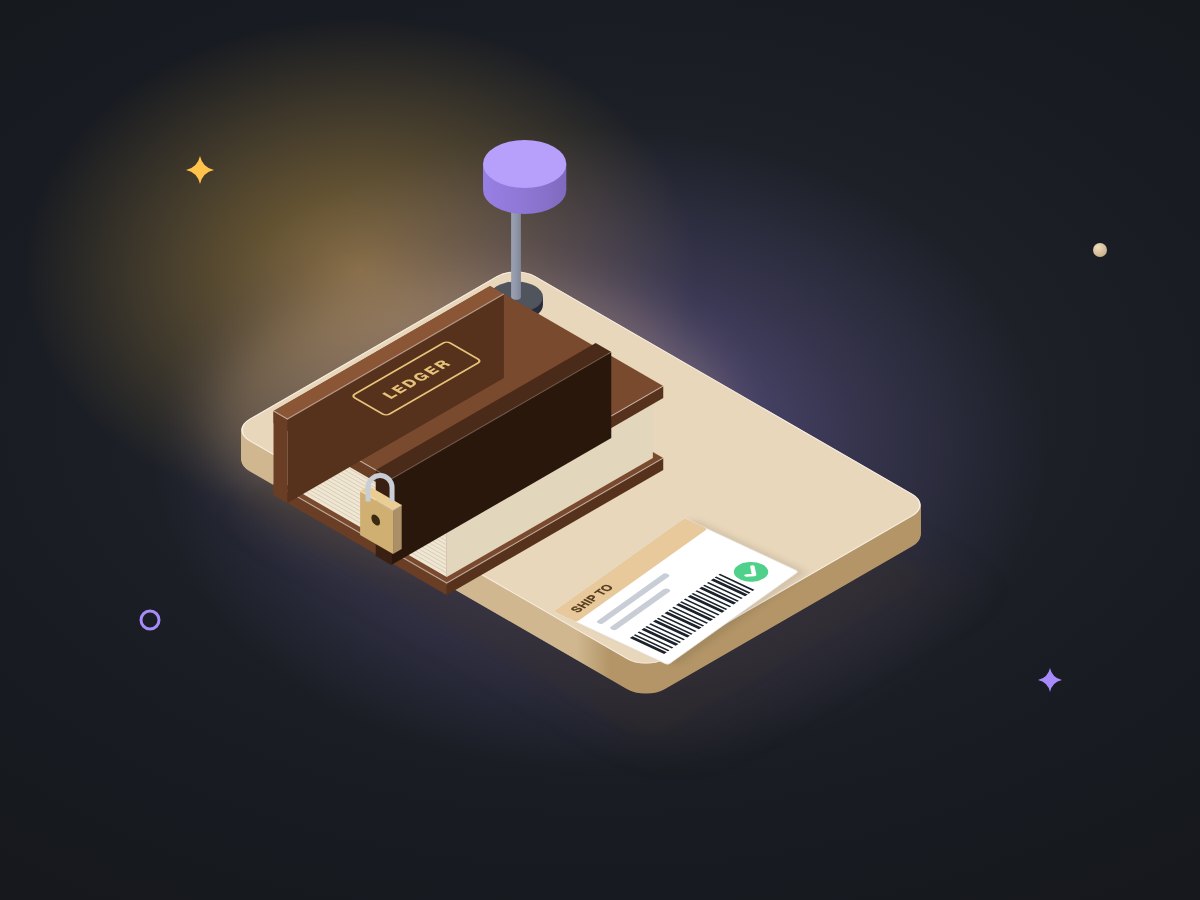
We have not yet rescued a client's Zapier, Make or n8n setup, and we will not pretend otherwise. What we bring are the habits from automations we built and run:
- A ledger and a lockLabelBot records each invoice before it buys a label, so a reprint can never become a second shipment.
- Alerts with a thresholdOur own monitoring opens an incident only after two failed runs in a row and closes it after five clean ones, so one blip does not cry wolf.
- Tests on the odd cases130 automated tests before LabelBot went live, including duplicate prints and a slow courier system.
About fixing what exists.
Will you move us off Zapier or Make?
Only if it cannot do the job, and only with a written reason. Most fixes happen where the automation already lives, which is cheaper and less disruptive.
What if the whole thing is too tangled to save?
The diagnosis says so in writing, with what is worth keeping, what we would rebuild and in what order. You can stop after the diagnosis.
Can our own staff keep it running afterwards?
That is the aim. Every automation you keep gets a name, an owner and a one-page guide, and we walk the owner through it.
More on keeping automations honest
Monitoring, duplicates and the habits behind them.
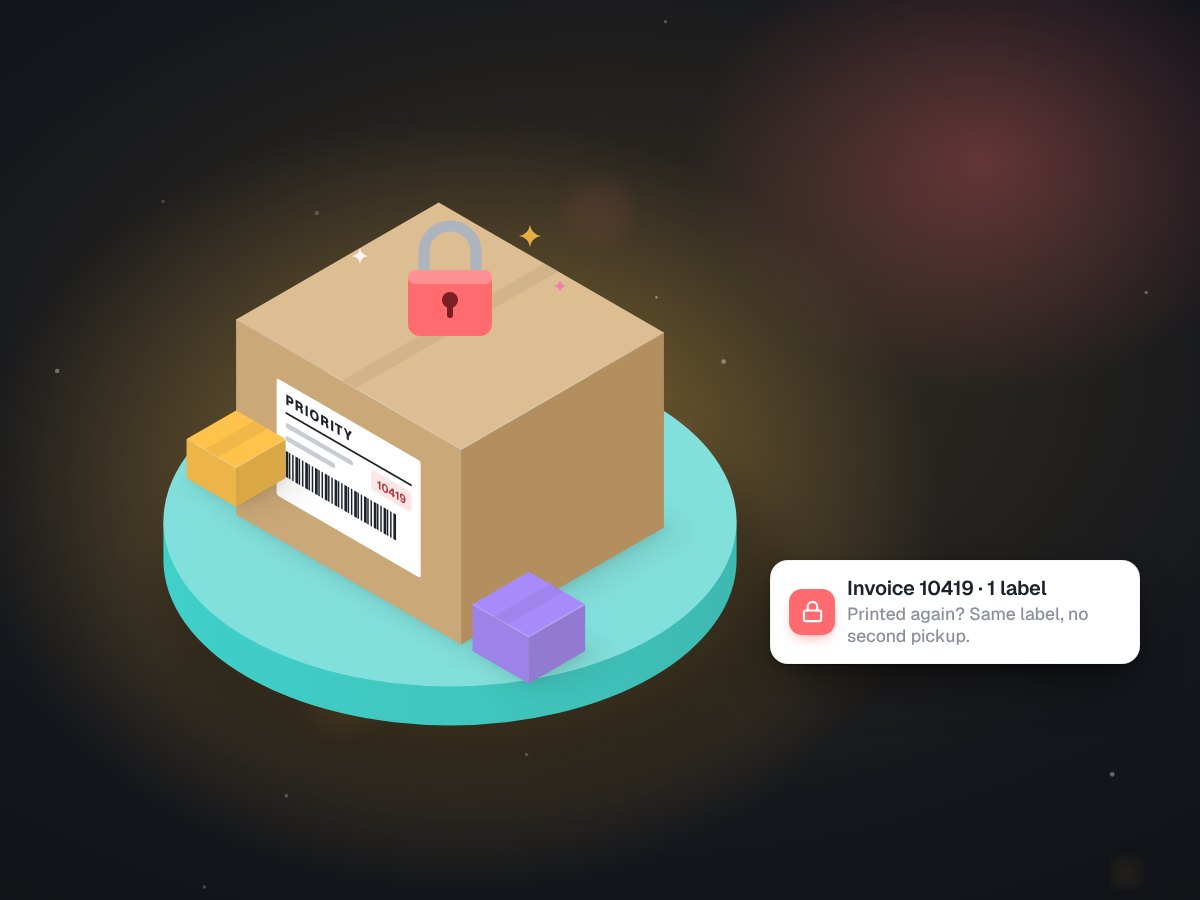
Why our shipping bot refuses to print a second label
The duplicate rule, in detail.
Agent monitoring and testing
The rule-based watcher behind our alert thresholds.
Agent monitoring & debugging
The same rescue, for AI assistants.
Integrations & APIs
When a fix needs a proper connection.
Ongoing support
Someone watching it after the fix.
Tell us what broke and when you noticed.
On a free call we will ask about the symptoms and tell you what a read-only diagnosis would cover.