Off the fragile file, without losing a row.
Every business has one: the spreadsheet with forty tabs, the old desktop database only one person understands, the shared drive of "final_v7" files. We move the work onto something sturdier, keep every bit of history, and run old and new side by side until you trust the switch.
A map of every column, before any code.
We go through the old file with the people who use it and write down where each piece goes. A sample from a generic order-tracking sheet.
| In the old sheet | What it really is | Where it lives next | Note |
|---|---|---|---|
| Column B "Client" | Customer name, spelled several ways | Customer record, matched once | Variants kept as aliases |
| Column F "Status" (colour) | The stage, shown only as a cell colour | A stage field with named values | Colours mapped with the team |
| Column K "Notes" | Due dates, phone numbers and gossip in one cell | Split: due date, contact, notes | Anything unclear flagged, not guessed |
| Tab "OLD 2023" | History nobody edits | Imported as closed jobs | Kept for search and reports |
| Formula in M2 | A price rule only one person understands | A written rule in the new system | Checked against past invoices |
| Macro "Send report" | The weekly email to the owner | A scheduled report | Same recipients, same day |
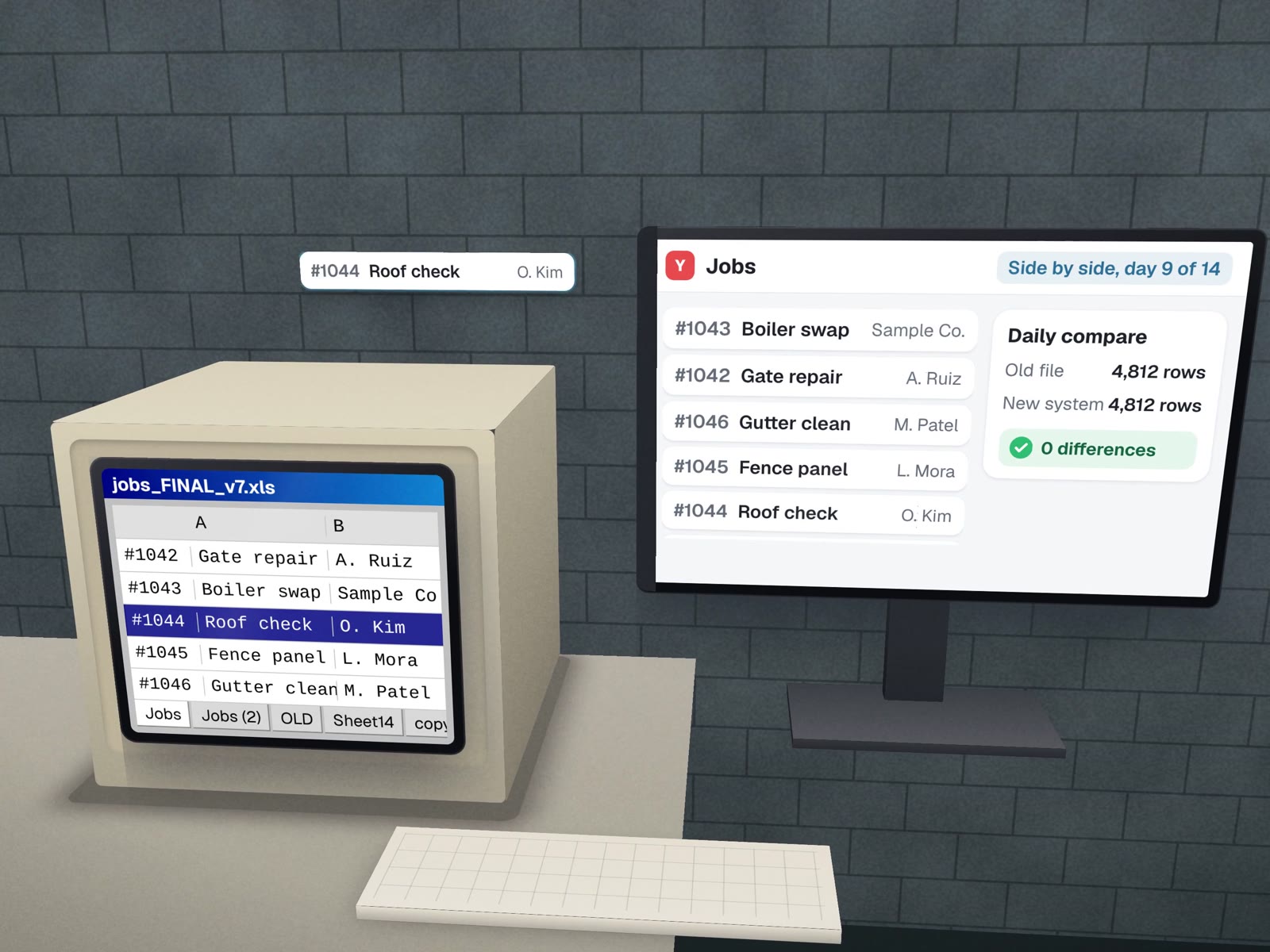
Run both, compare, then switch.
Data moves into the new system on a copy. Every record is checked; anything that does not fit is listed for a decision.
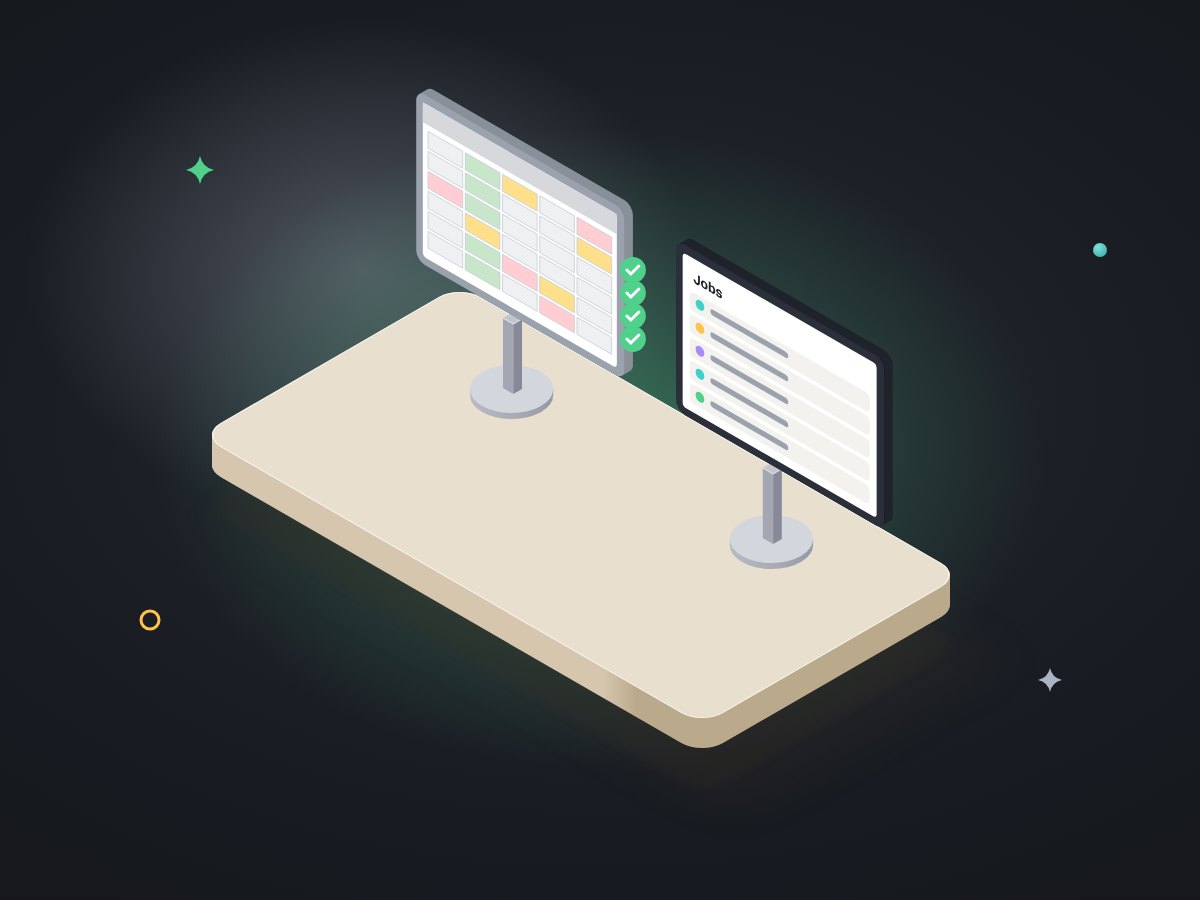
The team keeps using the old file. The new one runs beside it on the same real work, and we compare results daily.
Final changes copied over, the new system becomes the record, and the team works from it.
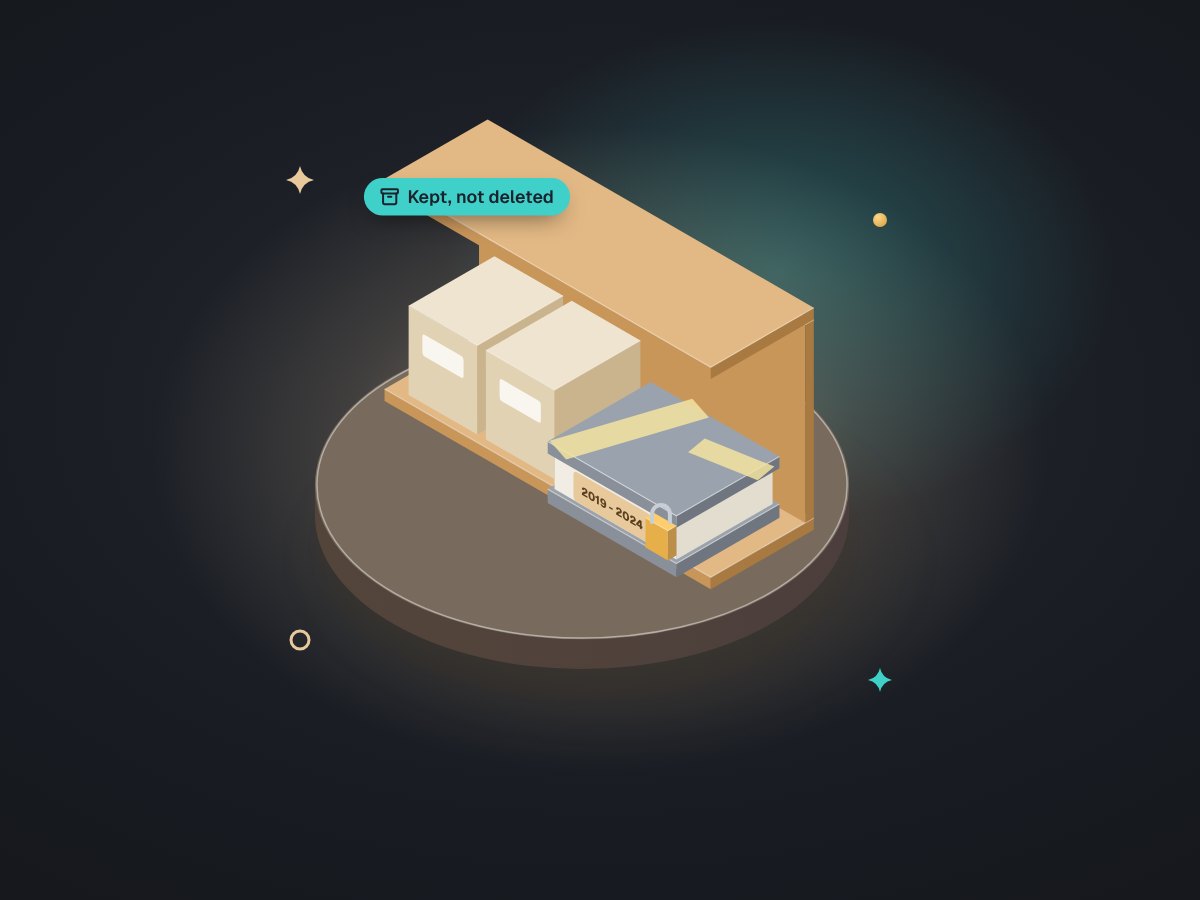
Kept, dated and searchable. Nothing deleted. A short guide for the next person.
Where this comes from
The shadow run is how we put LabelBot live at a dental lab: it ran beside the old way for several days before it took over, with 130 automated tests behind it. The record-by-record check is how we moved a lab's practice history into its CRM: 324 records, every field change logged, nothing overwritten. And keeping old things working is a habit: the same lab's rebuilt website, launching soon, keeps all 88 old addresses working.
What you get
- A written mapEvery column, tab, formula and macro.
- The new systemA tracker, a workbook, an internal tool or a well-set-up off-the-shelf product.
- History imported and checkedWith a log of what changed in transit.
- A shadow run and a planned switch dayOn a quiet day you pick.
- The old file archivedRead-only, in your storage.
Where it fits
- DistributorsOrders and stock run from one huge sheet.
- Labs and clinicsA desktop database from years ago.
- Property managersUnits and requests tracked in shared files.
- Schools and training providersEnrolment spreadsheets per term.
A replacement, not a reinvention.
- No new ways of working on switch dayChanges come later, one at a time.
- No guessingUnclear data is flagged for a person to decide.
- No lock-inData lives in plain formats in your accounts.
- No replacing a sheet that worksIf yours just needs tidying, we will tidy it.
About moving off old tools.
What happens to our old file?
It is kept, read-only, with a dated copy in your own storage. Nothing is deleted. If anyone ever asks what the old system said, the answer is still there.
Do we have to stop working during the switch?
No. The new system runs beside the old one first, on real work, and we compare the two. The switch happens on a quiet day you choose, once the results match.
Our old tool has no export. Can you still get the data out?
Usually. Old desktop databases, shared drives and even printed reports can often be read with some patience. We check what is possible on a sample before you commit to anything.
Before and after the move
Planning it, and what you move to.
Which file would hurt most if it broke tomorrow? Start there.
A free call to look at it together. You leave with a map, even if you keep the file.