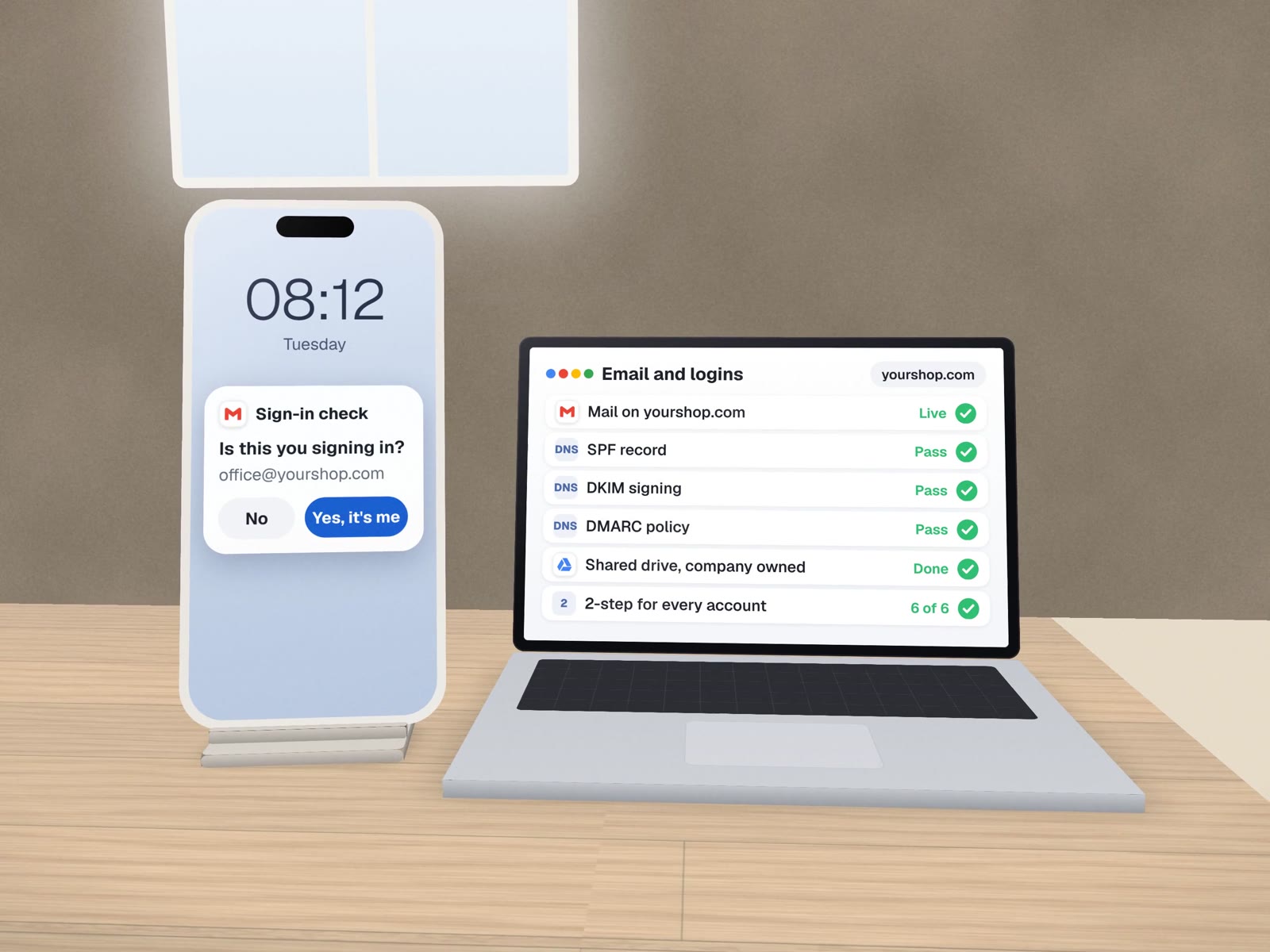
Company email and logins the company actually owns.
Business email on your own domain, signed so it lands in the inbox, two-step login on every account, and shared addresses that do not leave when a person does. Google Workspace or Microsoft 365.
Sixteen items, ticked before we hand over.
This is the list we work through for every business, small or not. Each item is checked by testing, not by looking at a settings page.
Domain and mail
- Email on your own domainOne account per person, nobody on a personal address
- SPF recordLists the services allowed to send as you
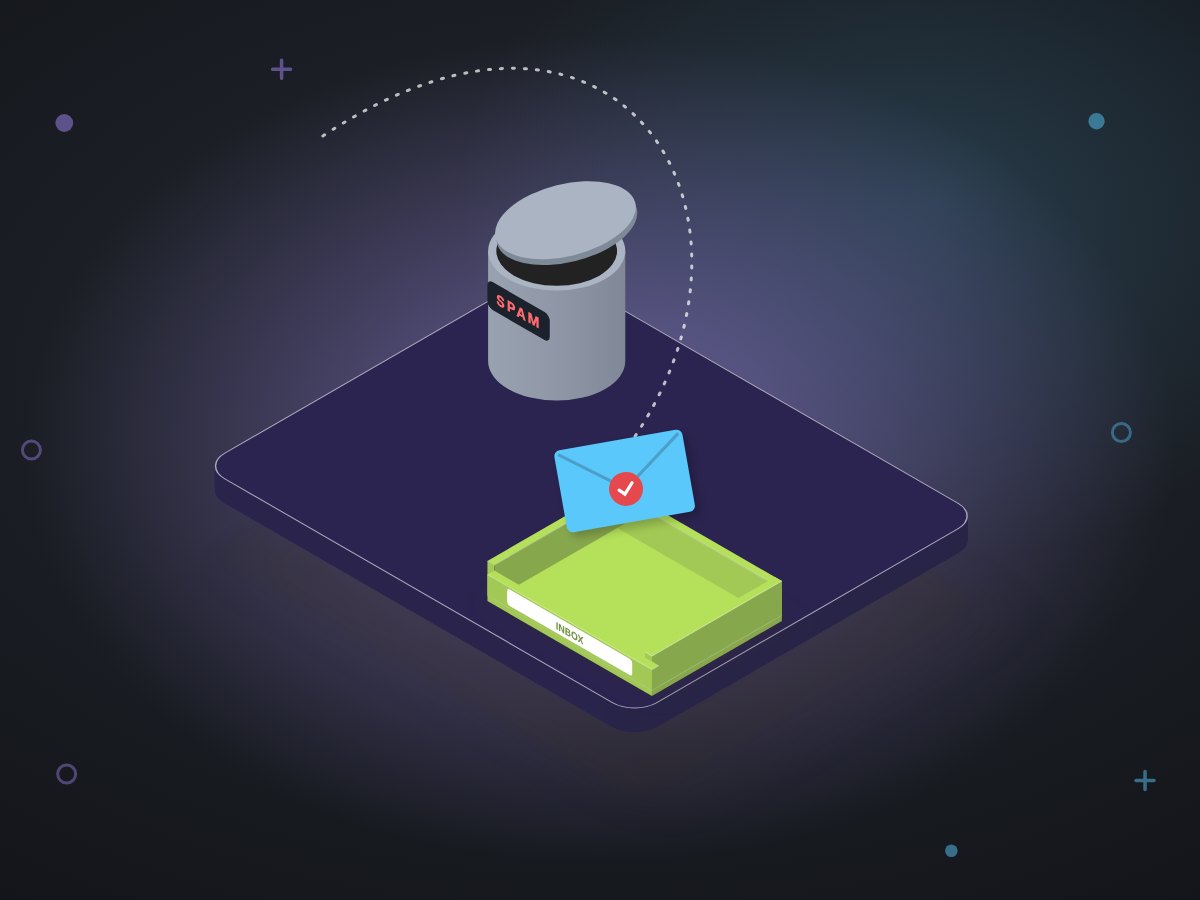
- DKIM signingEvery message carries a signature receivers can verify
- DMARC policyTells receivers what to do with mail that fails, starting gently
Sign-in
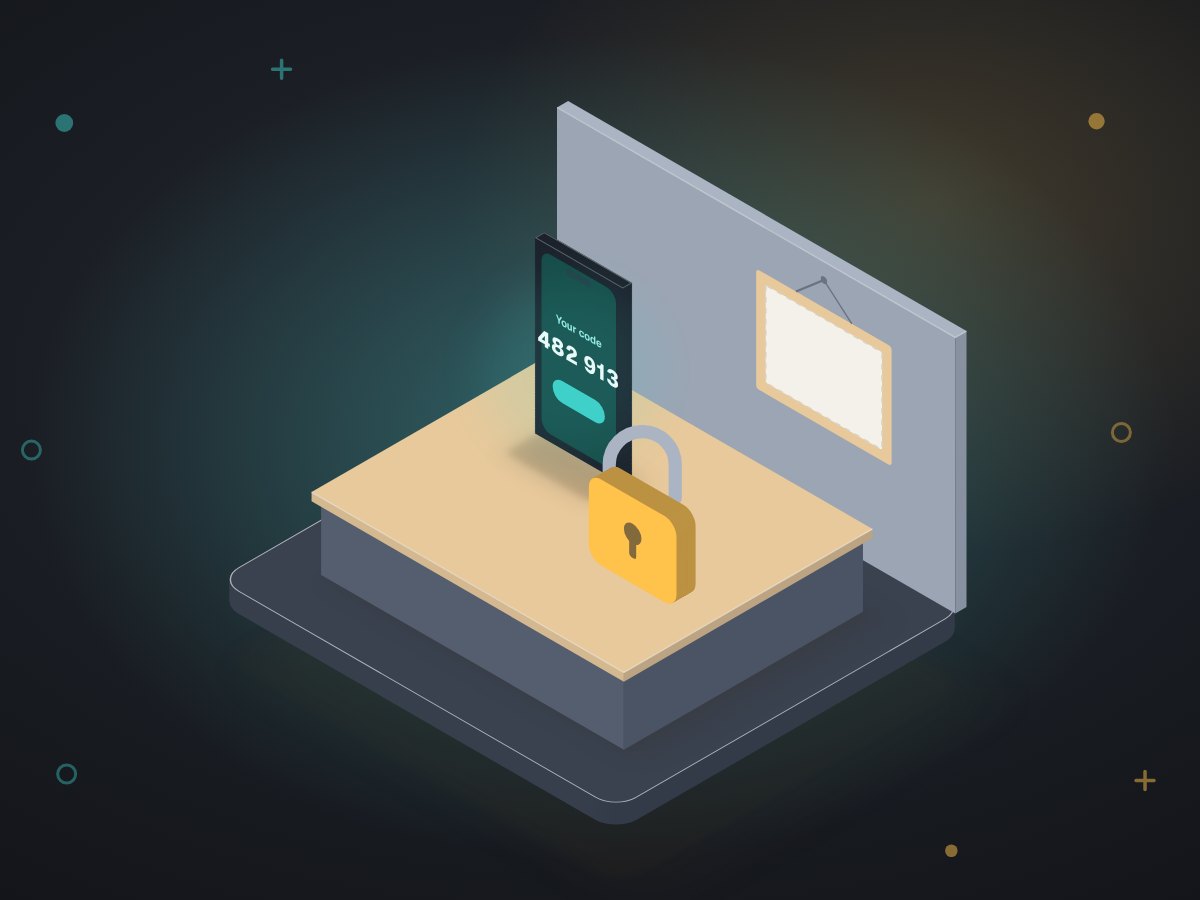
- Two-step login enforcedRequired for everyone, not just switched on as an option
- Admin kept separateAdmin rights only where they are needed
- Recovery set upA way back in that does not depend on one phone
- Our own login, never yoursWe work under our own admin seat, which you can remove
Shared addresses
- A front-door groupThe address customers write to, received by whoever is on duty
- A tool-logins groupSoftware accounts are registered to it, not to a person
- A billing groupInvoices and renewal notices reach someone who acts on them
- Old addresses forwardedMail to former accounts keeps arriving where it should
Files and calendar
- A shared drive owned by the companyFiles survive when the person who made them leaves
- Sharing defaults tightenedNew files are not public by accident
- A booking pageBuffers between meetings, a daily cap, and one question about how they found you
- A one-page access sheetWho can reach what, kept up to date
MUVES runs on this exact setup.
- Built
- October 2026, for our own company
- Stack
 Gmail
Gmail Drive
Drive Calendar
 Meet
Meet- Includes
- DKIM, enforced two-step login, three groups, a shared drive
- In use
- Every day, by both founders
Our booking page is the one behind the free first call: a 30-minute video meeting, buffers either side, a daily limit, and a single question asking how you heard about us. Our old personal mailboxes forward into the company accounts, so nothing sent to them is lost.
Three addresses that save you when someone leaves.
hello@yourcompanyThe front door. Customers always write to the same place, and you decide who reads it this month.
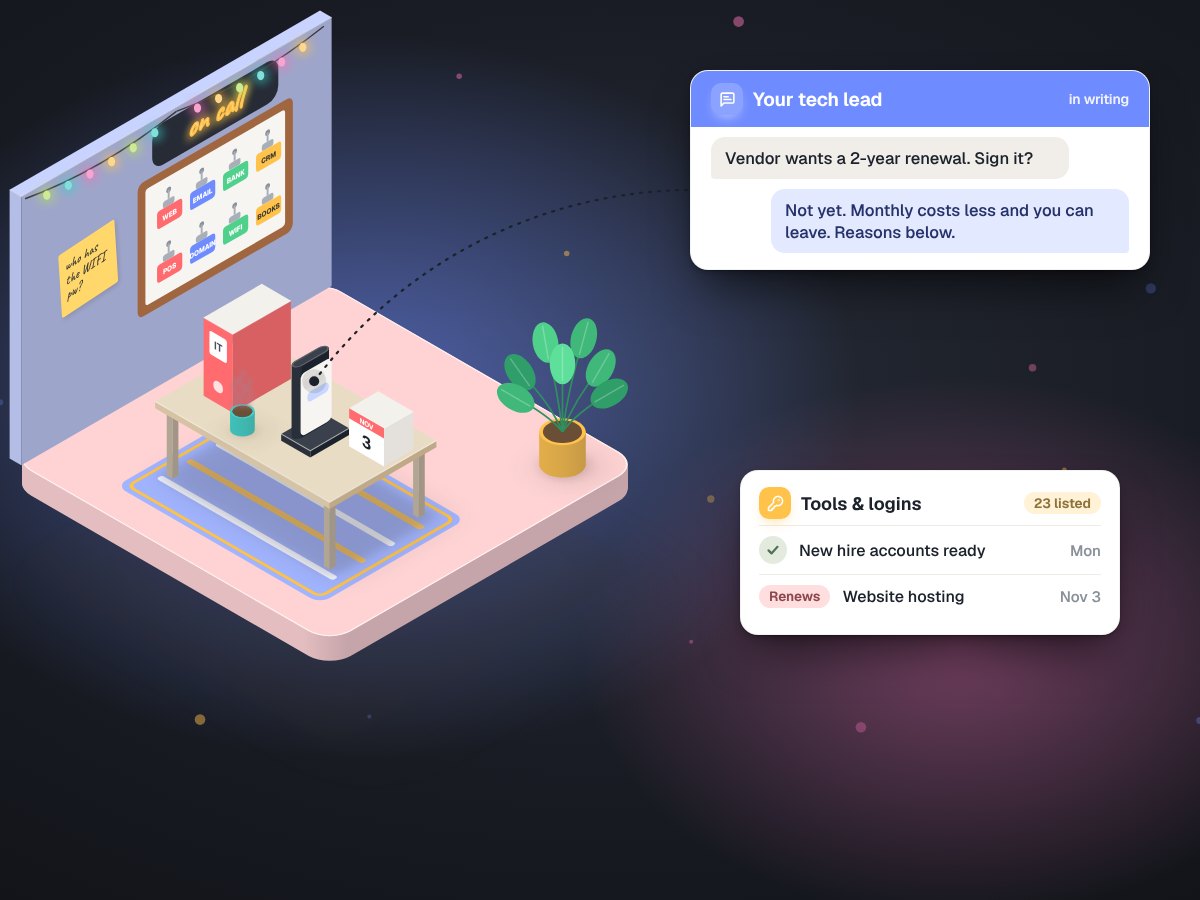
accounts@yourcompanyEvery software login is registered here. When an employee leaves, the password resets still reach you.
billing@yourcompanyRenewals and invoices land with whoever pays them, not in a forgotten inbox.
Strong basics, not a certificate.
- Not a compliance certificationSigned mail and two-step login are basics, not HIPAA or PCI.
- No licences in our nameThe subscription and the main admin account are yours.
- No promise of inbox placementAuthentication helps mail be trusted; what you send still matters.
- Not laptops and printersThis is accounts, mail, files and sign-in.
About accounts and mail.
What happens to a mailbox when someone leaves?
Because shared addresses are groups, customers keep writing to the same address and someone else simply receives it. The leaver's own account is suspended, and its mail and files stay with the company.
Why does DKIM matter for a small business?
It lets receiving mail servers check that a message really came from your domain. Without it, quotes and invoices are more likely to land in spam, and anyone can more easily pretend to be you.
Google Workspace or Microsoft 365?
Either. We run Google Workspace ourselves, but if your team already lives in Microsoft 365 we set that up properly instead of moving you.
Built on top of good accounts
Everything else needs this layer done first.
Still running the business on personal Gmail? Let's move it in one go.
Tell us who needs accounts and where your mail and files live today. The first call is free.