Get paid without being the one who chases.
The invoice goes out when the work is done, the reminders go out on a schedule you set, and they stop the moment the money arrives. Your books show it the same day.
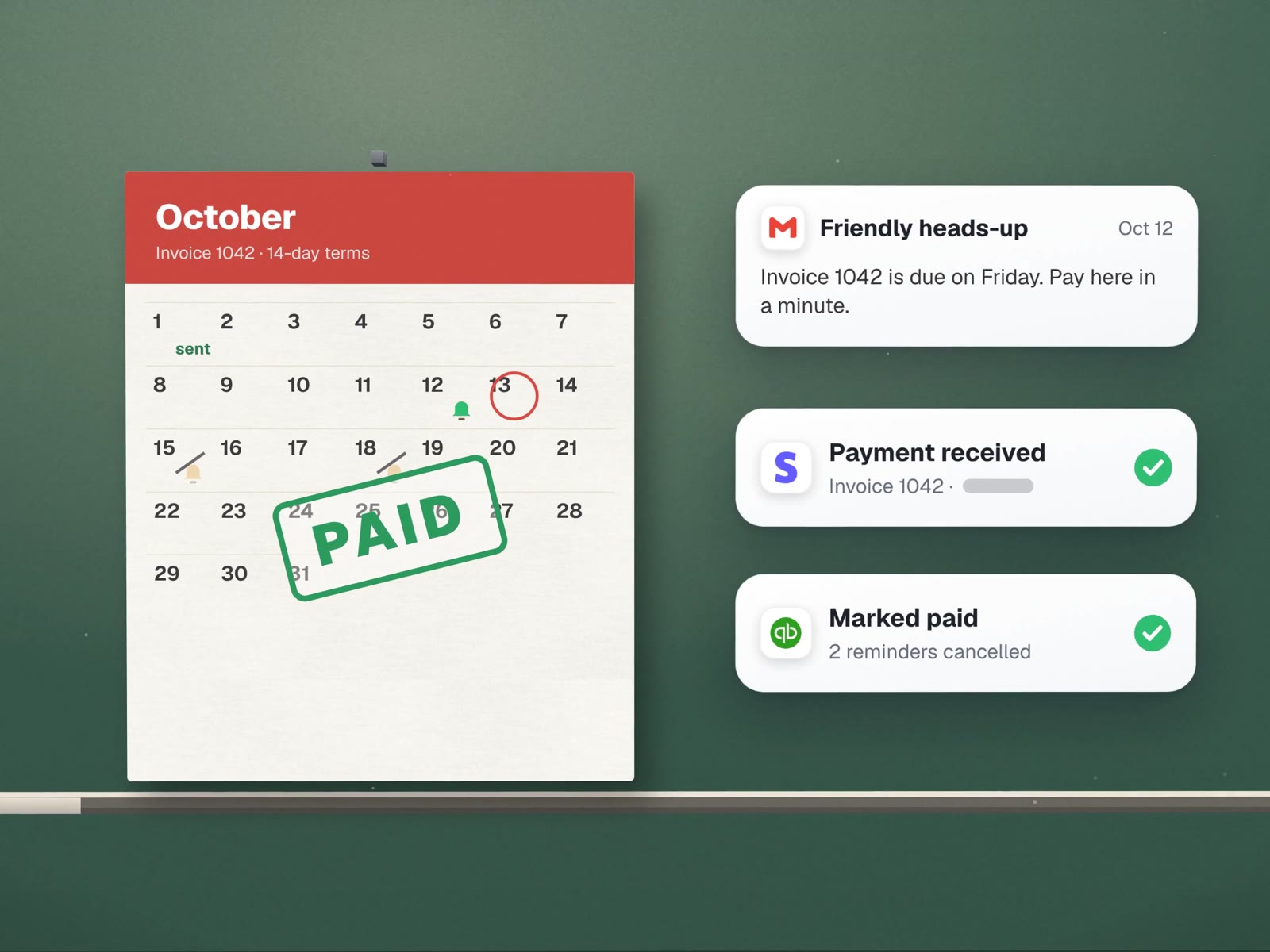
One invoice, from sent to settled.
A sample schedule for 14-day terms. You choose the days and approve every word. Sample wording shown.
- Day 0Invoice sent
Drafted from the job or order, approved by you, sent with a card or bank payment link.
- Day 11Friendly heads-up
Three days before it is due. Most late payers simply forgot.
Invoice 1042 is due on Friday. Pay here in a minute.
- Day 14Due today
Short, with the link and the amount. Nothing more.
- Day 17A little overdue
Still polite, and offers a reply if something is wrong with the invoice.
Is anything holding this up? Just reply and we'll sort it.
- Day 24Your decision
Automation stops. You see the history and choose: call, pause, payment plan, or write it off.
- Any dayPayment lands
Marked paid, remaining reminders cancelled, books updated, a thank-you sent.
The system sends. You decide.
Gentle for regulars, firmer for repeat late payers. You approve each template once.
Never added automatically. If you charge them, you add them.
Any reply to a reminder pauses the schedule for that invoice and goes to you.
Collections, payment plans or a phone call are always a person's choice.
Invoices, reminders and books that agree.
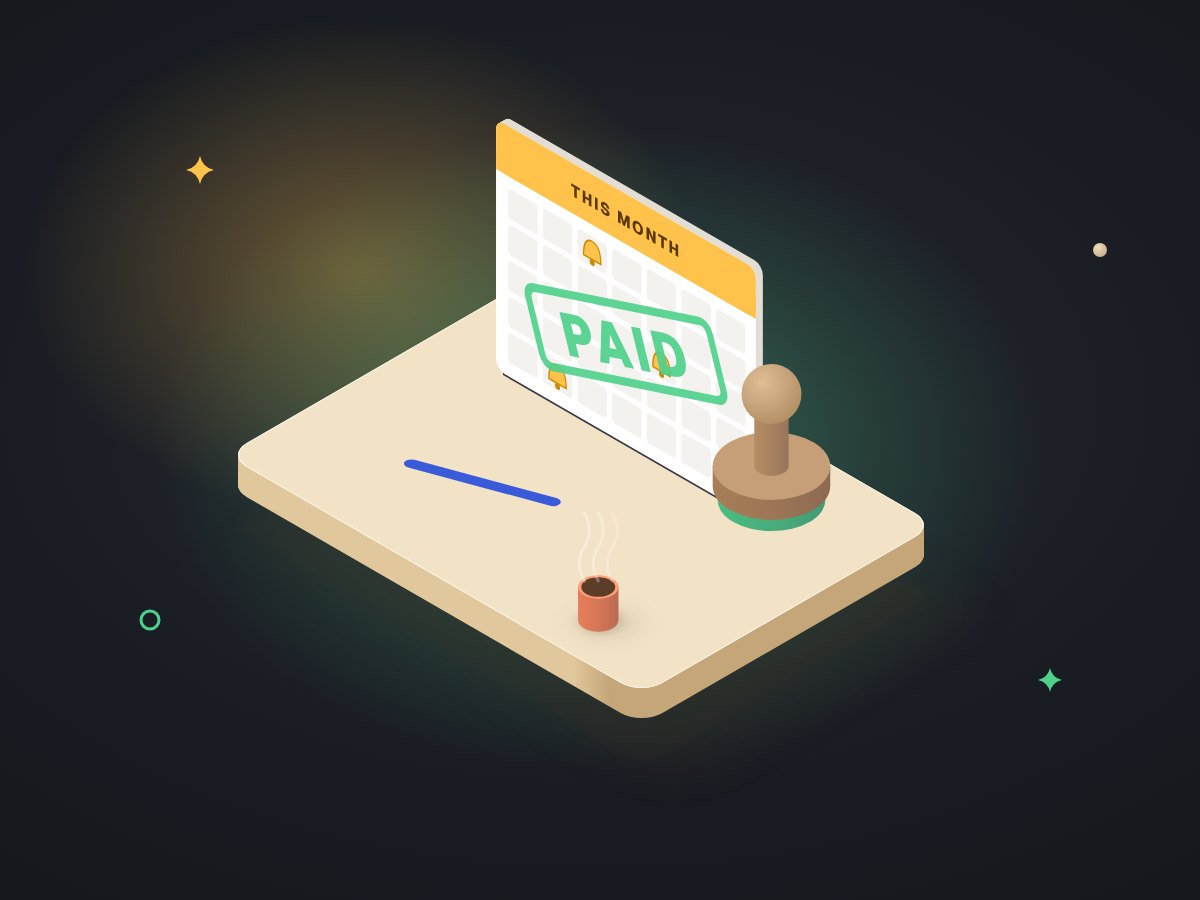
Invoices from the work
Created from the job, order or timesheet, waiting for your approval.
Payment links
Through the provider you already use.
A reminder schedule
Per customer type, in your wording.
Payments matched
So "paid" means paid in your books too.
A weekly who-owes-what list
How much and how late, for the person who decides.
A duplicate check
An invoice number can only be sent once.
 QuickBooks
 Stripe
 Square
 PayPal
 Google Sheets
Our own books run this way.
MUVES keeps its books in a Google Sheets workbook driven by Apps Script. Changes are booked through a small toolkit that refuses duplicates. A daily job adds each upcoming subscription as an "expected" row, so we see a bill before it lands. Every morning at 6am the workbook writes a calendar of what is due, and a checks panel flags anything that does not reconcile.
Google SheetsApps ScriptIt is our own system, not a client's, and we do not publish its figures. It is where our habits come from: one number per invoice, a check before every write, and a person on anything unusual. See how it is built.
About chasing payments.
Will automatic reminders annoy good customers?
Not if the schedule fits them. Regulars can get a single heads-up and nothing else; new or repeat-late accounts get the full sequence. Every reminder also stops the moment payment is recorded.
We invoice from QuickBooks. Do we need anything new?
Usually not. Reminders and payment matching can run from QuickBooks itself or from a small connection beside it. We read your setup first and only add what is missing.
Can customers pay by card from the reminder?
Yes, through a payment link from Stripe, Square, PayPal or your accounting tool. Card details never pass through anything we build.
More on money and paperwork
What comes before the invoice, and what reads the numbers after.
Books that check themselves
The workbook, its checks and its calendar.
Finance & operations workbooks
When you want the whole system, not just reminders.
Workflow automation
"Job done" to invoice, without retyping.
Owner dashboards
Who owes what, on one screen.
Documents & paperwork
Supplier invoices, the other direction.
How much is sitting in "I'll chase it Friday"?
On a free call we will look at how you invoice today and sketch a reminder schedule that fits your customers.