One customer, one record. And a log of how it got there.
The same customer lives in your CRM, your accounting and a spreadsheet, spelled three ways with two phone numbers. We match them, settle which version is right by a rule you agree, merge only with your approval, and keep a line for every change.
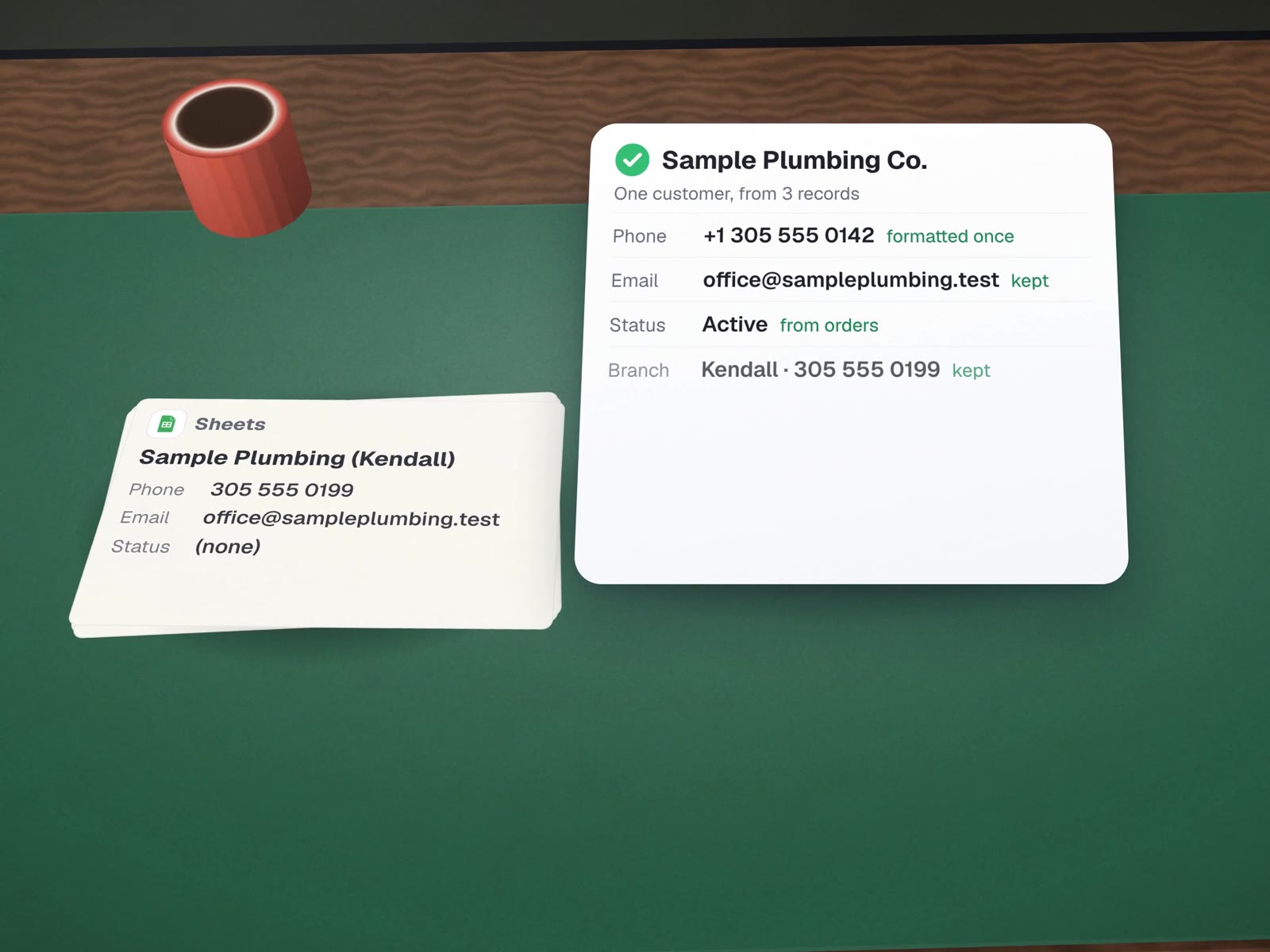
Three rows that are really one.
Sample records for a made-up customer. This is the most common mess we see, and the one that quietly breaks reports, reminders and mailings.
BeforeFound in three systems
| System | Name | Phone | Status | Last order | |
|---|---|---|---|---|---|
| CRM | Sample Plumbing Co | (305) 555-0142 | office@sampleplumbing.test | Inactivenever updated | (blank) |
| Accounting | SAMPLE PLUMBING CO. | 305.555.0142 | jo@personal-mail.testa person, not the firm | Active | 12 Oct 2026 |
| Spreadsheet | Sample Plumbing (Kendall) | 305 555 0199second branch | office@sampleplumbing.test | (none) | 3 Sep 2026 |
AfterOne parent record, one branch, every field with a source
| Record | Name | Phone | Status | Last order | |
|---|---|---|---|---|---|
| Sample Plumbing Co. | Sample Plumbing Co.from accounting | +1 305 555 0142formatted once | office@sampleplumbing.testfirm address kept as main | Activederived from orders | 12 Oct 2026from accounting |
| └ Kendall branch | Sample Plumbing, Kendall | +1 305 555 0199 | (uses parent) | Active | 3 Sep 2026 |
The personal address was not deleted: it moved to a named contact under the firm, with a note of where it came from.
Not every match is equally sure.
We sort every candidate match into one of four buckets before anything is merged. This is the method we used to sync a dental lab's practice list into its CRM.
Same phone and name, or same unique ID. Merged in a batch you approve.
Similar name, one detail differs. Listed side by side for a person to confirm.
Two real customers share one phone or email. Kept apart, or grouped under a parent, never merged.
Exists in one system only. Reported, not invented into the others.
Clean without losing anything.

- The original export is kept, untouchedEvery cleanup starts with a dated copy you can go back to.
- Merge, never overwriteA field that already holds a value is not replaced without a rule saying so.
- A dry run firstWe show you what would change, record by record, before anything is written.
- One line per changeOld value, new value, time and result, in a log you keep.
- Some fields are off limitsAnything sensitive, such as details a patient or customer typed in, goes on a do-not-write list.
On the lab's CRM sync those rules held across 324 records and 3,244 field updates: no failed writes, no value overwritten. Read the case.
A list you can finally trust.
- A source of truth per fieldA written rule saying which system wins.
- Records you can trustMatched, merged and corrected in the system you choose as home.
- A review sheetThe uncertain matches, settled with you.
- The log and the originalEvery change, plus the untouched starting copy.
- Optional: a duplicate checkScheduled, flagging new duplicates as they appear.
About cleaning records.

How do you decide which system is right when they disagree?
By field, not by system. Accounting is usually right about billing names and balances, the CRM about who to talk to, the job tool about what was done. We write the rule down with you and apply it the same way every time.
Can we keep working while you clean?
Yes. We work on a copy, then apply changes in a short window you choose. Anything your team changed in between is caught by the dry run.
Will duplicates come back?
Some will, unless the cause is fixed. We report where they come from, such as a web form or an import, and can add a check that catches new ones weekly.
More on records that agree
Cleaning, then keeping it clean.
CRM sync with an audit trail
The four buckets, used for real.
CRM cleanup & data sync
The same work, inside your CRM.
Integrations & APIs
Keep the systems agreeing after the cleanup.
Customer history analysis
Clean records make the rhythms readable.
Replacing spreadsheets & old tools
When the spreadsheet is the duplicate factory.
How many versions of your best customer exist?
Send us a sample export after a free call. We will show you the matches and the conflicts before you commit to anything.