The shared inbox, sorted before anyone opens it.
Orders to the person who ships, invoices to the person who pays, attachments into the right folder, and the three emails that need the owner flagged at the top.
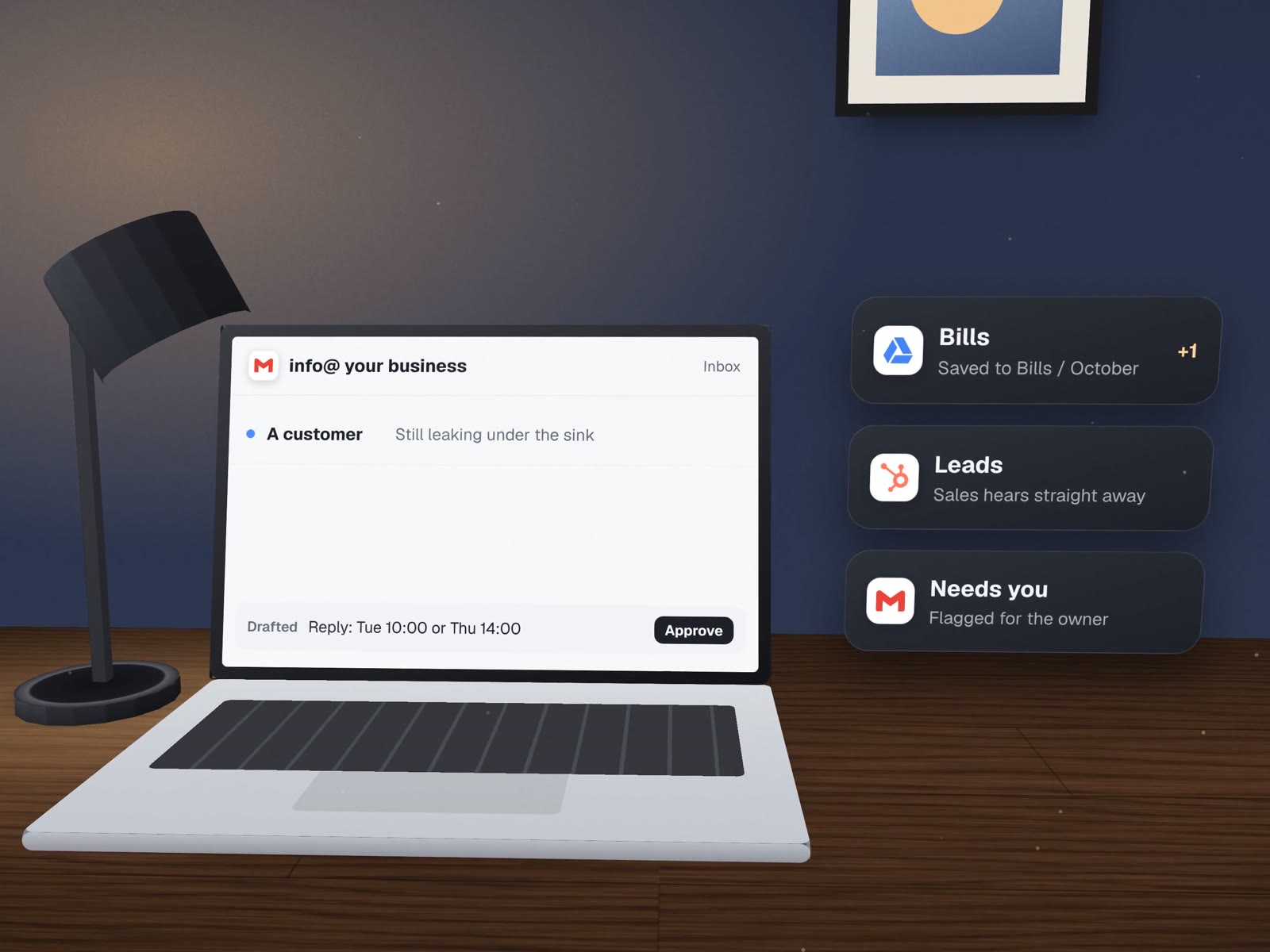
You can read every rule it follows.
Sorting is a list of rules in plain words, agreed with your team. When a rule is wrong, you change a line, not a mystery. A sample set:
| When an email | It is labelled | Attachments go to | Who hears about it |
|---|---|---|---|
| Comes from a known supplier with a PDF | Bills | Bills / this month | Accounts, in the daily summary |
| Comes from a client's address | Client name | That client's folder | The person who owns the client |
| Asks for a quote or a price | New lead | Leads / to quote | Sales, straight away |
| Says "cancel", "refund" or "complaint" | Needs owner | Nowhere yet | The owner, straight away |
| Is a newsletter or promotion | Reading | Nowhere | Nobody |
| Matches no rule | To sort | Nowhere | Whoever sorts the inbox today |
What it reads, and what it never does.
It reads
- Sender, subject, first linesEnough for most sorting.
- The full body, sometimesOnly where a rule needs it, such as a quote request.
- Attachment names and typesSo files land in the right folder.
It never
- Sends a reply on its ownEvery reply waits for a person to approve it.
- Deletes an emailThe worst it does is file one in the wrong place, and the log says where.
- Puts content in a phone alertAlerts say that something needs you, not what it is.
How our own mail is watched and filed.

Our company inbox runs on the same pattern. A Google Apps Script job labels threads and copies client attachments into each client's Drive folder. A watcher checks every connected mailbox every three minutes using only the sender, subject and preview, skips promotions and social mail, and is built so that its first look at an old inbox does not set off a flood of alerts.
When something needs one of us, a phone notification says so, rate-limited per email and per day, and never includes the content, because the alert travels through a public relay.
For your business we would build the same thing on Gmail or Microsoft 365, with your rules and your folders.
 Gmail
Gmail Google DriveGoogle Apps ScriptMicrosoft 365
About shared inboxes.
Does this work with Outlook and Microsoft 365?
Yes. The rules and the filing work the same way; the connection uses Microsoft's own interface instead of Google's. We confirm which one you use on the first call.
Can AI write the replies?
It can draft them, in your wording, from approved information. Drafts sit in a "waiting for you" folder and nothing goes out until a person sends it.
What if an important email is sorted wrongly?
Unmatched mail goes to a "to sort" label rather than being forced into a rule, and every action is logged. In the first weeks we review the log with you and tighten the rules.
More on email and filing
Where sorted mail goes next.
Documents & paperwork
Read the attachment, not just file it.
Morning briefs & reports
The day's mail, meetings and deadlines in one note.
Email, Workspace & security
Shared addresses and sign-ins set up properly first.
Books that check themselves
Where our filed invoices end up.

Two people, 34 AI agents, and none can send an email
Why approval is built in.
Who reads the shared inbox in your business?
On a free call we will sketch the rules for it, and which emails should never wait.