Paperwork that reads itself, and knows when to stop.
Invoices, purchase orders, intake forms and delivery notes arrive as PDFs and attachments. We build the reader that pulls out the fields, checks them against your rules, and turns them into the next action. When a page does not add up, it goes to a person.
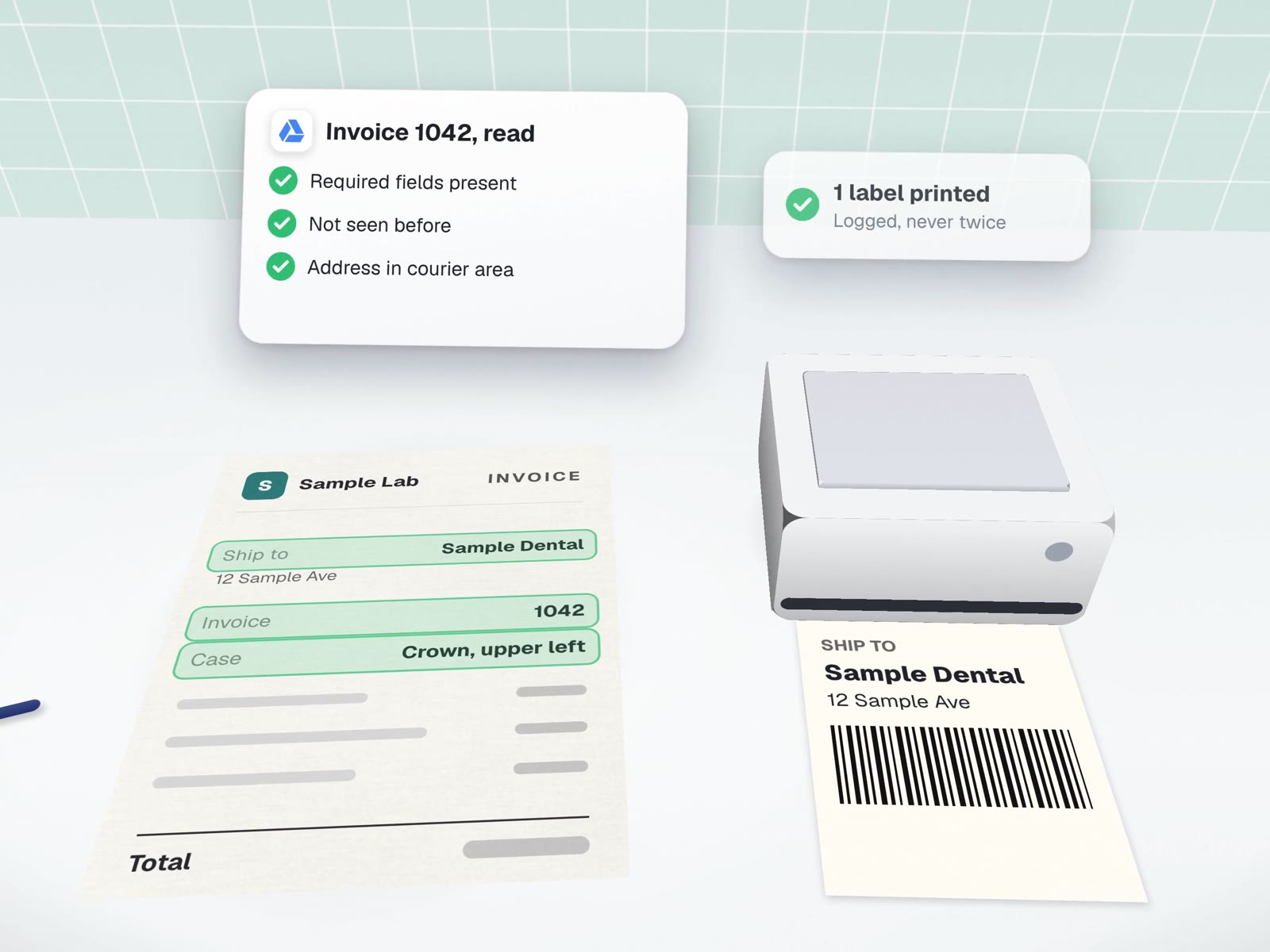
Six stops between "it arrived" and "it's done".
This is the route an invoice takes through the bot we built for a dental lab. Most document jobs follow the same stops. Each one can turn the document away.
A good document bot is mostly a list of no's.
These are the refusals built into the lab's bot. Yours will have its own, written with you before we build.
- A file that is still being writtenHalf a PDF reads as a different document. It waits until the file has stopped changing.
- A page with no text layerSome "print to PDF" options keep the text and some flatten it to a picture. We measure which do on your machines, and a flattened page goes to a person.
- A document it has already handledThe ledger is checked first. A reprint looks up the existing result and reprints it instead of creating a second one.
- An action that cannot succeedBefore buying a courier label, it asks the courier whether the address is in its service area. No spend on a parcel that cannot be collected.
- A field it cannot read with confidenceMissing, blank or out of place: it stops and says which field, rather than filling in something plausible.
- More personal detail than the job needsThe lab's labels carry the invoice number, never the patient's name. Each output carries the minimum.
From a pile to a pipeline.
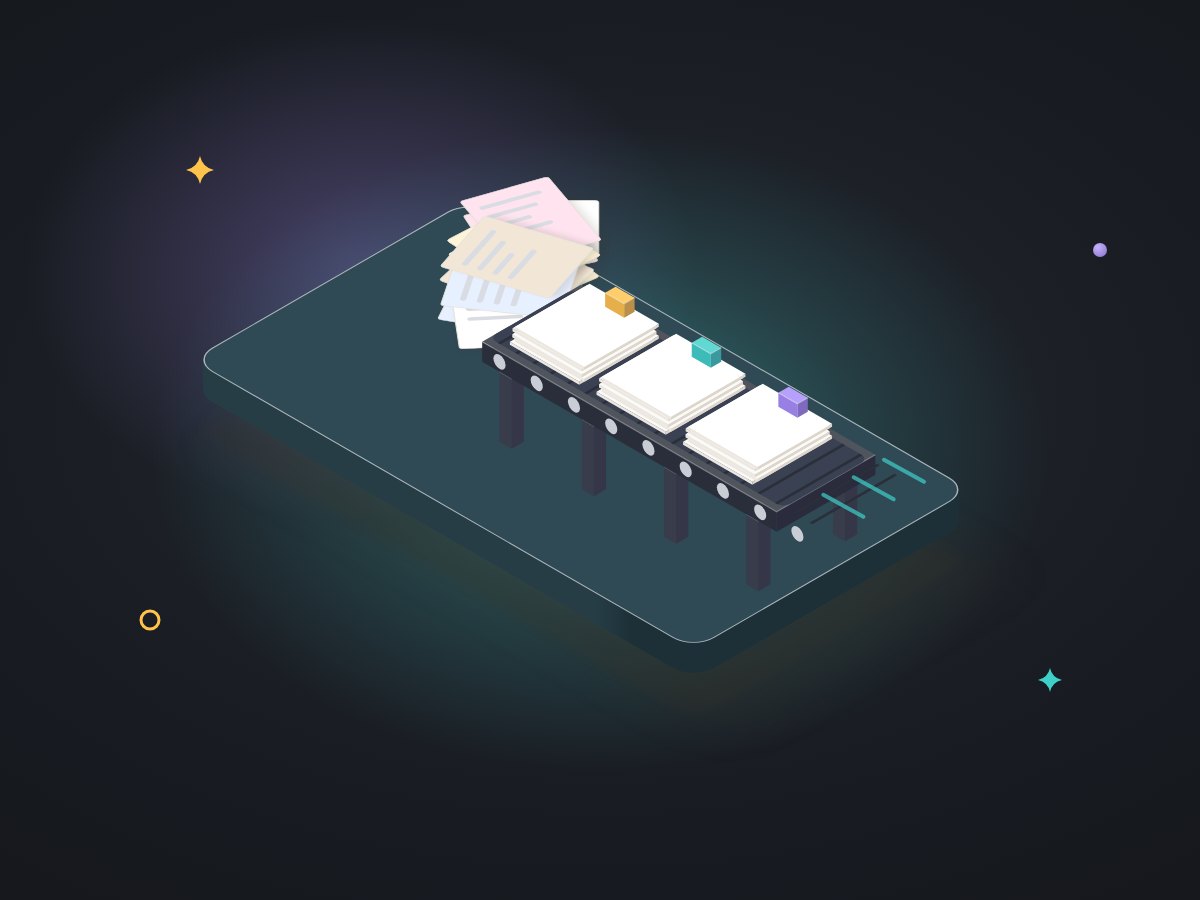
A reader per document type
Tested on your real examples, messy ones included.
Your rules as checks
What must be present, what must add up, what counts as a duplicate.
The next action
A record in accounting or your CRM, a file in the right folder, or a new document such as a label.
A review queue
Refused documents wait here, each with its reason.
A ledger
Every document handled, searchable by number or date.
A test suite
Run again whenever a supplier changes their layout.
Documents we would start from
An invoice that prints its own label.
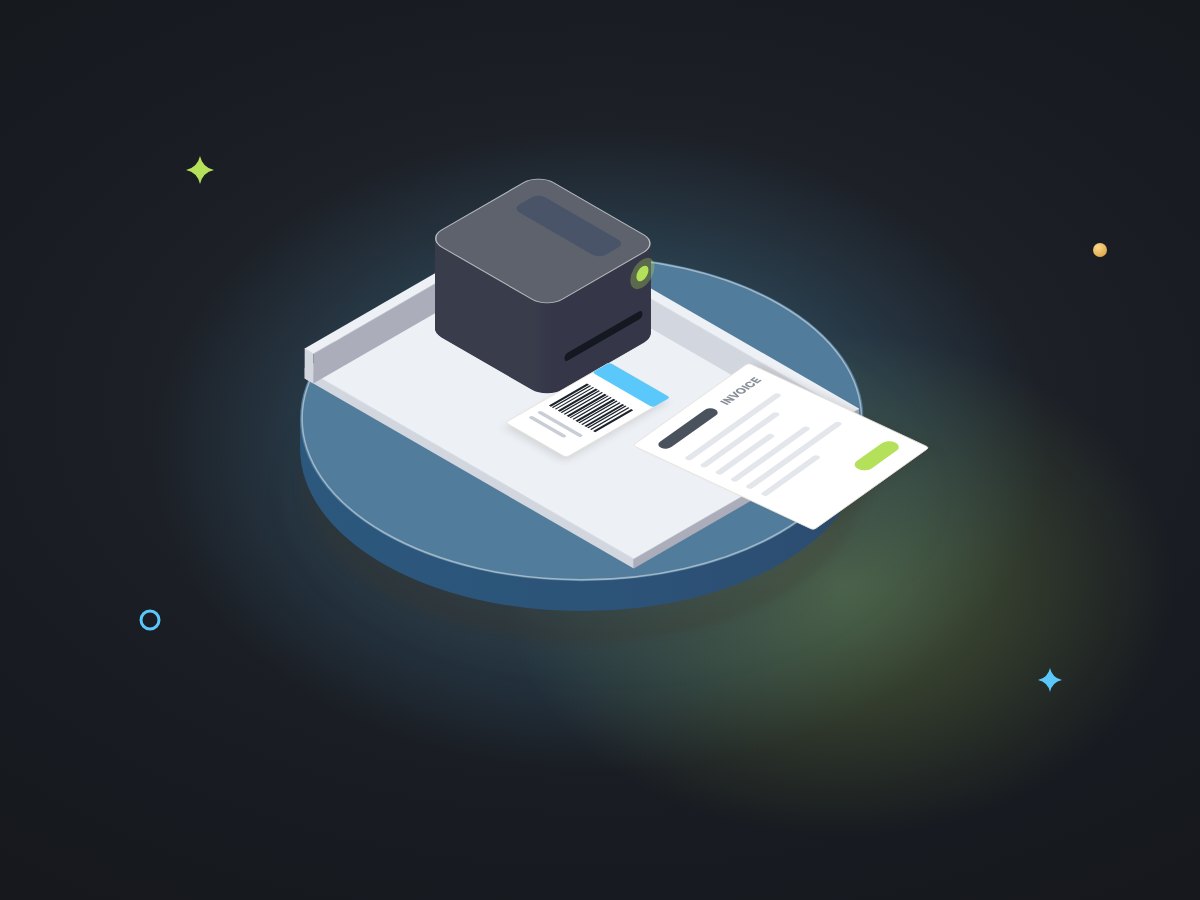
At Carlos Ceramics Dental Lab, staff print every invoice anyway. LabelBot watches the folder those prints land in, reads the ship-to block by its position, checks the courier's service area, buys one label behind a write-ahead ledger and a file lock, and prints it on the same printer as the invoice.
Before it went live it passed 130 automated tests, covering invoice layouts, odd addresses, duplicate prints and a slow courier system, and it ran for several days next to the labels staff made by hand. It has made 628 labels so far, an estimated 34 to 57 hours of work.
About reading documents.
Can it read photos of paper or scanned pages?
Clear scans can be run through text recognition first, and we test how reliable that is on your examples before promising anything. Pages it cannot read with confidence go to the review queue instead of being guessed.
What happens when a supplier changes their invoice layout?
The checks fail loudly instead of quietly reading the wrong box. We add the new layout to the tests, update the reader, and run the full suite before it goes back on.
Do you use AI to read the documents?
Where the layout is fixed, plain rules are faster and more predictable. Where documents vary a lot, a language model can pull out fields, with the same checks and review queue behind it. We choose per document type and tell you which.
What do you need from us to start?
Twenty or thirty real documents of each type, including the awkward ones, your rules for what makes a document complete, and an hour with whoever reads them today.
More on paperwork and duplicates
The build in full, the rule behind it, and services that pick up where reading ends.
Invoice-to-label automation
Architecture, tests and the shadow run.
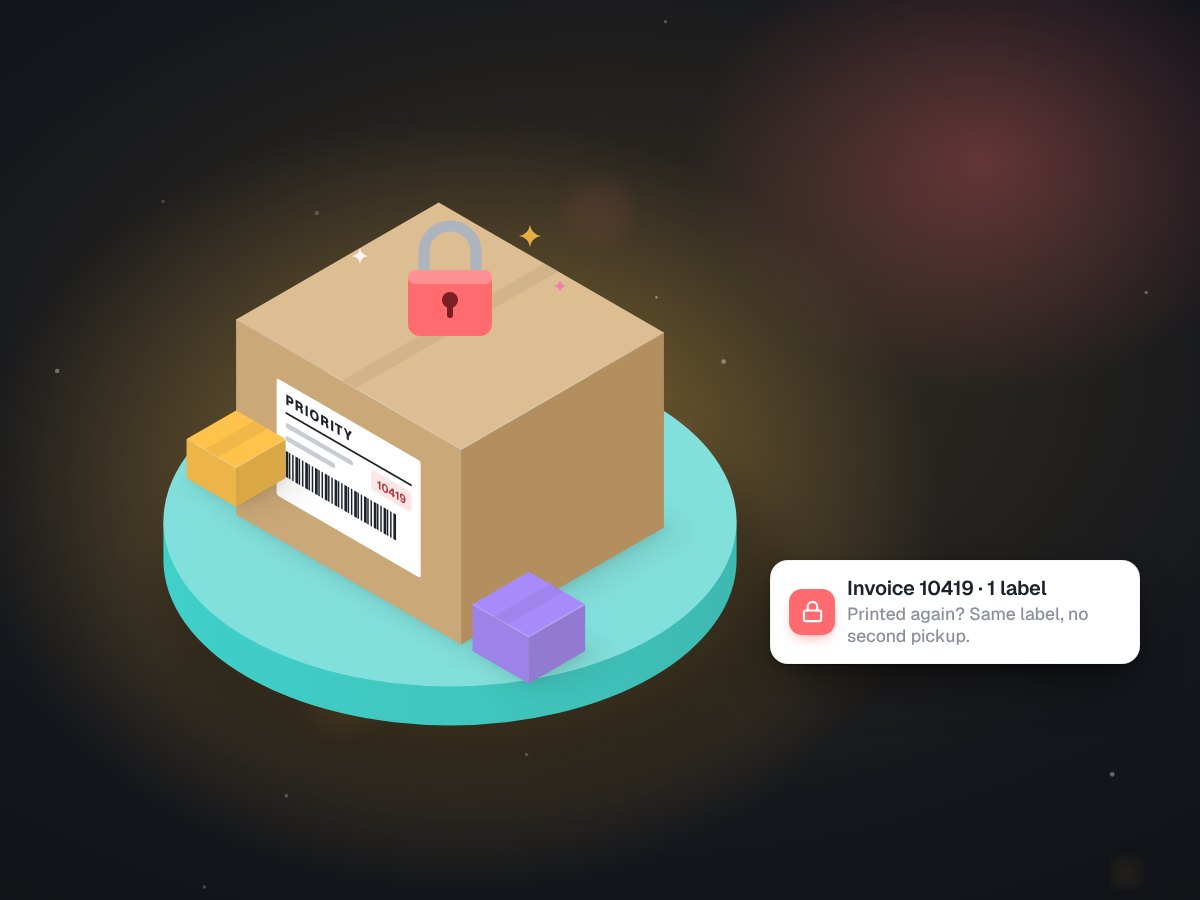
Why our shipping bot refuses to print a second label
The ledger and the lock, explained.
Inbox triage & filing
For documents that arrive as attachments.
Invoicing & payment reminders
Your own invoices, going the other way.
Intake & qualification agents
When the details come by conversation, not paper.
Bring the ugliest invoice you have.
On a free call we will look at a few real documents and tell you which fields can be read reliably and what the bot should refuse.