Field notes · Article · Part 2 of 3
Why our shipping bot refuses to print a second label
A courier label printed twice can mean two pickups and two charges, and the courier offers no undo. How LabelBot keeps it to exactly one, and what to ask of any automation that sends, charges or ships.
In brief
- Some actions cannot be taken back: a courier label, a card charge, a text message. They have to happen exactly once.
- LabelBot writes down what it is about to do before it does it, and locks each invoice while it works.
- Ask any vendor what happens when their automation runs twice on the same thing. The answer tells you how it was built.
When we built LabelBot for a dental lab, the happy path came together first. The invoice prints, the bot reads the address, the courier sends back a label, the label prints. The hard part was a question nobody asks in a demo: what if it happens twice?
It happens more than you would think. Someone is not sure the print went through and prints again. Two files land in the folder at the same moment. The computer restarts halfway through a job. Each of those could turn one invoice into two labels.
Why a second label is a real problem
A courier label creates an airbill, the courier's record of a package to collect and deliver. When we read the courier's system closely, three things stood out. Creating a label costs nothing, but the lab is billed when a label is scanned, so two airbills for one box risk two charges. There is no button to void a wrong airbill; fixing one is a phone call. And there was no simple way to ask the courier whether an invoice already had one.
So "probably only once" was not good enough. The bot had to know, on its own, that it had already done the job.
A ledger, written first
LabelBot keeps a ledger of every invoice it has handled. The order of writing is the important part. Before it asks the courier for anything, it records that it is about to. After the courier answers, it records the result. If the power goes out in between, the ledger still shows that invoice as in progress, and the bot will not quietly ask again as if nothing happened. Engineers call this a write-ahead ledger. Banks have used the idea for decades.
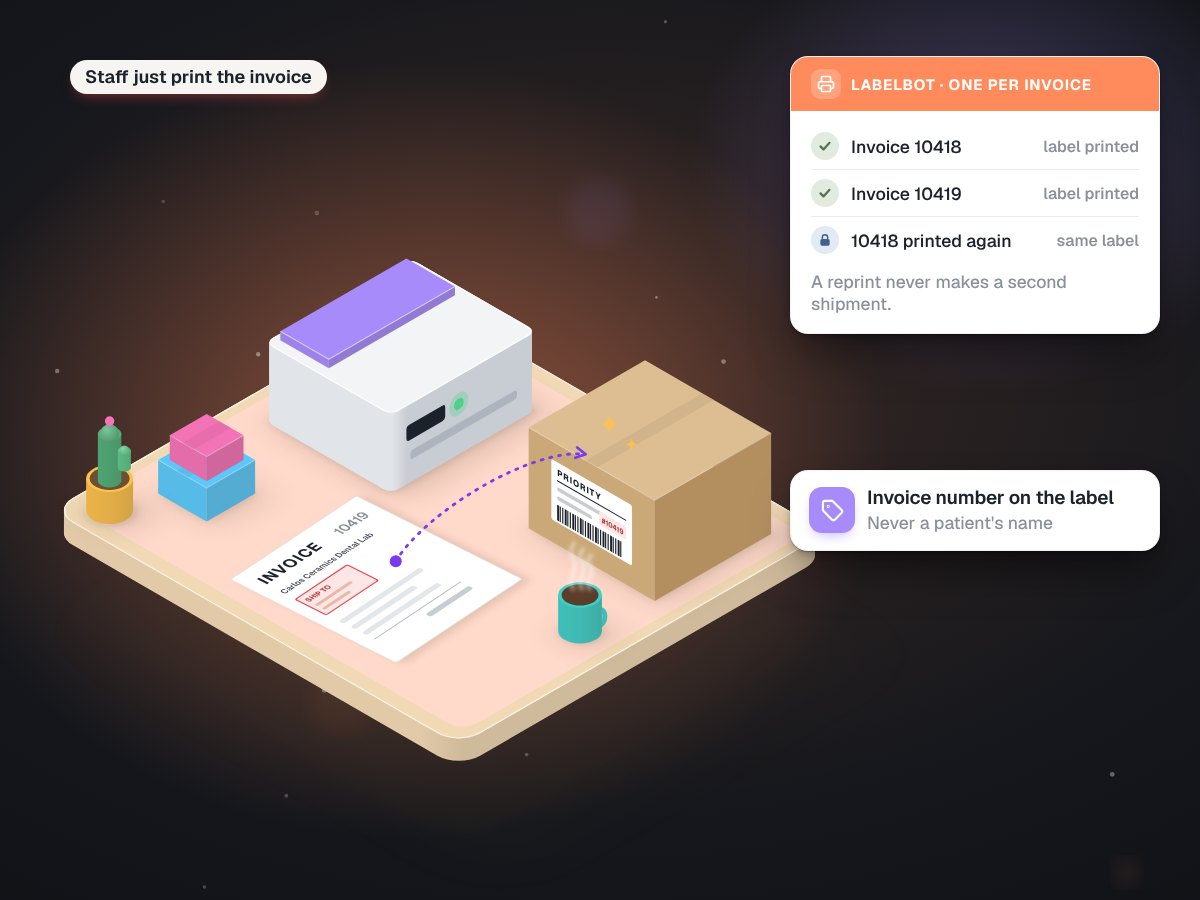
Alongside the ledger sits a lock. While the bot works on an invoice, it holds that invoice. A second copy arriving at the same moment has to wait, and by the time it gets its turn, the ledger already shows a label exists.
Reprints are not new shipments
The design rule that ties it together: the label belongs to the case, not to the act of printing. Printing the same invoice again is a normal thing to do, so the bot looks up the invoice first. If an airbill already exists, it reprints that label. It never mints a new one.
It also checks, before spending anything, that the delivery address is inside the courier's service area. A label for an address the courier will not serve is just another mistake to unwind.
Exhibit 1What happens when the same invoice arrives again
| Situation | What the bot does |
|---|---|
| First print of an invoice | Writes "in progress", requests one label, records the airbill, prints |
| Same invoice printed again | Finds the airbill in the ledger and reprints it |
| Two copies arrive at once | The second waits for the lock, then finds the first one's airbill |
| Stopped halfway | Sees "in progress" and holds it for a person instead of asking twice |
| Address outside the service area | Stops before creating anything |
Tested against doubles on purpose
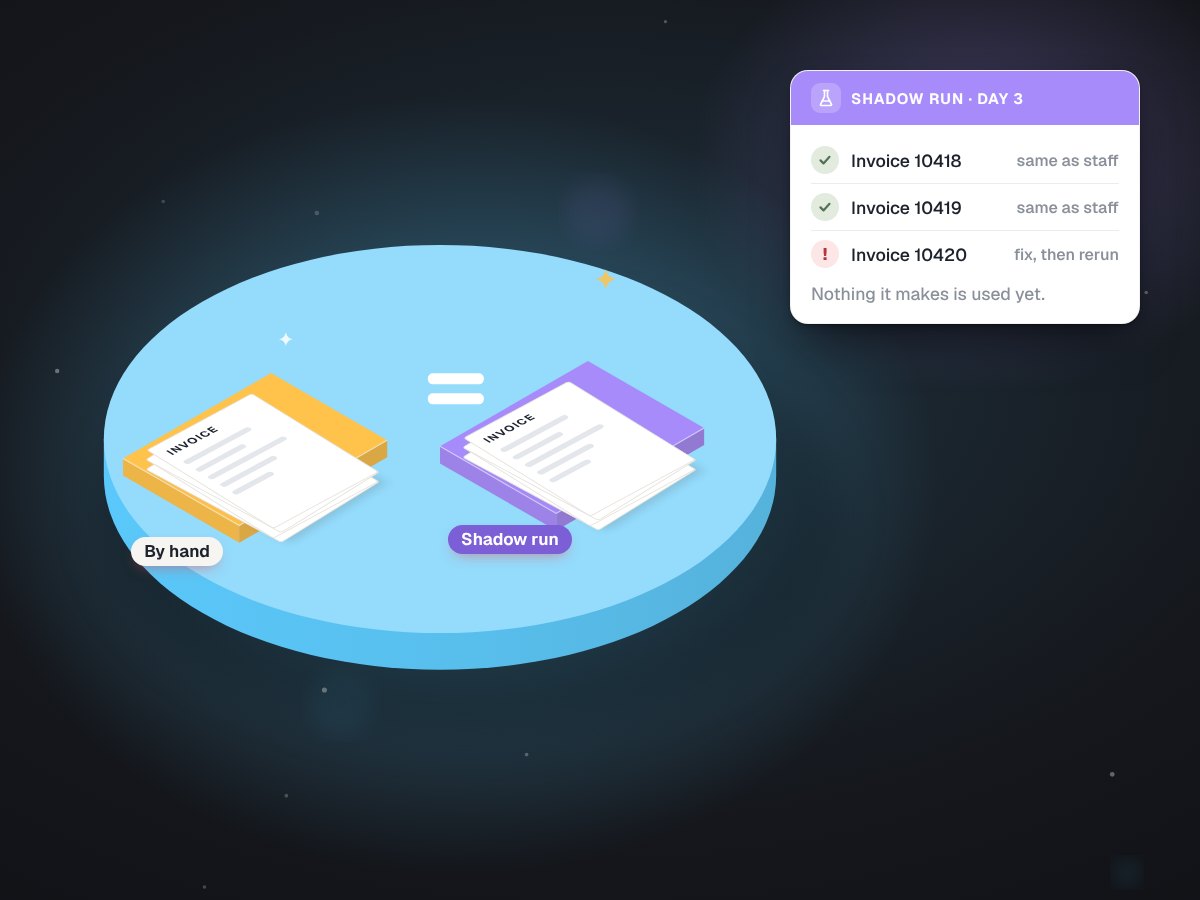
LabelBot passed 130 automated tests before going live, and a good number of them exist only to break this rule: the same invoice twice, two at once, a slow courier, a restart in the middle. Test addresses were marked so they could never be confused with a real delivery. Then the bot ran beside the old way on real invoices for several days before it was allowed to print anything. It has been live since September 2026.
It is never only about labels
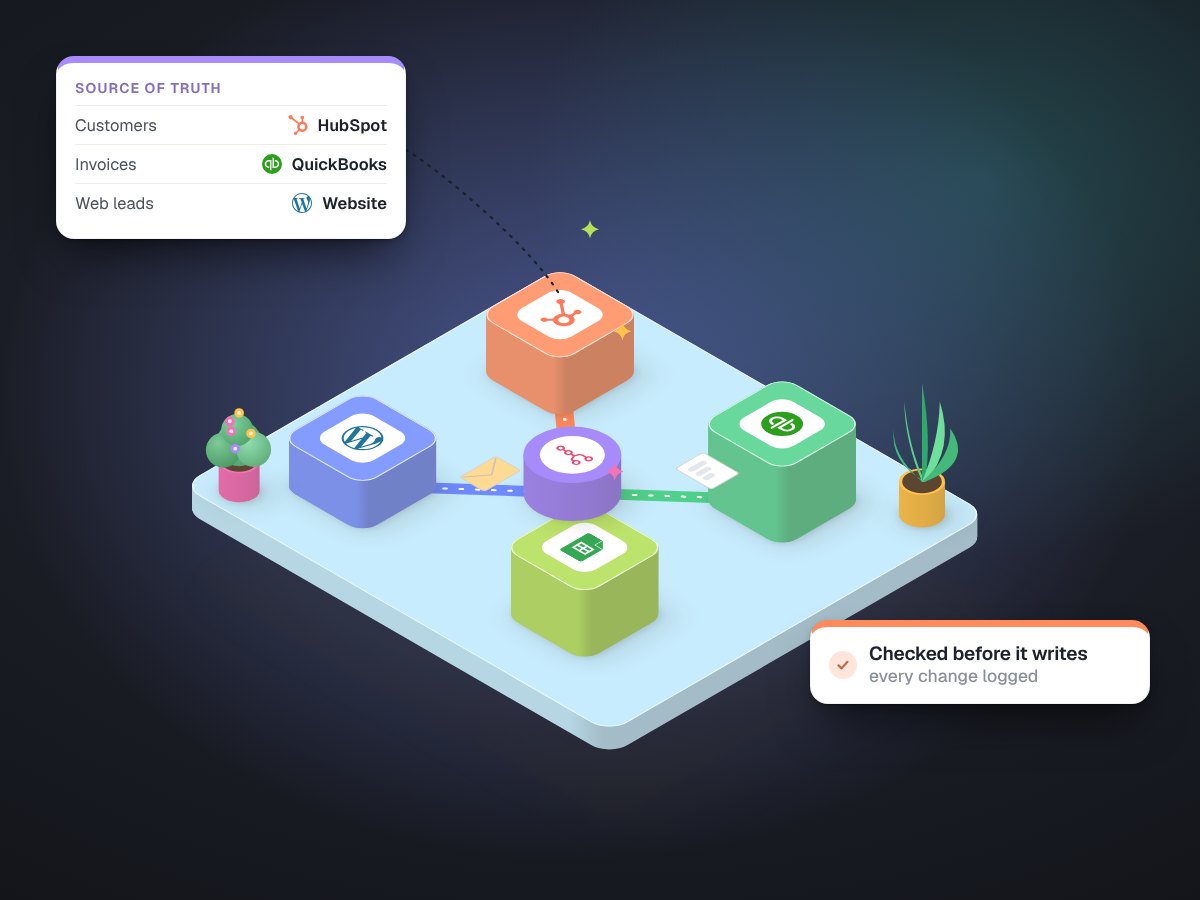
Any automation that acts on the outside world has this question hiding inside it. Charging a card when an order is marked done. Texting a reminder. Emailing an invoice. Creating a customer in your CRM from a web form. Posting a sale into your accounting software. Each one is harmless once and a problem twice: a double charge is a refund and an apology, a duplicate customer record quietly splits that customer's history in two.
Before you buy or build one, ask five things. What happens if it runs twice on the same item? Where is the record of what it already did, and can you read it? What happens if it stops halfway? Can the action be undone? And was it tested against doubles, with something to show for it? "It won't happen" is not an answer. "It checks a record first" is.
That is the standard we hold our integrations to. The best automation is boring: it does the thing once, every time, and leaves a record you can check.