AI that keeps your files in the office.
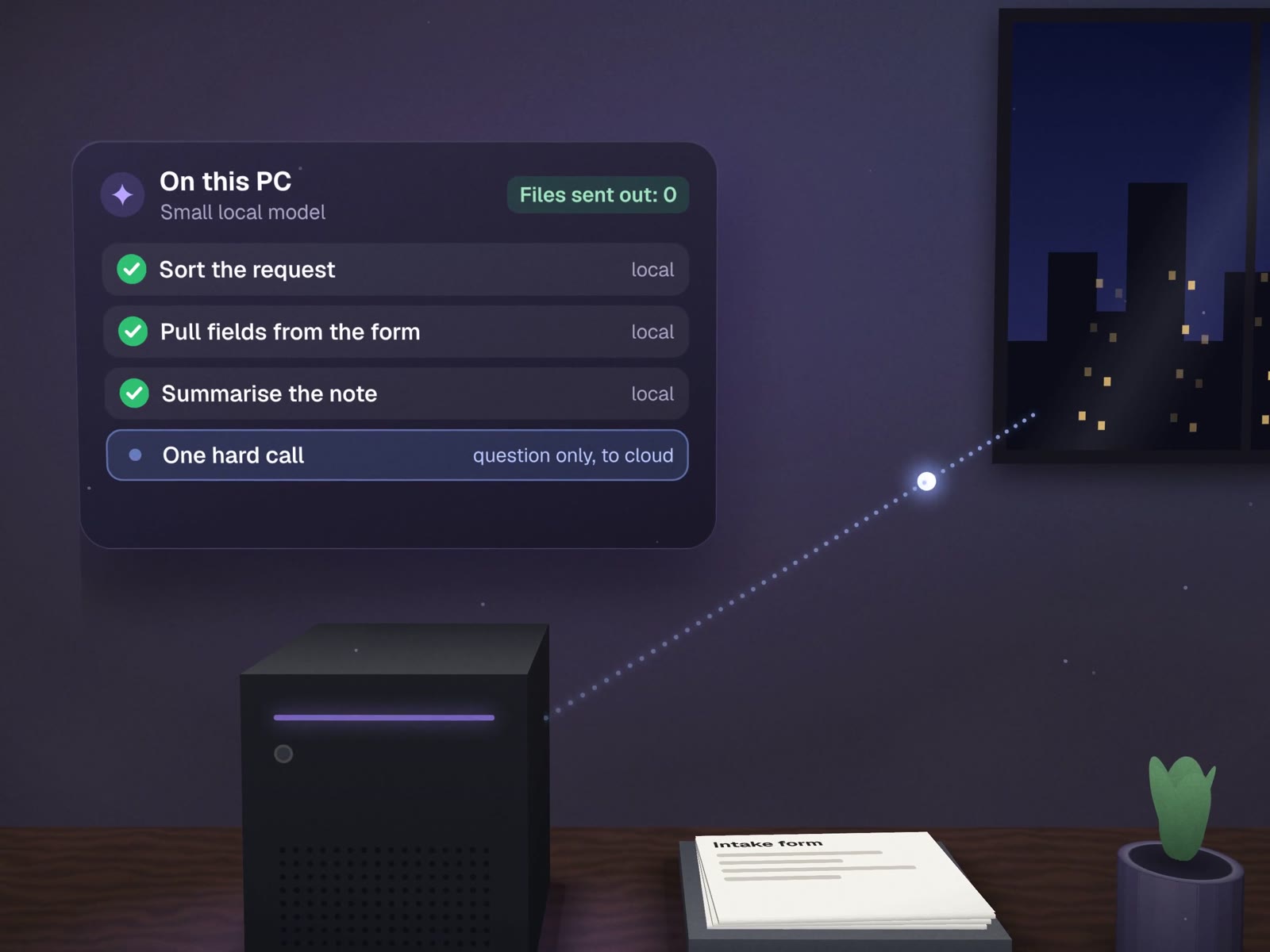
A lot of useful AI work is simple: sort this request, pull the fields from this form, summarise this note. Small models can do that on a single PC in your office, so the documents never leave it. We set one up, route only the hard judgement calls to a cloud model, and test the whole thing on your real work first.
What stays local, and what goes to the cloud.
The routing rule we use ourselves: decide by the cost of being wrong. Cheap, repeatable work stays on the box. Work where a mistake is expensive goes to the strongest model, with only what that task needs.
Three faults we found in our own local setup.
Local models fail quietly. We run each one against real cases before it does real work. These are from our own system.
| What went wrong | How it showed up | The fix |
|---|---|---|
| Prompts silently cut short | The model's default 2,048-token window dropped most of a 5,149-token prompt, with no error | Context set to 16K, and a test that fails if a prompt is truncated |
| A "thinking" mode broke structured answers | The router returned malformed output and got 1 of 12 test requests right | Thinking turned off for routing: 12 of 12 correct, about one second each |
| A small model misread a request | "Draft an email" was treated as small talk | Fixed rules run before the model for requests like that |
Good jobs and bad jobs for a local box.
Good fits
- Sorting incoming email or requests by type
- Reading fields from invoices, forms and intake sheets
- Summarising internal notes and call transcripts
- Tagging records in bulk by a clear rule
Poor fits
- Writing anything a customer will read without review
- Open-ended advice or long reasoning
- Teams with no one to switch the PC back on
- Work that needs the newest, largest models
- Anything sold to you as "fully compliant" by being local
Example · Built in-house
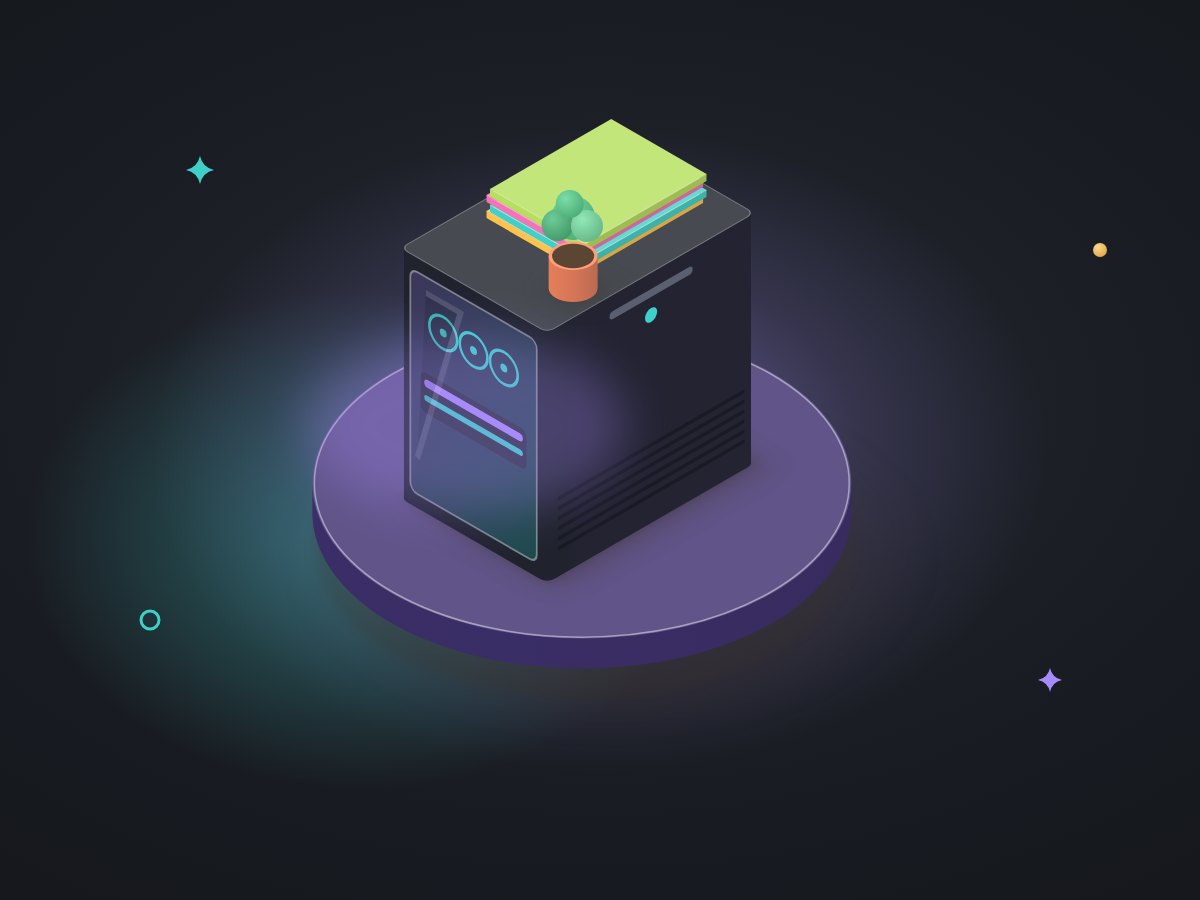
Our own operating system runs local models through Ollama on one desktop PC with a 12 GB graphics card, alongside cloud models from Anthropic and OpenAI. Small talk is answered locally. Everything else is sorted by fixed rules first and a model second, and the system picks the model from what is already loaded, how much cloud allowance is left and how costly a mistake would be. Our local agents pass 11 of 11 fitness tests on real cases.
 AnthropicOpenAI
What you get
- A sized hardware recommendationOr setup on a PC you own.
- Local models installedWith services that restart themselves if they stop.
- Routing rulesWhat stays local, what may go out, and what a person approves.
- A test set from your real documentsRerun after every change.
- A routing logWhat each request was routed to, and why.
About private AI.
Are local models as good as ChatGPT or Claude?
Not for hard reasoning or polished writing. They are good at narrow, repeatable jobs: sorting a request, pulling fields from a document, summarising a note. That is why we pair them with a cloud model for the few tasks that need judgement.
Does private AI make us compliant with privacy law?
No setup makes you compliant on its own, and we do not claim HIPAA or any other compliance. Keeping data on your own machine reduces where it travels, which helps. What your obligations are is a question for your lawyer or compliance adviser.
What hardware do we need?
For most small offices, one desktop PC with a consumer graphics card is enough to run small models for sorting and extraction. Ours runs on a single PC with a 12 GB card. We size it to your workload before you buy anything.
More on running AI carefully
Testing, monitoring and the rules around it.
Agent monitoring & debugging
The tests above, as a service for any agent.
AI roadmap & ground rules
Decide what may leave the office before you build.
Documents & paperwork
The most common job for a local model.
MUVES OS
Local and cloud models under one router.
How we use AI
Our own rules for data and approval.
Files that shouldn't leave the building? Let's keep them there.
A free call to list which AI jobs can run locally in your office.