Customers book the slot. The calendar keeps the promise.
A booking page that only offers times you can really keep, then confirms, reminds and handles the reschedule, so your front desk spends the afternoon on the people in front of them.
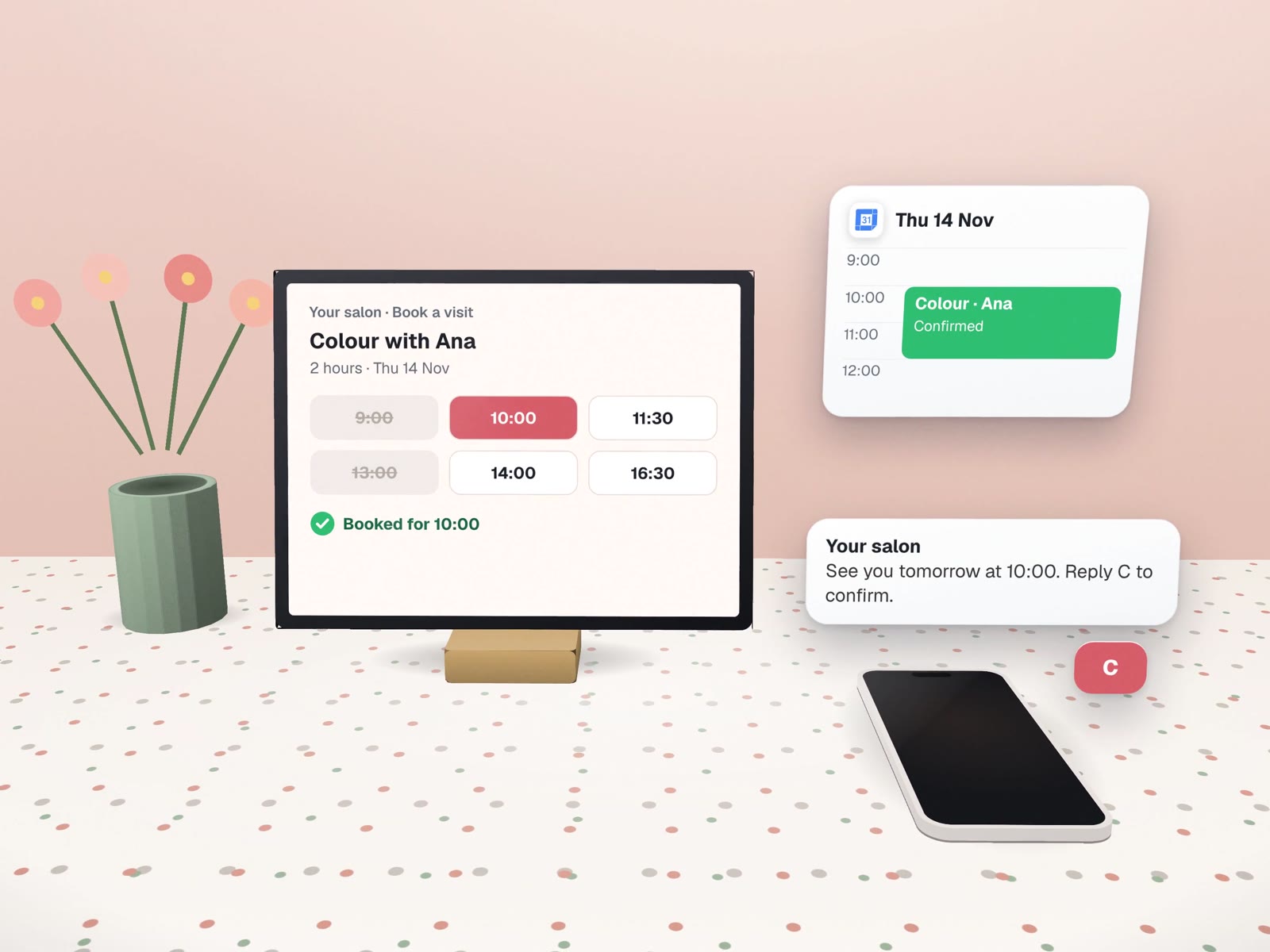
Most booking mess is a missing rule.
Before we connect anything, we write down how you actually schedule. A sample for a two-chair salon:
- Cut and finish
- 45 minutes
- Colour
- 2 hours, senior stylist only
- Gap after each booking
- 15 minutes
- Earliest booking
- Next day, not same day
- Daily cap per stylist
- 7 bookings
- Asked when booking
- "How did you hear about us?"
What your customer sees on their phone.
We draft the wording, you approve it, and it goes out the same way every time, in English, Spanish or both. Sample text:
Straight after booking
The day before
After a missed visit
The awkward cases, decided in advance.
The slot reopens on the page straight away, and the owner can choose whether a waiting list hears about it.
The page reads the live calendar, so the second person never sees the slot. No double bookings to untangle.
It goes to a person. The automation does not make exceptions; your staff do.
One polite message offering a new time. Whether to charge a fee is your call, never the system's.
Block their calendar and their slots disappear. Affected customers get a draft message to approve.
Reminders only go to people who booked with you or asked to hear from you.
Anyone who sells time.
The page you would use to book us.
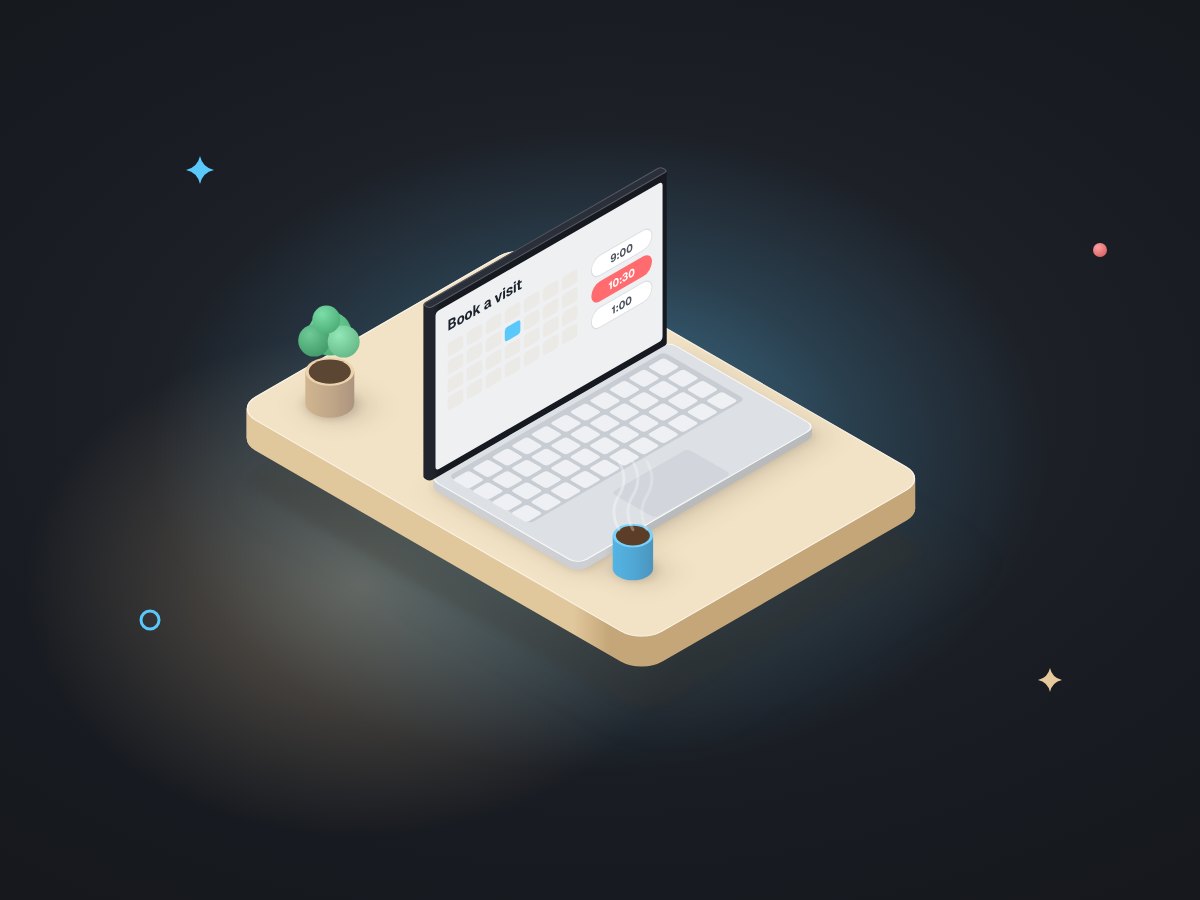
Our own free-consultation page works this way: a 30-minute video call, buffers between calls, a daily cap, and one question about how you heard of us. It writes straight into our Google Calendar.
Separately, our finance workbook generates a calendar every morning at 6am, so payment dates show up next to meetings. Different job, same idea: the calendar is fed by the system, not typed by a person.
We have not yet built a booking system for a client. For yours, we would start from these and add your services, staff and messages.
 Google Calendar
 Calendly, when it fits better
About booking online.
Do we need a booking app, or can it use Google Calendar?
Either. If your team already lives in Google Calendar, we can book straight into it. If you need deposits, intake forms or many staff, a booking tool such as Calendly may fit better. We recommend one in writing.
Should reminders be texts or emails?
Whichever your customers read. Texts usually get seen faster, but business texting needs your number registered with the carriers, which we set up with you.
Can reminders be phone calls?
Yes, for customers who asked for them. See reminder and follow-up calls. We do not make cold calls of any kind.
More on bookings and calendars
From the first click to the follow-up after the visit.
Online quotes & booking
The booking page, designed into your site.
Reminder & follow-up calls
A voice reminder for people who asked for one.
Reviews & reputation
The message after a good visit.
Client & staff onboarding
Forms done before the first appointment.
Beauty, wellness & fitness
Where booking is the whole business.
How many calls a day are just about times?
Book a free call and we will write down your scheduling rules with you. That list alone usually shows what to automate.