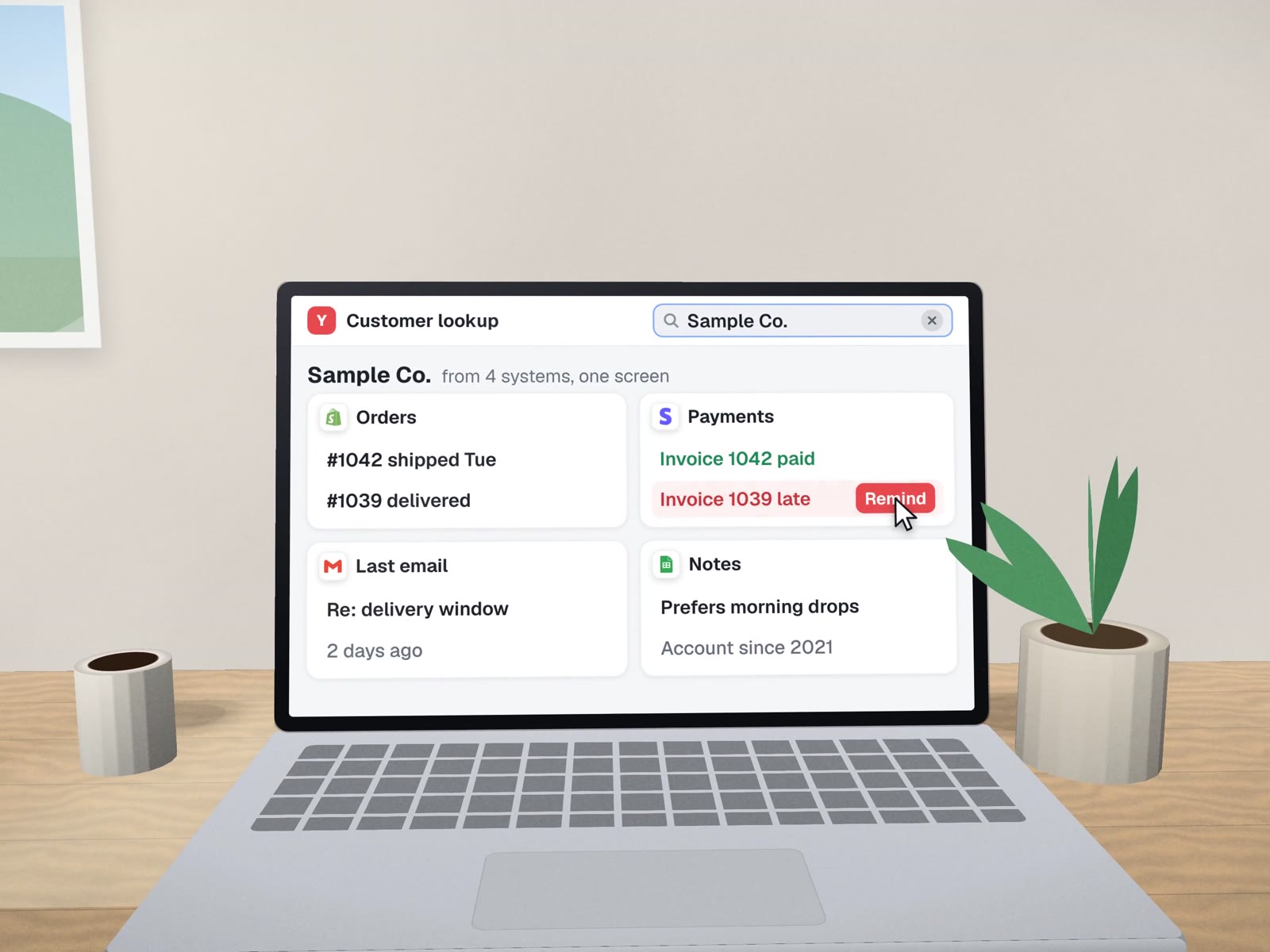
The screen your team keeps asking for.
Somewhere in your business, someone copies data from one system into another, or opens four tabs to answer one question. We build the small, plain web tool that does that job, on top of the data you already keep.
How the need usually shows up.
"I need to check three places to know if this order is paid."Typical at a supplier
"Only Maria knows how to do the month-end export."Typical at a services firm
"We approve things by replying 'ok' in a group chat."Typical in a small team
One queue, filtered, with the action on the row.
A sample intake tool for a generic business. Each row is one item waiting for someone; the button does the job that used to take three tabs.
| Request | From | Waiting | Status | |
|---|---|---|---|---|
| Repeat order, 2 items | Web form | 3 h | Ready | Create order |
| New account request | 1 d | Missing tax ID | Ask for it | |
| Change delivery address | Phone note | 20 min | Ready | Update |
| Refund question | 2 d | Needs owner | Send to owner |
Every button press is written to the change log with who, what and when.
Small on purpose.

- One screen for one job, firstA queue, a lookup, an approval list or an admin panel.
- Reads and writes your systemsThrough their API or a shared sheet, so nobody re-types.
- Logins by roleEach person sees and changes only what their job needs.
- Rules built inRefuse a duplicate, check the other system before acting, require a reason for overrides.
- A change logWho did what, readable by the owner.
- Hosted in your accountsWith a short guide for whoever looks after it next.

Where this comes from
We run our own company from a browser dashboard we wrote: a home page with one door per client, a work page of projects, deliverables, approvals and decisions, and a drawer to talk to our assistant. It reads our own records and never shows made-up data.
For a dental supply seller we built an online store as a WordPress plugin, with a single order email to the seller for each paid order; it launches once payments are set up. And at a dental lab, the most useful "tool" turned out to have no screen at all: LabelBot works from the print button staff already press. Sometimes the best internal tool is the one nobody has to open.
 WordPress
 Stripe
 Google Sheets
Where it fits
- SuppliersOrder intake and account approvals.
- Agencies and brokersDocument checklists per client.
- Schools and training providersEnrolment queues.
- NonprofitsVolunteer and donation admin.
What it won't do
- Grow features nobody asked for.New screens come when the team asks.
- Hold card numbers.Payments stay with a hosted checkout such as Stripe.
About internal tools.
Do internal tools replace our main software?
Usually not. They sit beside it and do the one job it does badly, reading and writing the same data through its API or export. Your main system stays the record.
Can we build this ourselves with a no-code tool?
Sometimes, and for simple lists we may recommend it. Custom makes sense when the tool needs rules a no-code builder struggles with, such as refusing duplicates, checking another system first, or keeping an audit log.
How long until the team can use it?
We aim for one working screen in front of real users early, then add to it. The exact timing depends on how clean your data is and which systems it has to talk to, which we find out before quoting.
Related tools
Screens for customers, crews and the back office.
Which job takes four tabs today? That's the first screen.
A free call to pick one task and sketch the tool for it.