Five logins, one question. Or one screen.
Sales sit in Square or Stripe, invoices in QuickBooks, jobs in a sheet, leads in a CRM. We pull the handful of numbers you actually check onto one screen, read-only, and write down exactly what each one counts.
 Square
 Stripe
 QuickBooks
 Google Sheets
 HubSpot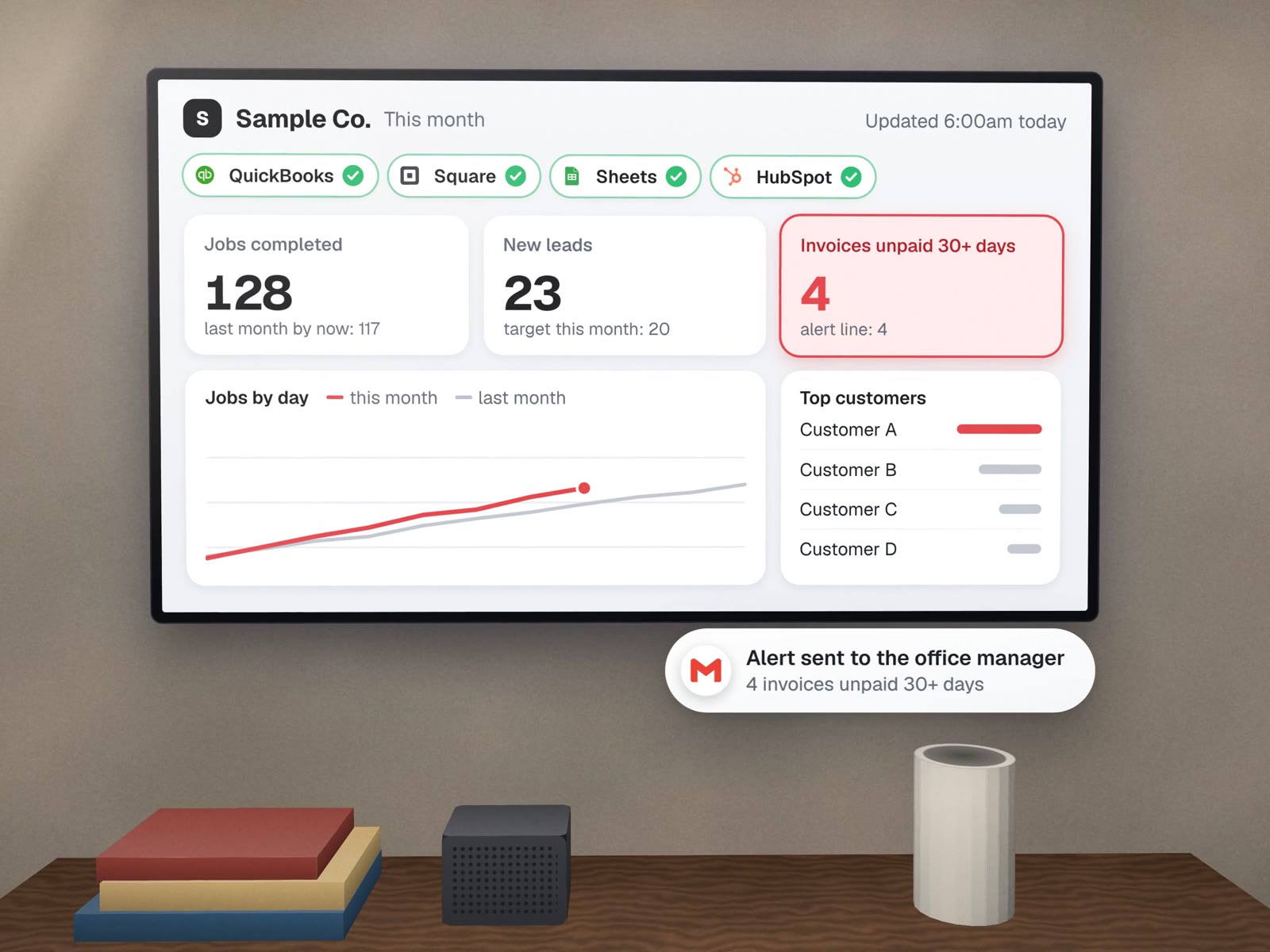
An owner dashboard, with the parts that matter marked.
A sample for a generic service business. The numbers are made up; the four marked parts are what we put on every dashboard we build.
| Customer A | $8.4k |
| Customer B | $6.1k |
| Customer C | $4.0k |
| Customer D | $3.3k |
Sources: accounting, payments, job sheet · updated 6:00am today1
- Source and time stampEvery screen says where the numbers came from and when. If a source fails, it says that too, instead of showing yesterday's figure as today's.
- Names you recogniseCustomers, jobs and products appear the way your team talks about them, matched across tools so one customer is one row.
- A comparison, alwaysA number alone means little. Each one sits next to a target, last month or a usual range you chose.
- Alert lines you setCross the line you picked and the tile turns red, and an email or text can go to the person who acts on it.
The page nobody writes, and everybody needs.
Most arguments about numbers are about definitions. Before we build, we agree them with you. A sample:
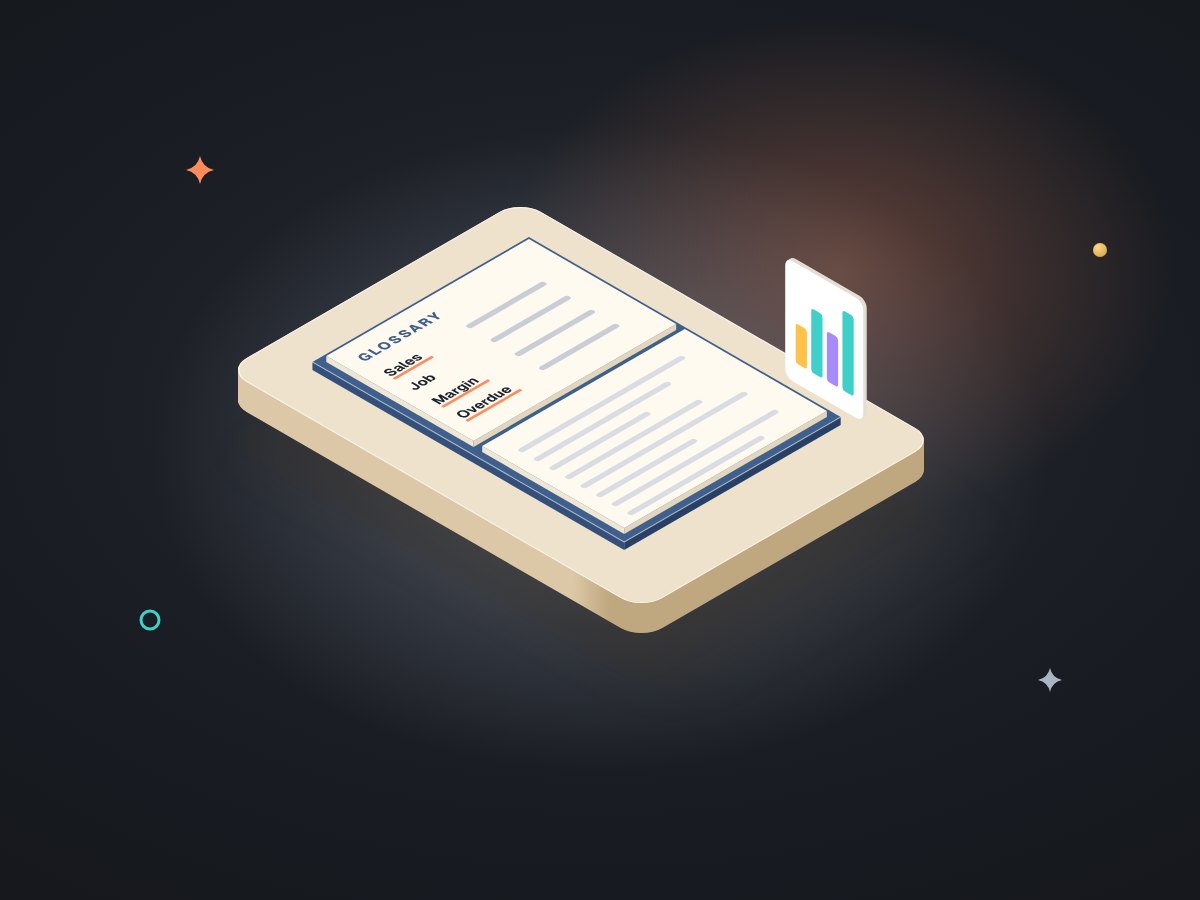
| Number | Comes from | Counts | Does not count |
|---|---|---|---|
| Revenue, month to date | Accounting | Invoices dated this month, before tax | Deposits for future work, refunds issued |
| Jobs completed | Job sheet | Jobs marked done with a completion date | Callbacks to fix earlier work |
| Unpaid over 30 days | Accounting | Open balance on invoices more than 30 days past their date | Invoices on an agreed payment plan |
| New leads | CRM | New contacts from forms, calls and email | Existing customers asking again |
Small on purpose.
- Read-only connectionsTo the tools that hold the answers.
- One screenUsually six to ten numbers, built on Google Sheets or a free dashboard tool unless you need more.
- The definitions pageKept next to the dashboard.
- Alert linesAnd who they notify.
- Two weeks of checkingOur numbers against the ones you would have worked out by hand.
Built in-house: our own finance workbook opens on a checks panel that flags anything that does not reconcile, and our operating system's home screen reads real usage from each platform rather than estimating it. Neither is a client dashboard; both are where the rules above come from. We have not yet built an owner dashboard for a client.
About dashboards.
Which numbers should a small business owner track?
Fewer than you think: usually money in, money owed, work done, and new demand, each against a target or last period. We start from the questions you already ask and add nothing you would not act on.
Can the dashboard change our data?
No. It reads; it does not edit. Connections use read-only access wherever the tool offers it.
How fresh are the numbers?
As fresh as the sources allow and you need, usually updated overnight or every few hours. The time stamp on the screen always tells you.
More on seeing your numbers
Delivered, cleaned, or explained.
Morning briefs & reports
The same numbers, sent to you instead.
Data cleanup
When one customer is three rows.
Books that check themselves
The checks panel behind our rules.
Internal tools & admin panels
When the screen should also let you act.
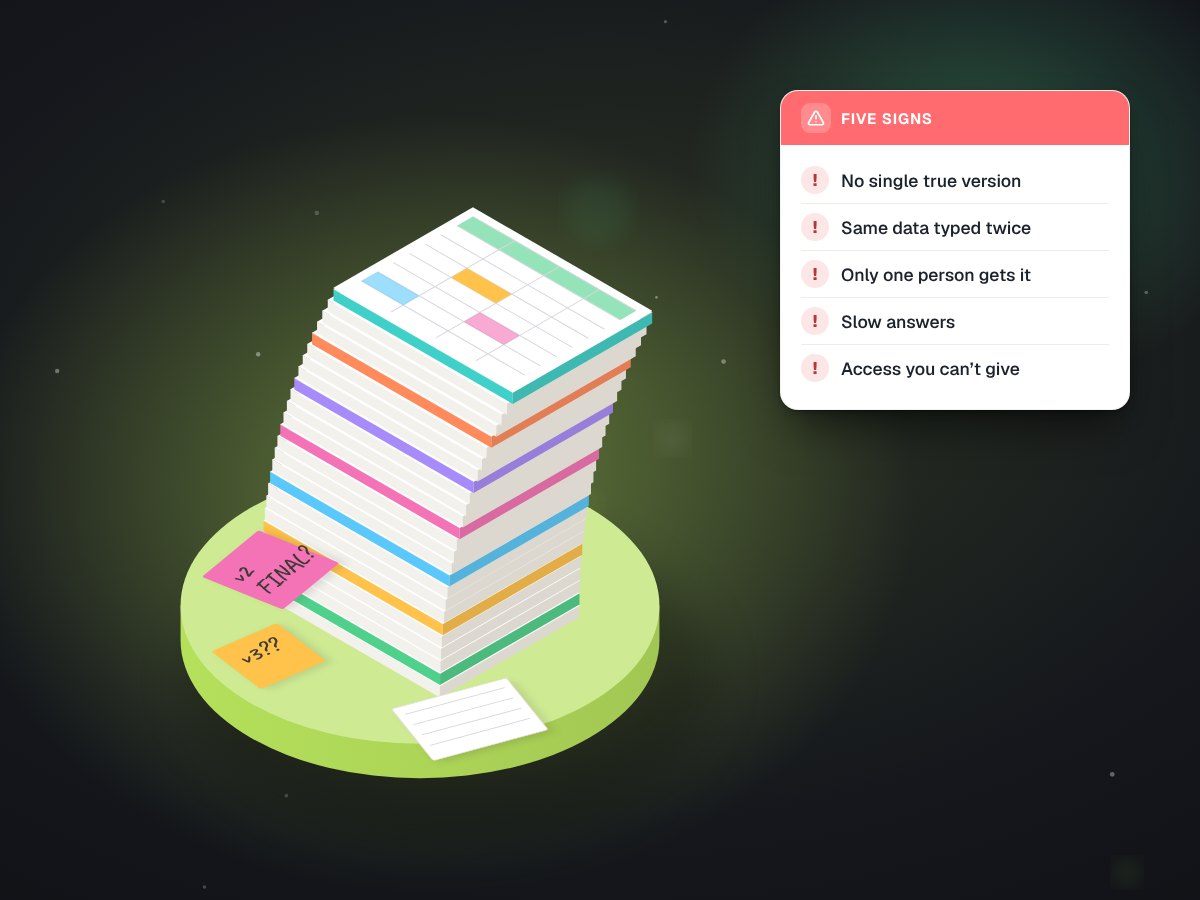
Five signs your business has outgrown spreadsheets
Before you buy a dashboard tool.
Which five numbers would you check every morning?
Tell us on a free call. We will say where each one lives and what it would take to put them on one screen.