One thing happens. The next five steps follow.
A job is marked done, a form comes in, a deal is won. We chain the steps that should follow across your tools, and put a person exactly where judgement is needed.
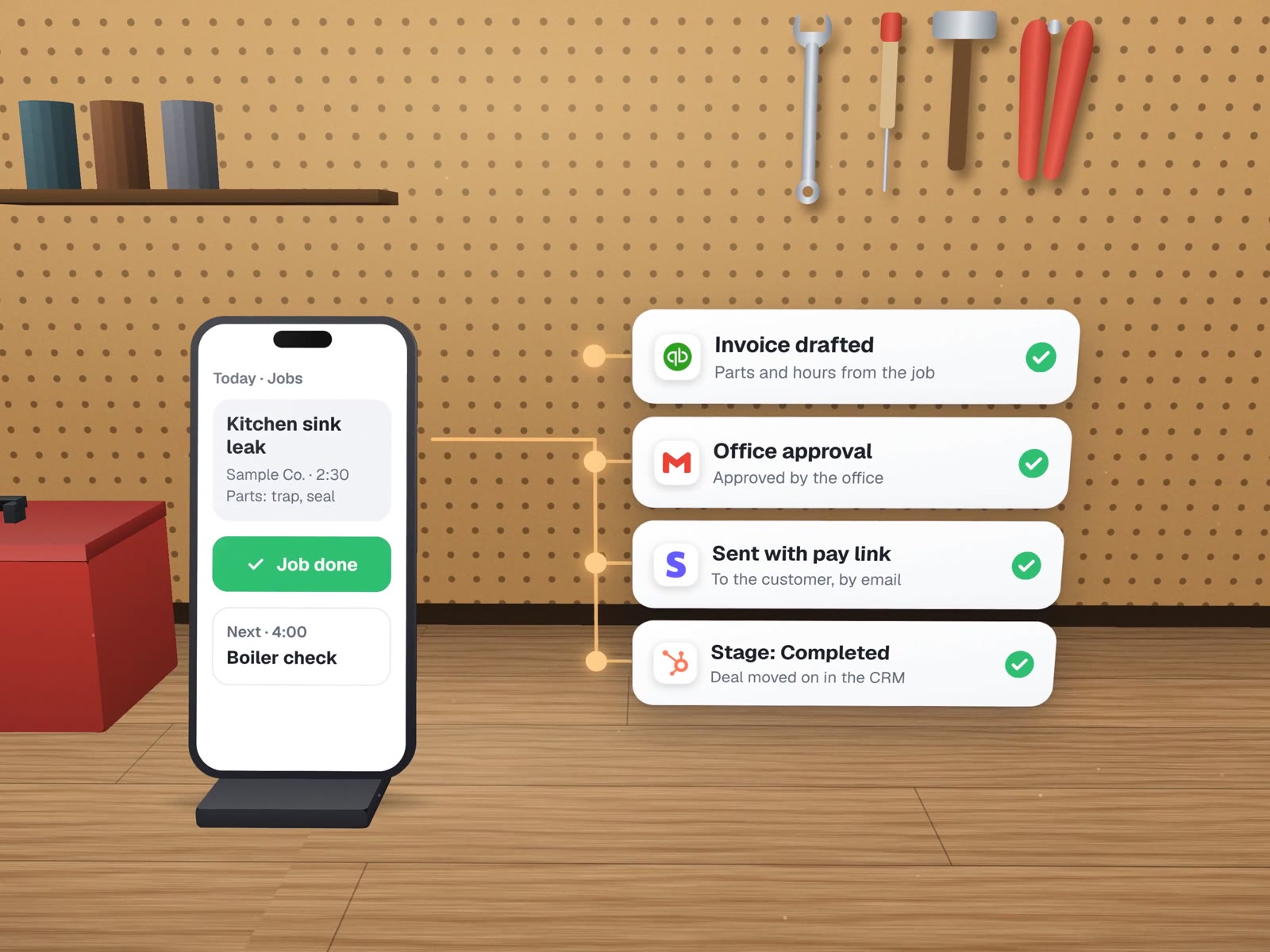
"Job marked done" at a sample plumbing company.
A generic example of how we would build it. Today the office does each of these by hand, usually at the end of the day, sometimes the next week.
A workflow you can read on one page.
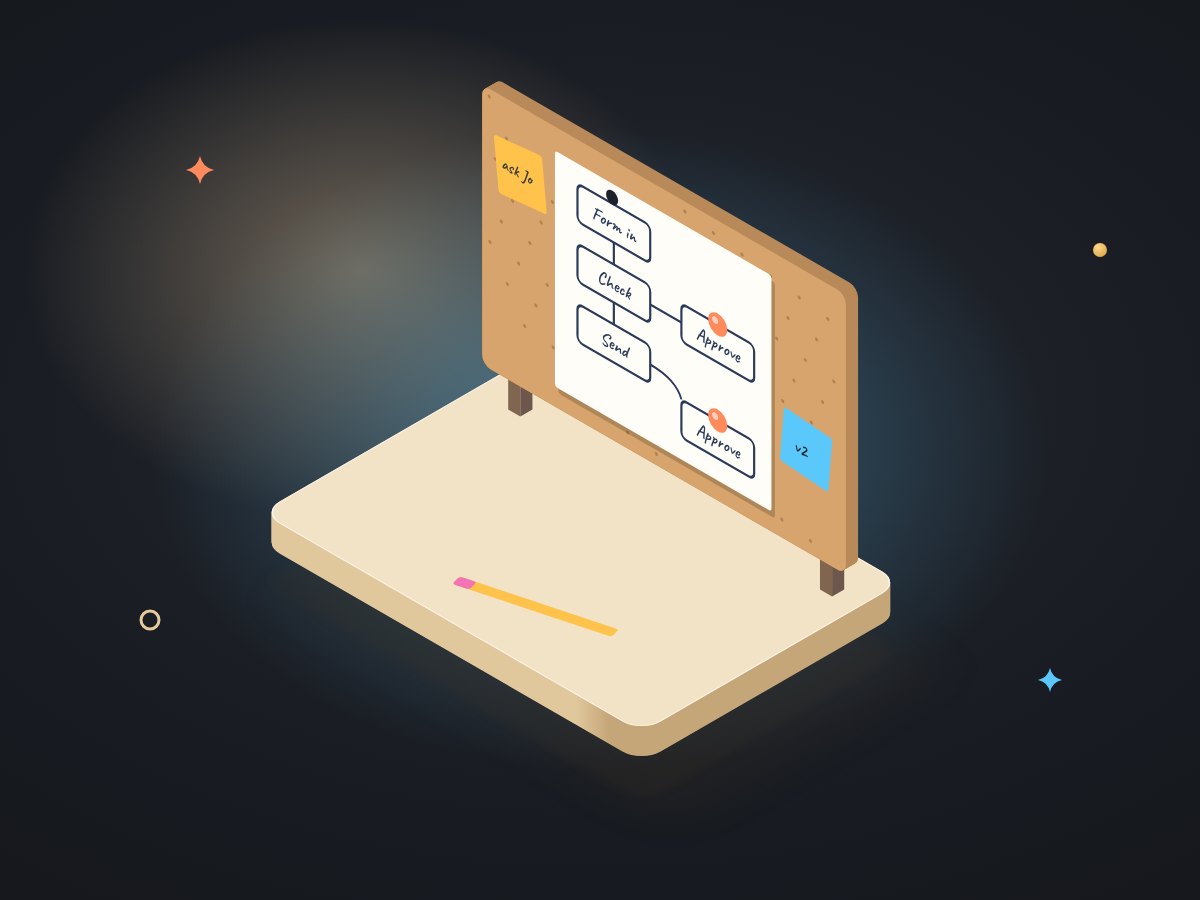
A map of the steps
Agreed with the person who does them today, before anything is built.
The workflow itself
On Zapier, Make, n8n or a small script, whichever is simplest to keep running for your setup.
Approval points
Wherever money moves or a customer hears from you.
A run log
Searchable when someone asks "did that go out?"
Failure alerts
To a named person, so a broken step is noticed the same day.
A one-page guide
What sets it off, what it touches and how to pause it.
 ZapierMake
 n8nA small script
Nothing starts on autopilot.
We run our own company on workflows written this way. Each one has a rung, and moving up a rung is a decision, not a default.
| Rung | The workflow | The person | Moves up when |
|---|---|---|---|
| Human-led | Prepares the draft: the invoice, the email, the record | Reviews and sends every one | Drafts need no edits for a few weeks running |
| Human-assisted | Sends routine cases, holds unusual ones | Handles the held cases, spot-checks the log | Held cases are rare and the log is clean |
| Autonomous | Runs end to end and reports | Reads the summary, owns the exceptions | Some never get here. Our own client follow-up is never autonomous. |
Any business with a "then".
How our own workflows are written.

Every repeatable job at MUVES is a written workflow: its steps, which assistant does each one, what it replaces, what the person still owns, and its rung on the ladder. Inbox triage, expense capture from a spoken note, research with sources and client follow-up all live in the same file.
Writing it down first is what makes a workflow safe to change later. When a step breaks, the file says who owns it. For a client build, that file becomes your one-page guide.
For a running client example, see LabelBot: printing an invoice sets off the read, the service-area check, the label purchase and the second print.
About multi-step workflows.
Zapier, Make, n8n or custom code: which do you use?
Whichever your team can keep running. Hosted tools suit short chains between popular apps. n8n suits longer chains or data you would rather keep on your own server. A small script suits anything that needs a ledger, a lock or careful parsing. The plan says which, and why.
What happens if one step in the middle fails?
The workflow stops at that step, records where it stopped and alerts a named person. It does not carry on with half the information, and it can resume from the failed step once the cause is fixed.
Can we pause a workflow ourselves?
Yes. The guide shows the one switch that pauses it, and pausing never loses anything: events that arrive while it is paused wait to be processed.
More on chaining your tools
Neighbouring services, a build we run, and a note on testing.
Integrations & APIs
When two tools need a proper connection, not a chain.
Invoicing & payment reminders
The money end of the "job done" chain.
Automation rescue
For workflows someone else built that now misfire.
Invoice-to-label automation
A print button that sets off four steps.
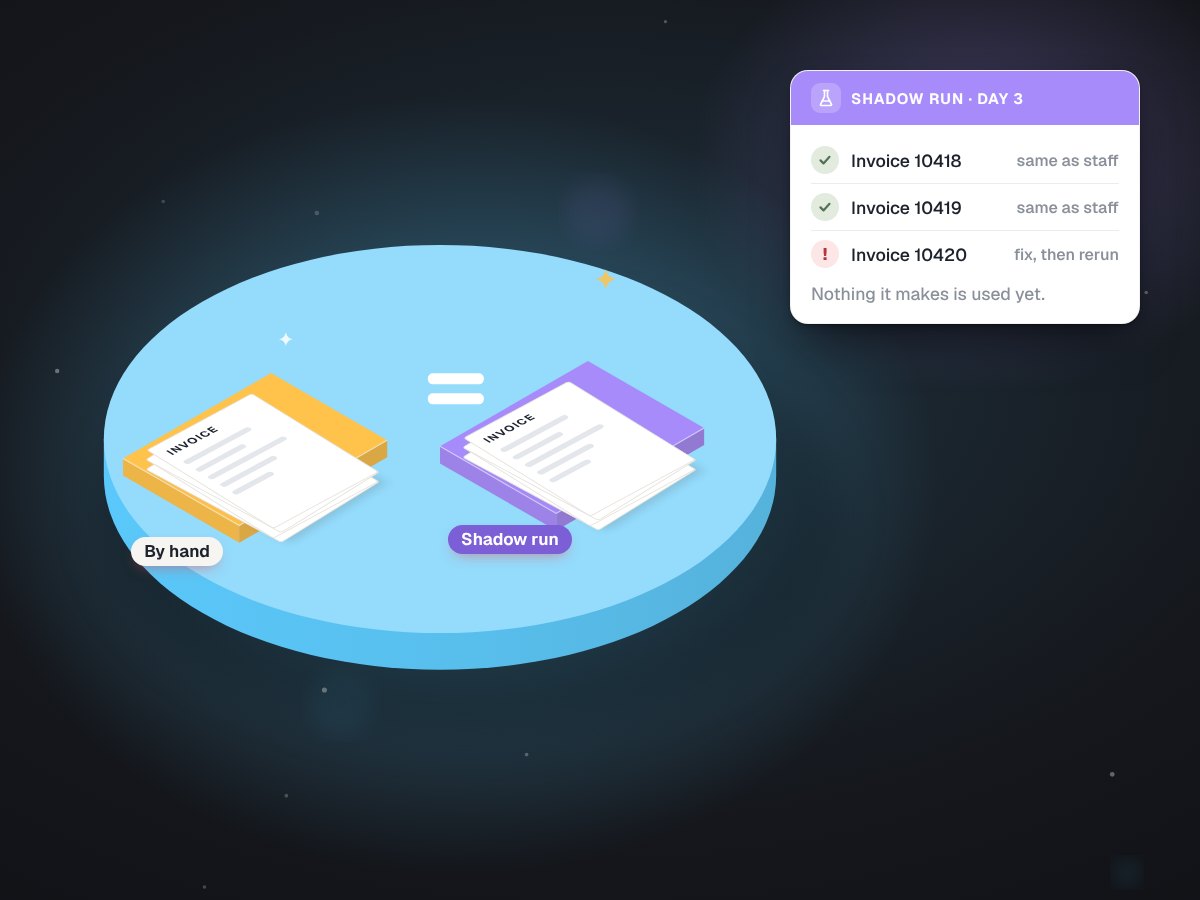
Test on real paperwork first
How a shadow run works.
What should happen after "done"?
Describe the chain on a free call. We will sketch it and mark where a person should stay in charge.