LabelBot: the invoice prints its own shipping label.
Built for Carlos Ceramics Dental Lab, a family-run lab in North Miami Beach that ships finished crowns and bridges to dental offices every day.
Automation, at work.
- Built
- A Windows service that turns each printed invoice into one courier label
- Stack
- PythonWindows Task SchedulerCourier APIPDF text layer
- Timeline
- August 2026, shadow run from August 19, in daily use since September 2026
- Status
- Running on the lab's front-desk PC
- Scale
- Every case the lab ships by courier
The address was already on the invoice. Staff typed it again anyway.
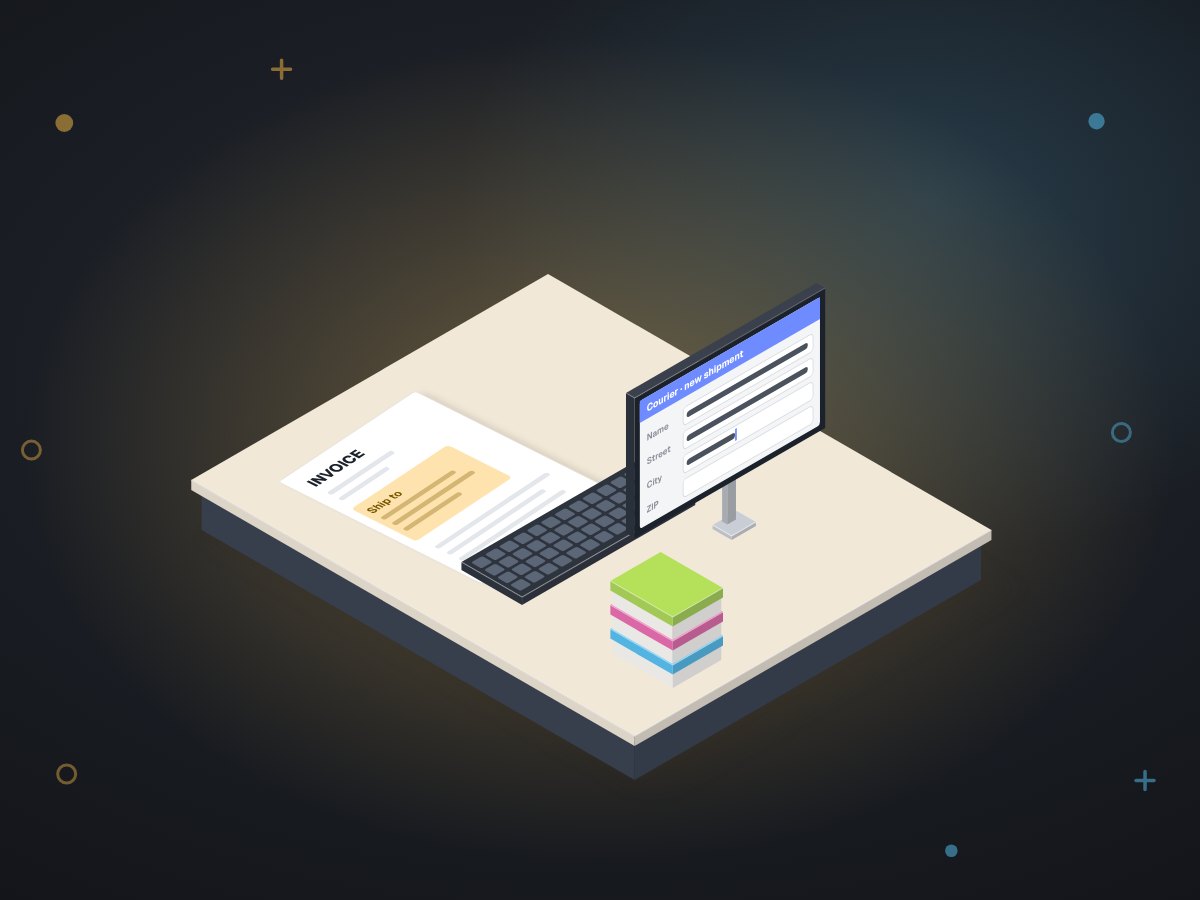
Each finished case leaves with an invoice and a courier label. The invoice came out of the lab's own system. The label meant opening the courier's website and retyping the practice name, street, suite and ZIP by hand.
Two earlier fixes, a browser extension and a barcode system, had already been tried and dropped. Both asked staff to do something extra. So the rule for this build was simple: it had to remove a step, not move one.
Seven parts between "Print" and a label on the box.
Staff keep printing the invoice the way they always have. They pick a printer called LabelBot instead of the usual one. Everything after that happens on the lab PC.
A virtual printer
A PDF printer added to the lab PC. We measured which ones keep the invoice's text readable: Chrome's "Save as PDF" and PDF24 do, Microsoft Print to PDF does not. LabelBot uses one that does.
A watched folder
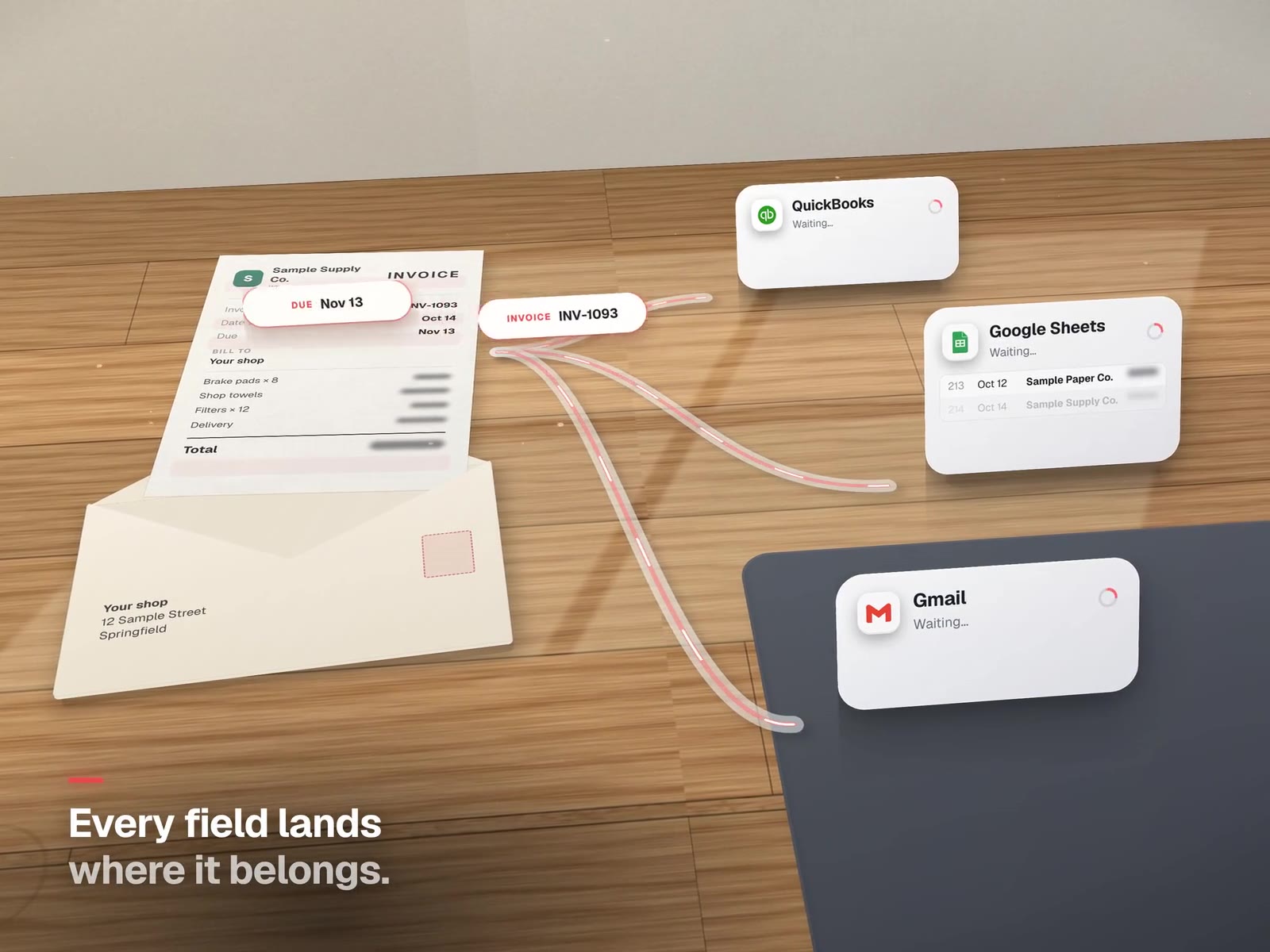
watch_invoices.pysees the new file and waits until it stops growing before touching it, so a half-written PDF is never read.A parser that reads by position
parse_doc.pyfinds the ship-to block by where it sits on the page, not by guessing at words. That is how it tells the practice address from the lab's own address on the same sheet.A service-area check before any spending
Before buying anything, LabelBot asks the courier whether it delivers to that ZIP. If the answer is no, it stops. No label is bought for a box that cannot go.
A ledger and a lock
The intent to make a label is written down before the courier is called, and a file lock stops two prints from racing each other. If the PC restarts in the middle, the ledger shows exactly where it stopped.
The courier API
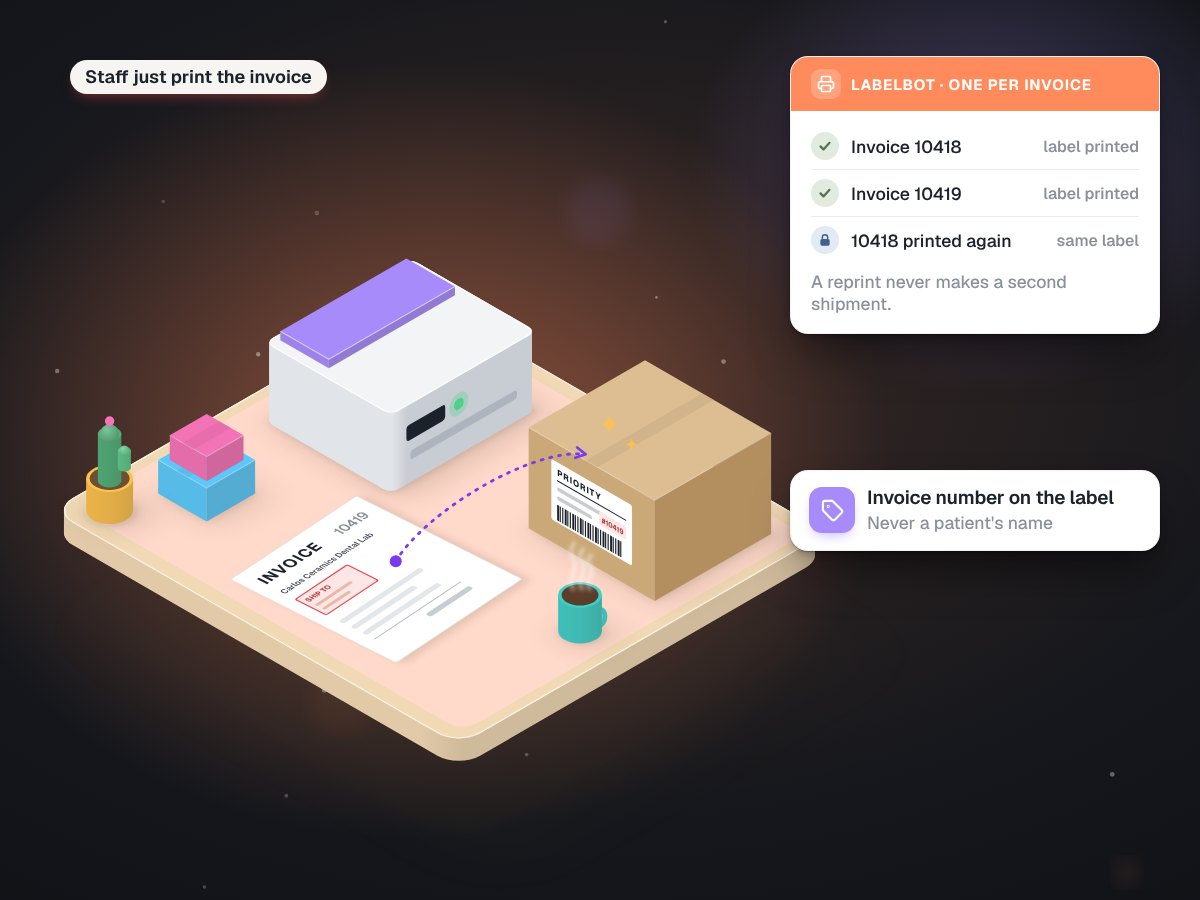
make_label.pybuys one label per invoice. The label's job field carries the invoice number, never a patient's name.Both print together
The label and the invoice come out of the same Xerox, so the paperwork for one box stays in one pile.
The rule underneath: trigger on the case, never on the click.
A print button gets pressed twice. A case only ships once. So LabelBot keys everything to the invoice, and looks before it buys.
| What happens at the desk | What LabelBot does |
|---|---|
| Someone prints the same invoice again | Finds the airbill it already bought and reprints that label. No second shipment. |
| Two invoices print at the same second | The lock makes them take turns. Each gets its own label. |
| The PC restarts halfway through | The ledger shows the label was intended. It checks before trying again. |
| The practice is outside the courier's area | Stops before buying anything. |
| We run a test | Test addresses start with ZZTEST, so they can never be mistaken for a real practice. |
Quietly, on one PC, every working day.
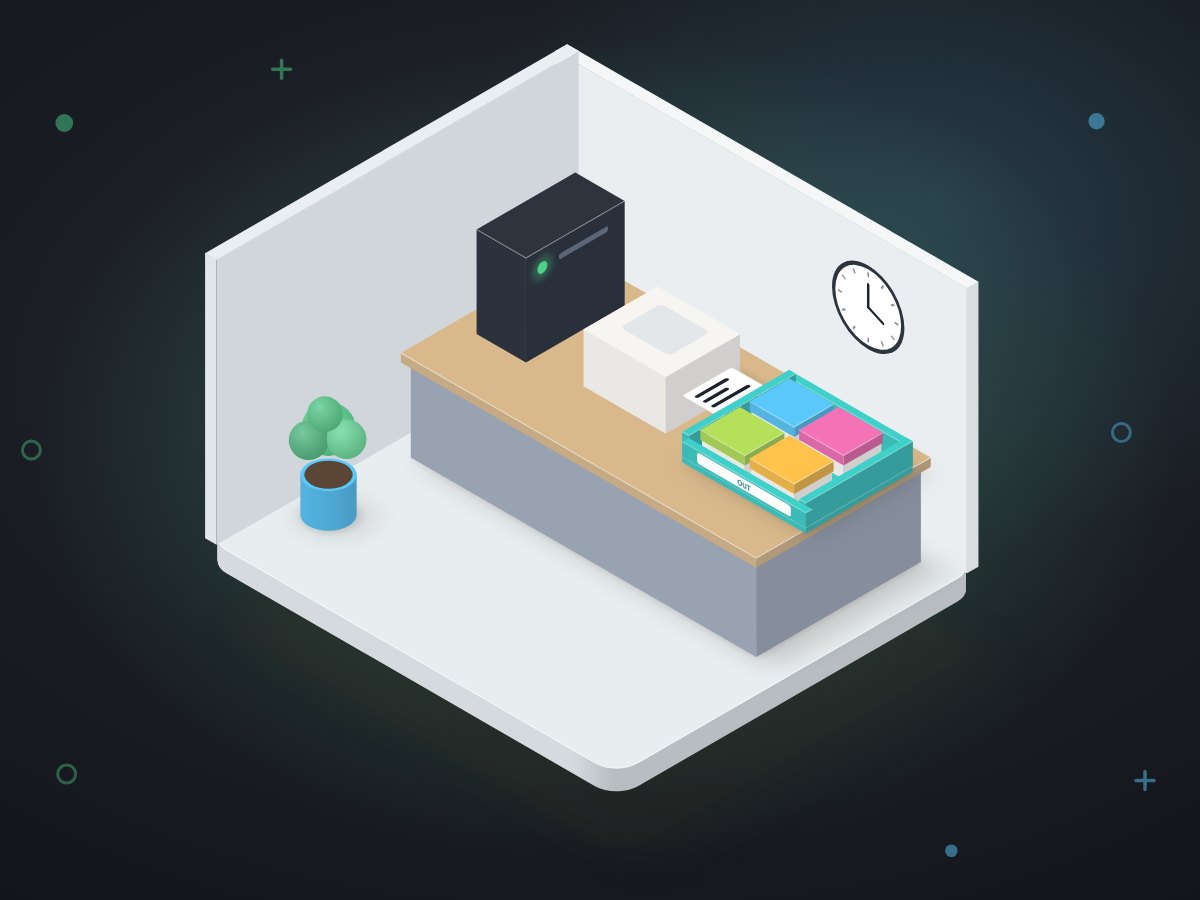
- No app to openLabelBot runs as a Windows scheduled task on the lab PC. Staff never start it or look at it.
- Shadow run firstFor several days from August 19 it prepared every label it would have made, and we compared them with the ones staff made by hand. It only went live once they matched.
- The courier account is the lab'sAPI access is registered under the lab, not under MUVES, so the lab owns the account and the shipping history.
- Reprints are safe by designBecause it looks up the airbill before buying, a jammed printer or a nervous second click costs nothing.
Hundreds of labels nobody had to type.
The label count is recorded by LabelBot itself. The hours are our estimate, not a measurement.
Any business that prints a document and then retypes it somewhere else.
The pattern is "document in, one action out". Here is how the same parts would map elsewhere.
| Business | The document that already exists | The action it could trigger |
|---|---|---|
| A parts wholesaler | The packing slip | The carrier label, bought once per order |
| A print or sign shop | The finished-job ticket | A delivery booking and a "ready" text |
| A home-services company | The signed work order | An invoice in the books, sent once |
| A courier or mover | The bill of lading | A tracking record and the customer's confirmation |
More systems that remove a step
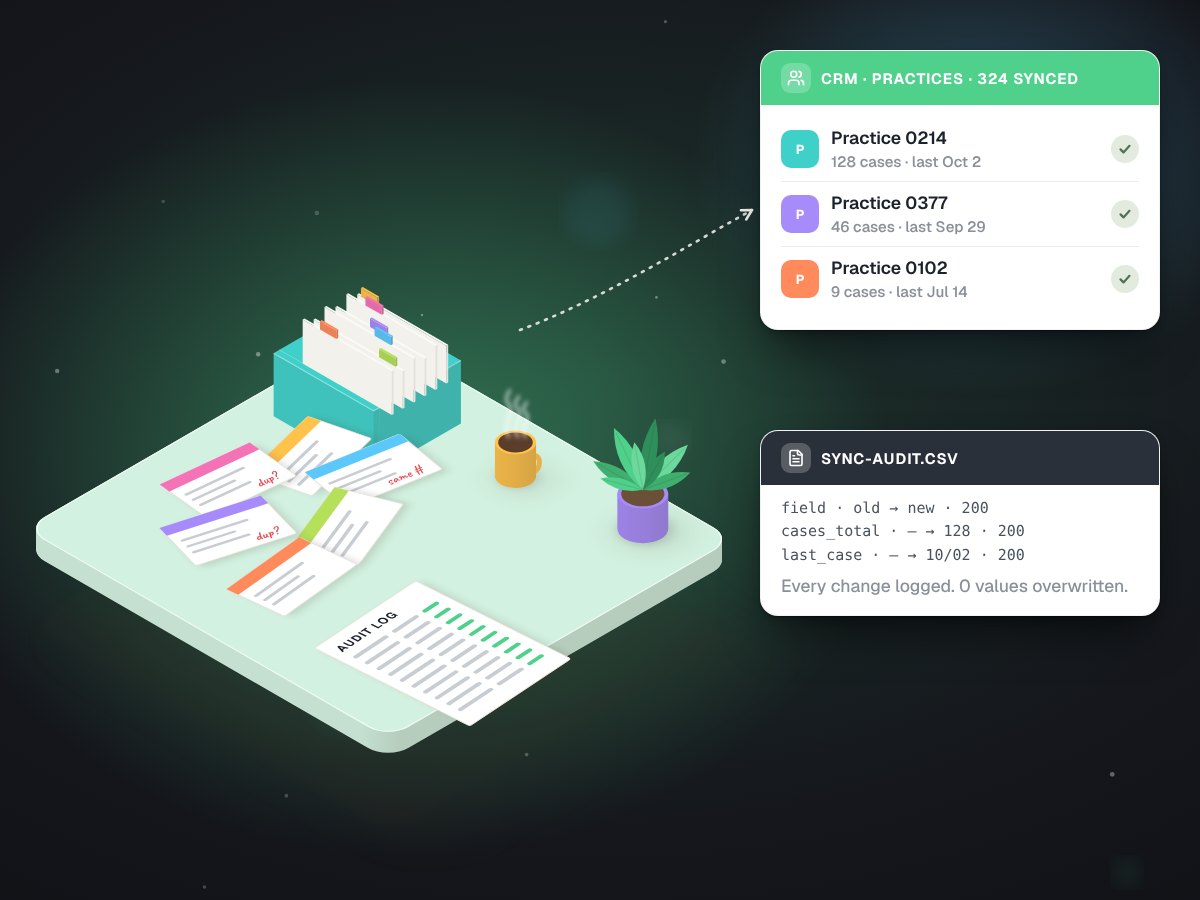
A CRM sync that wrote 3,244 fields and overwrote none
Carlos Ceramics Dental Lab, syncing its practice history into Go High Level
0existing values overwritten
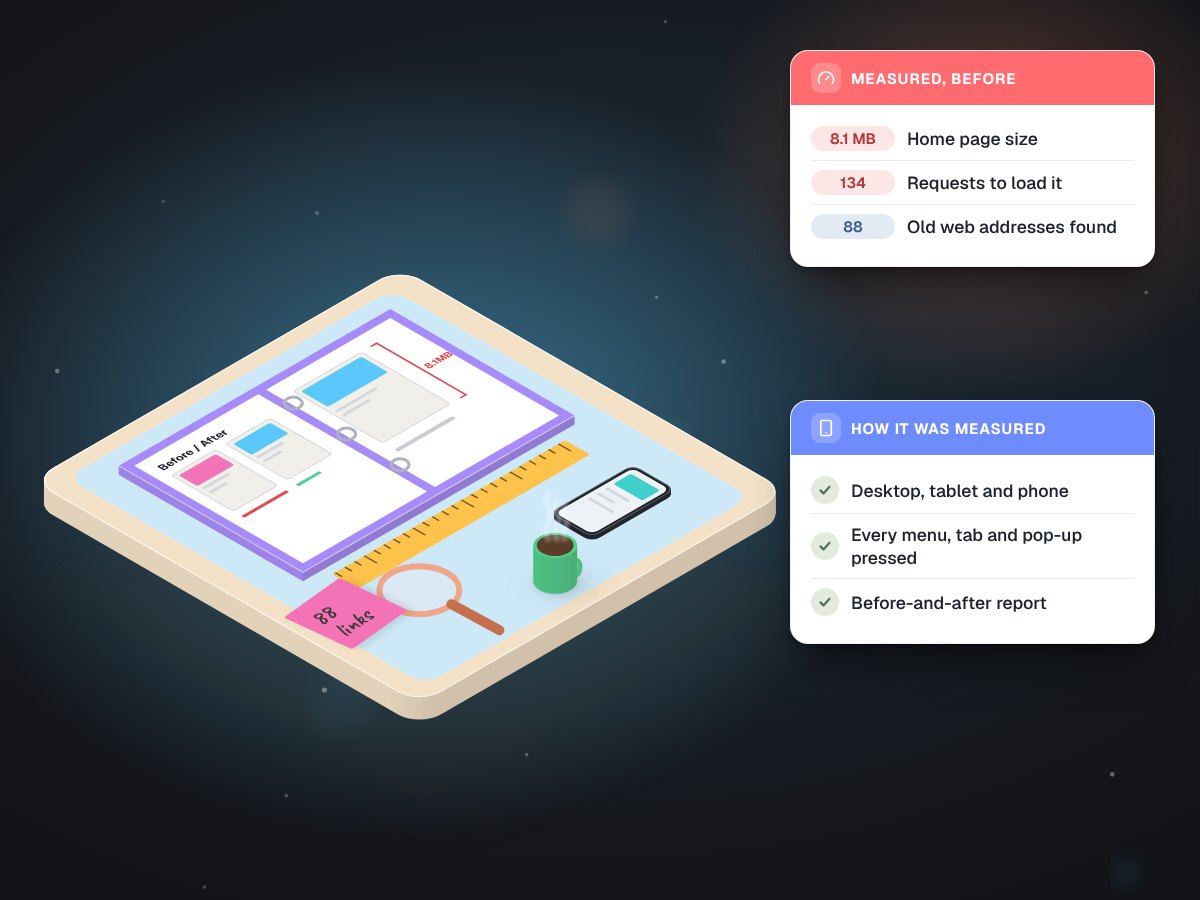
A read-only audit that measured every page, click and redirect
Carlos Ceramics Dental Lab, before its website was rebuilt
88old addresses checked
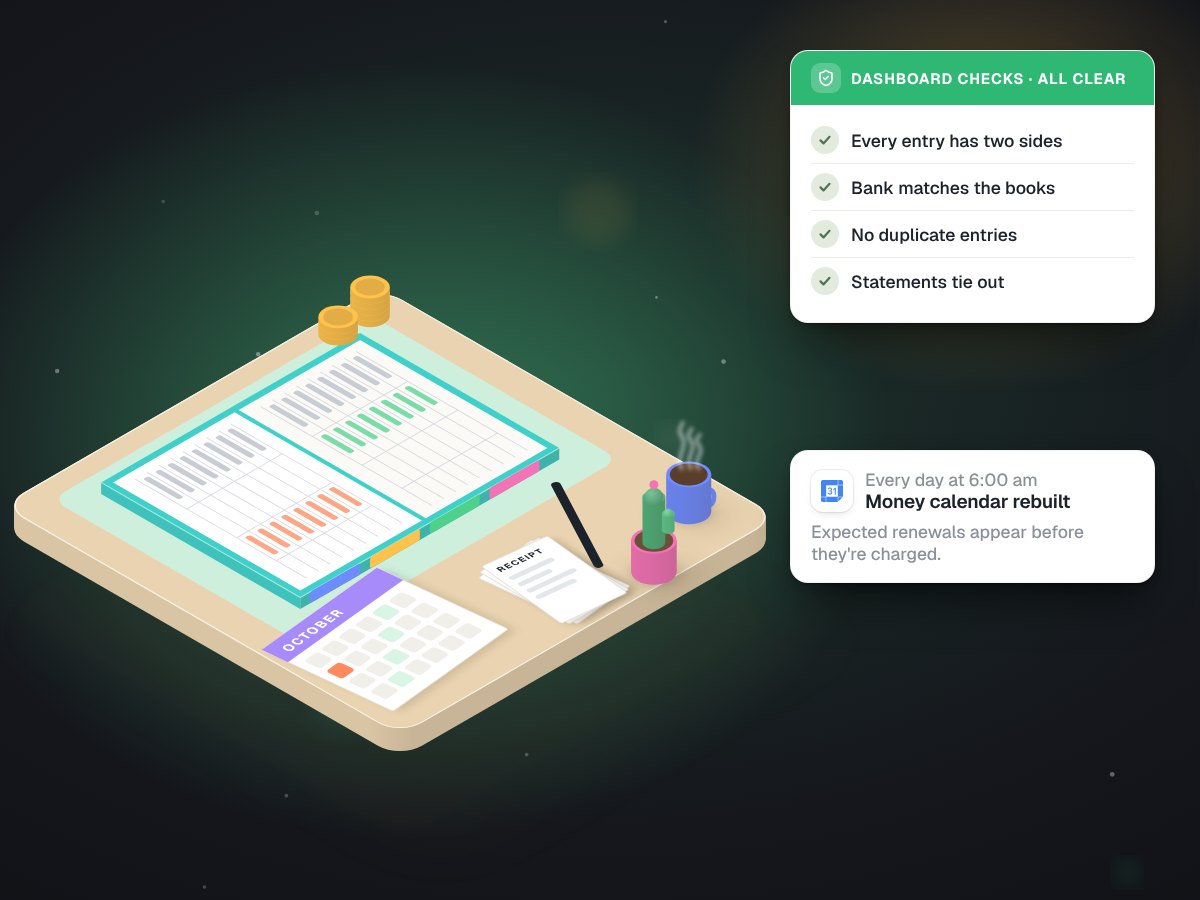
Company books in Google Sheets that check themselves every morning
Built in-house at MUVES, running our own books
6 amcalendar rebuilt every day
What does your team print, then type again?
Bring the document. On a free call we will tell you whether the second step can go, and what it would take.