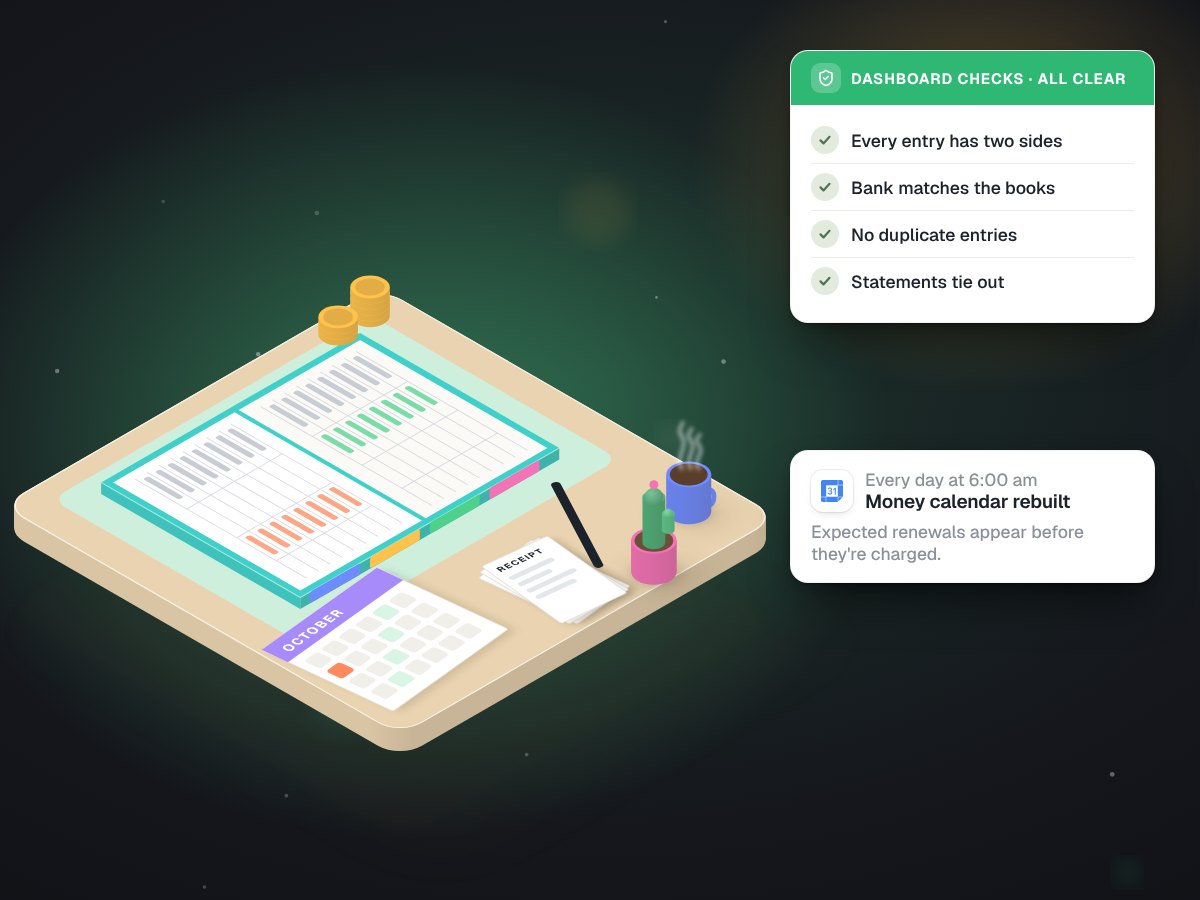
Company books in Google Sheets that check themselves every morning.
Built in-house at MUVES to run our own money, filing and payment calendar, on tools any small business already pays for.
Custom software, at work.
- Built
- An Apps Script project, an eight-tab workbook and daily jobs around it
- Stack
 Google SheetsApps Script (clasp)
 Gmail
Gmail Drive
Drive Calendar
- Timeline
- October 2026
- Status
- In daily use for MUVES's own books
- Scale
- 8 tabs, 7 scripted parts, one company's books
The problem
A new company has bills, client payments, receipts in email and subscriptions that renew on dates nobody remembers. We wanted books that live where we already work, in Google Workspace. A plain spreadsheet can do that, but it never tells you when it is wrong.

Eight tabs, one set of books.
Cash basis, double entry. Every number on the summary tabs comes from the Journal, so there is one place where an entry lives. Shown here without figures.
| Tab | What it holds |
|---|---|
| Overview | The dashboard, with the CHECKS block at the top |
| Monthly P&L | Money in and out, month by month |
| Owners | What each founder put in and took out |
| Statements | Bank and card statement lines, for reconciling |
| Money | Each account and what it should hold |
| Clients | Who was billed, who paid, who is due |
| Recurring | Every subscription and the date it renews |
| Journal | Every entry, both sides, with its source |
Scripts that feed the workbook, and checks that read it.
One setup script
setupMuves, run once with clasp, built the company's Drive folders and the workbook itself, so the structure is code that can be rebuilt, not clicks that have to be remembered.Email filing
runUpdatelabels client threads in Gmail and copies their attachments into the right client folder in Drive.Booking, once
runPendingbooks queued changes into the Journal and refuses any it has already booked. That refusal is tested. New entries can arrive through a small web endpoint that only accepts a secret token.Expected bills
A daily job posts every subscription due as an "Expected" row, so a renewal shows up before it hits the account.
Reconcile
muvesReconcilelines the books up against the statements, so a missing or doubled entry stands out.A CHECKS block
A block on the dashboard that turns red when the books do not agree with themselves.
A calendar at 6 am
Every morning at 6 the payment calendar is rebuilt from the workbook in Google Calendar: what is due, and when.
A day in the books.
| When | What happens | Who |
|---|---|---|
| 6:00 | Payment calendar rebuilt from the workbook | Script |
| Daily | Due subscriptions posted as Expected rows | Script |
| Each update run | Client threads labelled, attachments filed to Drive | Script |
| When something is spent | Entry queued, booked once, duplicates refused | Script, from a founder's entry |
| Any time | CHECKS block read. Red means stop and look | A founder |
| Each statement | Reconcile run, differences cleared | A founder, with the script |
Books that say when they are wrong.
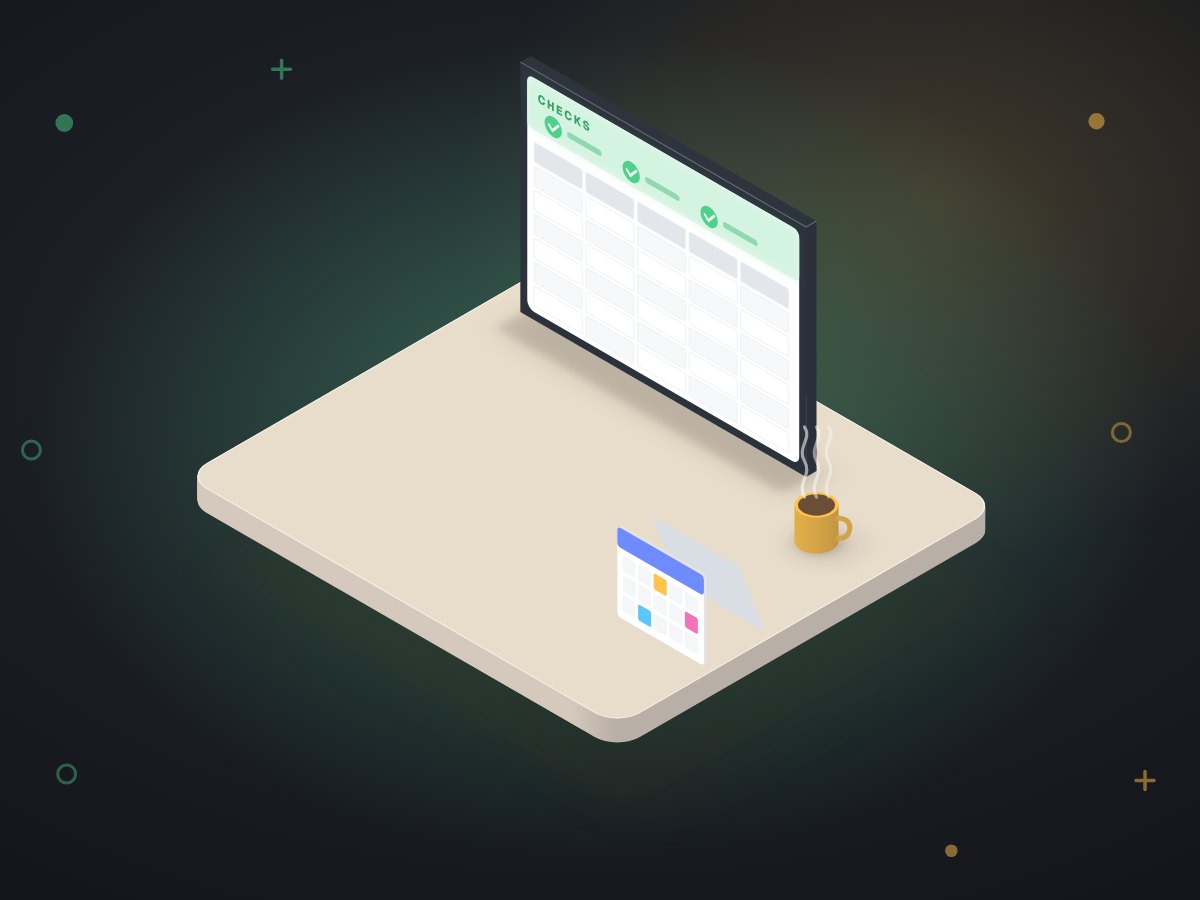
MUVES's books were reconciled through October 7 on this system, and every renewal now appears on a calendar before it is charged. We keep our own figures private, so there are no money numbers on this page.
The bigger change is the habit: the CHECKS block is green or it is not, and nobody has to remember which subscription renews on which date.
For a business that lives in Google Workspace and is not ready for an accounting system.
A cleaning company tracking client invoices and supply runs. A two-person agency with retainers and software bills. A food truck with daily cash and monthly permits. The parts carry over: a journal, expected rows, a reconcile step, a CHECKS block and a calendar. We do not rebuild past years of accounting, and we tell you when it is time for real accounting software.
More in-house systems
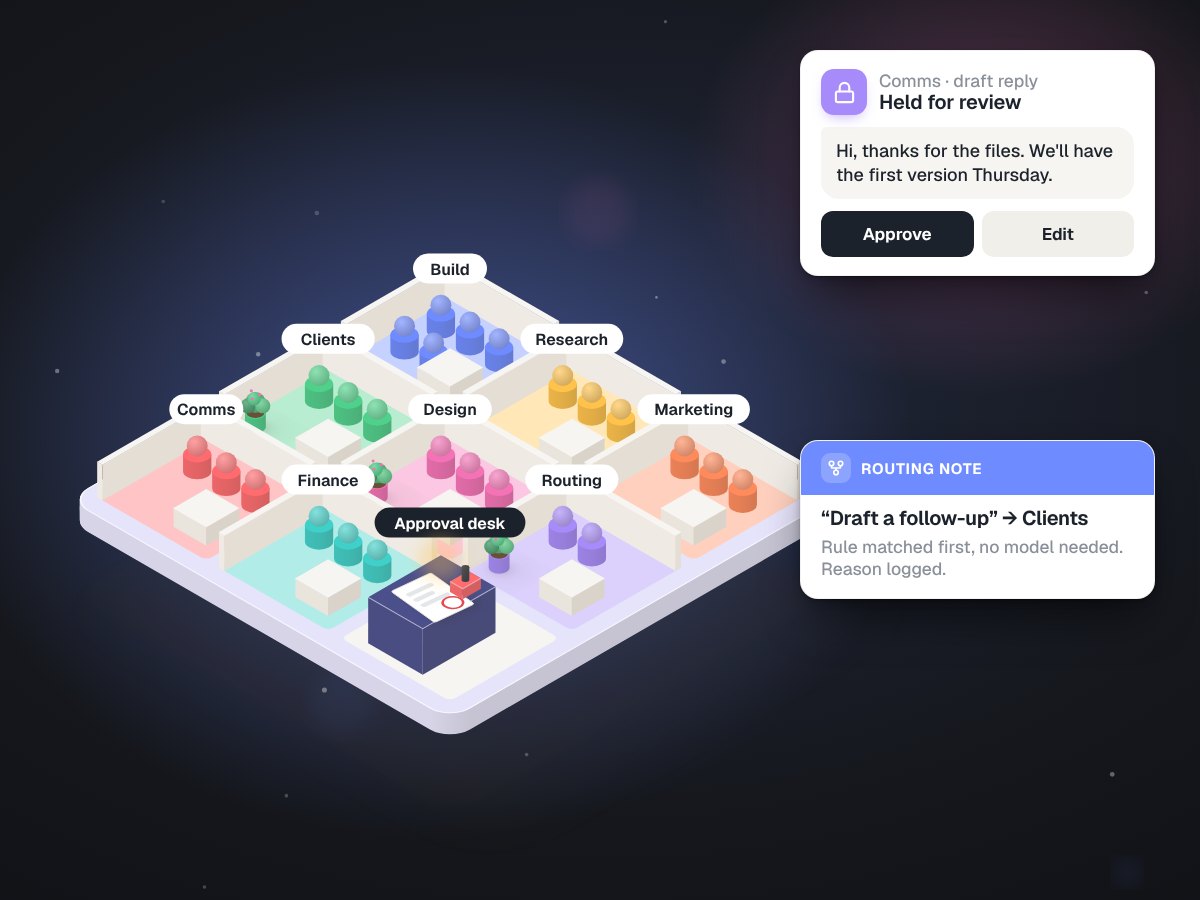
MUVES OS: 34 agents, one review gate, nothing sent on its own
Built in-house at MUVES, the system we run our own company on
34agents in 9 departments
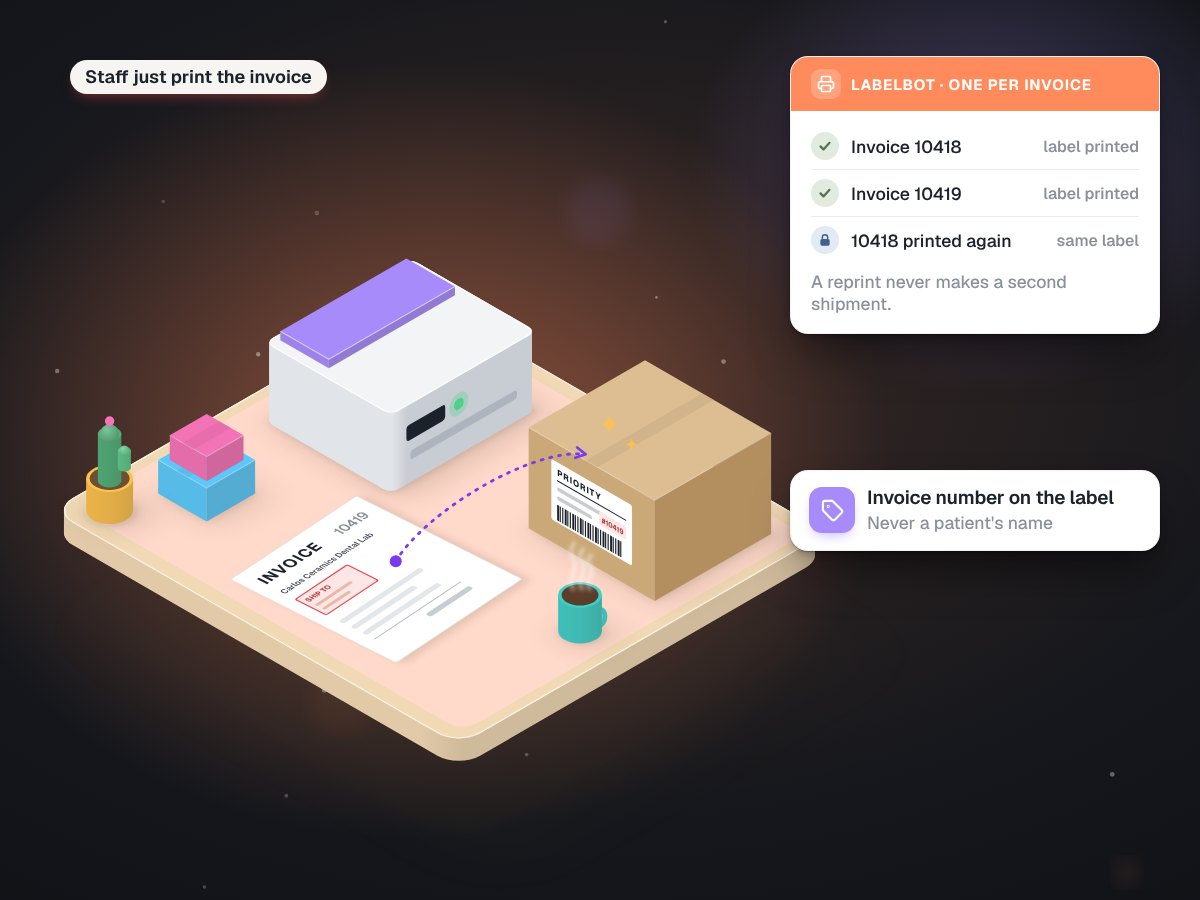
LabelBot: the invoice prints its own shipping label
Carlos Ceramics Dental Lab, a family-run dental lab in North Miami Beach
628labels in its first four weeks
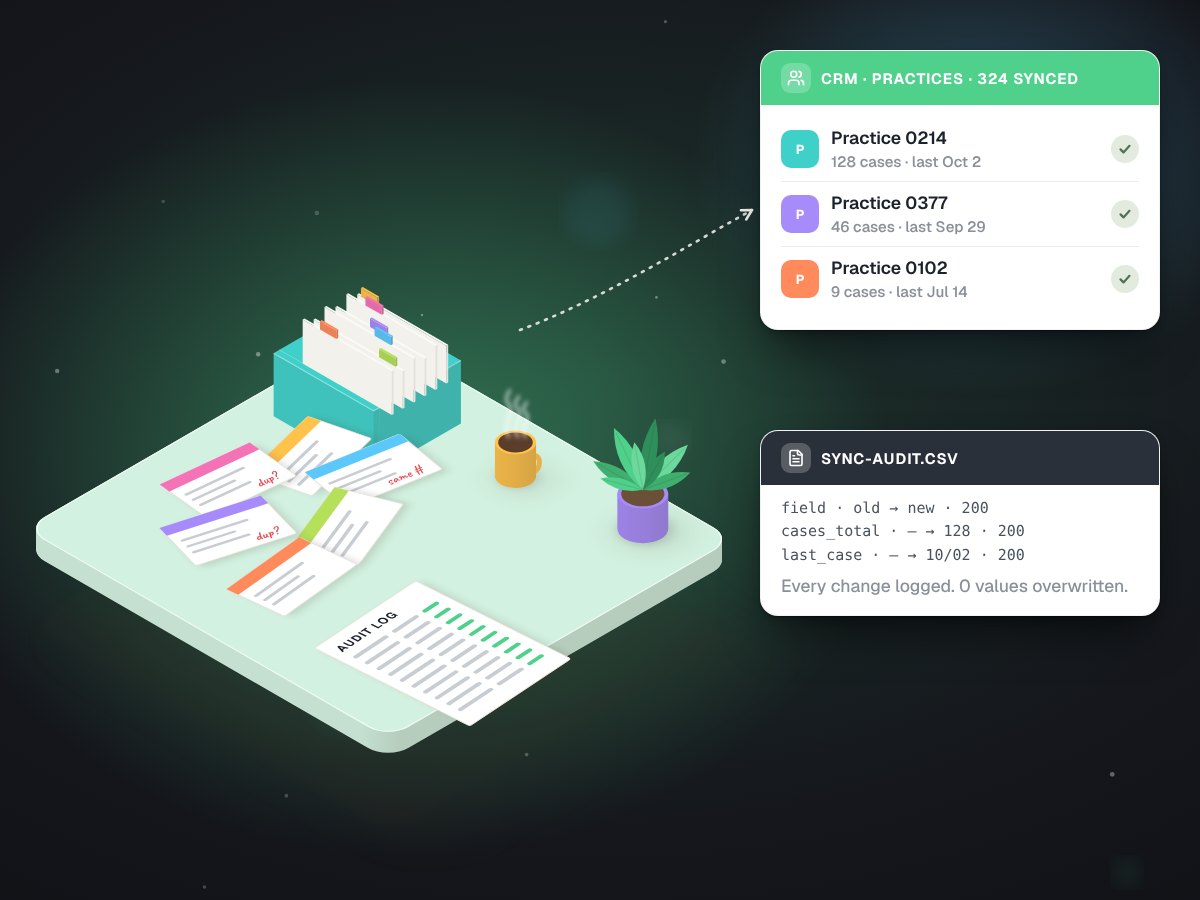
A CRM sync that wrote 3,244 fields and overwrote none
Carlos Ceramics Dental Lab, syncing its practice history into Go High Level
0existing values overwritten
Is your money in a spreadsheet that never warns you?
Show us the file. On a free call we will tell you what it would take to make it check itself.