Two systems, one version of the truth.
When your CRM, accounting, website and spreadsheets each hold a different story, someone spends Fridays copying between them. We connect them through their official interfaces, decide which one wins for each field, and log every change.
 HubSpot
 QuickBooks
 Stripe
 Google Sheets
 Airtable
 Shopify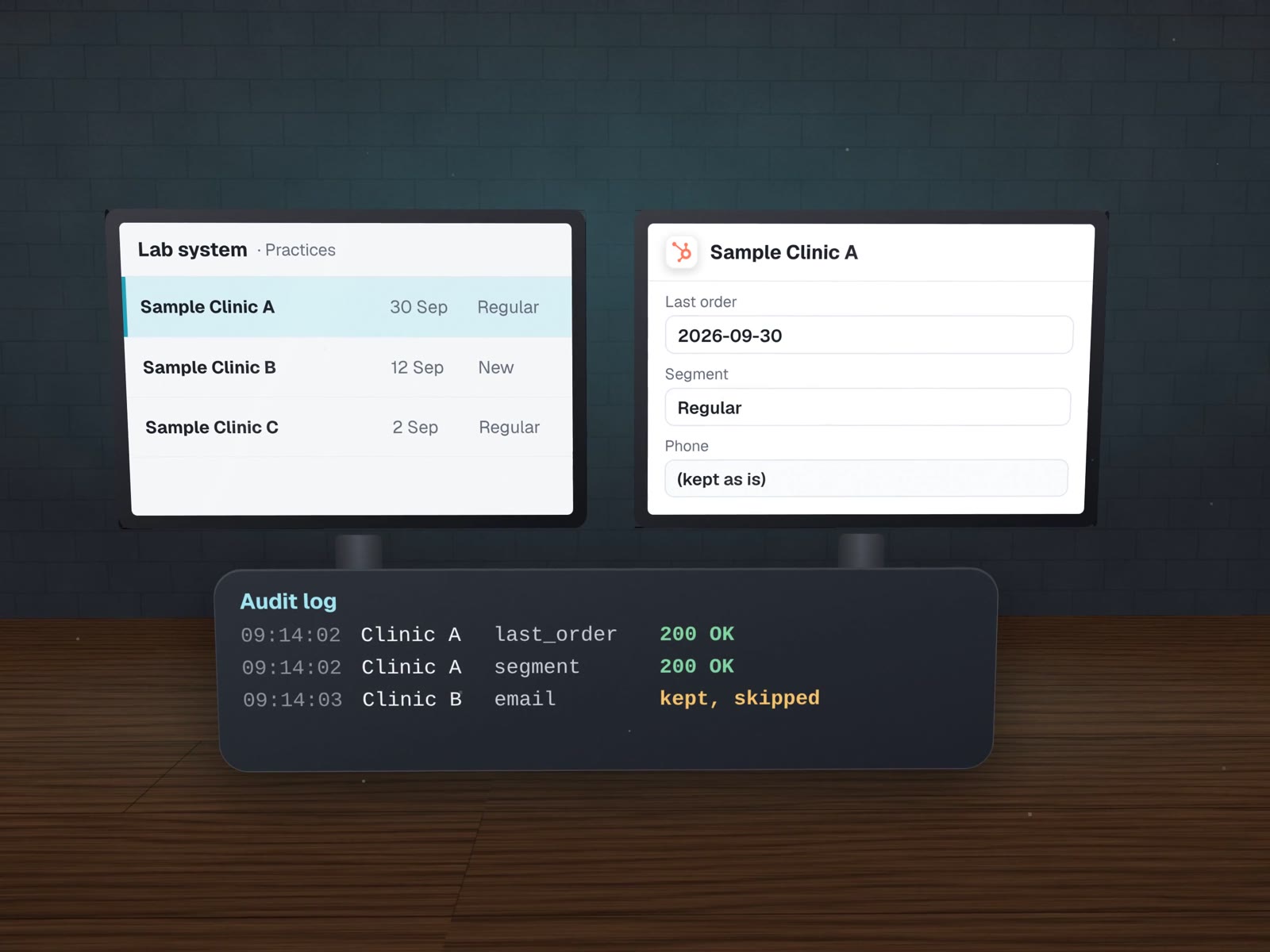
Seven questions, answered before any code.
This is the spec of a real one: a dental lab's practice list synced into its CRM. Your connection gets the same page, in plain words.
- Source of truth
- The lab's own case system for practice details; the CRM for anything sales adds.
- Direction
- One way, into the CRM. Nothing writes back to the lab system.
- Match on
- Phone number first, then confidence buckets: strong match, weaker match, shared number, not found.
- Writes
- Only through one script, a dry run unless told to go live. It reads each record and merges, so no existing value is overwritten.
- Never writes
- Fields that came from patients sit on a permanent do-not-write list.
- Shared numbers
- Practices that share one phone become a single roll-up card instead of being merged by mistake.
- Keys
- The reading code cannot write by construction, and the access token had no permission to send messages, trigger workflows or move money.
One line for every field it touched.
If anyone asks "who changed this?", the answer is a search away. Sample rows with made-up records:
| Time | Record | Field | Old value | New value | Result |
|---|---|---|---|---|---|
| 09:14:02 | Sample Clinic A | last_order | (empty) | 2026-09-30 | 200 OK |
| 09:14:02 | Sample Clinic A | segment | (empty) | Regular | 200 OK |
| 09:14:03 | Sample Clinic B | front@sample-b.test | (kept, not overwritten) | skipped | |
| 09:14:03 | Sample Clinic C | phone | (shared with D) | roll-up card | 200 OK |
Real figures from the lab's sync, August 2026. Read the case.
Different APIs, same habits.
A courier's shipping API
For LabelBot: ask whether an address is in the service area, then buy exactly one label per invoice. Test shipments are clearly marked so they can never be confused with real ones.
Stripe hosted checkout
For a dental supply seller's small store: the customer pays on Stripe's page and the seller gets one order email per paid order. Built and tested, launching once the seller's payments account is set up.
A quote form with file uploads
For a sign and print shop: quote requests with artwork attached go straight to the shop's inbox from a bilingual site.
Short-lived keys for our own tools
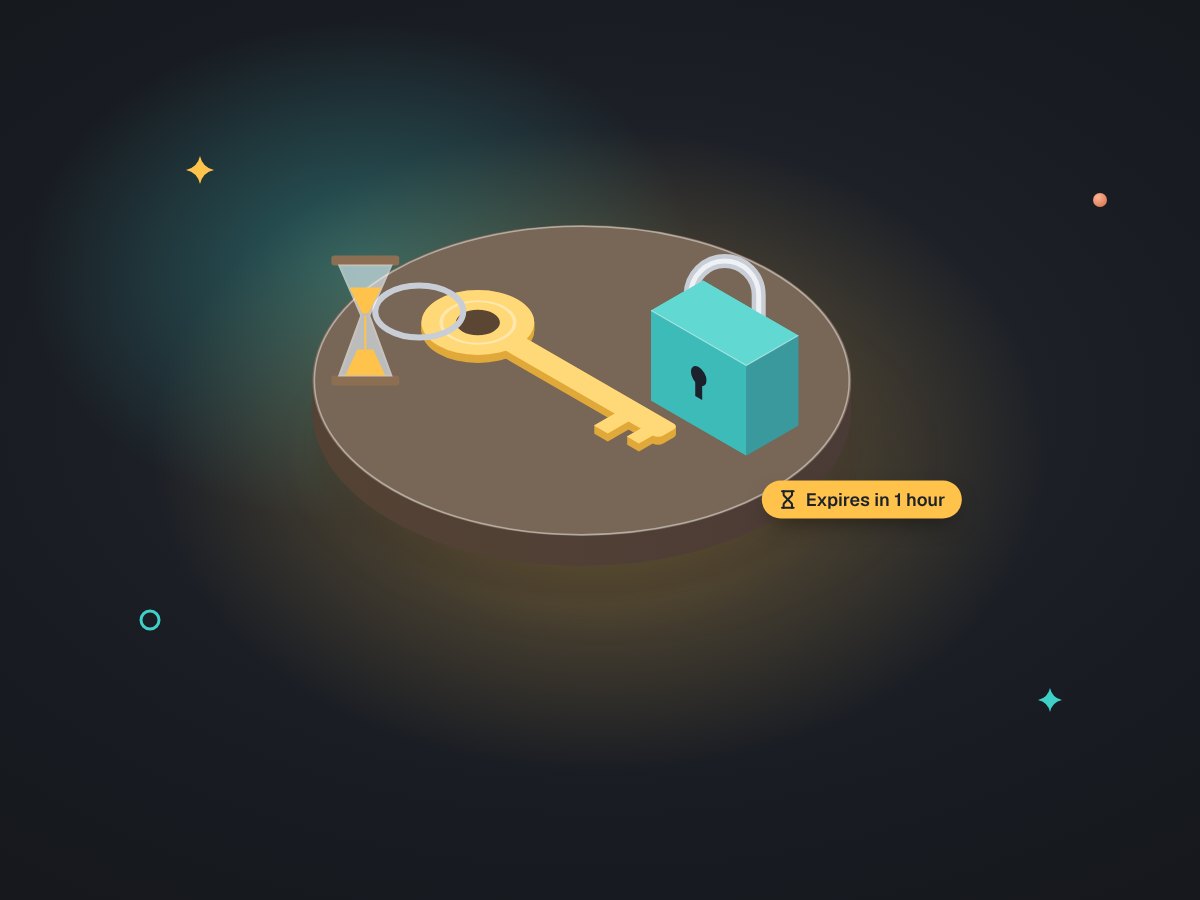
In-house, our system signs a request for a token that expires within the hour and renews it before it runs out, instead of storing a permanent password.
About connecting systems.

What if one of our tools has no API?
There is usually still a way: a scheduled export, a shared folder it saves to, or an email it sends. We read what the tool can do and pick the sturdiest option, and say plainly when there is no safe one.
What happens when the other system is down?
The connection waits and retries, then tells a named person if it cannot catch up. Because each write is logged, it resumes from where it stopped instead of starting again.
Whose account do the connections run on?
Yours. Keys are created in your company's accounts with the narrowest permissions that do the job, and we write down where each one lives.
More on syncing data
Cleanup before the sync, and what to do with the data after.
CRM sync with an audit trail
The full method behind the spec above.
Data cleanup & one source of truth
Fix the records before you connect them.
CRM cleanup & data sync
The same care, inside your CRM.
Workflow automation
When the connection should also do the next step.

A 20-minute tool check you can do yourself
List your tools before connecting them.
Which two tools disagree the most?
Name them on a free call. We will draft the spec for that connection with you, seven questions, plain words.