A monitor with no model, and the tests that fixed our agents.
Built in-house at MUVES to keep watch over MUVES OS, our own team of 34 AI agents.
AI agents, at work.
- Built
- A read-only overseer process, plus a fitness test, a router benchmark and local-agent checks
- Stack
- Node.jsSQLite, read-onlyOllamantfy alerts
- Timeline
- August to October 2026
- Status
- Running alongside MUVES OS
- Scale
- 20 rules, 34 agents watched
Agents fail quietly.
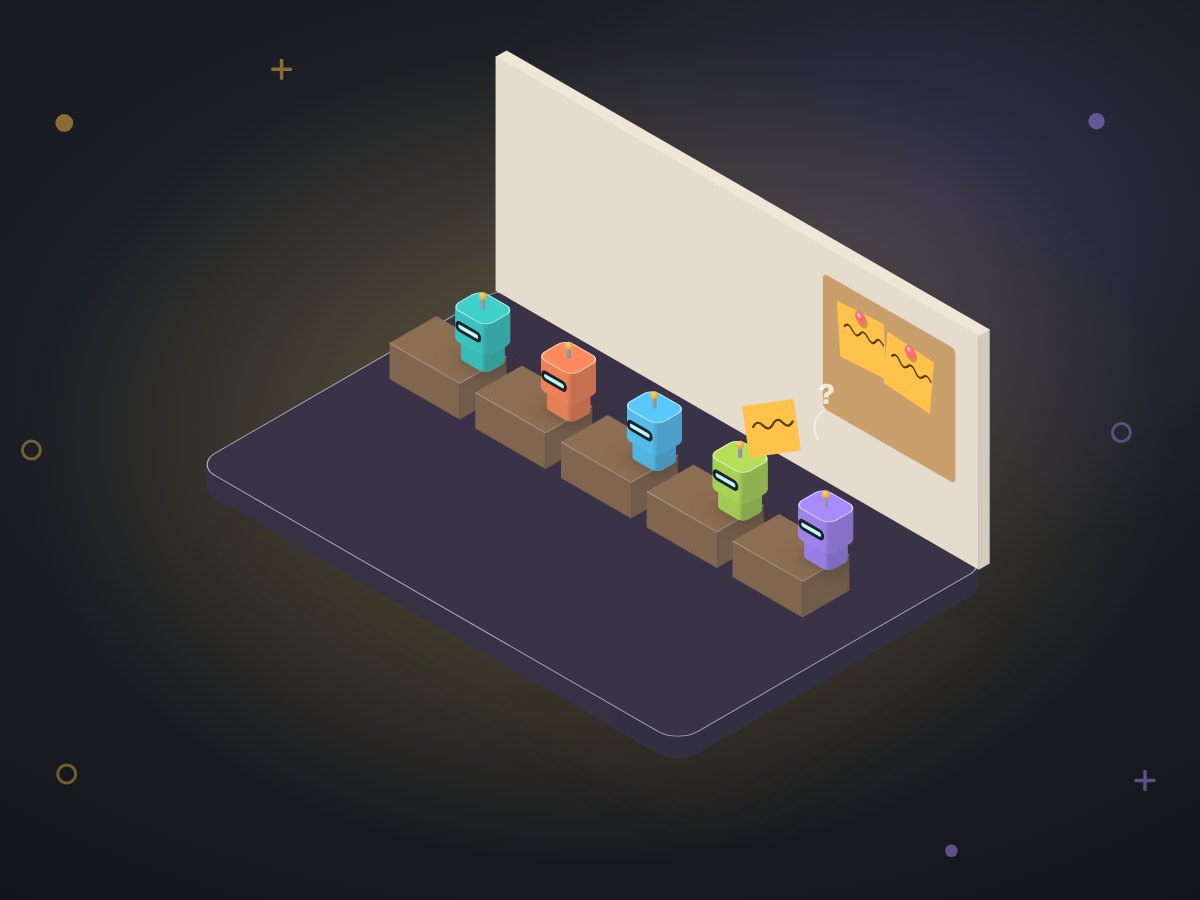
An AI agent rarely crashes in a way anyone notices. It answers a little wrong, skips a step, posts twice, or waits forever on a check that never comes. When the thing watching it is another model, that model can be talked out of the problem too.
We needed two things: a watcher that cannot be argued with, and tests that prove an agent can still do its job after every change.
A watcher that only reads, and a test bench that only uses real work.
A read-only connection
The overseer runs as its own process and opens the database read-only. It imports nothing from the system it watches, so it cannot change it even by mistake.
Rules in plain SQL
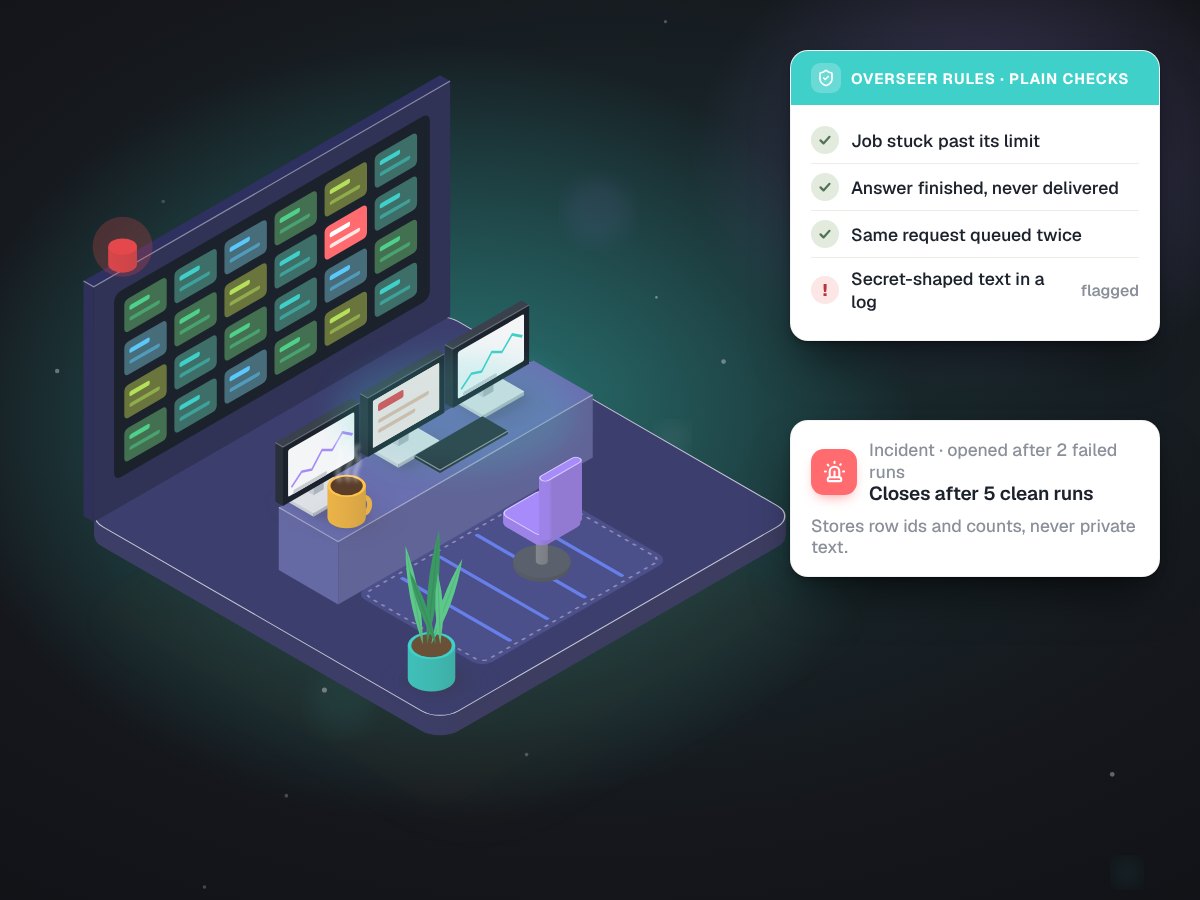
Each rule is a question with a yes or no answer: is a job stuck past its own time limit, was the same request queued twice, did something shaped like a secret land in a log. No model is involved, so it cannot drift or invent a problem.
Incident logic borrowed from site reliability work
A rule must fail on 2 runs in a row to open an incident, and pass 5 runs in a row to close it. One slow minute does not raise an alarm and one quiet minute does not end one. When the service is in a restart loop, the alarms that loop explains stay quiet.
Incidents that hold no private text
The evidence kept is row numbers and counts, never the content of a message. Each incident is shown only to people allowed to see the rows it points at. Phone alerts say that something needs attention, not what.
A fitness test on real cases
eval.jsruns each local agent with its real instructions and model against real requests from our own work. The question is whether the cheap agent can actually do the job, not whether it looks cheap.A router benchmark
bench-router.jsmeasures whether requests go to the right department, and how fast, separately from whether the output is well formed.Local agent checks
A quick pass that confirms every small local model still answers in the shape its job needs.
Some of the 20 rules, as the overseer states them.
Each rule carries a severity and the fix it recommends. A person applies the fix.
| Rule | Severity | Recommended fix |
|---|---|---|
| MUVES is not answering | Critical | Start it again on the PC. The keeper log says why it stopped |
| Something shaped like a secret is in a log | Critical | Mask it, and change that secret |
| A memory note is filed in the wrong space | Critical | Keep it out of prompts at once, re-file it once someone agrees |
| A job is stuck past its time limit | High | Mark it failed and tell its thread |
| A finished answer never reached its thread | High | Deliver it now instead of waiting for a restart |
| An answer was posted twice | High | Hide the second copy |
| A model keeps failing | High | Route around it until it recovers |
| An answer went out without its check | Medium | Look at why the department head did not answer in time |
| A worker is corrected more often than not | Medium | Move that worker's outward work up a tier |
| A routine failed or did not run | Low | Read the routine's last runs in the journal |
Three silent faults, each fixed and rerun.
| What we found | The cause | The fix | After |
|---|---|---|---|
| The router got 1 of 12 test requests right | The model's "thinking" mode broke its structured answers | Thinking mode off for routing | 12 of 12, about 1 second each |
| A long prompt reached a local agent cut short | The engine's default 2,048-token window silently cut a 5,149-token prompt | A 16K window, set explicitly | The whole prompt arrives |
| "Draft an email" was treated as small talk | A small 4B model misread the request | Plain rules ahead of the model for clear cases | Clear requests never reach the guesser |
On a timer, beside the system it watches.
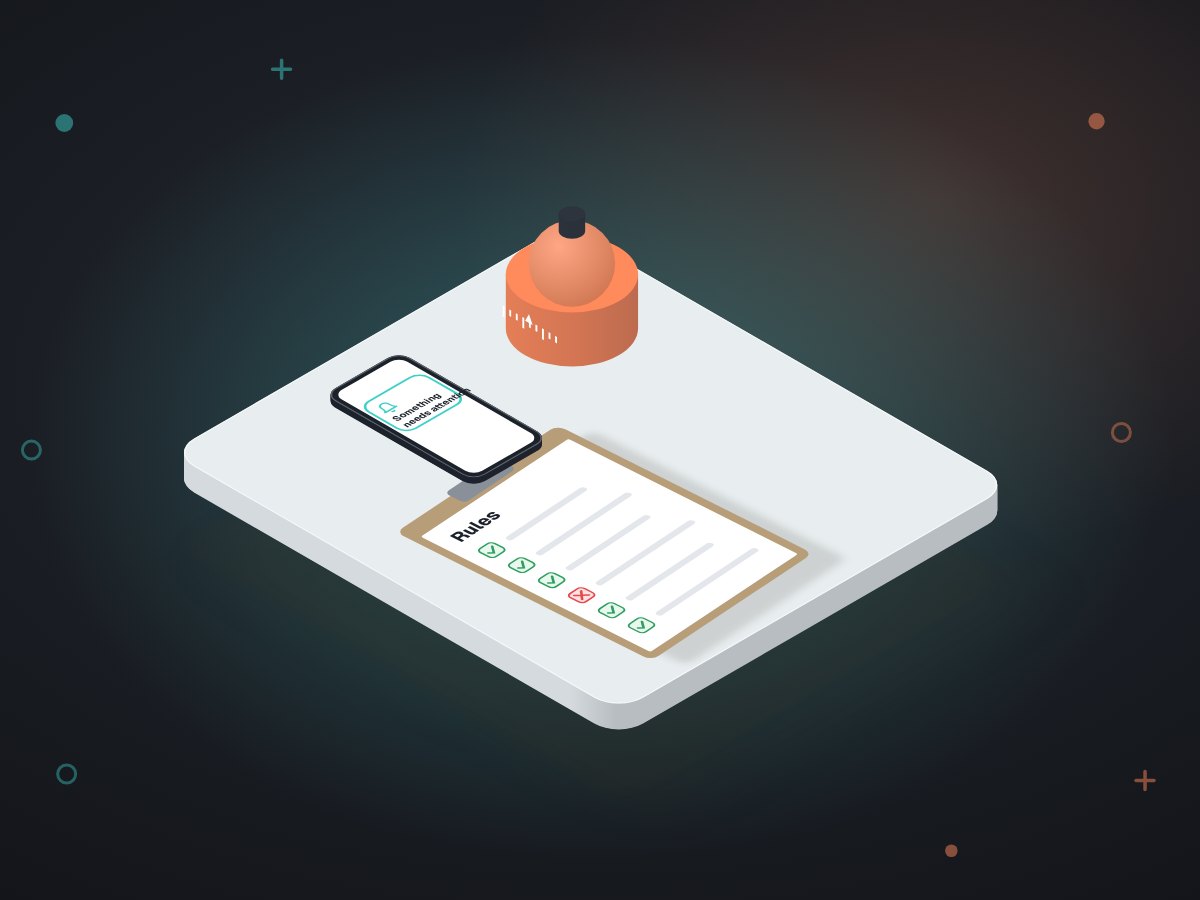
- On a short, regular timerthe overseer runs its rules against the live database and updates its incident list.
- A new rule is tested firston a scratch copy of the database before it watches the real one. One planned rule, a budget check, waits until the data it needs exists.
- After any changeto a prompt, a model or a routing rule, the fitness test and the benchmark run again. A failure means a prompt to fix or a job to move, not a shrug.
- Alerts go to a phonethrough a public relay, so they carry no details. The details are on the dashboard, behind a login.
Faults we would not have seen, found and fixed.
A check-up for agents you already run.
If your business already has a chatbot, a phone agent or an automation built by someone else, the same method applies, starting read-only.
Read the transcripts against the agent's job
What was it supposed to do, and what did it actually say? A booking agent for a clinic, a quoting bot for a contractor, a support bot for an online store.
Build a test set from real conversations
Twenty real requests with the right outcome written down, rerun after every change.
Add plain rules around it
Stuck conversations, double replies, missing handoffs, secrets in logs. Rules a person can read.
Log why it did what it did
A reason next to every decision, so the next fault takes minutes to trace instead of days.
What the monitor watches
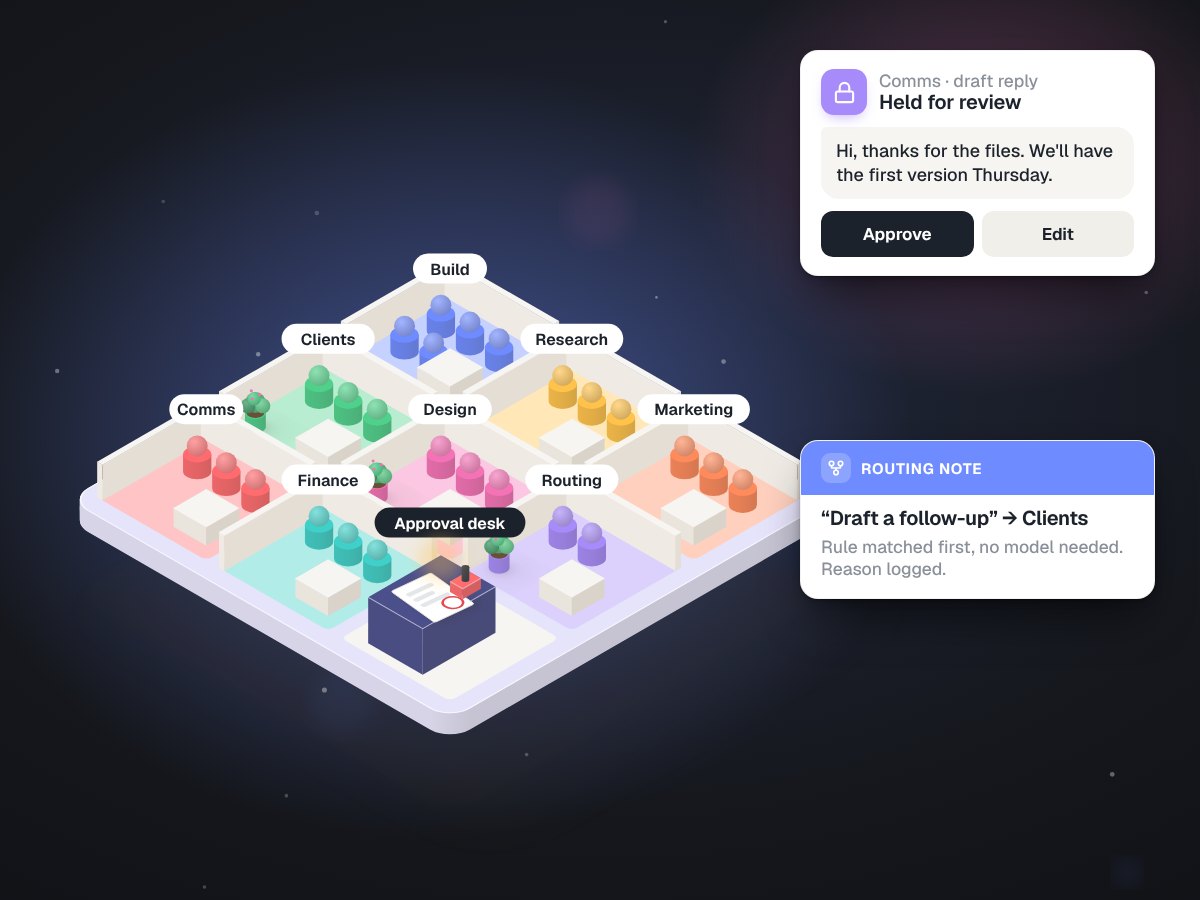
MUVES OS: 34 agents, one review gate, nothing sent on its own
Built in-house at MUVES, the system we run our own company on
34agents in 9 departments
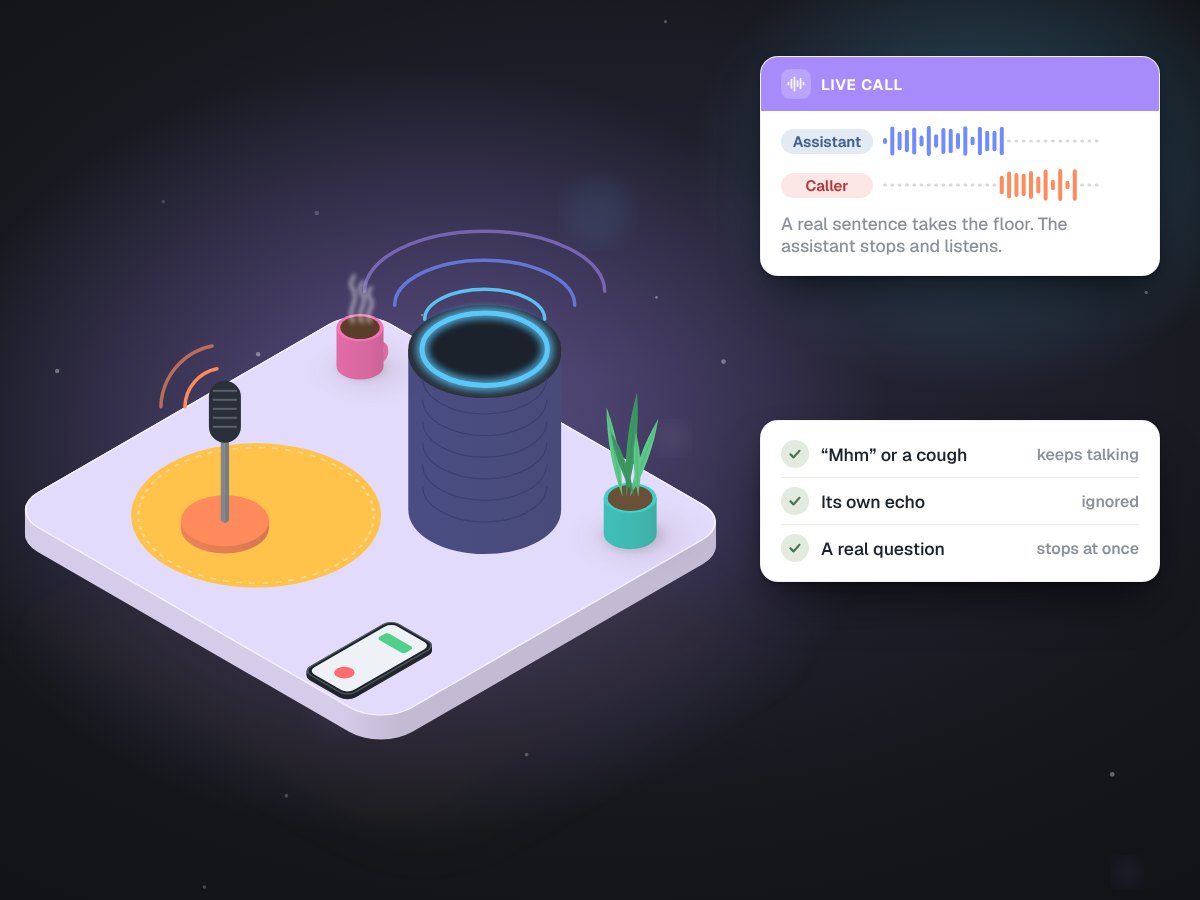
A voice assistant that knows a cough from an interruption
Built in-house at MUVES, the voice of our own assistant
52automated voice checks
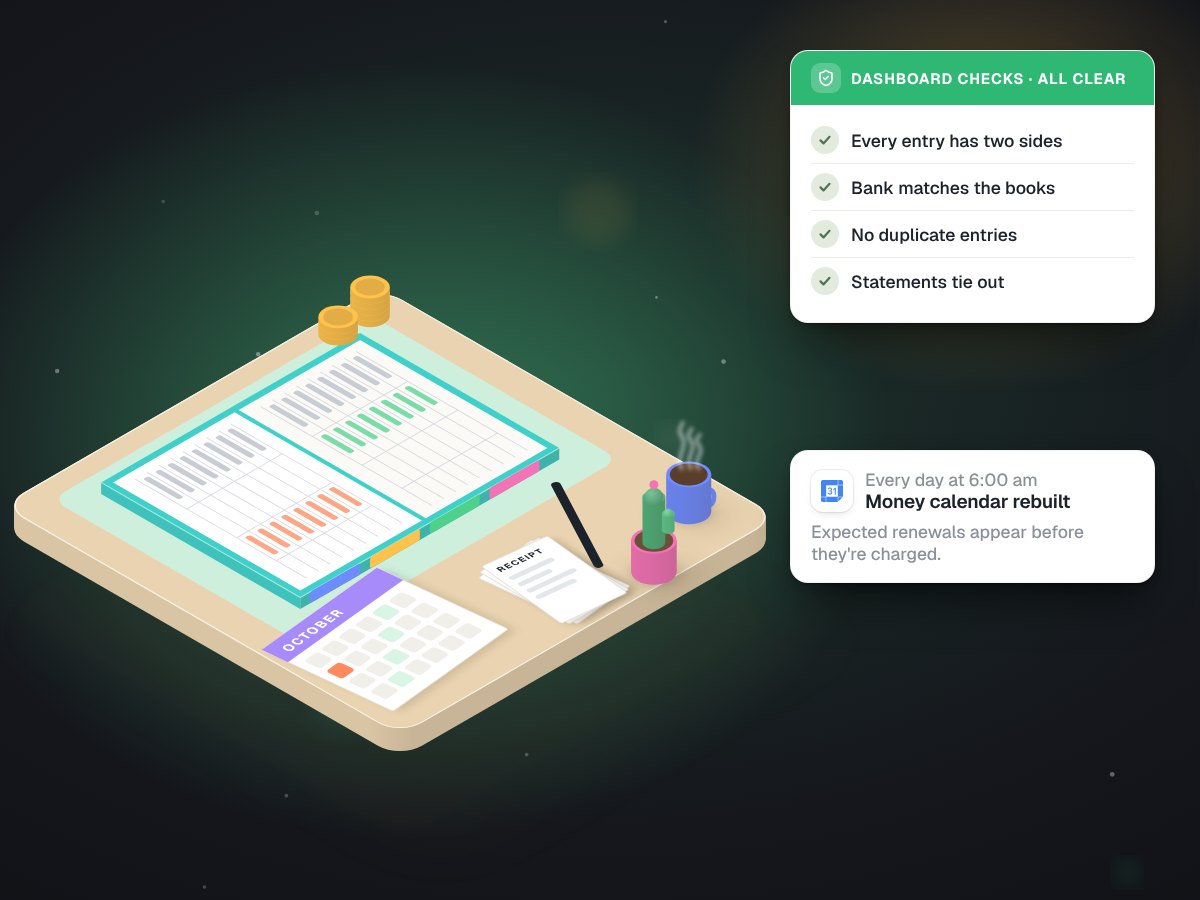
Company books in Google Sheets that check themselves every morning
Built in-house at MUVES, running our own books
6 amcalendar rebuilt every day
Is an agent of yours doing something odd?
Tell us what it was meant to do and what it does instead. We start read-only, on a free call.