Checklists, photos and sign-offs, done on site.
Work done away from the office usually comes back as a crumpled form, a camera roll and a voicemail. We build simple phone apps for crews and technicians that capture it properly at the job, with gloves on and one bar of signal, and send it straight to the records the office already uses.
One job, one screen, thumbs only.
- The job comes to the phoneAddress, customer and what was sold arrive from the office system. Nobody types them on site.
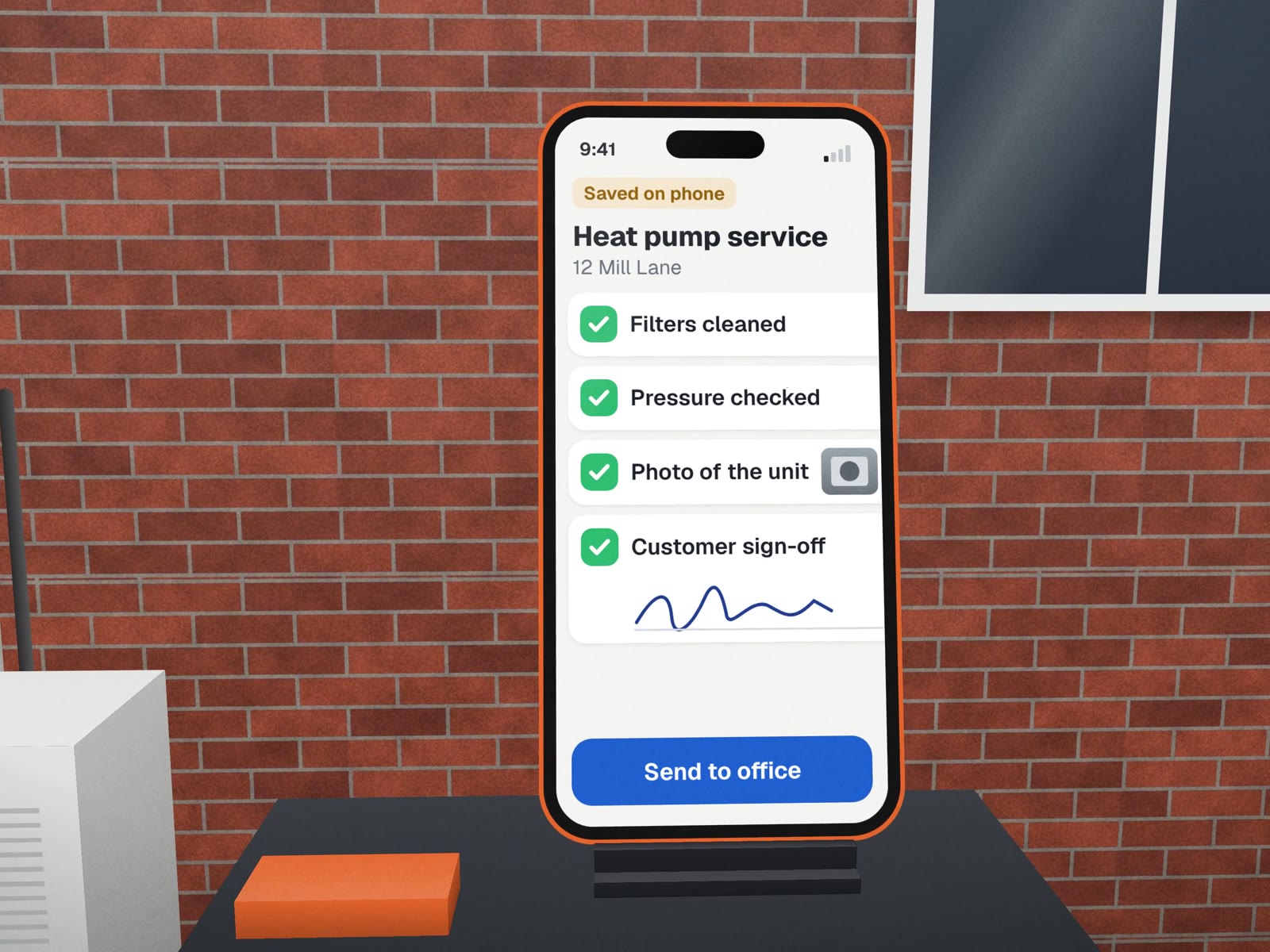
- Checklist from your standardYour own steps, in your order. Required items cannot be skipped.
- Photos attached to the stepBefore and after, tied to the job and the checklist item, not lost in a camera roll.
No signal: saved on this phone, sends automatically
- Sign-off on the glassThe customer signs on the phone; a copy goes to them by email or text.
- Honest about signalEverything is saved on the phone first. The app says clearly what has been sent and what is waiting.
- The office sees it at onceJob stage moves, photos land in the job folder, and the invoice can go out the same day.
Office software, carried outside, fails.

| On site | Office software on a phone | A field app |
|---|---|---|
| Hands | Small links, typing, menus | Big buttons, taps and photos |
| Signal | Spins, then loses the form | Saves first, sends later, says which |
| Time | Fields for everything | Only what this job needs |
| Proof | Photos sent separately, if at all | Photos tied to the checklist step |
| Installing | App store, logins, updates | A link, added to the home screen |

How we'd build it
We have not built a field app for a client yet. The closest work is customer-facing: the quote builder we built for Conception Design, a sign and print shop, works on a phone, lets customers mark print placement on garment diagrams and attach artwork up to 8 MB, and is built to reach the shop as one complete request. A field app is the same idea pointed at your crew.
We also run our own operating system from our phones every day, so we design for small screens first, not as an afterthought.
Where it fits
- Home servicesInstalls, inspections and service visits.
- ConstructionDaily site reports and punch lists.
- Couriers and moversProof of delivery and condition photos.
- Event and rental businessesSetup and return checklists.
What we need from you
- Your current paper form or checklistEven a messy one.
- A crew member willing to try itOn a real job.
- Where the information should end upIn the office systems you already use.
About field apps.
Do we need an app in the App Store?
Rarely. A web app opened from a link and added to the home screen works on iPhone and Android, updates instantly and skips app store review. We suggest a store app only when you need something a browser cannot do.
What happens with no signal?
We design for it. The checklist and photos are kept on the phone and sent when signal returns, and the app shows plainly what has and has not been sent, so nobody assumes a sign-off arrived when it did not.
Our crew is not technical. Will they use it?
We test the first version with the people who will use it, on their own phones, on a real job. If they need training to use it, the screen is wrong and we change the screen.
Where field data goes next
The office side of the same job.
Send us a photo of your paper form. We'll show you the app.
A free call to turn one checklist into a screen your crew will use.