One shipment. One label. One invoice.
Logistics paperwork multiplies: a quote becomes a booking, a booking a dispatch, a pickup a label, a delivery a proof-of-delivery photo and an invoice. Couriers and carriers live in dispatch software, carrier portals and spreadsheets; movers add estimates, inventories and crews; and driver, insurance and DOT paperwork sits on top.
Automation, at work.
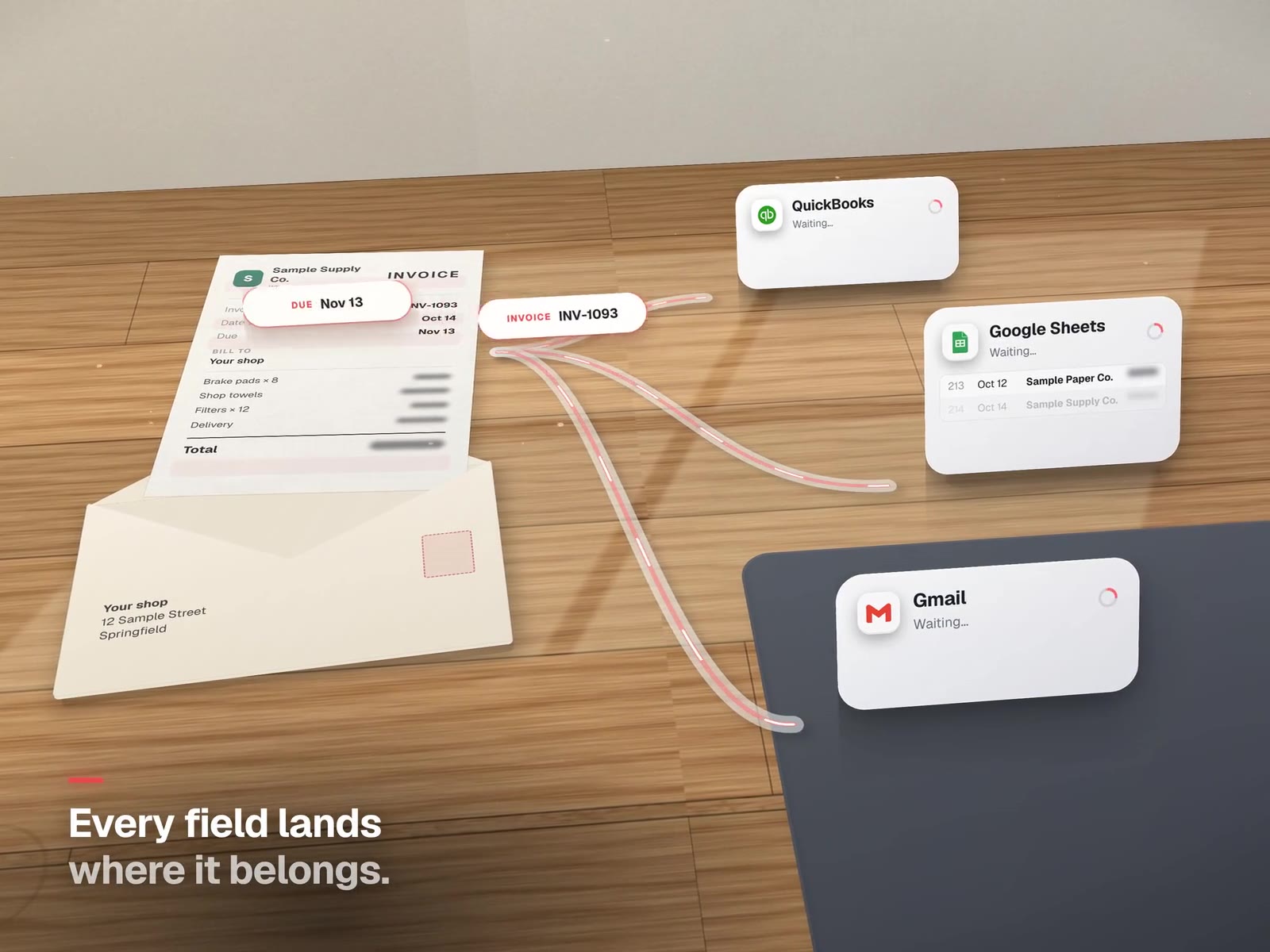
The duplicate-proof shipment, step by step.
This is the structure of a label automation we run at a dental lab, drawn for any business that ships. The two guards on the right are what stop paid mistakes.
Sound familiar on the road?
- The address typed twice"We type the address into the carrier site when it's already on the invoice."
- Two labels, paid twice"Someone reprinted, and we paid for two labels."
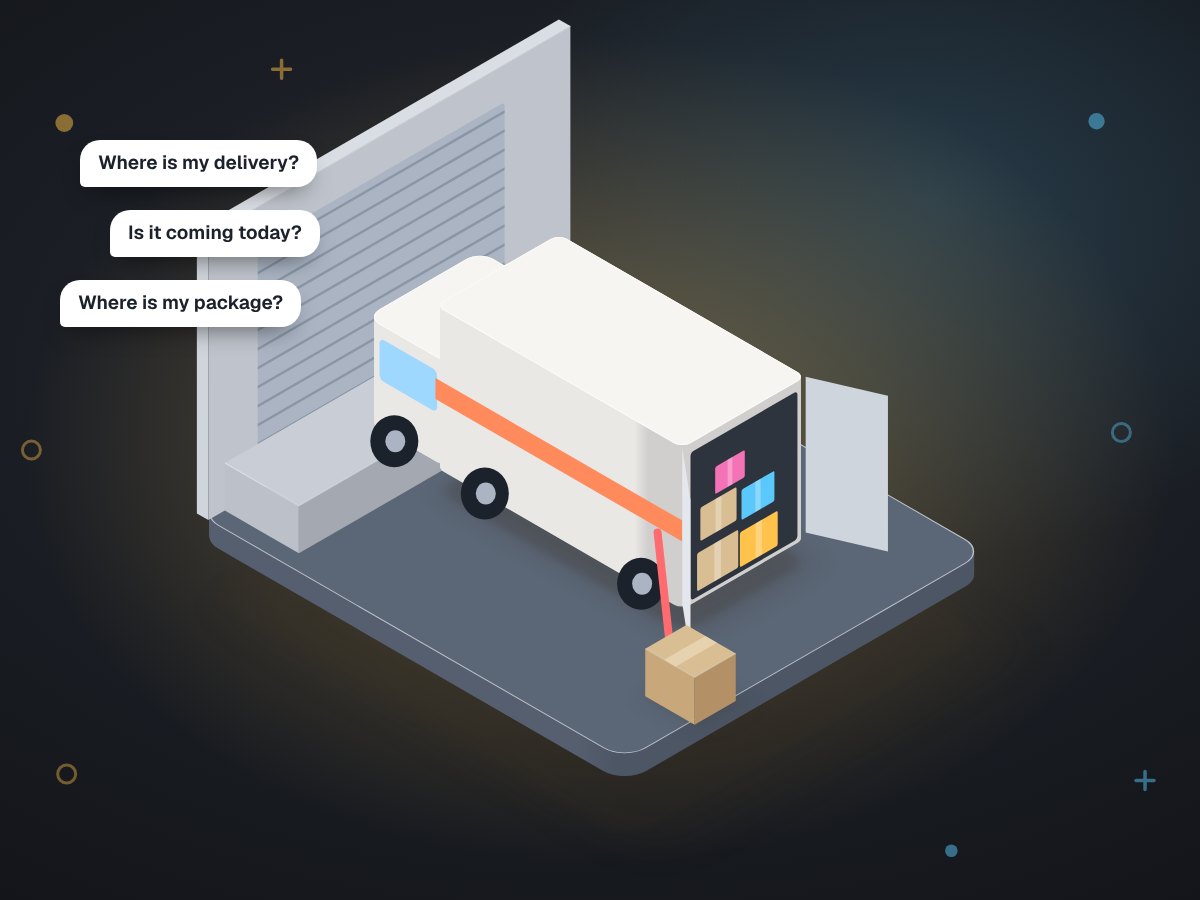
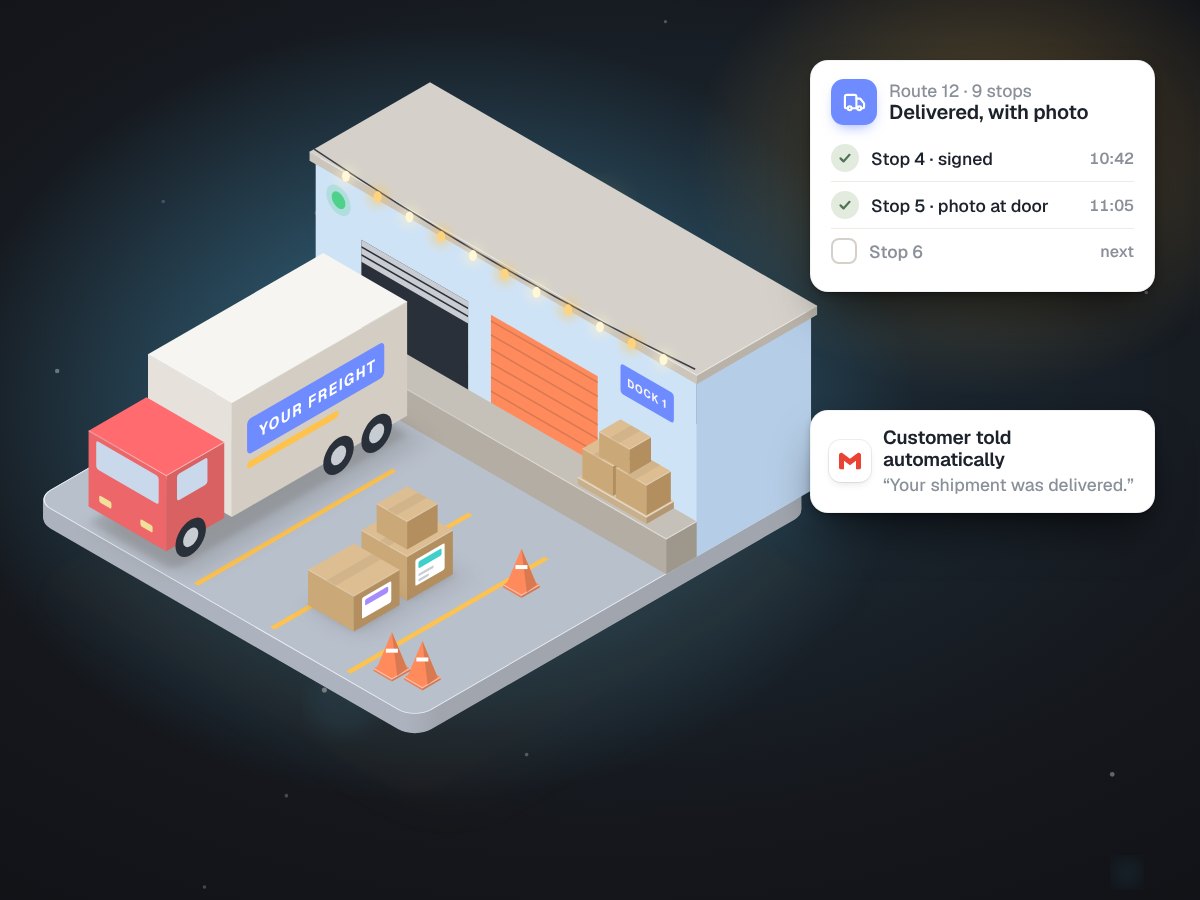
- "Where's my delivery?""The phone rings all day with 'where's my delivery?'"
- Proof on one phone"Proof of delivery is a photo on a driver's phone."
- Estimates as guesses"Moving estimates are guesses until someone walks the house."
- The expired card"A driver's medical card expired and nobody noticed."
Built around the flow above.
At a local courier.
- Labels beside ordersOrders print as they always have, and labels print beside them.
- A safe reprintA clerk reprints a jammed page and gets the same label back, not a new charge.
- Out of area, stoppedAn address outside the service area stops at the check and lands on the dispatcher's list.
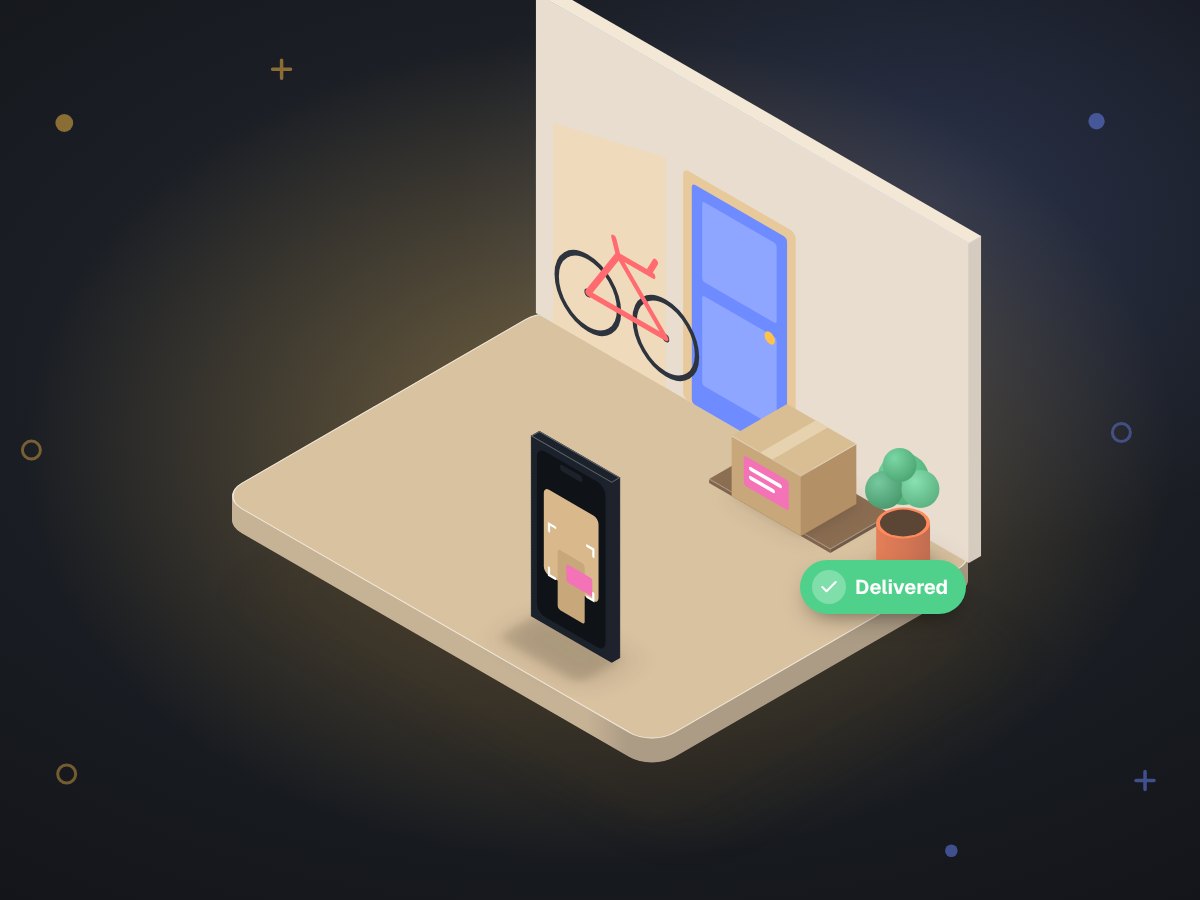
- Stops closed with a photoDrivers close stops with a photo, customers get the delivery note, and invoices go out the same afternoon.
- Friday, already countedFriday's numbers are already on the screen.
LabelBot, at a dental lab.
For Carlos Ceramics Dental Lab we built the flow in the diagram. Staff print the invoice to a virtual printer; the bot reads the ship-to from where it sits on the page, asks the courier's API whether the address is in the service area, checks a write-ahead ledger under a file lock, creates one label, and prints it on the same printer as the invoice.
It shadow-ran for several days before going live, with 130 automated tests behind it. In its first four weeks it produced 628 labels, an estimated 34 to 57 hours of typing. For a courier or distributor, the same ledger is what stops a double dispatch.
About carriers.
Which carriers can you connect to?
Any carrier or courier with an API, which covers the national ones and many regional couriers. Where there's no API, we work from exports and say what that limits.
Do you replace our ELD or compliance system?
No. We don't touch hours-of-service or safety systems. We can remind you before driver and insurance documents expire.
Still typing addresses twice? That's our favourite fix.
The first call is free. Bring one invoice and one label, and we'll show you the flow.