Late work flagged before anyone asks.
When jobs live across a spreadsheet, a whiteboard and a few inboxes, lateness is discovered when the customer calls. A tracker puts every job in one list, in the stages your work really goes through, and tells the right person when something has sat too long.
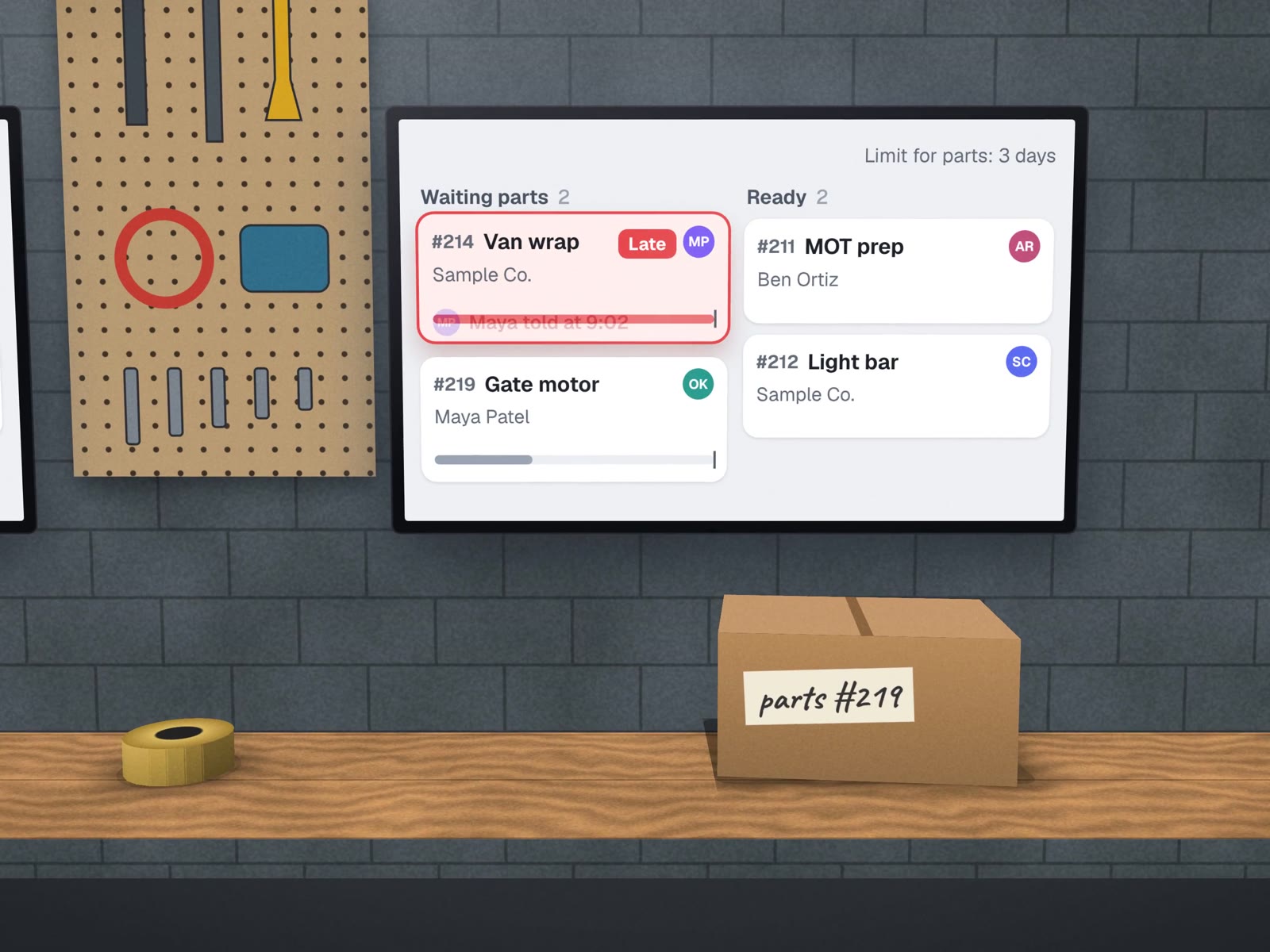
Your stages, not a template's.
We write your stages down before we build anything. A few examples of how different they look.
| Business | Stages a job moves through | Where it usually gets stuck |
|---|---|---|
| Sign and print shop | Quote · proof sent · approved · in production · ready · picked up | Waiting for the customer to approve the proof |
| Dental lab | Received · logged · designed · checked · milled · finished · shipped | A case waiting on information from the practice |
| Installer or contractor | Sold · materials ordered · scheduled · installed · inspected · invoiced | Materials arriving late, so the schedule slips |
| Repair shop | Checked in · diagnosed · approved · parts · repaired · collected | The customer has not approved the estimate |
| Wholesaler | Order in · picked · packed · shipped · delivered | Back-ordered lines holding a whole order |
Due today
Stuck: longer than usual in one stage
Late

Two kinds of late
A due date only tells you a job is late once it already is. The more useful flag is stuck: a job that has sat in one stage far longer than jobs normally do. The tracker learns what "normally" means from your own history and raises it while there is still time to fix it.
What you get
- One list of every open jobImported from the sheets you use now.
- Your stagesWith an owner on every job.
- Late and stuck flagsAnd a morning list for each person.
- SearchBy job number, customer or date.
- Optional customer updatesAt the stages you choose, in your words.
Status from the work itself.
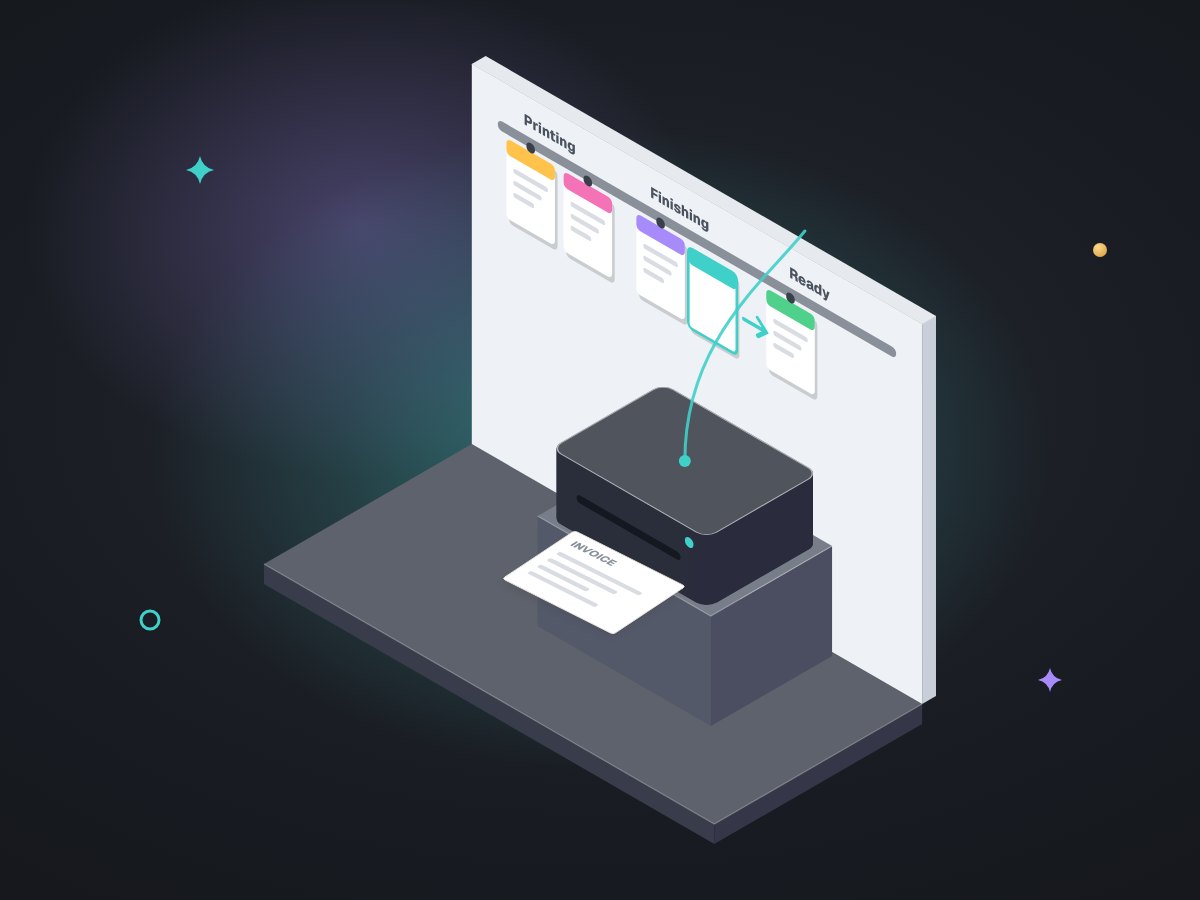
Trackers fail when they become one more thing to update. So we read status from what your team already does wherever we can: a printed invoice, a form submitted, a change in another system. The rule comes from LabelBot, the shipping automation we built for a dental lab, which triggers on the case itself rather than on a button, so a reprint never counts twice.
The daily check that builds the morning list follows the pattern of our own finance workbook, which runs a job every morning and posts what is expected. Conception Design, the sign and print shop we built a quote builder for, has order tracking as its named next step; this page is how we would approach it. We have not built a client tracker yet.
Where it fits
What it won't do
- Promise dates.People set due dates; the tracker watches them.
- Fix a late job.It tells the right person early enough to.
- Message customers in words you have not approved.Every update uses your wording.
About trackers.
How does the tracker know a job is late?
Two ways. A job past its due date is late. A job that has sat in one stage much longer than jobs normally do is stuck, even if the due date is still ahead. The second catches problems days earlier.
Does my team have to update another system?
As little as possible. Where your work already leaves a trace, such as a printed invoice, a scanned barcode or a status change in another tool, the tracker reads it. Otherwise moving a job is one tap on a phone.
Can it stay in Google Sheets?
Sometimes. If a well-built sheet with a daily check answers your questions, we would rather tidy it than replace it. When several people edit at once or customers need to see status, a small app is safer.
Around the tracker
What comes before and after a job.
Find late work before your customer does. Start with your stages.
On a free call we write down how a job moves through your business.