Every customer once, and every change on the record.
We match duplicates, fill gaps from your own order or job history, and write the result into the CRM you already use. Every field we touch is logged with its old value, its new value and the time, so nothing your team typed is ever lost.
What changes in the list.
Six problems we find in almost every customer list, and what each one looks like once it is fixed.
| Problem | Before | After |
|---|---|---|
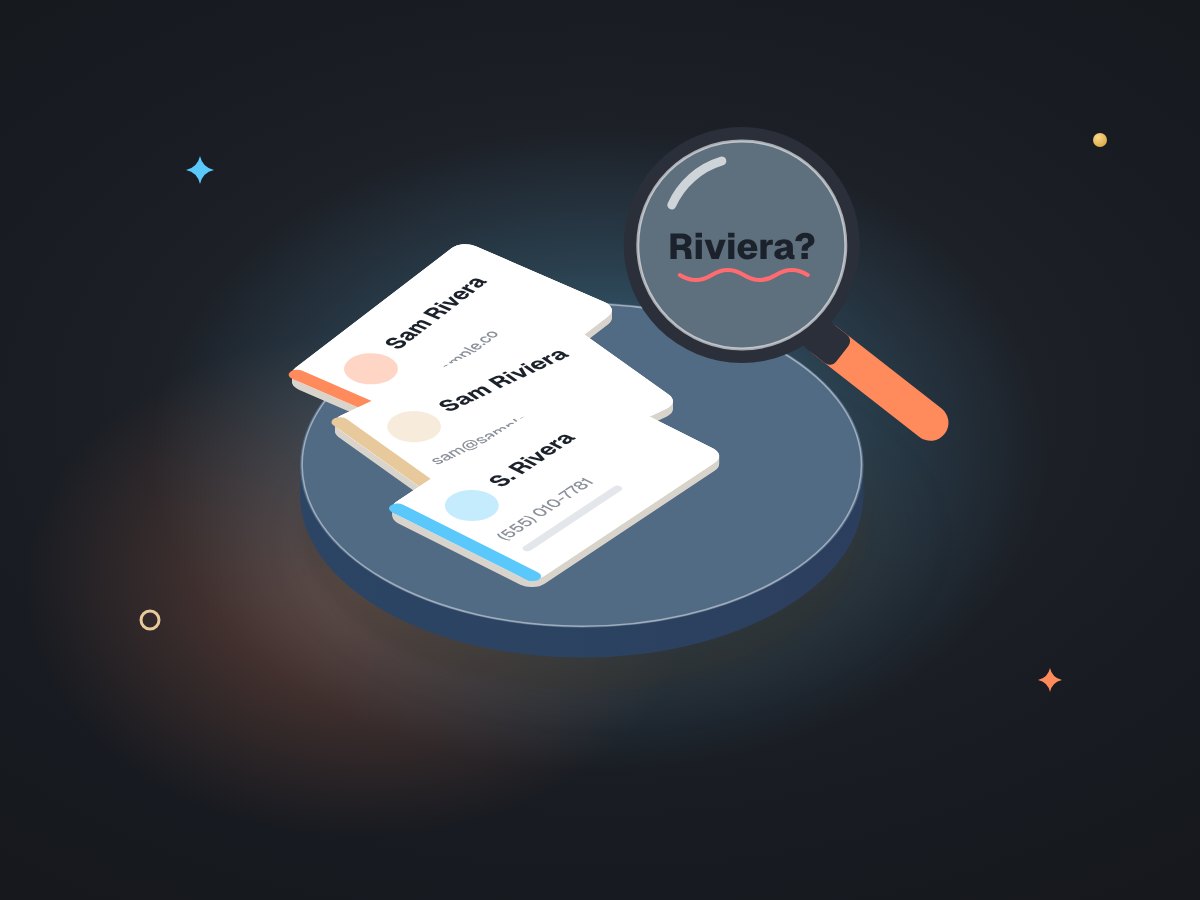
| Duplicates | The same customer three times, spelled three ways | One record, with the others linked and flagged for your decision |
| Empty records | Name only, no phone, no history | Filled from your own orders or jobs: how often they buy and when they last did |
| Shared numbers | Two offices on one phone, counted as one customer or as a duplicate | A roll-up card that links them, kept out of per-customer messaging |
| Status | "Active" on people who left long ago, "inactive" on regulars | Status worked out from real activity, with the rule written down |
| Your team's notes | At risk every time someone imports a file | Never overwritten. The sync fills blanks and adds; it does not replace. |
| What changed | Nobody knows who edited what | A log line per field: old value, new value, time, result |
Two programs: one that looks, one that writes.
Splitting reading from writing is the main safety rule. The part that explores your data cannot change it, by construction.
One line for every field we touch.
This is what you get alongside the cleaned CRM. The rows below are sample data in the same shape as the real log.
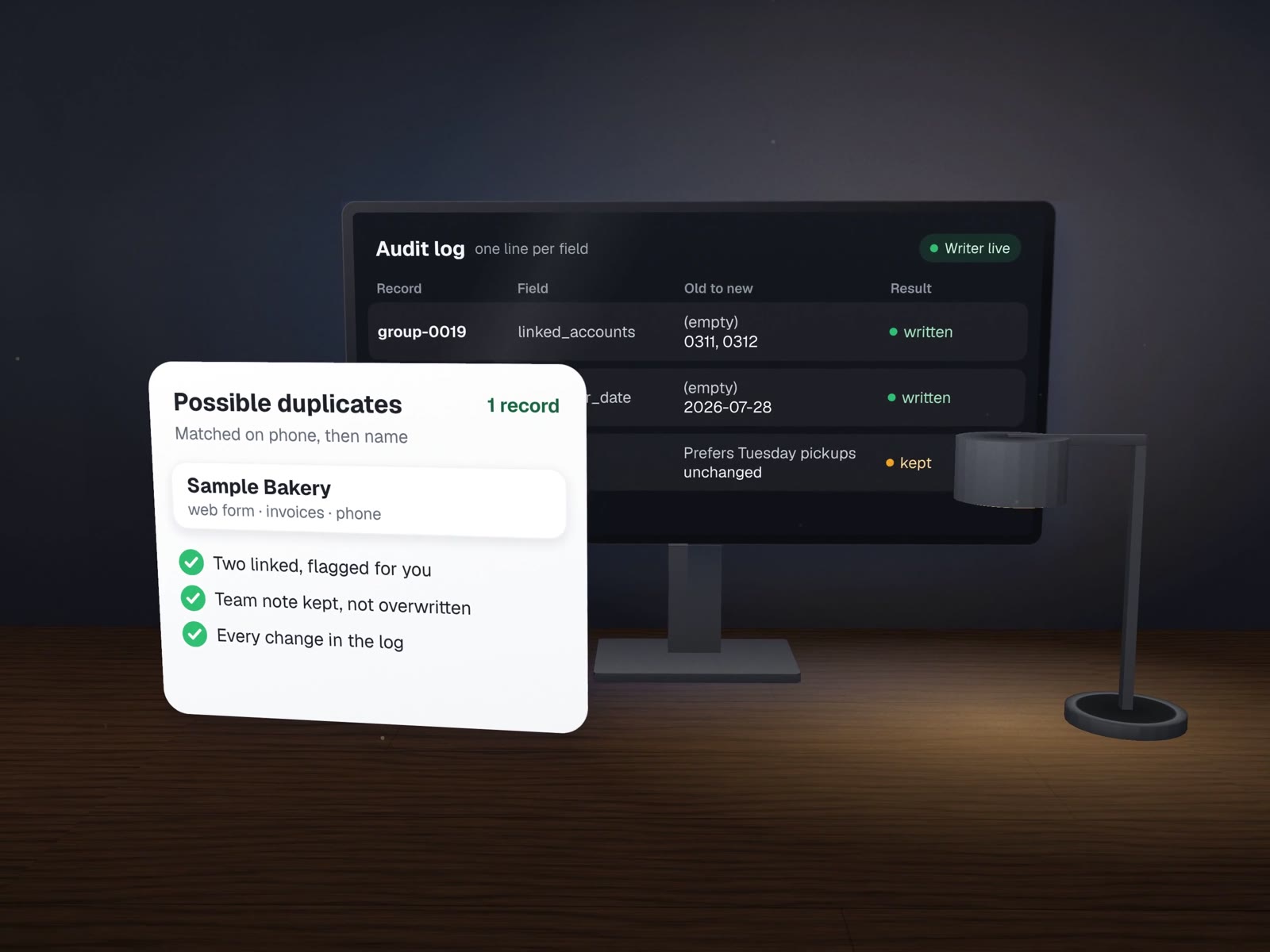
| time | record | field | old value | new value | result |
|---|---|---|---|---|---|
| 14:02:11 | acct-0142 | last_order_date | (empty) | 2026-07-28 | 200 written |
| 14:02:11 | acct-0142 | orders_12mo | (empty) | 31 | 200 written |
| 14:02:12 | acct-0142 | notes | "Prefers Tuesday pickups" | (unchanged) | kept, team value |
| 14:02:12 | acct-0207 | segment | (empty) | own rhythm | 200 written |
| 14:02:13 | acct-0207 | intake_form_answers | (not read) | (not written) | do-not-write list |
| 14:02:13 | group-0019 | linked_accounts | (empty) | acct-0311, acct-0312 | 200 written |
Shared phones become roll-ups
When two or more customers share one phone or email, matching on that number would merge different people. They get a roll-up card that links them instead. At the lab this produced 29 roll-up cards, and those groups were kept out of anything addressed to one customer.
Some fields are never written
Fields filled in by your customers themselves, or anything sensitive, go on a permanent do-not-write list. At the lab, patient-submitted fields were on that list from day one. The writer checks it before every change.
The dental lab, in numbers
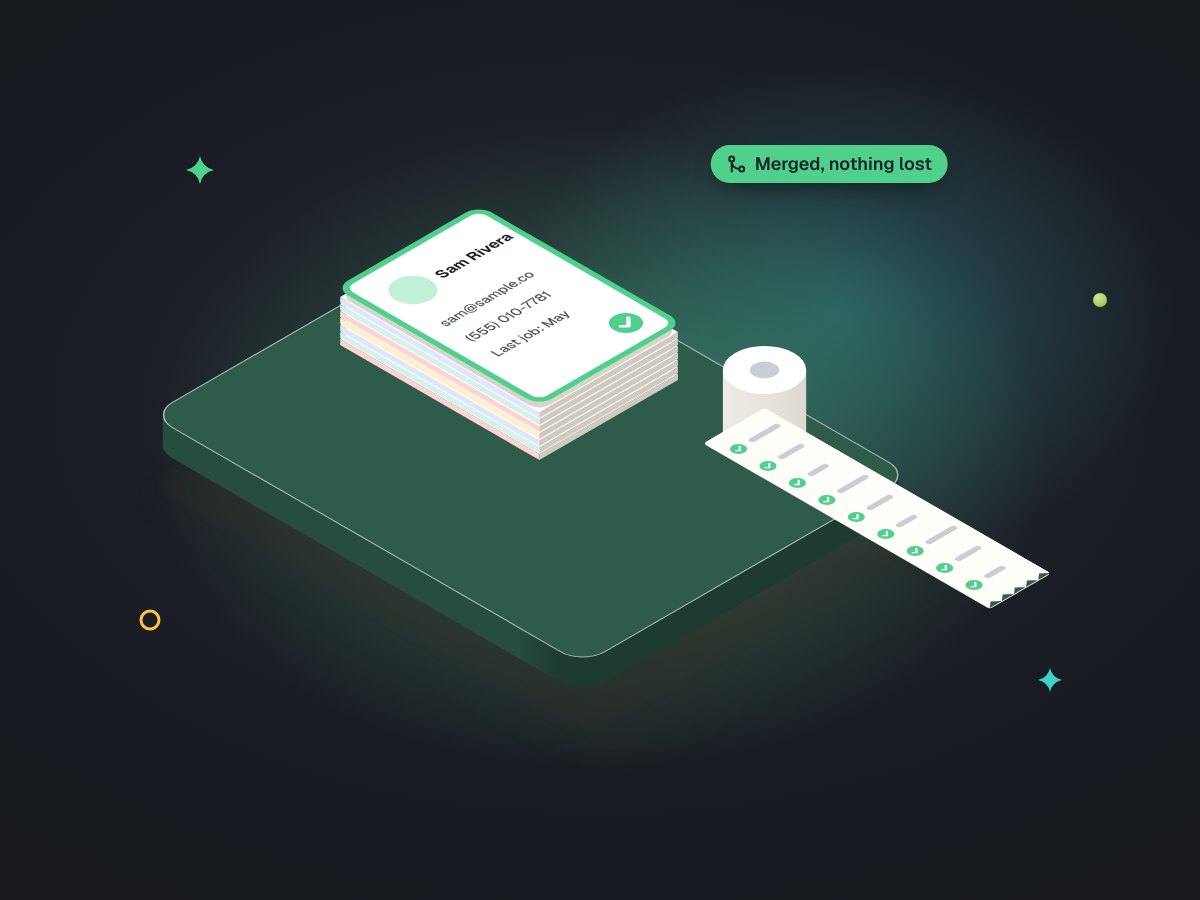
Carlos Ceramics Dental Lab had years of case history and a GoHighLevel account that did not reflect it. Of 325 practices, 215 matched on phone with high confidence, 40 more weakly, 69 shared an identifier with another practice, and 1 was missing from the CRM. We wrote 324 of them: 3,244 field writes, every one returned success, none failed, and no existing value was overwritten.
The job stopped at clean records. No office was emailed or texted as part of it. Read the full case study.
What we need from you
- Admin access to the CRMThrough a user of our own.
- An export of your historyOrders, jobs or invoices.
- Thirty minutesTo decide the weak matches we flag.
About cleanup and sync.
What do you match records on?
Whatever is most stable in your data. For the dental lab it was the phone number, then name and address as a check. Matches are graded, and the weaker ones are shown to you before anything is written.
Can we undo a sync?
Yes, field by field. The audit log keeps the old value next to the new one, so any change can be put back. Because the writer only fills blanks and adds, there is usually little to undo.
Two of our customers share one phone number. What happens?
They are not merged. Customers sharing a phone or email get a roll-up card that links them, and they are kept out of any per-customer messaging until you decide how to reach each one.
More on clean records
What to do with a list you can finally trust.
A CRM sync with an audit trail
The full build, from read-only client to the last log line.
Win-back & reactivation
Each customer measured against their own buying rhythm.
One source of truth
When the CRM, the books and the job sheet disagree.
CRM admin & care
Monthly checks so new duplicates never pile up again.
Why an automation must never fire twice
The same thinking behind a rerunnable sync.
Send us the export. We'll show you the dry run first.
Nothing is written until you have seen every planned change.