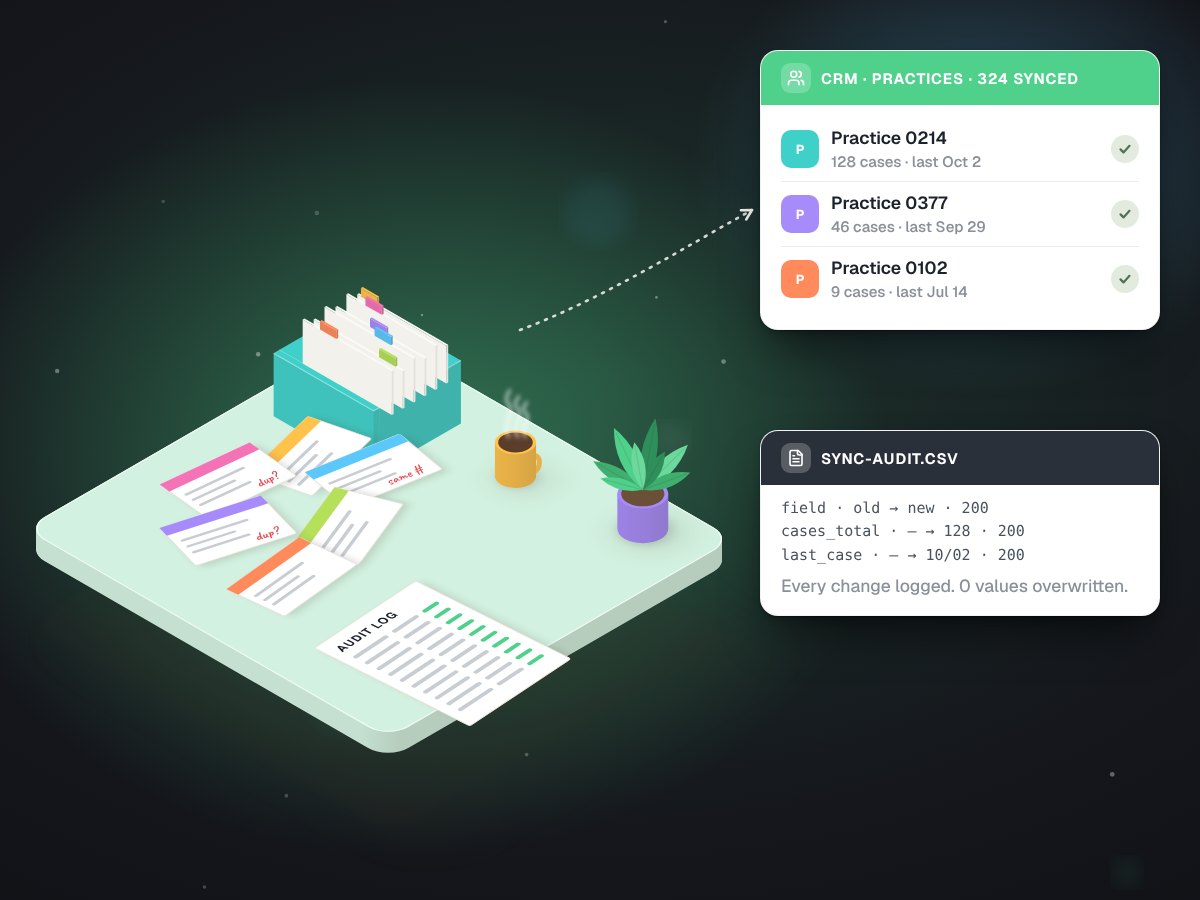
A CRM sync that wrote 3,244 fields and overwrote none.
Built for Carlos Ceramics Dental Lab, whose years of case history lived in one system while its doctor contacts lived in another.
Customer systems, at work.
- Built
- Practice profiles from case history, matched and merged into the lab's CRM
- Stack
- PythonGo High Level APICSV audit log
- Timeline
- August 2026. Profiles done August 13, written August 16 and 18
- Status
- Delivered. The records are in the lab's CRM
- Scale
- 25,336 cases read, 325 practices profiled
Two lists about the same doctors that never met.
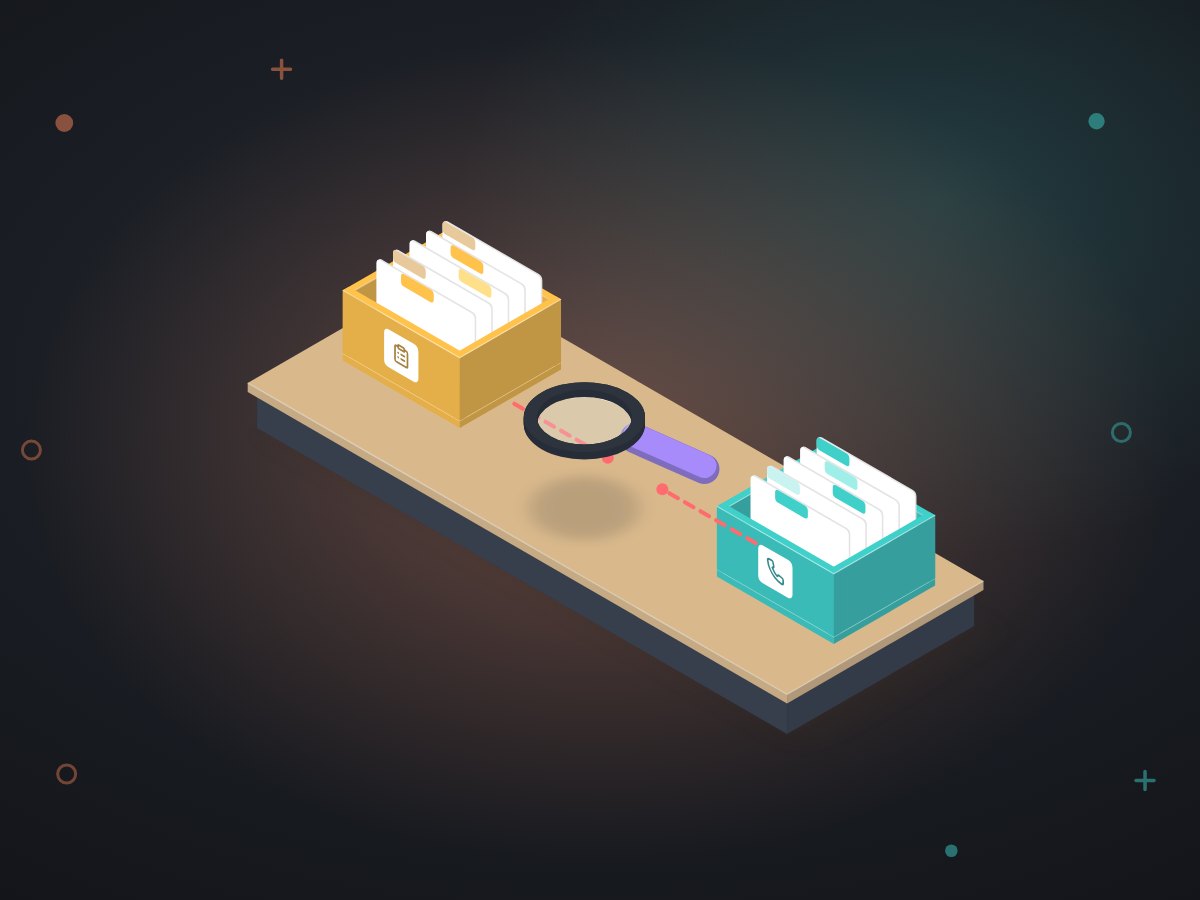
The lab's case system knew which offices sent work, how often, and when they last did. Its CRM, where the doctors' contacts live, knew none of that. Anyone wanting to call an office that had gone quiet had to look it up in two places.
Joining them was not as simple as an import. Some practices share one phone number across several locations. Some records were duplicates. The lab's own status field was wrong in both directions. A careless sync would have overwritten good data with bad, or made one location look like a whole group.
A sync that can only add, and writes down everything it adds.
Seven pieces. The order matters: nothing can write until the data has been read, matched and shown in a dry run.
--live.Practice profiles from the lab's own backup
analyze_backup.pyreads the case history and keeps only totals: cases sent, last case date, client since. The patient table was never extracted, and tables we agreed not to open stayed closed. Each practice is judged against its own rhythm over at least four weeks, because a single cut-off for everyone fires on almost nobody.A matcher that grades every match
Practices are matched to CRM contacts with the phone number as the key, and each match is graded before anything moves.
A read-only client
ghl_client.pytalks to the CRM but contains no call that can create, change or delete anything. Reading cannot turn into writing by accident.One writer, dry run by default
sync_write.pyis the only code that writes. Without--liveit only reports what it would do. Live, it reads each contact first and fills empty fields, never replacing a value that is already there. It skips rows already done, so it can be stopped and run again safely.Roll-up cards for shared phones
Where several locations share one number, the CRM keeps one contact. Instead of letting one location speak for the group, those groups became 29 roll-up cards that say how many practices they cover.
A do-not-write list
Custom fields that patients fill in are on a permanent list the writer will not touch, whatever the command says.
An audit file
Every field change is appended to
sync-audit.csv: the old value, the new value, the time and the CRM's answer. Any record can be traced back to the moment it changed.
Sure matches first. The rest waited.
We wrote the confident matches on day one and held back everything that needed a decision about duplicates and shared inboxes.
| Match grade | Practices | What happened |
|---|---|---|
| High confidence | 215 | Written on August 16: 2,150 fields |
| Weaker match | 40 | Held until duplicates were settled, then written August 18 |
| Sharing a phone or email | 69 | Written August 18, grouped into 29 roll-up cards |
| No contact in the CRM | 1 | Left alone |
The audit fileOne row per field changed
| contact | field | old value | new value | written at | status |
|---|---|---|---|---|---|
| c_•••• | Cases sent | (empty) | •• | 2026-08-16 ••:•• | 200 |
| c_•••• | Last case | (empty) | 2026-••-•• | 2026-08-16 ••:•• | 200 |
| c_•••• | Client since | (empty) | 20•• | 2026-08-16 ••:•• | 200 |
Two batches, a dry run before each.
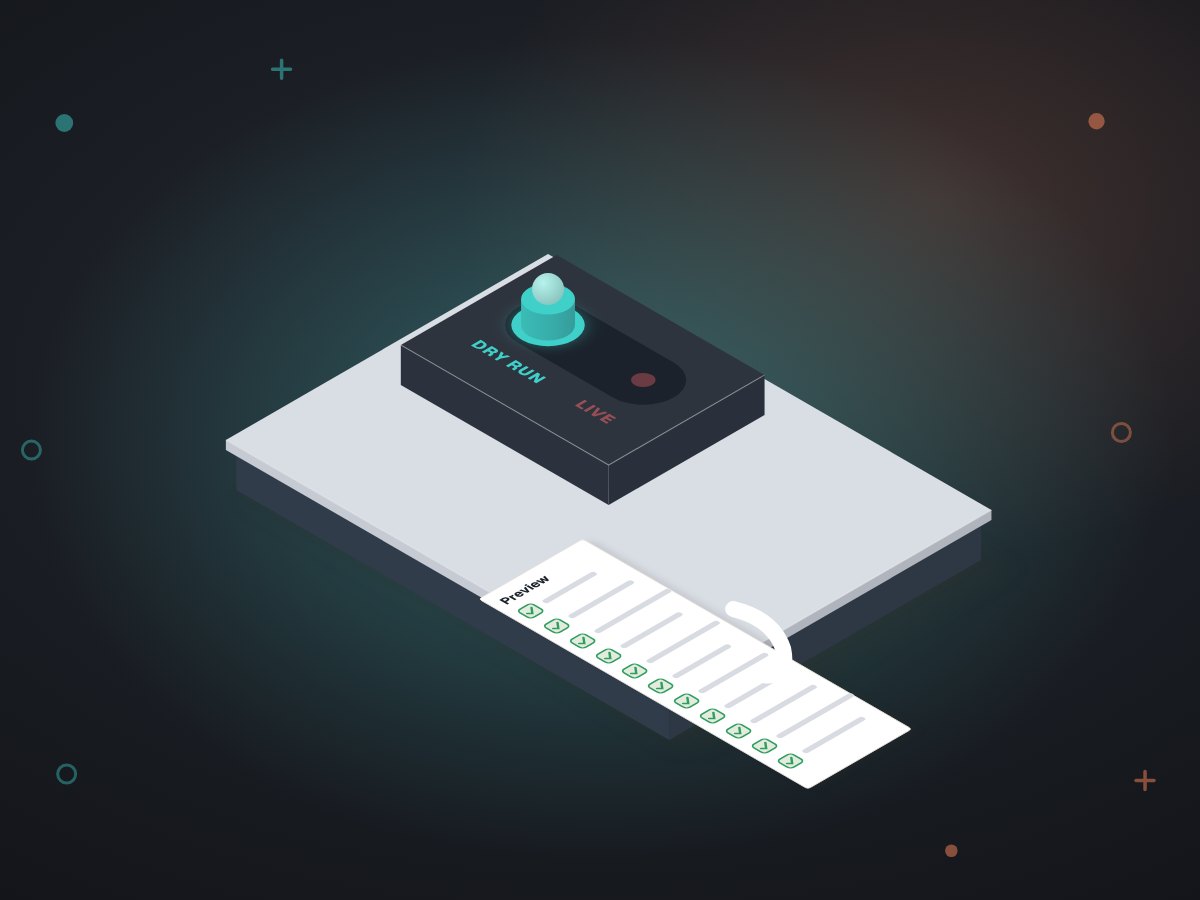
- Dry run, then liveRun without
--live, the writer lists every field it plans to fill and writes nothing. That list is what gets checked before anything goes live. - A narrow keyThe CRM token we used had no permission to send messages, start workflows or move money. Nothing was sent to any doctor, by design and by permission.
- Counts and dates onlyThe CRM is not the place for case details, so none went in. The profile fields are totals and dates.
- If a run stopsFinished rows are skipped, so a stopped run is simply started again. In this job there was nothing to redo: zero failures.
Any business with history in one system and customers in another.
An HVAC company with years of jobs in its field software and a separate marketing list. An accounting firm whose billing system knows who is active while the CRM does not. A property manager with leases in one place and owners in another. The parts carry over unchanged: read-only first, one writer, dry run, audit file, a list of fields nobody touches.
Other work for the same lab
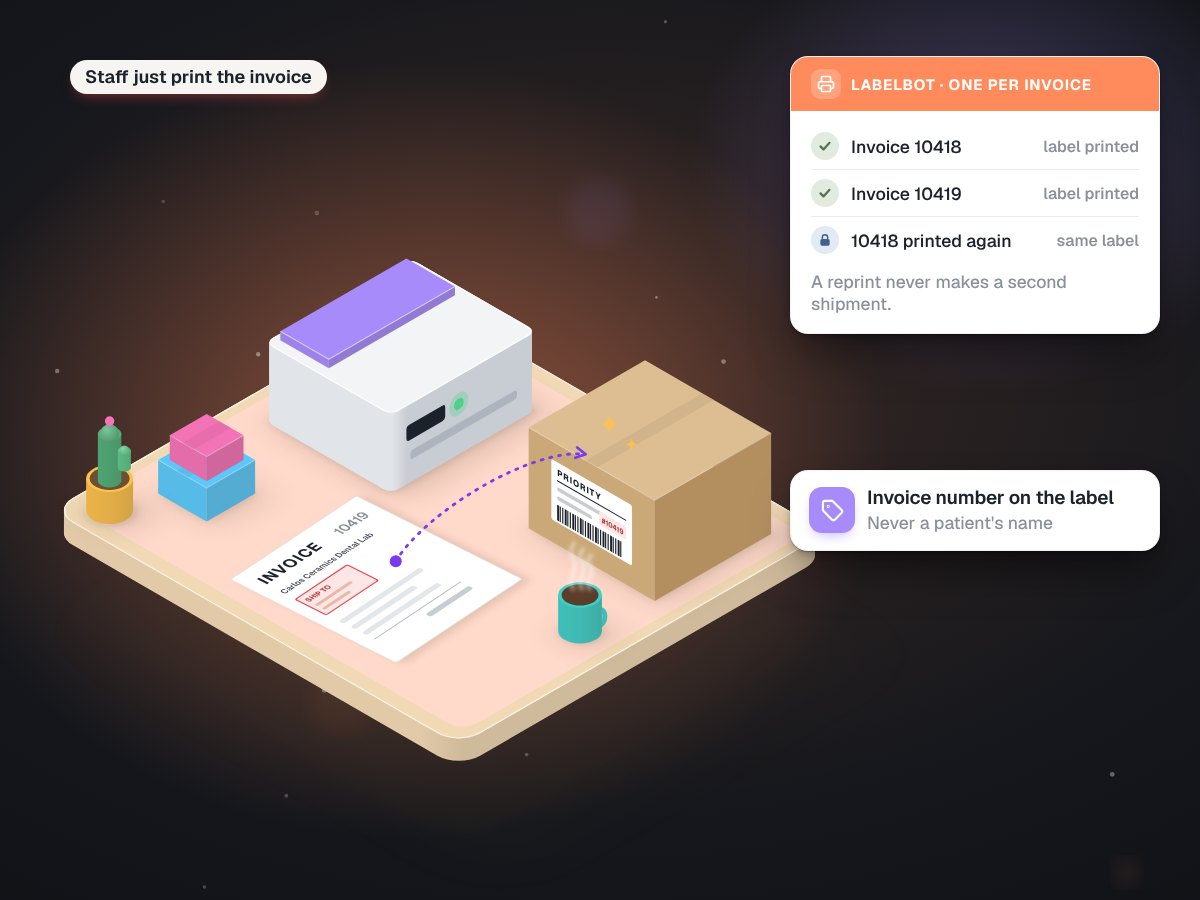
LabelBot: the invoice prints its own shipping label
Carlos Ceramics Dental Lab, a family-run dental lab in North Miami Beach
628labels in its first four weeks
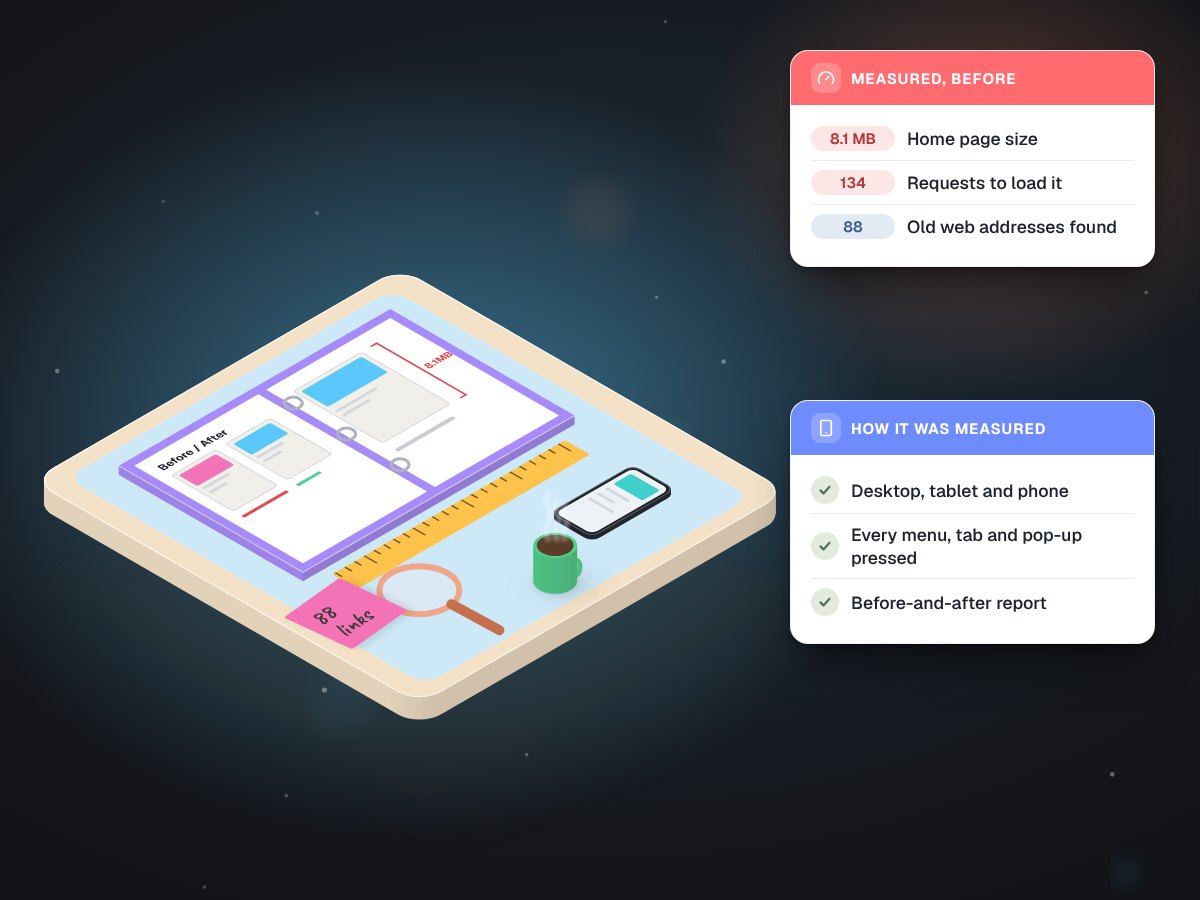
A read-only audit that measured every page, click and redirect
Carlos Ceramics Dental Lab, before its website was rebuilt
88old addresses checked
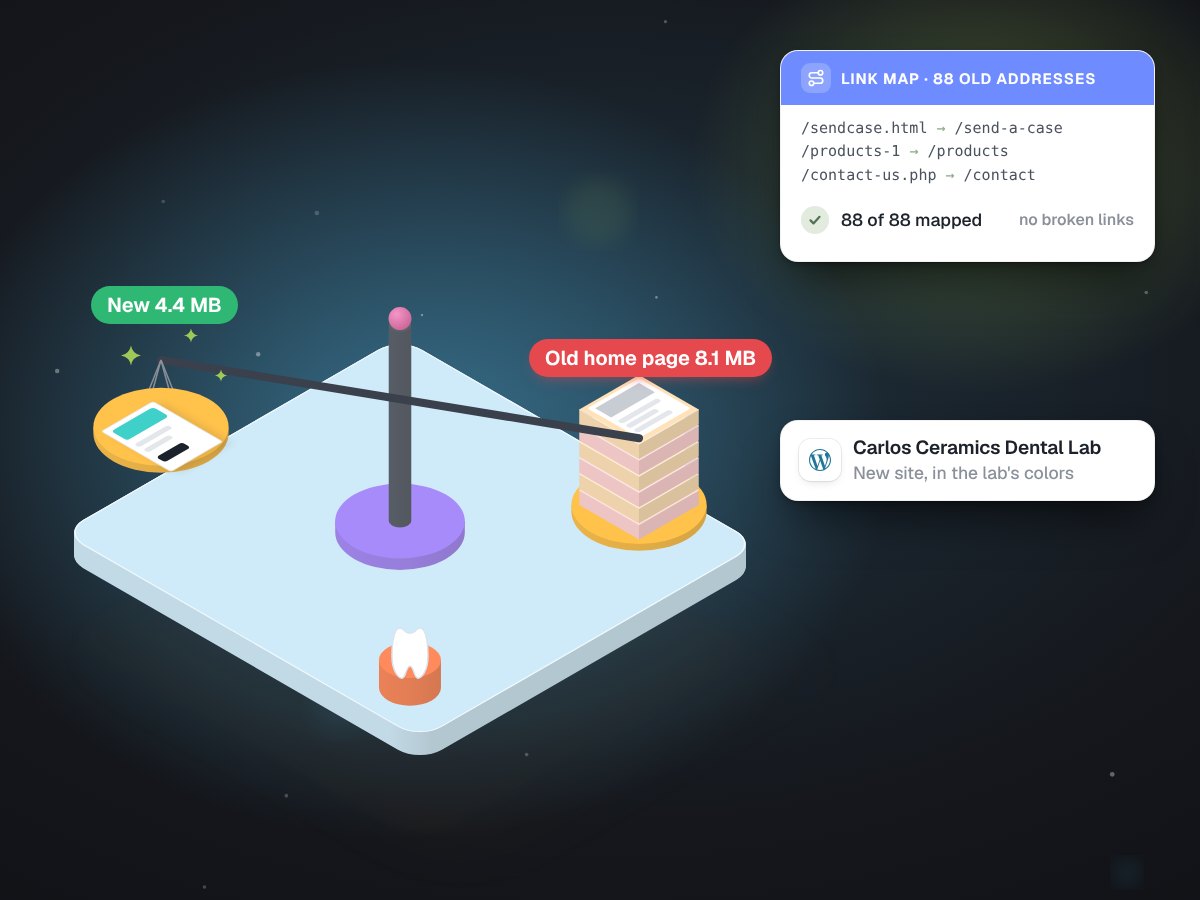
A WordPress rebuild that keeps all 88 old links
Carlos Ceramics Dental Lab, replacing a slow site dentists used every week
19 to 92phone speed score
Is your customer history stuck in the wrong system?
Tell us where it lives and where you wish it was. We will say on a free call what a safe sync would look like.