When Maria is on holiday, the answers should not be.
Every business has a person everyone asks. We turn what they know into short pages with an owner and a date, organised the way your team searches, and test them against real questions before anyone relies on them.
Four steps, mostly listening.
From the inbox, chats, call notes and new hires: what gets asked, and how often.
Short recorded sessions with the people who answer. They talk; we write.
Steps, exceptions and who to ask, in your words. Each page gets an owner and a check-by date.
Run the collected questions against the pages. Every miss becomes a new page or a fix.
Short, owned and dated.
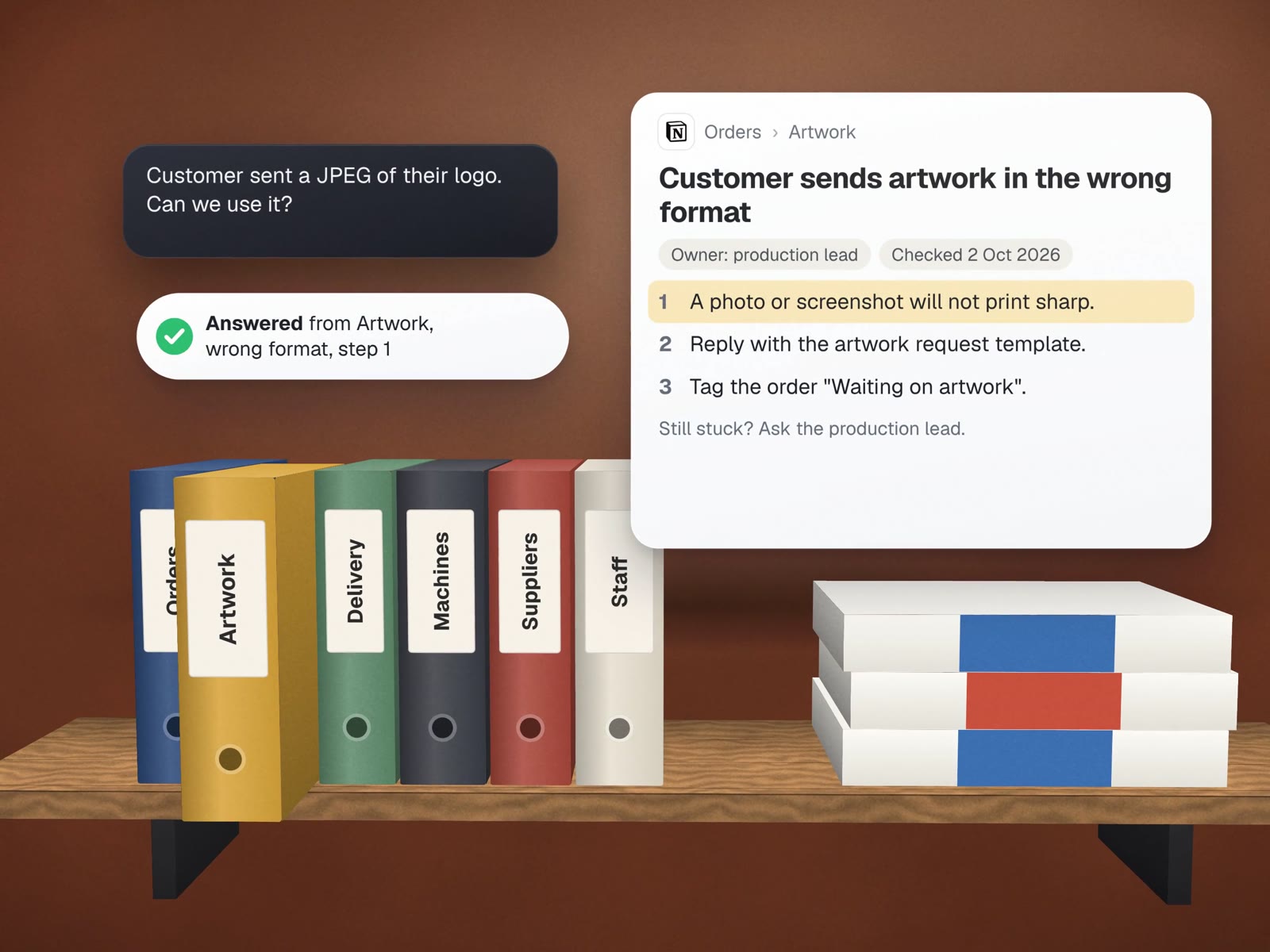
A sample page for a made-up print shop. Every page in the knowledge base follows the same pattern, so people know where to look.
Customer sends artwork in the wrong format
Do this
- Open the file. If it is a photo or screenshot, it will not print sharp.
- Reply with the "artwork request" template and the size we need.
- Tag the order "Waiting on artwork" so the due date pauses.
- If no reply in 2 working days, send the reminder template.
- When good artwork arrives, remove the tag and confirm the date.
Exceptions
- Rush orders: call the customer instead of emailing.
- Logos we have printed before: check the customer folder first.
Still stuck? Ask the production lead, or the owner if it is a rush.
- One task per page"Artwork in the wrong format", not "Artwork policy". People search for the problem in front of them.
- An owner and a dateEvery page says who keeps it right and when it was last checked. Stale pages are listed monthly for their owner.
- Templates linked, not pastedThe email wording lives in one place, so fixing it fixes it everywhere.
- A way outEvery page ends with who to ask. A knowledge base that pretends to know everything gets ignored.
A test sheet of real questions.
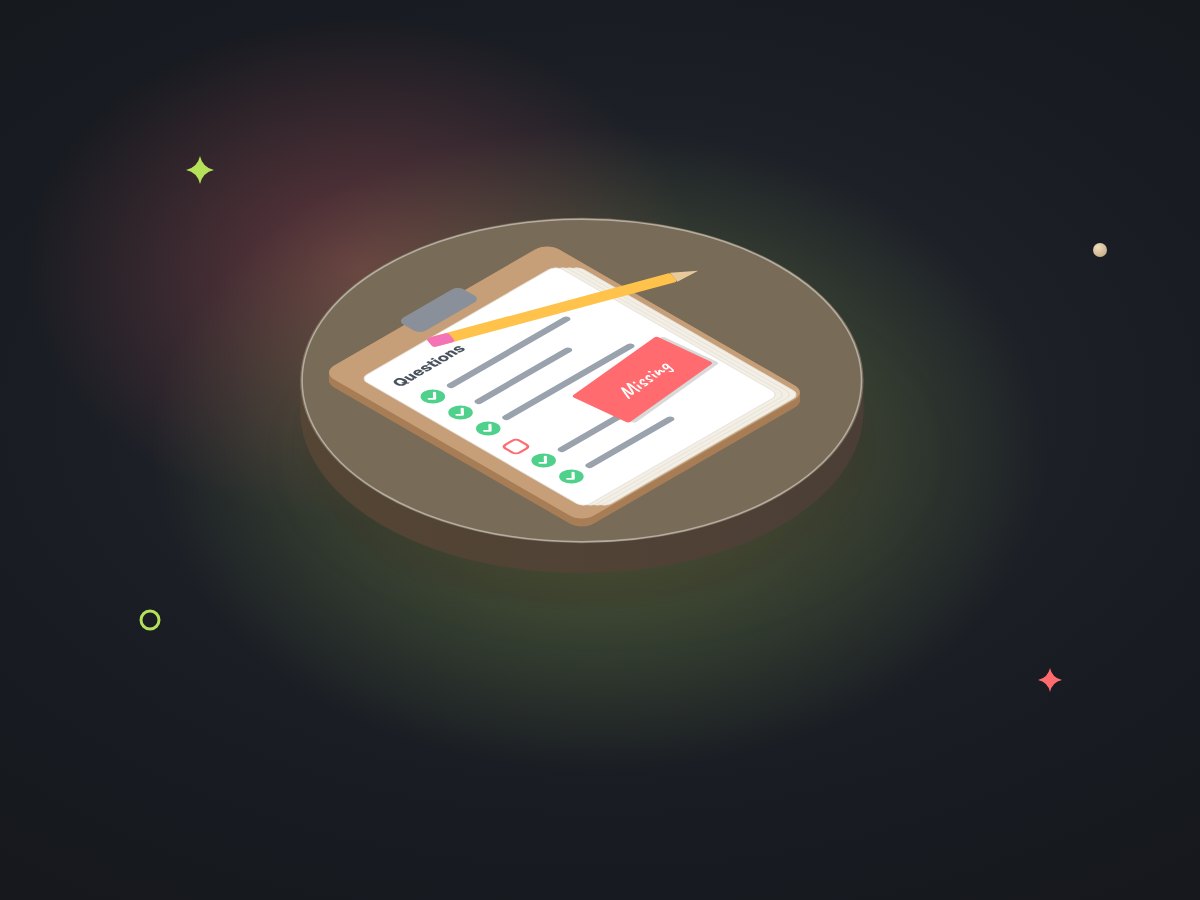
Before launch we run the questions we collected against the pages. A sample of what that sheet looks like:
| Question as asked | Page that answers it | Result |
|---|---|---|
| "Customer sent a JPEG of their logo, can we use it?" | Artwork in the wrong format | Answered |
| "How do I pause a due date?" | Artwork in the wrong format, step 3 | Answered, but buried: new page added |
| "Do we deliver to the Keys?" | None | Missing: page written, owner assigned |
| "What's the discount for schools?" | None, on purpose | Owner decides case by case: page says "ask" |
Pages customers actually use.

For Carlos Ceramics Dental Lab we wrote both kinds: guides for its customers, and a reference for its own team.
- Connect your scannerStep-by-step setup for eight intraoral scanner systems, so a new dental office can send digital cases without a phone call.
- Send a caseThe four ways a case can reach the lab, with packing steps and dated prescription forms.
- A product cheat sheetThe lab's 205 catalogued procedures rewritten in plain English for whoever talks to dental offices, as part of a sales call kit.
The two guides live on the lab's new website, which is built and launching soon. The pattern is the same for internal pages: one task, plain words, tested against the questions people really ask. Read about the website.
About writing it all down.
 Google Drive
 NotionYour help deskYour website
Where should the knowledge base live?
Where your team already works: Google Drive, Notion, your help desk or your website for customer pages. We pick the place people will open, not the fanciest tool.
Can an AI assistant answer from it?
Yes, once it is written and tested. An assistant on your documents should quote the page it used and refuse when the pages do not cover the question. See assistants on your documents.
How do we stop it going out of date?
Owners and check-by dates. A monthly list goes to each owner with their pages due for a look, and pages nobody opens are reviewed for removal.
More on putting knowledge to work
Assistants, training and the questions that feed it.
Assistants on your documents
Answers with the page they came from.
Staff training bots
New hires learning from these pages.
Call & chat review
Where the question list comes from.
Website rebuild with every link kept
Home of the scanner and send-a-case guides.
Client & staff onboarding
Sending the right pages on day one.
Who is the person everyone asks?
Book a free call and tell us what they get asked. We will sketch the first ten pages.