Tools built around how your business actually runs.
When the software you pay for almost fits, your team fills the gap with spreadsheets, sticky notes and memory. We build the missing piece: a screen for staff, a page for customers, a workbook that checks itself, or a whole operating system, and we keep it in your accounts.
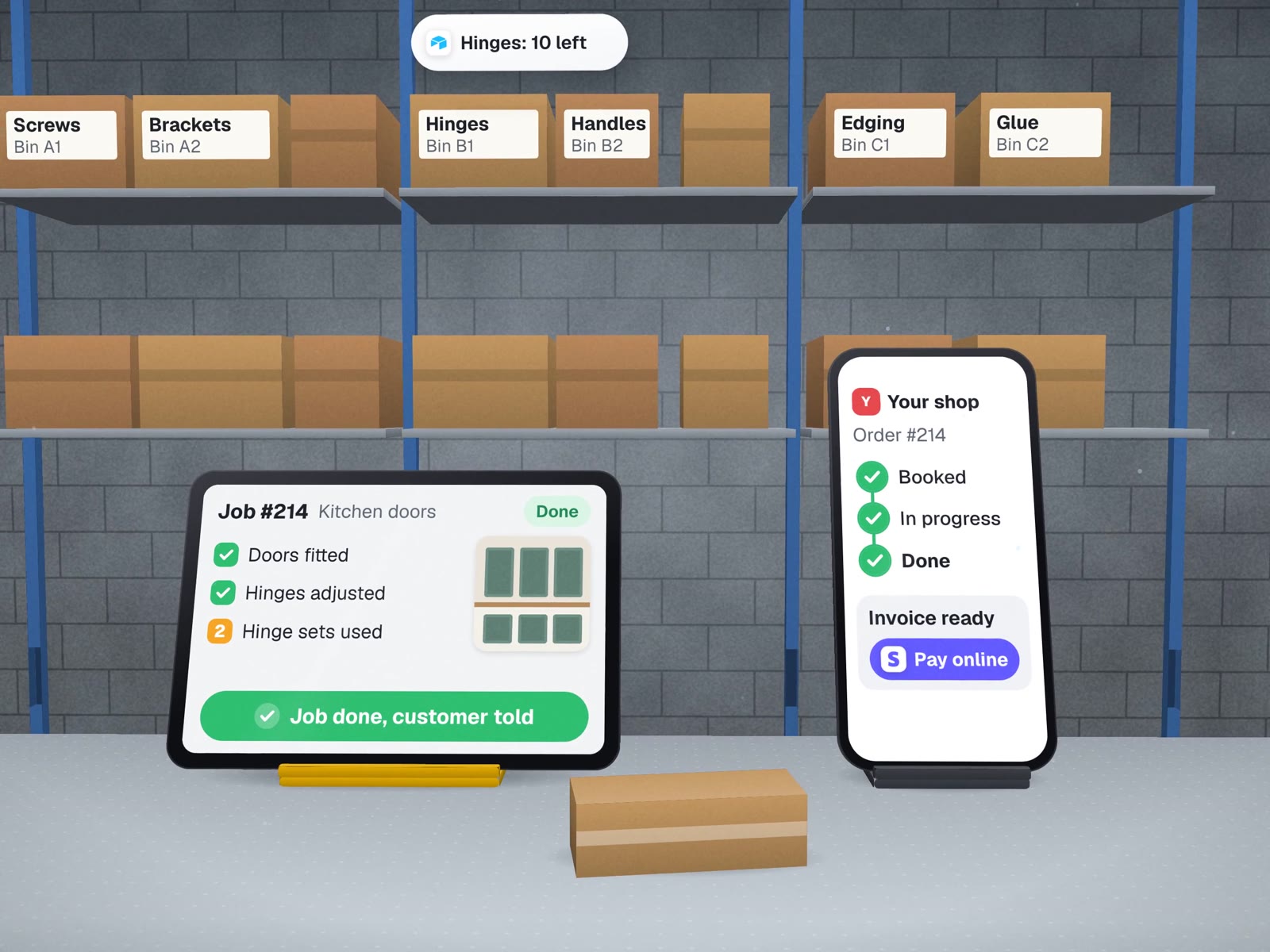
Eight kinds of software, sorted by who uses them.
For the owner: running the business
One place for jobs, people, money and decisions.
For the team: doing the work
Screens that match the job, in the office or on site.
For customers: seeing where things stand
Fewer "where is my order?" calls.
Under the hood: foundations
Data that stays put, and a safe way off fragile files.
Screens on top, your data underneath.
Each piece can be built alone. They share one rule: the data lives in accounts you own, and every screen reads from it rather than keeping its own copy.
Software we built and run every day.
Most of our custom software runs our own company, and one piece runs on a client's office PC. That is where the patterns on these pages come from.
 Google SheetsApps ScriptPython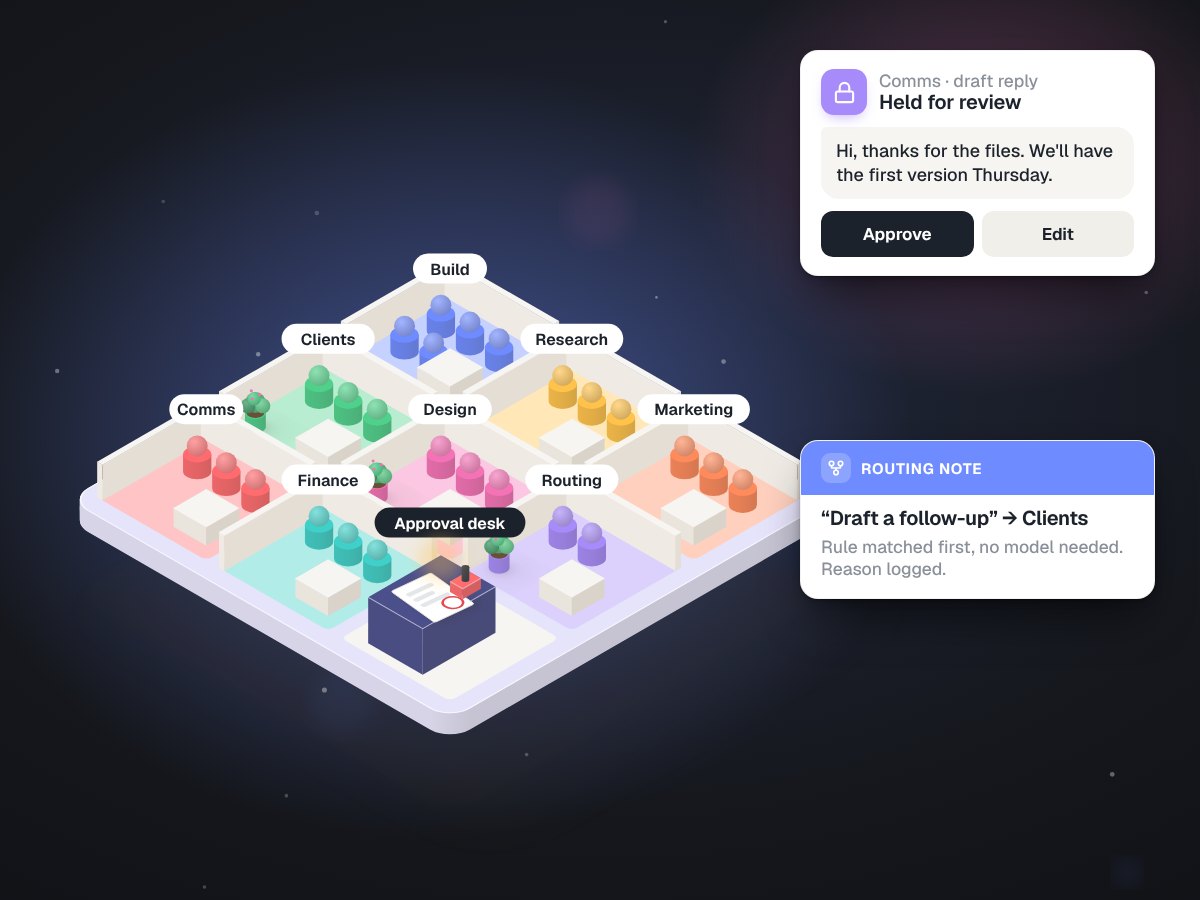
MUVES OS: 34 AI agents in 9 departments, and none of them can send an email
Client rooms, workflows that earn autonomy step by step, a monitor with no AI model in it, and accounts with private workspaces. It runs daily on one office PC.
Built in-house
Read the case study →Books that check themselves
A Google Sheets and Apps Script workbook with daily checks, duplicate-refusing booking and a payments calendar.
Built in-house
Read the case study →A Python service on the lab's own PC
Reads each printed invoice and makes one courier label for it. 130 tests before go-live.
Client work · Carlos Ceramics Dental Lab
Read the case study →On building your own tools
When to build, when to buy, and how to switch safely.
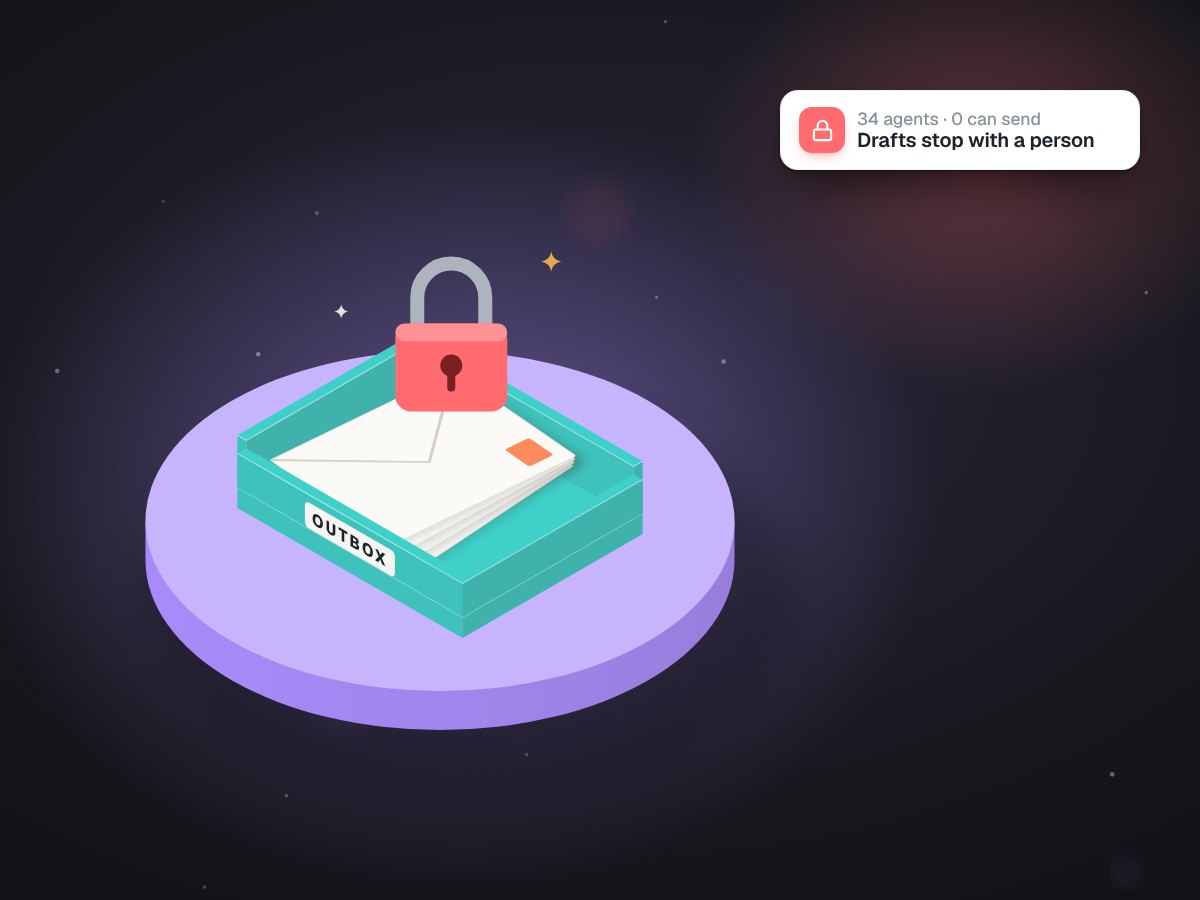
How two people run a company with 34 AI agents
The operating system behind this page, explained.
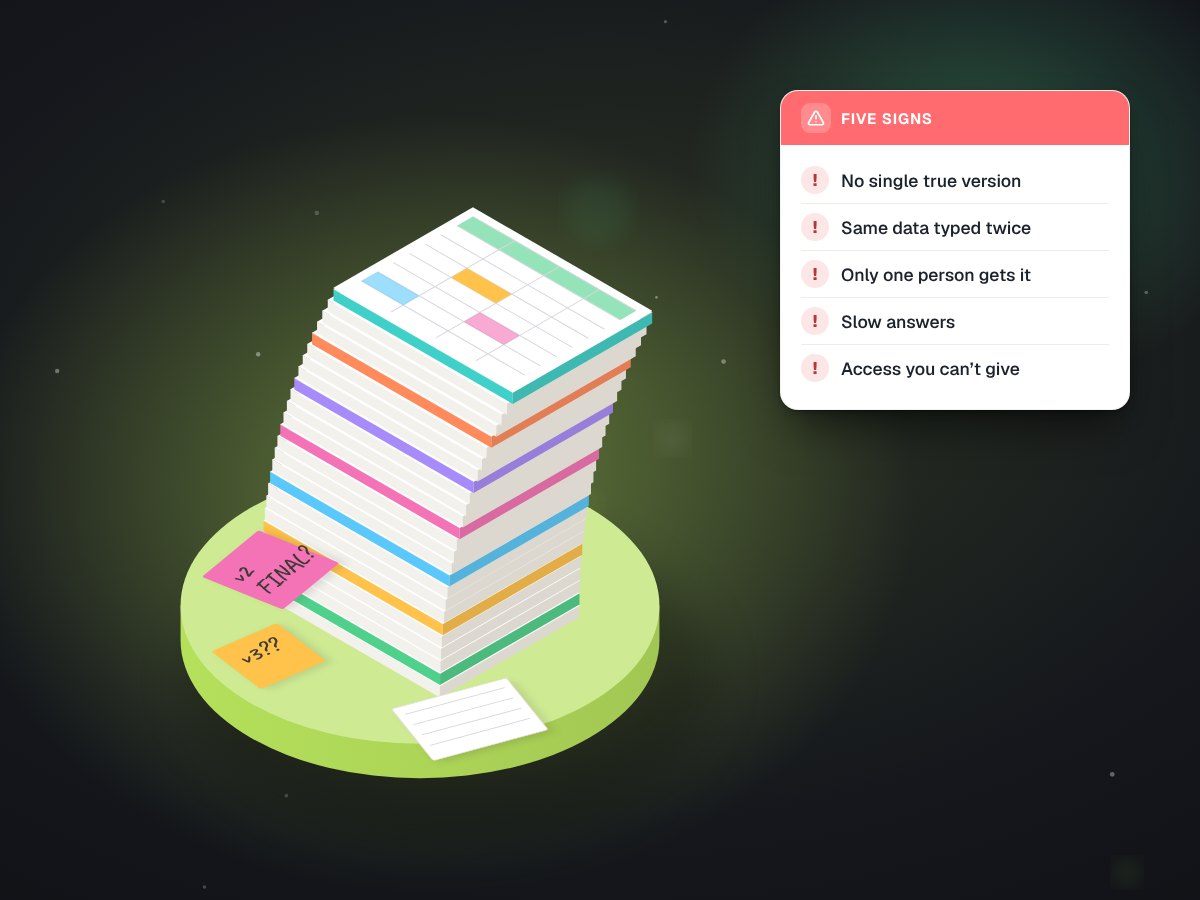
Five signs your business has outgrown spreadsheets
And what to move to when it has.
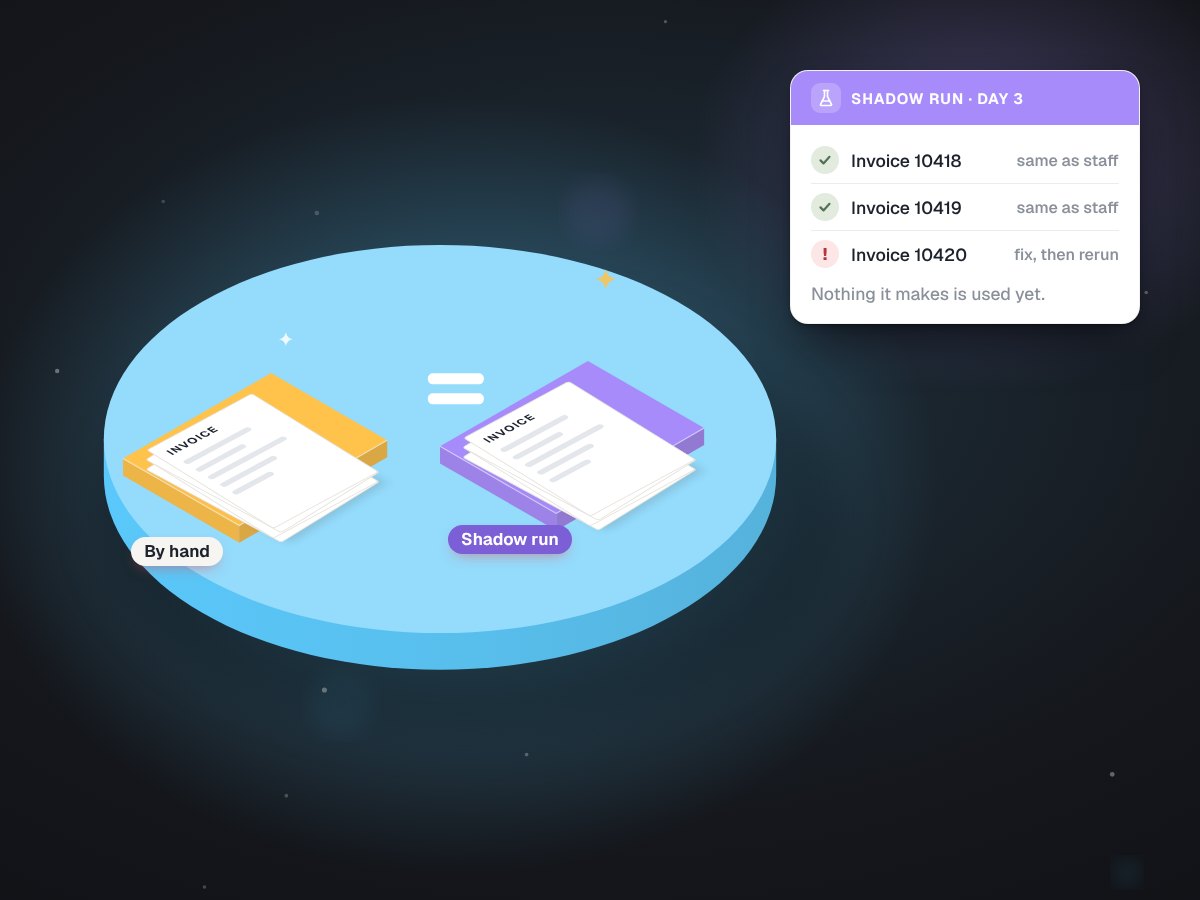
Test it on real paperwork first
How a shadow run works before anything goes live.
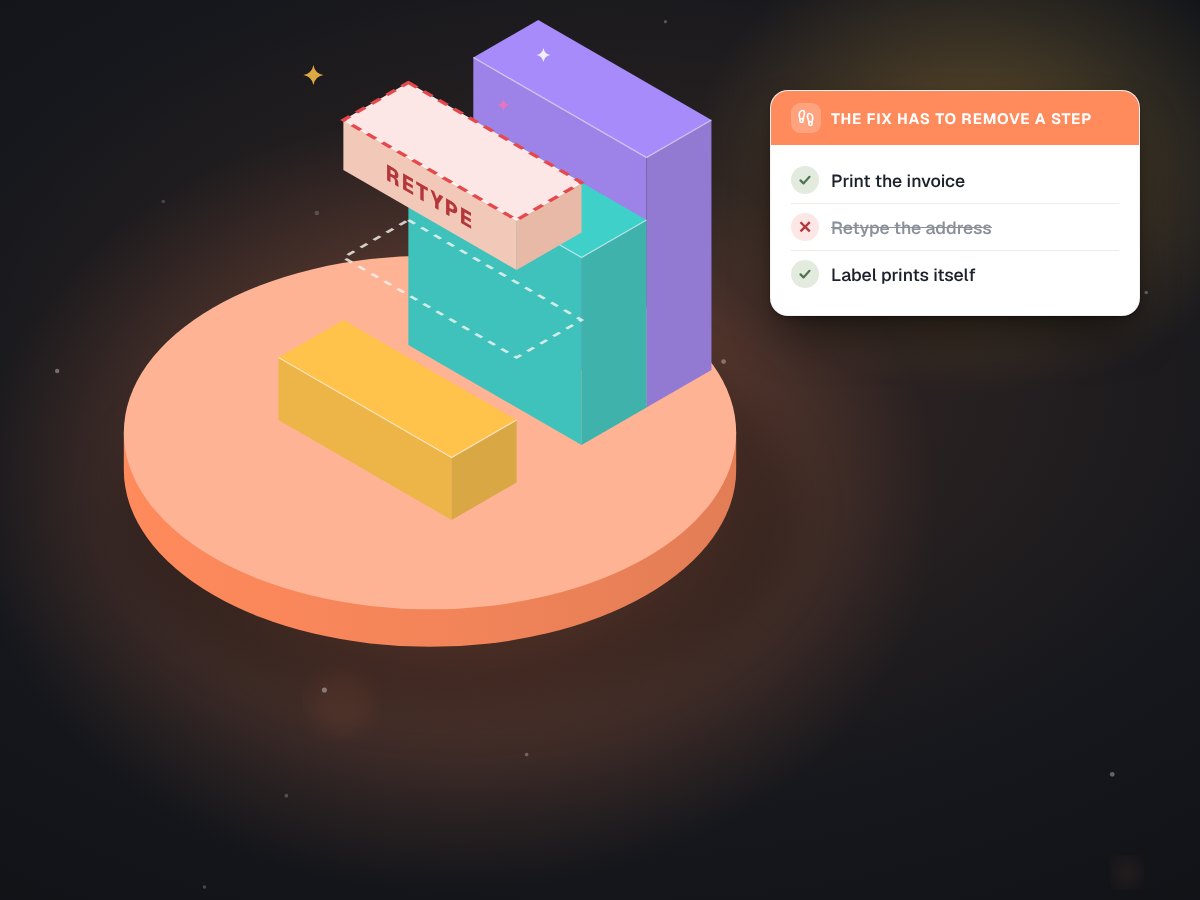
Every tool has to remove a step
Why two earlier pilots at a lab failed, and ours did not.
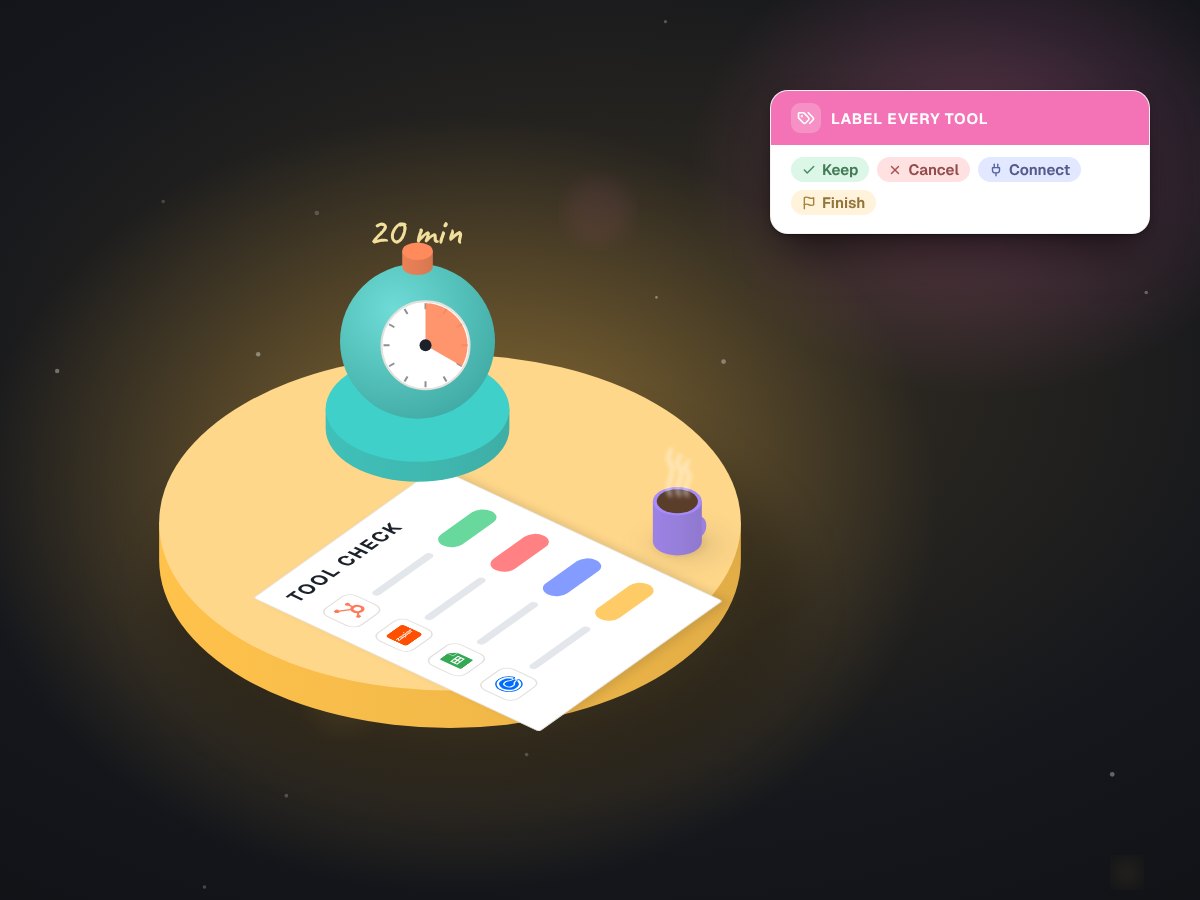
A 20-minute tool check
Before you build or buy anything.
Wherever work outgrew the spreadsheet.
Before you commission software.
Why custom software instead of another subscription?
Often you should buy, and we will say so. Custom makes sense when the off-the-shelf tool almost fits and your team spends hours working around it, or when the job is specific enough that no product covers it.
Who owns the code and the data?
You do. Code, data and accounts live in your name: your Google Workspace, your hosting, your repository. If we stop working together, everything keeps running and someone else can pick it up.
What do you build with?
Whatever fits the job and your team. We have built Python services on an office PC, Node services with a browser dashboard, WordPress plugins, and Google Sheets with Apps Script. The plainest tool that does the job wins.
How do you avoid building something nobody uses?
We start from one real task, build the smallest screen that removes a step from it, and run it beside the old way before switching over. If it does not remove a step, it does not ship.
Show us the spreadsheet everyone is afraid to touch. We'll start there.
A free first call, and a written plan for the first screen worth building.