Field notes · Article · Part 1 of 3
The lab had tried two shipping fixes before us. Both added a step.
A browser extension and a barcode system both faded out at a dental lab. The fix that stuck starts from the one thing staff already did: print the invoice.
In brief
- Two earlier fixes at the lab were reasonable on paper and quietly abandoned, because each one asked staff to do something extra.
- LabelBot starts from a habit that already existed, printing the invoice, and does the retyping that used to follow it.
- Before you buy or build a fix, count the steps your team does today and the steps after. If the second list is not shorter, keep looking.
Every finished case at the dental lab goes back to a dentist's office by courier. For years, shipping worked like this: someone printed the invoice, opened the courier's website, and typed the office name and address into it one field at a time. Then they printed the label and taped it to the box.
The address was already on the invoice. The job was copying it from paper to a screen, by hand, for every case. It was slow, and it was the kind of work where a swapped digit in a ZIP code sends a crown to the wrong office.
Two fixes that made sense and still failed
By the time we arrived, the lab had already tried twice. The first attempt was a browser extension meant to fill in the courier's form faster. Staff still had to open the site, start the extension and check what it had filled in. It was one more tool to remember on top of the old routine.
The second attempt was a barcode system. Scan something, pull up the shipping details. That meant printing barcodes, keeping a scanner within reach and adding a scan to every single case.
Neither idea was foolish. Both faded out for the same reason: each one added a step to a busy person's day, and busy people go back to the routine they know. That became the one rule for everything we built afterwards.
If a fix adds a step, it gets skipped. It has to take one away.
Starting from what people already do
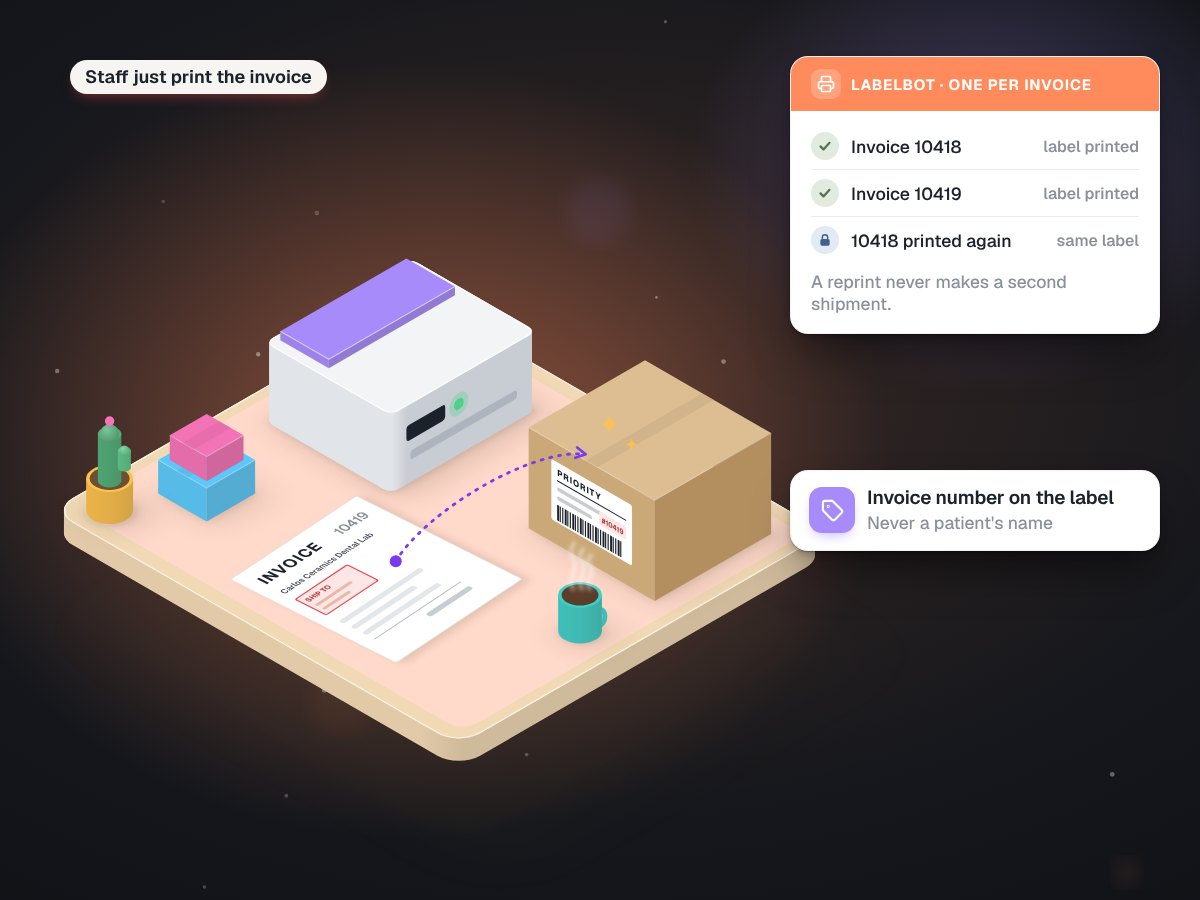
Staff were always going to print the invoice. So we made that print the trigger. They now pick a different printer from the list, a virtual one that saves the invoice as a PDF into a watched folder instead of putting it on paper. Everything after that runs by itself.
The bot waits until the file has finished writing, reads the ship-to block, checks with the courier that the address is inside its service area, asks for one label, and prints the label and the invoice to the same printer. Nobody types an address. The only visible change is the printer name.
A few decisions made it safe to hand over:
- Read by position, not by guessing. The bot finds the practice from where the ship-to block sits on the page, which stays put from one invoice to the next.
- Check before spending. If an address is outside the courier's area, the bot stops before it creates anything.
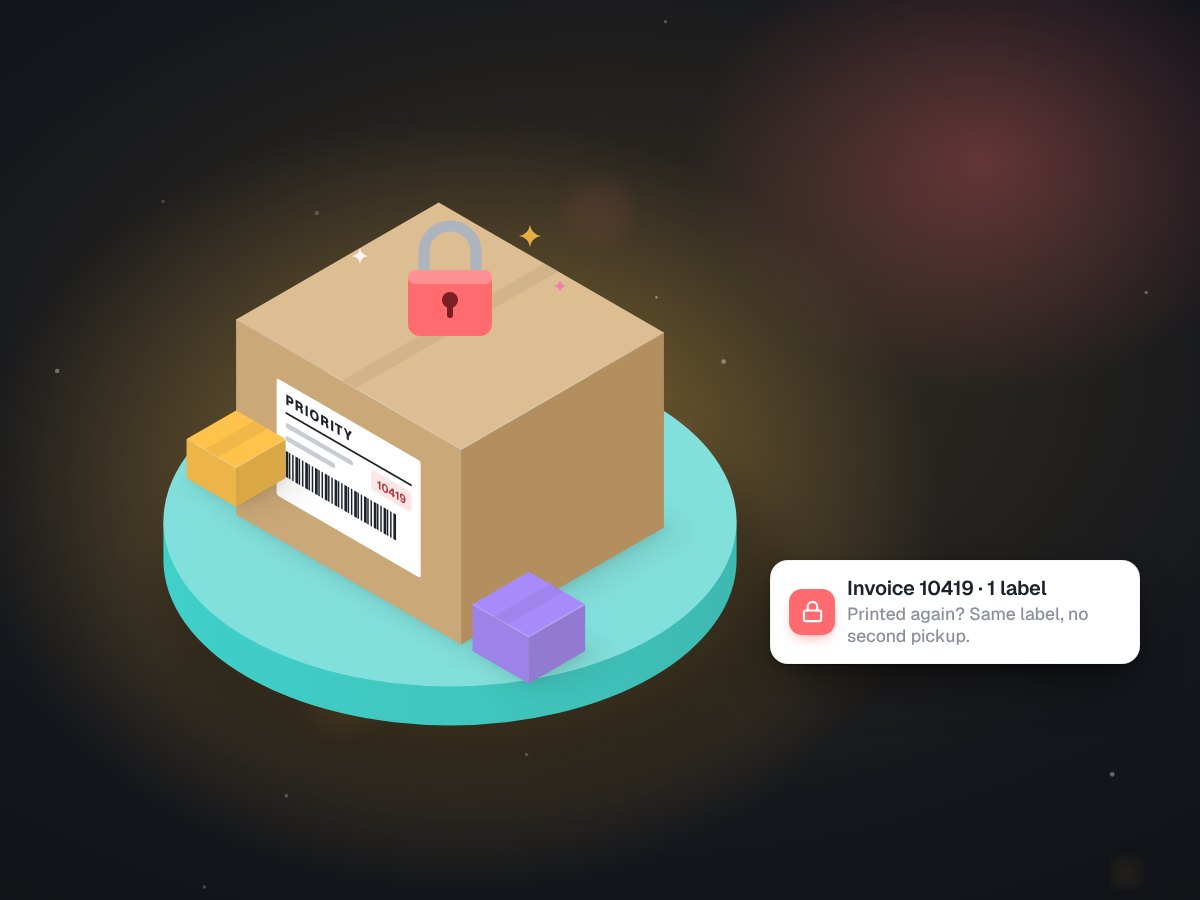
- One label per invoice. A record of every invoice handled, plus a lock, means a reprint never becomes a second shipment. We wrote about that rule in a separate note.
- The invoice number, not the patient. The label's reference field carries the invoice number, so the box can be matched to its case without a name on it.
We also left one thing alone on purpose. Staff still decide when a case is done. The bot never ships anything a person has not printed.
What changed at the counter
From the staff side the change is close to invisible. Finish the case, print the invoice, and a label comes out next to it. No courier website, no new screen, no scanner to find.
It has printed 628 labels so far. By our estimate, that is 34 to 57 hours of retyping the lab no longer does. Before it printed the first one, it passed 130 automated tests and four rounds of review, then ran in the shadows on real invoices for several days, which we describe here.
Counting steps, for any business
You do not need a dental lab for this to apply. A print shop copies job details from an email into its order book. A repair shop types a customer's name onto a work order, then into the invoice. Wherever the same information is typed twice, there is a fix waiting, and the same test decides whether it will last.
Exhibit 1Shipping one case, before and after
| Step | Before | With LabelBot |
|---|---|---|
| Print the invoice | Yes | Yes, to a different printer |
| Open the courier site | Yes | No |
| Type name and address | Yes, field by field | No |
| Print the label | Yes, separately | Prints with the invoice |
| Decide the case is done | A person | Still a person |
Write down the clicks and keystrokes for one job today. Then write the list your proposed fix would leave behind. Hook the fix into a habit people already have, like printing, saving a file or marking a job done, rather than asking for a new one. And keep a person on the decisions that need judgment: when a job is ready, whether a refund is fair, when a quote is final.
If you want help with the counting, that is how our workflow automation work starts: a normal day watched, every retyped field marked, and a fix that ends with fewer steps than it found.