Show the product turning, not just sitting in a photo.
Short rendered loops that show a product from every side, and simple motion clips that explain a process. Made from models, sized for the web, and calm enough to sit beside your text.
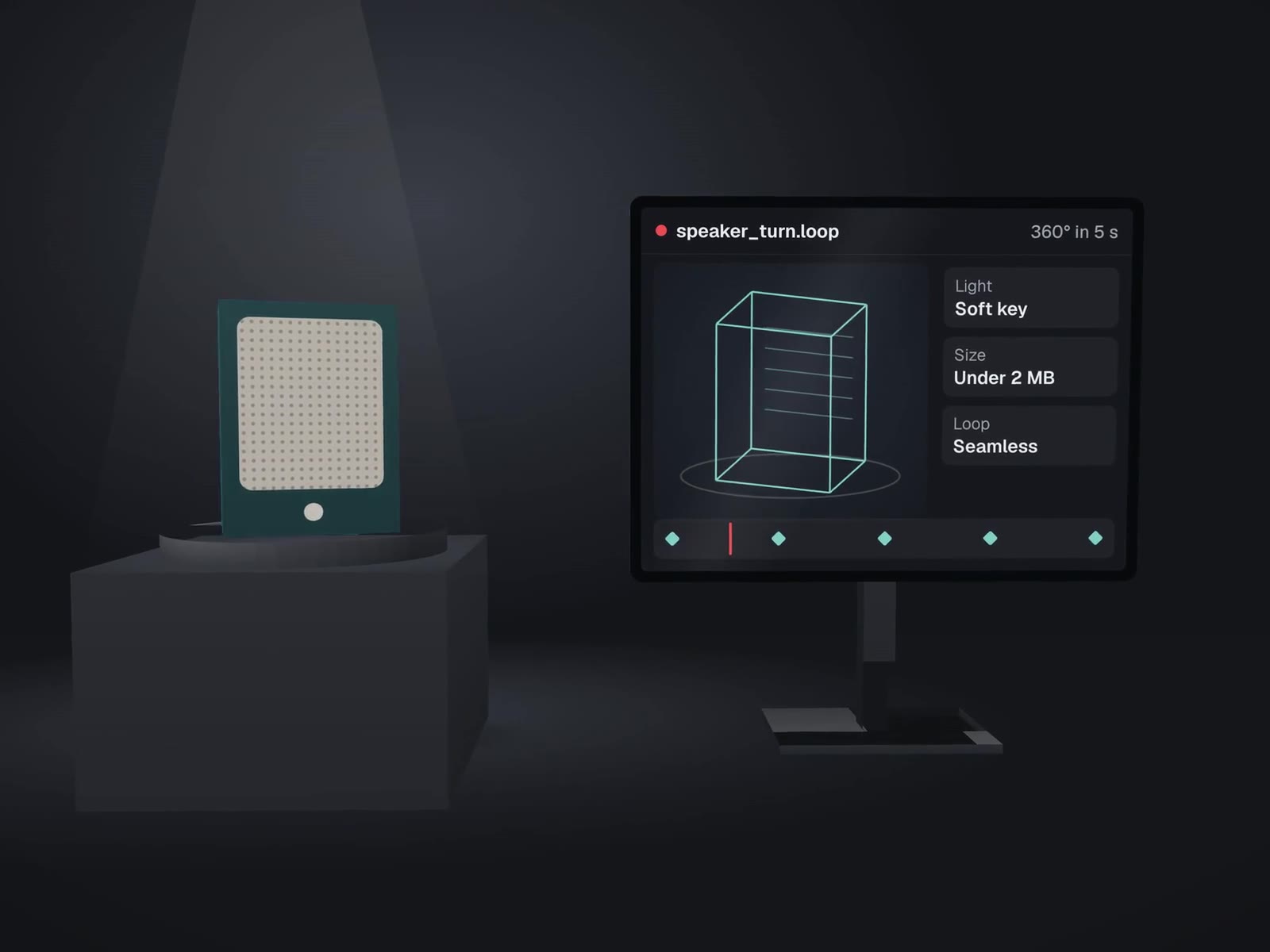
Six steps between a file and a moving product on your page.
- Model
Your CAD file, or an openly licensed model adapted and credited
- Materials
Surfaces set up procedurally: ceramic, metal, resin, fabric
- Light & camera
A small studio in Blender, the same set for the whole range
- Render the loop
A few seconds that loop without a visible jump
- Motion clips
Steps and diagrams animated in code with Remotion
- On the page
Compressed, still frame first, paused for reduced motion
Product loops for a dental lab's new site.

Dentists judge a lab partly by how clearly it shows its work, and photos of small restorations on a bench rarely do. For Carlos Ceramics Dental Lab's rebuild we rendered procedural 3D loops in Blender from openly licensed and public-domain dental models, credited on the site's terms page, and made short Remotion clips for each step of how a case moves through the lab.
- Crowns
- Dentures
- Implant
- Orthodontic appliance
- Veneers
- Packing a case, driven by scroll
The site is built and launching soon. See where the loops sit in the rebuild.
Motion that doesn't cost the visitor.
Rules we follow so motion doesn't undo the work of a lighter site.
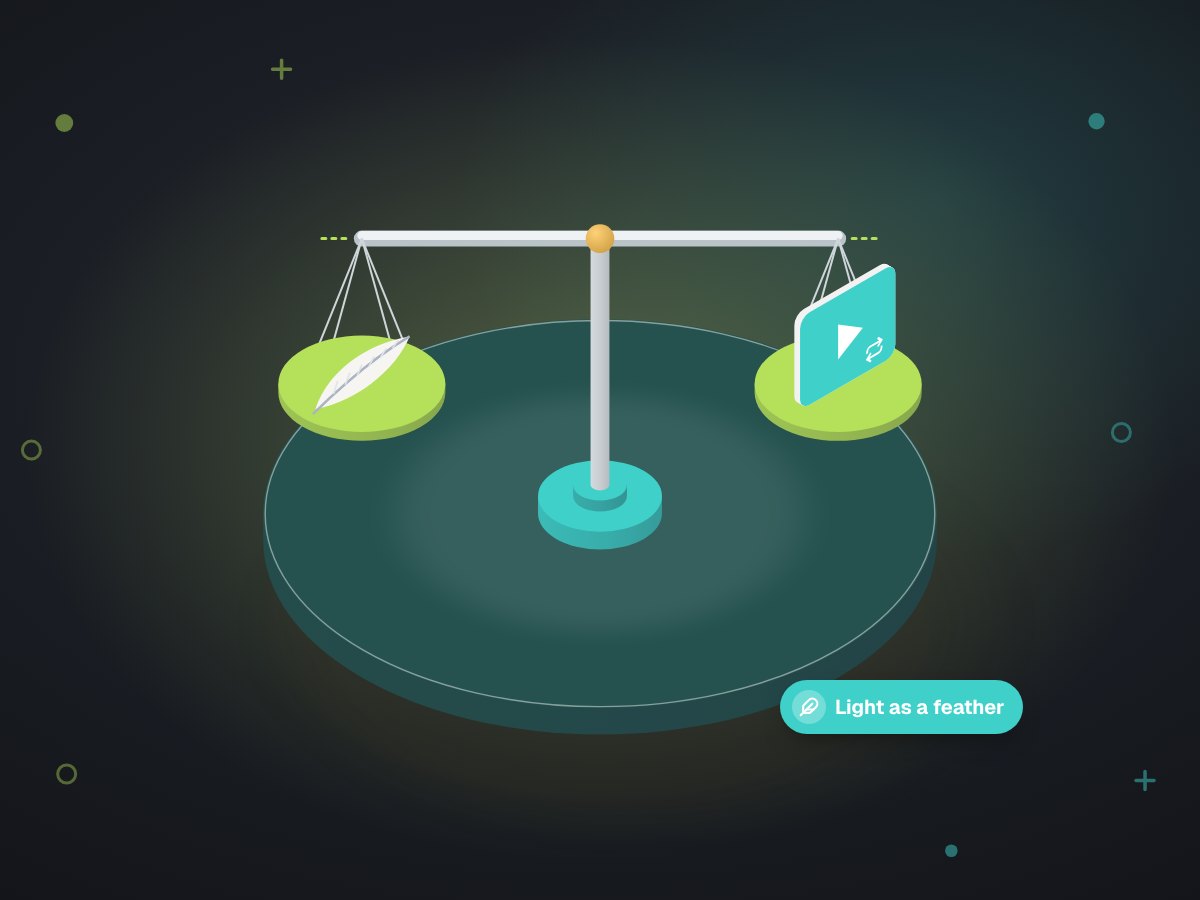
A few seconds that repeat. Long videos belong on a video page.
A poster frame shows at once; the loop starts when it scrolls into view.
If a visitor's device asks for reduced motion, they get the still frame.
Every loop answers a question on that page. Decoration gets cut.
Products that are small, hidden or hard to photograph.
What we need from you. CAD or 3D files if you have them, a real sample or good reference photos, your brand colors, and the one question each loop should answer.
About renders and loops.
We don't have 3D files of our products. Can you still do this?
Sometimes. For common product shapes there are openly licensed models we can adapt and credit, which is how the lab's loops were made. For your exact product, a CAD file from your supplier or designer is the best start.
Will animation slow the page down?
It can, which is why each loop is short, compressed, shows a still frame first and only loads when it comes into view. Visitors who ask their device for less motion see the still.
Can the same renders be used on social media?
Yes. We render at a size and shape for the site and can export extra cuts, square or vertical, from the same scene.
Is this the same as a product video shoot?
No. A shoot films the real thing in a real place. A render builds it from a model, so it can turn, open up or show the inside, and it never needs a reshoot when the background changes.
Where the loops end up
The pages and builds that use them.

Got a product that photos undersell? Let's render it.
Send us what you have: a CAD file, a sample or a few photos. The first call is free.