Stop being the system your business runs on.
In most small businesses, the owner is the operating system: every request, reminder and decision runs through one head. We build a system that takes requests, sends them to the right place, drafts the routine work and keeps the record, while a person still approves everything that leaves.
A building, cut open.
This is how our own system is laid out, drawn as a building. Yours would have fewer floors and your departments, on the same plan.
Every workflow starts human-led and earns its way up.
Each repeatable job is written down with its steps, who does them, what it replaces and what the person still owns. Moving it up a rung is a decision you make, never a default.
Human-led
A person does the work. The system reminds, collects and records.
Example: client follow-up. Ours is designed to stay here for good.
Human-assisted
The system drafts or prepares; a person checks and presses go.
Example: inbox triage with replies that wait for approval.
Autonomous
The system does it and logs it. A person reviews the log, not each item.
Example: filing receipts or tagging records by a fixed rule.
The parts, one by one.
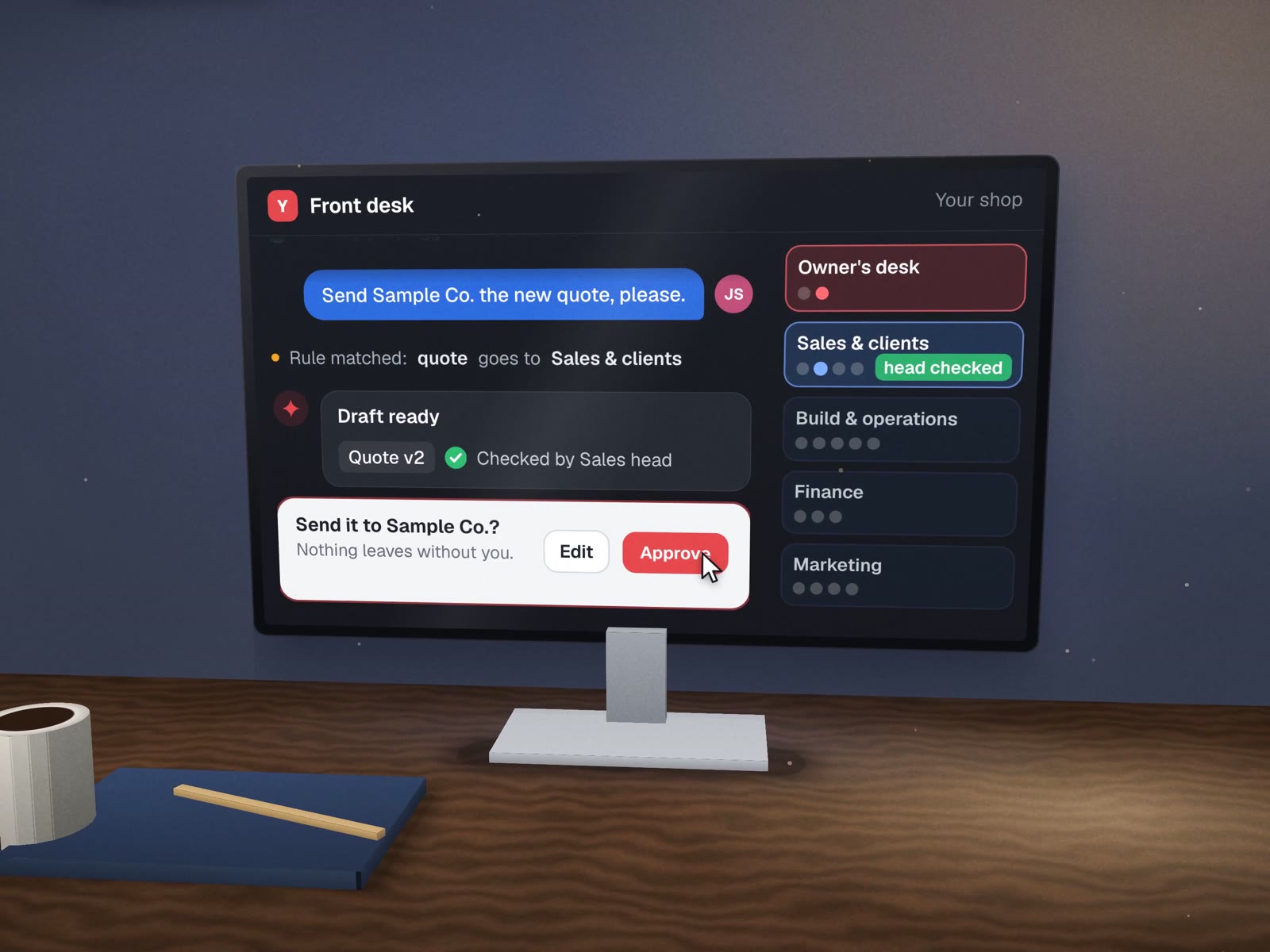
A front desk
One assistant your team talks to by text or voice. Fixed rules sort the request before any AI model sees it, so the obvious cases are fast and predictable.
Departments with a reviewer
Helpers draft the work; a department head checks it against your rules before it reaches you.
Client rooms
One page per client built from your own records: projects, deliverables, approvals and decisions. It shows what is there and invents nothing.
Written workflows on the ladder
Each with steps, owners and the rung it is on.
A monitor that cannot be talked round
A separate process with no AI model, checking plain rules: a job stuck too long, an answer never delivered, the same request queued twice. It opens a problem after two failing runs and closes it after five clean ones.
Accounts and private spaces
Each person signs in. Shared space for the team, personal space nobody else can read, owner included.
Upkeep built in
It restarts its own services when they stop, with limits so it cannot loop, and reads real usage from each AI provider instead of guessing costs.
MUVES runs on one.
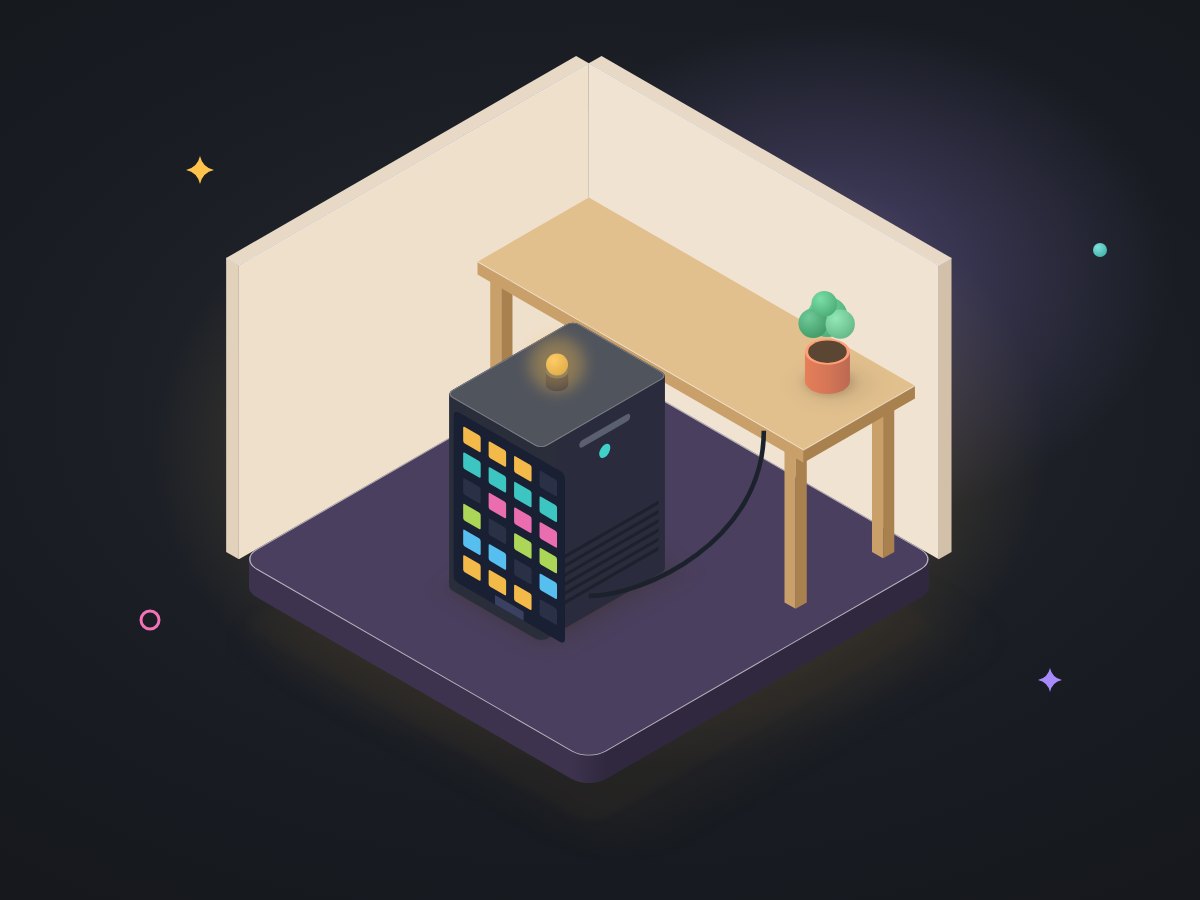
Each of us talks to one assistant, and the system runs every day on a single desktop PC with local and cloud AI models, and no agent in it is allowed to send an email on its own. We have not built one for a client yet. Yours would be smaller, shaped around your departments, and built on the same rules. Read the case study.
Where it fits
- FirmsWhere the partners are the bottleneck for every decision.
- ContractorsRunning jobs, crews and quotes from a phone.
- Small teamsAI help without losing track of what it did.
What we need from you
- A week of how work arrivesAnd where it waits.
- Your rulesWhat may be drafted, who approves, what must never be touched.
- Business accounts in your nameEmail, calendar and files.
About operating systems.
Is a business operating system just a dashboard?
No. A dashboard shows numbers. An operating system also does work: it takes requests, routes them to the right helper, drafts, checks, reminds, and keeps a record of every decision, with a person approving anything that leaves the business.
When does a workflow become automatic?
Only when you decide it should. Every workflow starts human-led, moves to human-assisted, and is promoted to autonomous by an explicit decision after it has proved itself. Some, like following up with clients, never get promoted.
Can staff keep things private from each other?
Yes. Ours has a shared studio space and personal spaces that even the owner role cannot read. Who sees what is decided at design time, not patched in later.
More on running a business on software
The pieces an operating system is made of.
Everything runs through you? Let's draw your building.
A free call to sketch which floors you need, and which can wait.