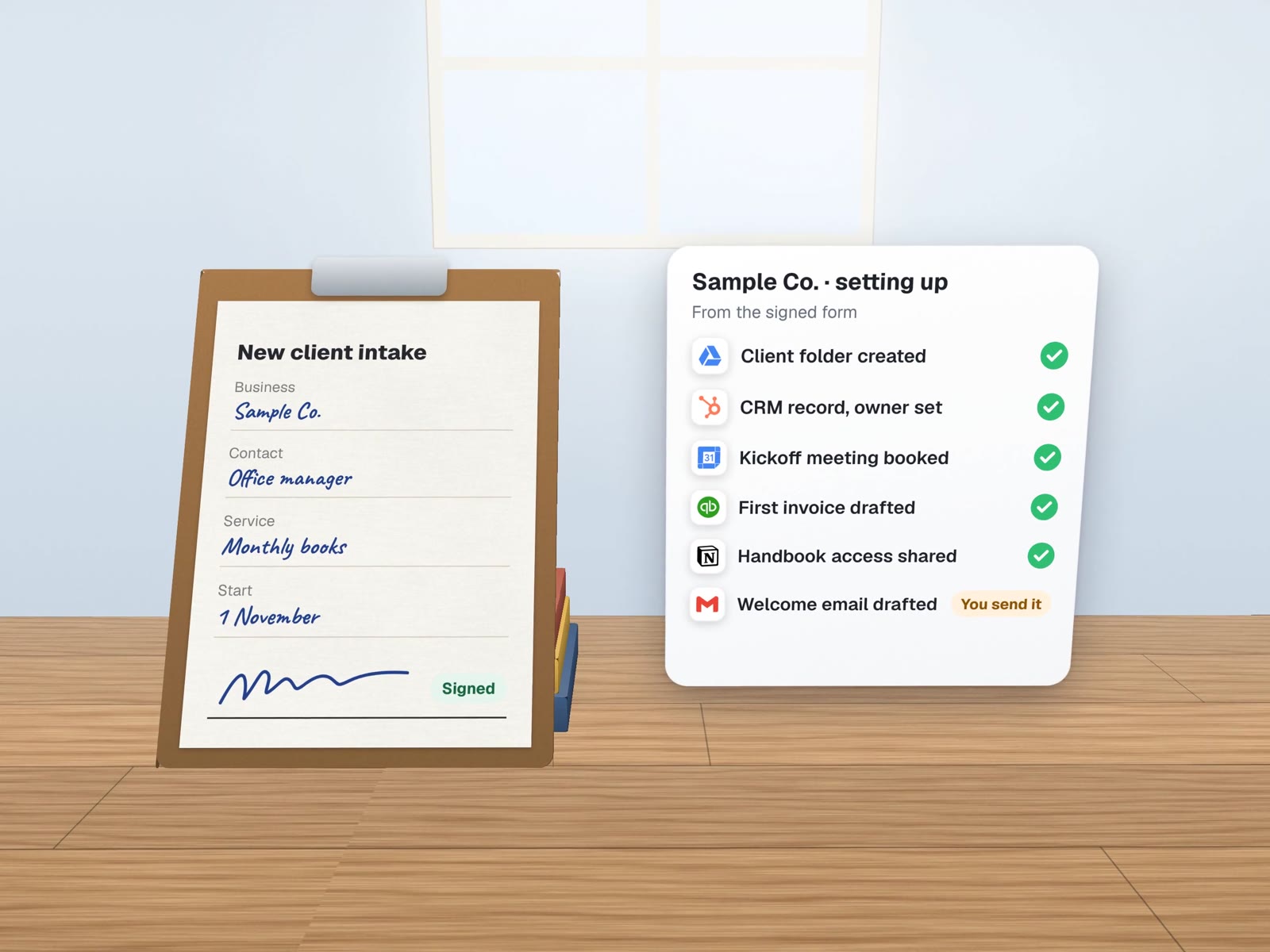
Day one starts ready, not with a to-do list.
A new client signs, or a new hire accepts. One form sets off the folder, the record, the welcome, the first meeting and the accounts, and a person checks the list before the first hello.
Typed once, used seven times.
The details a new client gives you on day one are the same details your folder, CRM, invoice and calendar need. We collect them once.
Who does what, client or hire.
A sample split for a small professional firm. Yours will differ, but the pattern holds: setup is automatic, judgement is personal.
A new client
Starts when the agreement is signed.
- Folder created from the template, shared with the teamAutomatic
- CRM record with owner and start dateAutomatic
- Document request list sent, with an upload linkAutomatic
- Kickoff meeting offered at three open timesAutomatic
- First invoice drafted from the agreed scopeAutomatic
- Welcome note read and sentPerson
- Scope and terms double-checkedPerson
A new hire
Starts when the offer is accepted.
- Company email and group addresses requestedAutomatic
- Access to shared drives by role, not by handAutomatic
- First-week calendar with training slotsAutomatic
- Handbook and how-to pages sent in orderAutomatic
- Payroll and tax forms through your payroll toolPerson
- Equipment and building accessPerson
- The first conversationPerson
Some details never travel in a message.
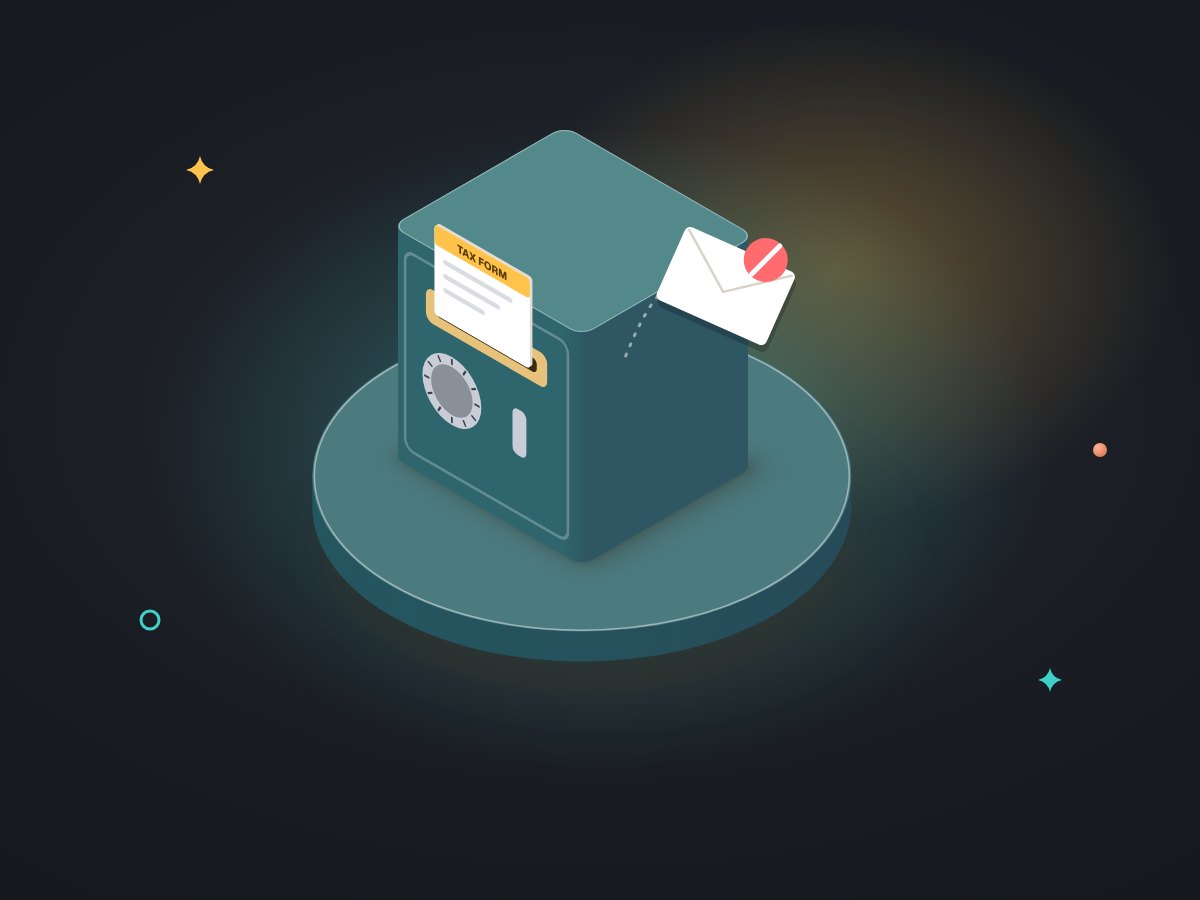
Onboarding collects sensitive details: tax numbers, bank details, ID, sometimes health information. The automation routes those to the tool built to hold them, such as your payroll provider or a secure upload, and only records that they were received.
Account access is granted by role from a list you approve, through company group addresses rather than personal logins. When someone leaves, the same list is how access is removed.
For a sample accounting firm.

A generic example, not a client. Sample Accounting Co. signs about a new client a week in tax season, and each one takes an afternoon of setup. We would:
- Turn the engagement letter's details into one intake form.
- Build the client folder from the firm's existing template, the way our own company Drive gives every client the same structure.
- Create the CRM record, the document request and the kickoff options from the same answers.
- Hold the welcome note for the partner to read, then send.
- Shadow-run on the next three real clients, comparing against the manual setup.
About onboarding.
Can clients sign the agreement inside the same flow?
Yes. An e-signature tool can be the starting point: when the document is signed, the rest begins. If you already use one, we connect to it rather than replace it.
Does this work for seasonal or part-time staff?
That is where it pays off most: many people starting at once, each needing the same accounts and the same first-week schedule. The role list decides what each one gets.
What if a client already exists in our system?
Every step looks up first. A returning client gets their existing folder and record updated, not a second copy.
More on first days
What new people need, and where they find it.
Knowledge base build-out
The handbook a new hire can actually search.
Staff training bots
Questions answered from your own way of working.
Email, Workspace & security
Group addresses and access by role.
Booking & reminders
The kickoff meeting, booked by the client.
Professional services
Firms where every client starts with paperwork.
How long does it take to set up one new client?
Walk us through it on a free call. We will mark which steps can run themselves and which should stay personal.