Guides & checklists · Guide · Part 1 of 4
Twenty minutes with your bank statement before you buy more software
When work feels messy, the easy answer is another app. A short worksheet to find what you already pay for, what gets typed twice, and the one change worth making first.
In brief
- List every tool you pay for, who uses it and how often. Twelve months of statements catch the annual renewals.
- Mark where information gets typed twice and which features are only half set up.
- Label each tool keep, cancel, connect or finish, then do the one change that saves the most daily hassle.
When work feels messy, the easy answer is a new app. A new scheduling tool, a new invoicing tool, a new way to track jobs. Each promises to save time, and each adds a login, a place to check and a spot where information has to be copied.
Many small businesses already pay for tools that could do more than they are doing. A restaurant's till has online ordering nobody switched on. A dental office's software can send appointment reminders while the front desk still makes the calls. A print shop pays for two file-sharing services because two people prefer different ones. So before you buy anything, take twenty minutes with what you already have. Set a timer and open a blank sheet.
List every tool you pay for (5 minutes)
Pull up twelve months of card and bank statements so the yearly renewals show up. Write down every software charge: email and file storage, accounting and payroll, booking and point of sale, website and domain, phone and texting, marketing and reviews, and anything specific to your trade. Add the free tools your team relies on too, because they hold business information as well.
Write who uses each one, and how often (3 minutes)
Next to each tool, note who uses it and whether that is daily, weekly, rarely or never. Be honest, and put a question mark where you are not sure. Tools marked "rarely" or "never" are your first clues.
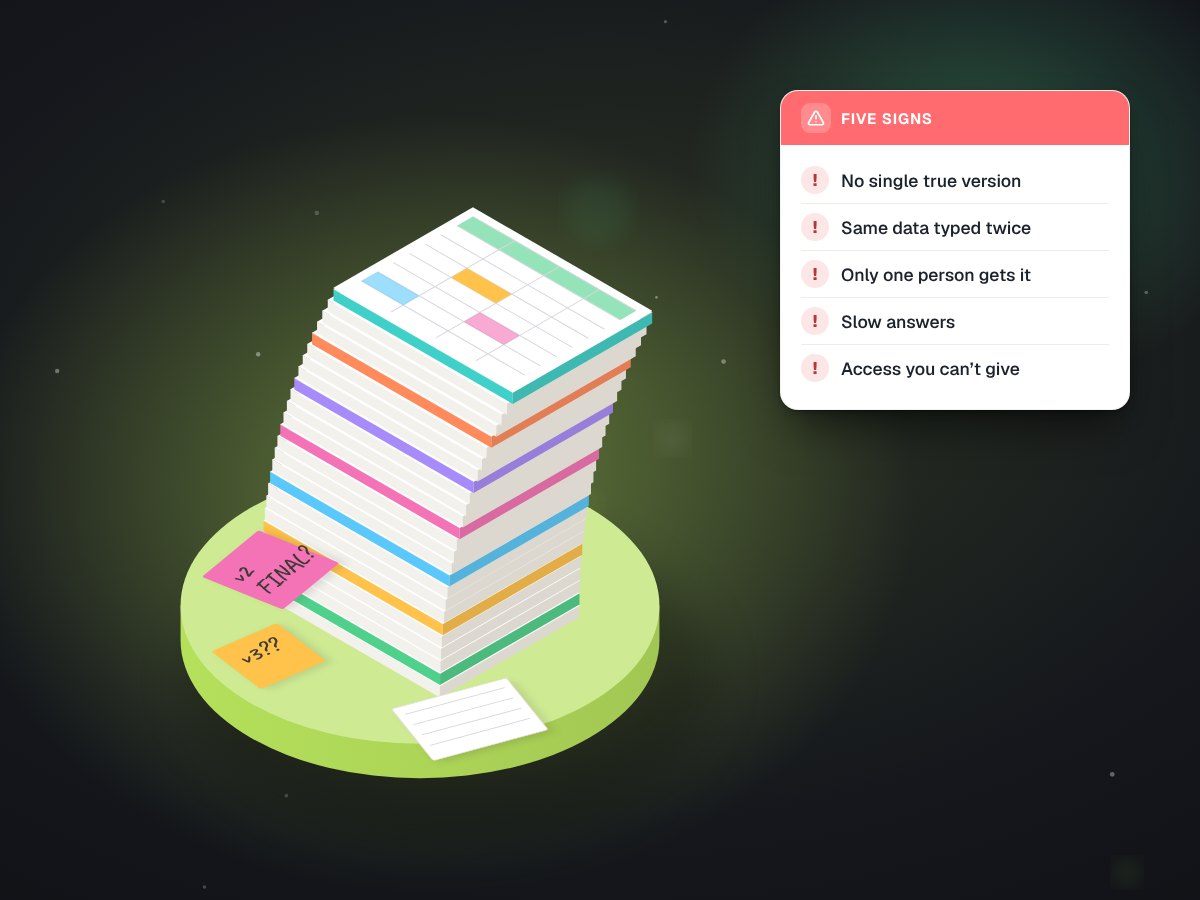
Find what gets typed twice (5 minutes)
This is the step that pays. Walk through one normal job from first contact to payment. For an auto shop that might be a call, an estimate, a booking, the work, the invoice and the payment. At each point, ask whether someone is typing information that already exists somewhere else.
The usual suspects: a name and phone number copied from a web form into the calendar, a quote retyped as an invoice, register sales entered into the books by hand, an address copied from an invoice into a shipping site. Ask the person who does the work, not only the manager. The people at the counter know exactly where they copy and paste.
Every retyped field is a few seconds of time and a fresh chance for a typo, every single day.
Spot what is only half set up (3 minutes)
Go back through the list and ask whether you are using what you pay for. Online booking that is not linked from your website or your Google listing. Reminders switched off. Accounting that could connect to your bank but does not. A contact form that sends to an inbox nobody reads. Finishing a half-done setup is often the cheapest win you have, because the bill is already being paid.
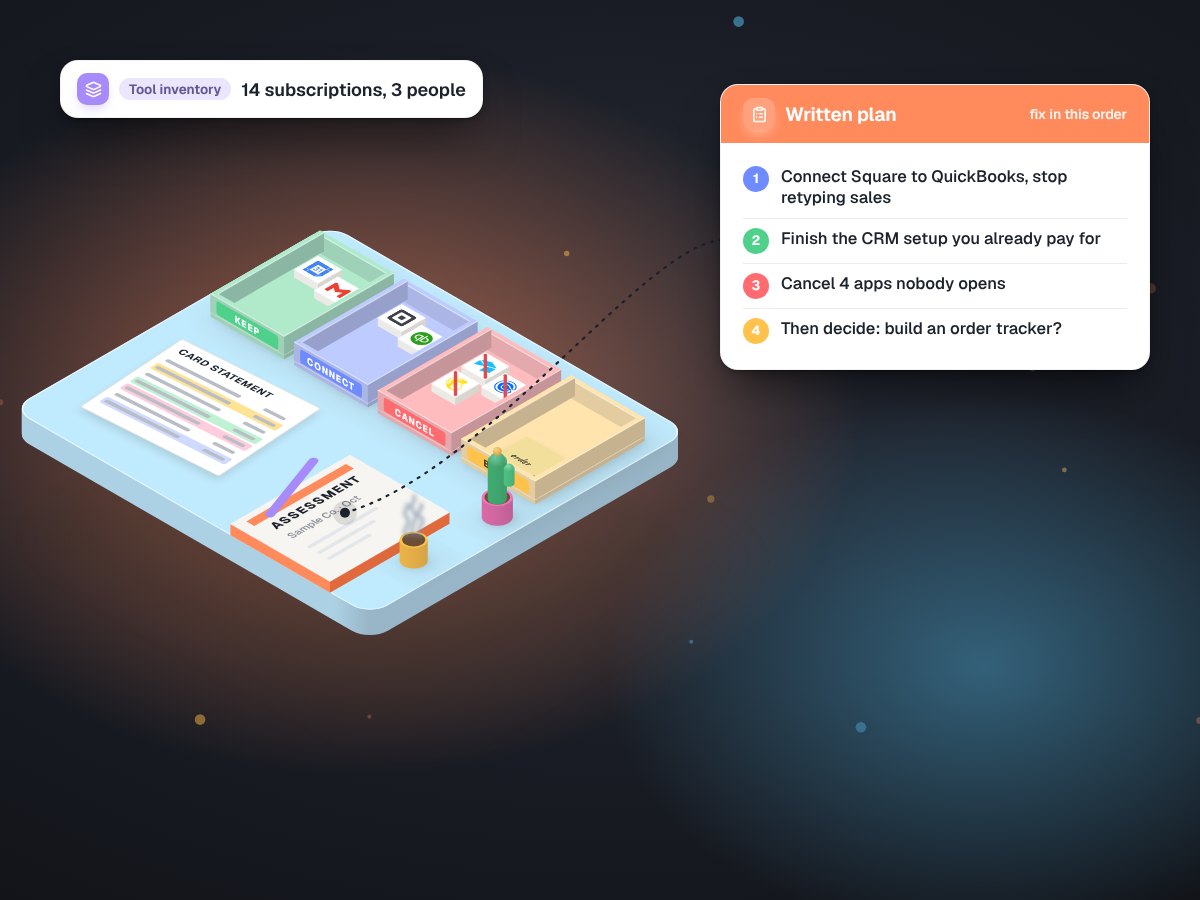
Decide: keep, cancel, connect or finish (4 minutes)
Exhibit 1One label per tool
| Label | When it applies | What to do next |
|---|---|---|
| Keep | Used often and working well | Leave it alone |
| Cancel | Rarely used, or doubles up on another tool | Export your data and check the renewal date first |
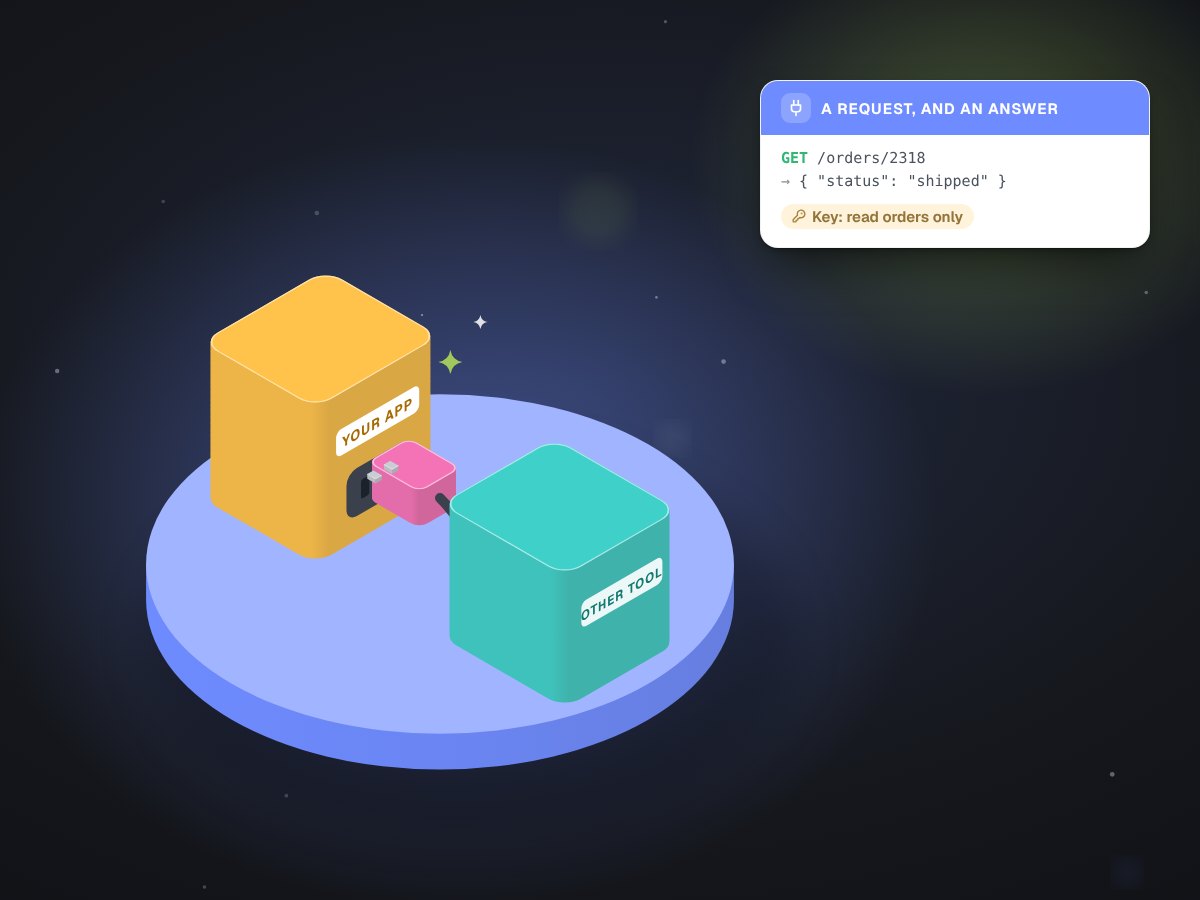
| Connect | Used often, but causes double entry | Look for a built-in integration before anything custom |
| Finish | Has useful features that were never set up | Put a date on it and give it an owner |
Then circle the single change that would save the most daily hassle, and do that one first. One finished fix beats five half-started ones.
What it looks like in practice
Picture a small salon that runs the check. It finds two scheduling apps on the card, because it switched and never cancelled the old one. The booking app can send text reminders, but the feature is off, so the front desk calls every client the day before. And stylists write colour formulas on paper cards that someone later types into a spreadsheet. The plan writes itself: cancel the old app, switch on reminders, and keep formulas in each client's profile. No new software at all.
When it is worth getting help
You can do most of this alone. Outside help earns its keep when the double-entry list is long and the tools have no built-in connections, when information has to pass through three or more systems, when the data is sensitive (payments, health, staff records), or when a fix was tried before and the team stopped using it. That last one usually means it added a step instead of removing one.
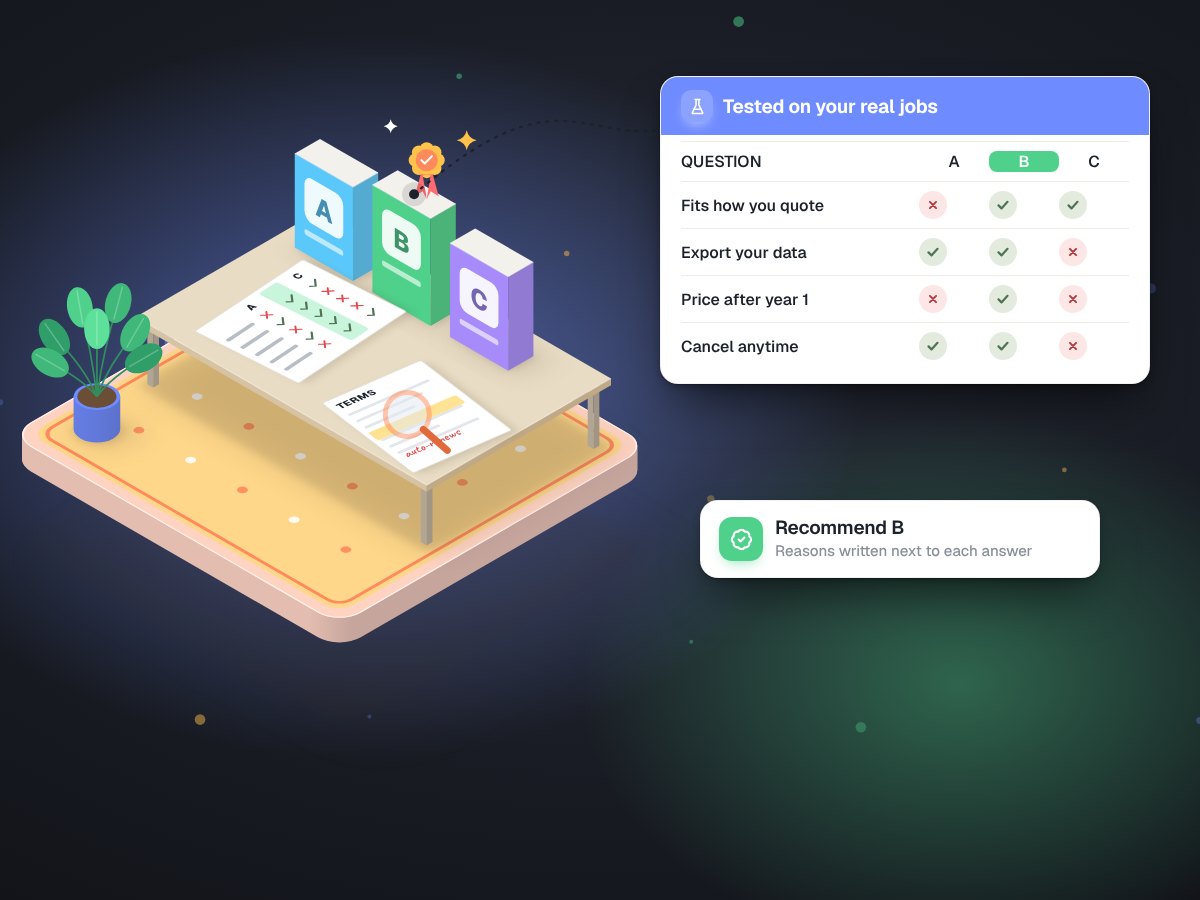
Whoever you work with, bring the worksheet. It turns "our systems are a mess" into a list of what to keep, cut and connect. If the list is long, a technology and AI assessment puts it in order, and tool selection checks any new purchase before you pay for it.