Explainers · Explainer · Part 5 of 6
What is an API?
The way one piece of software asks another for something. Why it matters when you buy tools, what keys and permissions mean, and what to ask before connecting two systems.
In brief
- An API is a set of requests one program is allowed to make of another: look this up, create that, tell me when this changes.
- Keys and permissions decide what a connection can do. Give each one the least it needs.
- Before you buy a tool, ask whether it has an API and what it allows. It decides whether the tool can ever be connected.
API stands for application programming interface. In plain terms, it is the list of requests one piece of software will accept from another. Your accounting software might accept "create this invoice" and "list unpaid invoices". A courier might accept "is this address in your area?" and "make a label for this package". A CRM might accept "find the contact with this phone number" and "update this field".
When people say two apps are "connected", what usually happens underneath is that one of them is making requests to the other's API.
A counter, not a back door
Think of an API as a service counter. You cannot walk into the stockroom, but you can ask at the counter for specific things, and the counter decides what you are allowed to have. That is good for everyone: the software protects its own data, and you get a dependable way to ask for what you need without anyone typing it in by hand.
The words you will hear
- Key or token. The credential that proves who is asking. Treat it like a password: it should never sit in an email, a shared doc or a public website.
- Scopes or permissions. What that key is allowed to do. Read-only, read and write, send messages, move money. The fewer, the safer.
- Webhook. The reverse direction: instead of asking over and over "anything new?", the other system calls you when something happens, like a payment succeeding.
- Rate limit. How many requests you may make in a period. Good connections respect it and slow down.
What it looks like in real work
Exhibit 1Three connections we built, and what each was allowed to do
| Connection | Requests used | Deliberately not allowed |
|---|---|---|
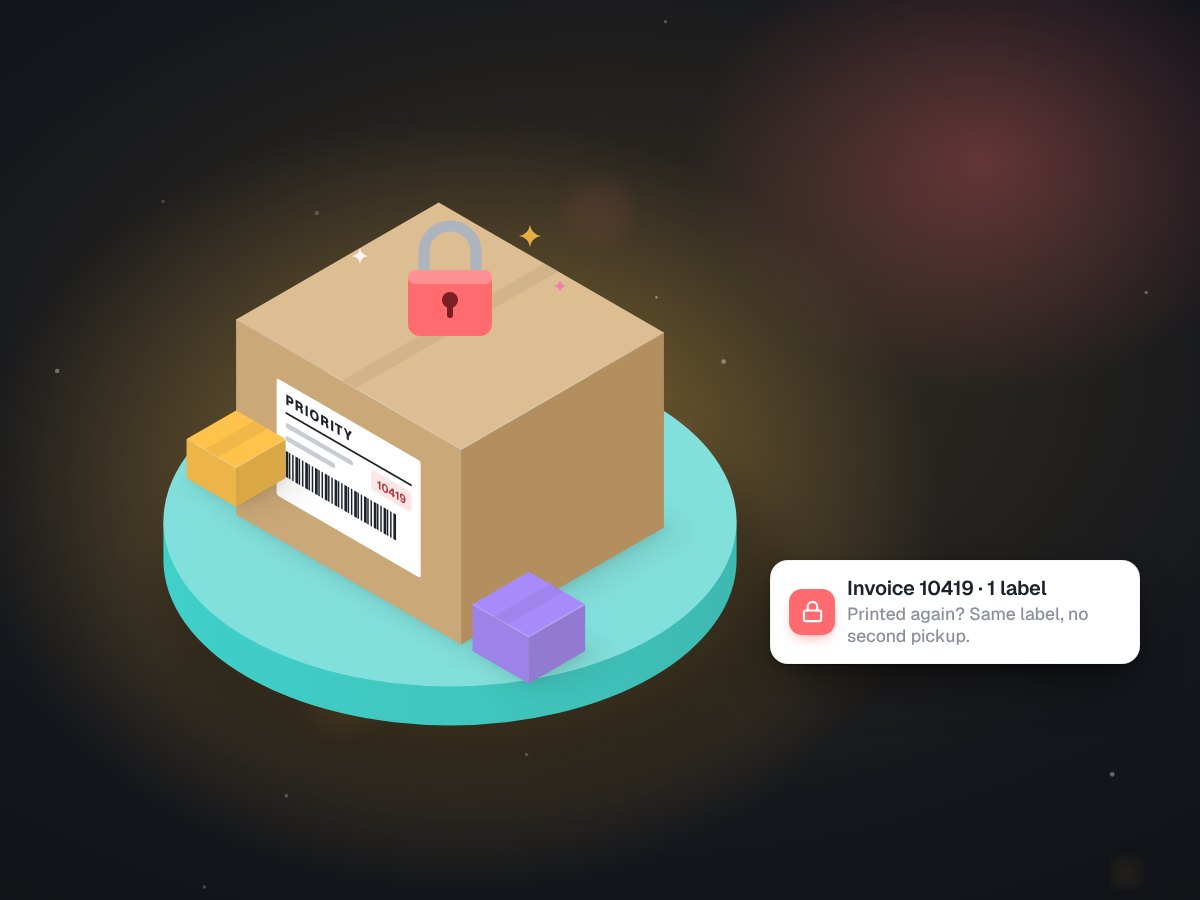
| Invoice to courier label | Check the address is served, create one label | Create a label without checking the ledger first |
| Practice records into a CRM | Read contacts, update named fields | Send messages, trigger workflows, move money |
| Online store checkout | Open a hosted payment page | See or store card numbers on the site |
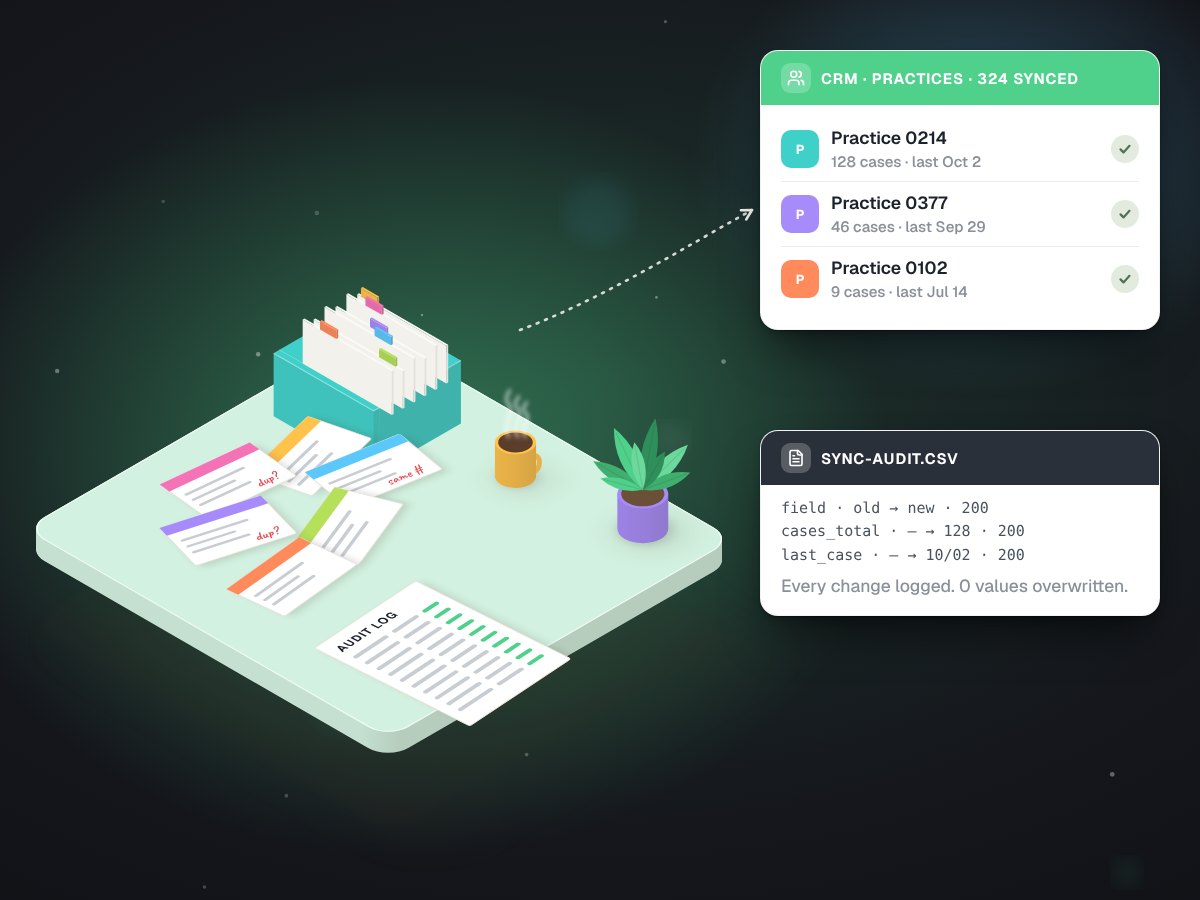
The CRM job is a good example of scopes doing their work. We wrote 324 practice records into a dental lab's CRM, 3,244 field updates with zero failures and zero overwritten values. The part of the code that reads could not write at all, the one part that writes ran as a dry run until it was told otherwise, and the key had no permission to send messages or start workflows. Read the CRM sync case study for the detail.
Every key is a door. Give it the smallest set of rooms it needs.
Keys also need looking after once the connection works. Store them in one protected place, give each connection its own key so one can be switched off without breaking the rest, and prefer short-lived tokens that renew themselves over a single key that lives forever. Our own systems trade a signed request for tokens that expire within the hour.
Why it matters when you buy software
Whether a tool has an open API decides whether it can ever be connected to the rest of your business. A tool without one is an island: data goes in by hand and comes out by hand. Before you sign up, ask:
- Does it have a public API, and is it included in your plan or an extra?
- Can it send webhooks when things change?
- Can you create a key with limited permissions, rather than one master key?
- Can you export all your data if you leave?
If the answers are good, almost anything can be connected. When they are not, there are still options, like reading a document the tool already produces, which is how LabelBot works with invoices. See integrations and APIs for how we connect systems, and our twenty-minute tool check for a look at what you already pay for.