Explainers · Explainer · Part 6 of 6
What is a CRM?
A CRM is one shared record of every customer and every conversation, with the next step attached. What goes in it, when you need one, and how to move into one without losing data.
In brief
- A CRM holds one record per customer with their details, history and next step, shared by everyone who talks to them.
- You need one when follow-ups slip, nobody knows who spoke to a customer last, or the list lives in three places.
- Moving in is the risky part: match carefully, merge rather than overwrite, and keep a log of every change.
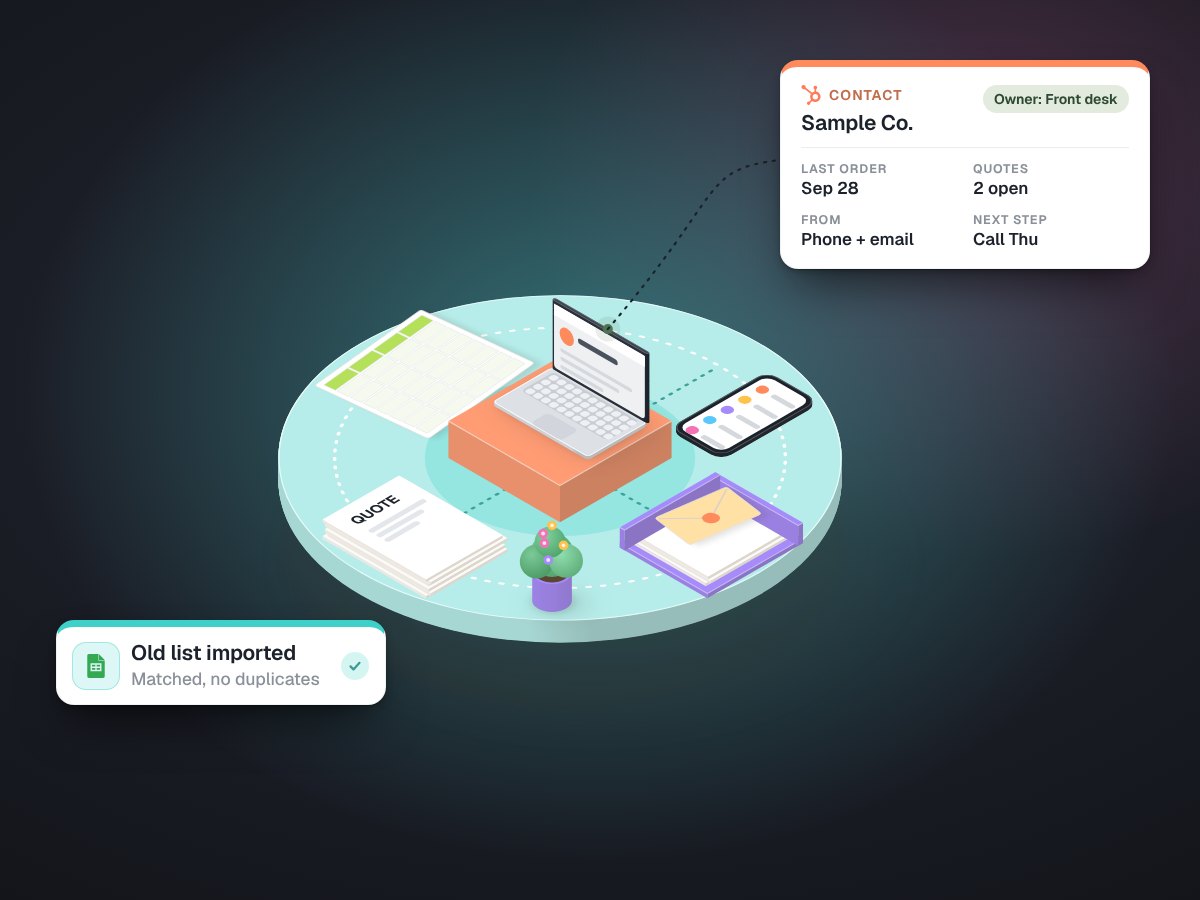
CRM stands for customer relationship management. In practice it is a shared database of the people and businesses you sell to, with a history of every conversation and a clear next step on each. HubSpot, GoHighLevel, Salesforce, Zoho and Pipedrive are well-known examples, and many trade tools have one built in.
Think of it as the answer to "who is this, what did we last say to them, and what happens next?", available to anyone on your team, without searching three inboxes.
What goes in it
- Contacts and companies. Names, phone numbers, emails, addresses, and how they relate: five people at one customer, or one owner behind several locations.
- Activity. Calls, emails, meetings and notes, logged against the right person.
- Deals or jobs. Opportunities moving through stages, from enquiry to quote to won.
- Tasks. The next step, who owns it and when it is due.
- Tags and segments. Groups you can act on: new this month, has not ordered since spring, asked about a particular service.
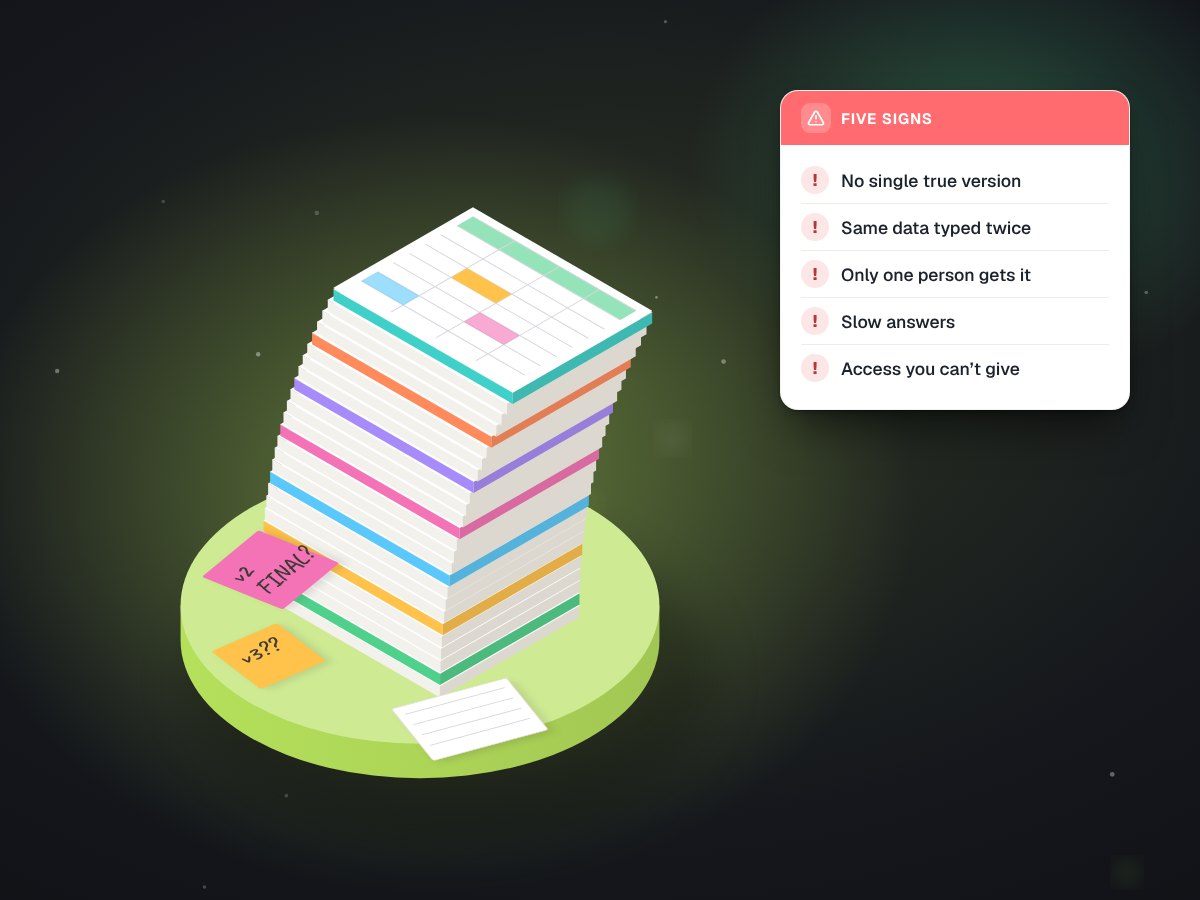
Signs you need one
Follow-ups slip because they live in someone's memory. Two people call the same customer in the same week. Nobody can say who spoke to a customer last. The customer list exists in a spreadsheet, an email account and a phone, and they disagree. When one person leaves, their relationships leave with them. Any two of those is usually enough.
A CRM is only as good as the record in it. Most of the work is the data, not the software.
Moving in is the risky part
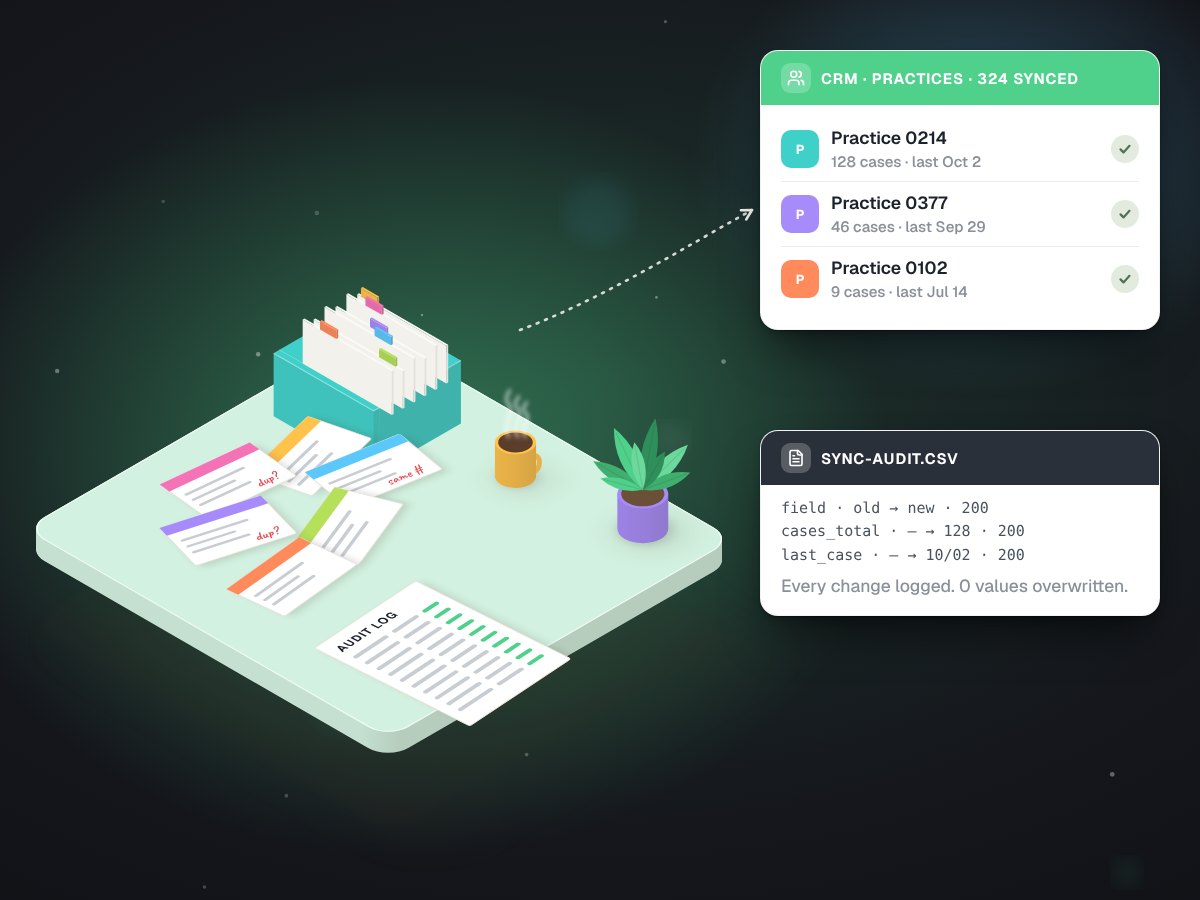
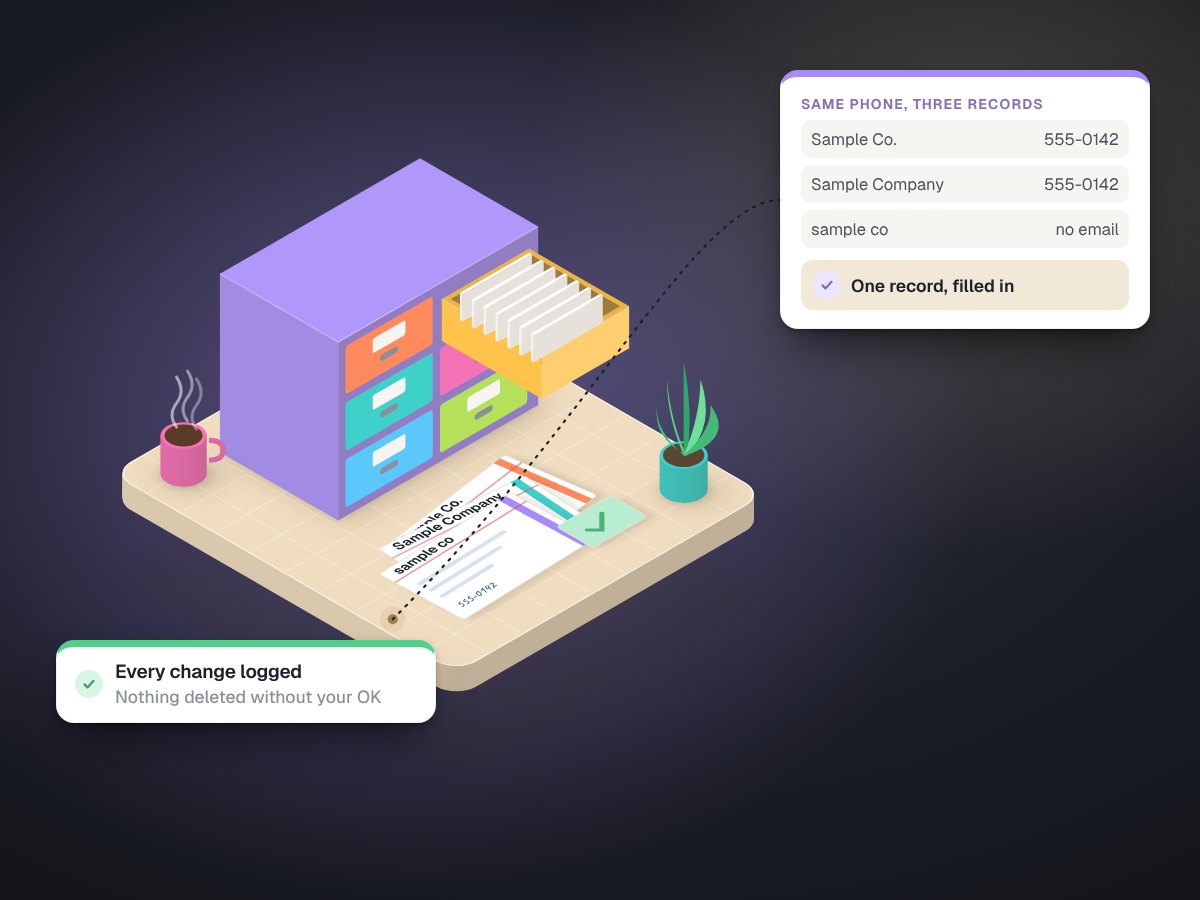
Buying a CRM takes an afternoon. Filling it well is where projects go wrong: duplicate records, the wrong person attached to the wrong company, good data overwritten by an old spreadsheet. When we loaded a dental lab's practice records into its CRM, we used a few rules that apply to any business:
- Match on something reliable. We matched practices to existing contacts by phone number first, and graded each match: confident, weaker, or sharing a number with another practice.
- Merge, never overwrite. Read the existing record, fill gaps, and leave good values alone.
- Log every change. Old value, new value, time and result, for every field.
- Dry run first. Run the whole load without writing anything, check it, then run it for real.
Exhibit 1One CRM load, by the numbers
| Measure | Result |
|---|---|
| Practice records written | 324 of 325 |
| Field updates | 3,244 |
| Failed writes | 0 |
| Existing values overwritten | 0 |
Which one to choose
The brand matters less than the fit. Start from how you sell: how many people touch a customer, how long a sale takes, and which tools the CRM has to talk to, usually your email, calendar, phone and accounting. A trade tool with a built-in customer list may be enough for a small shop. A team that quotes, follows up and books across several people usually needs a proper CRM. Check what it costs to export your data before you commit, and whether its API lets your other tools connect without a paid add-on.
Keeping it useful
A CRM decays the moment people stop trusting it. Keep the stages few and named after how you actually sell. Give every open deal an owner and a next step. Exclude existing customers from prospecting lists by rule, not by memory. And check addresses before you email from it: when we segmented a prospect list for a dental lab, every one of its 665 email domains was DNS-checked first.
Done well, a CRM is also where the useful automations live: a missed call that creates a task, a finished job that asks for a review, a quiet customer flagged after their usual ordering rhythm slips. See CRM setup, CRM cleanup and data sync and sales pipeline design.